How To Use Your Frooition eBay Dashboard
Your Frooition dashboard is the central hub for managing your eBay selling workflow — giving you real-time insight into live listings, optimization needs, missing designs, impressions and views, account details and key performance indicators. This guide explains how to use your Frooition dashboard, navigate the main features, interpret the metrics and access powerful tools that help you refine eBay listings, fix template issues and boost visibility and conversions. Whether you’re checking connection status, tracking listing performance or launching optimisation tools, understanding your dashboard helps you work faster and sell more effectively on eBay.
1. Navigate to https://freedom.frooition.com/ebay/
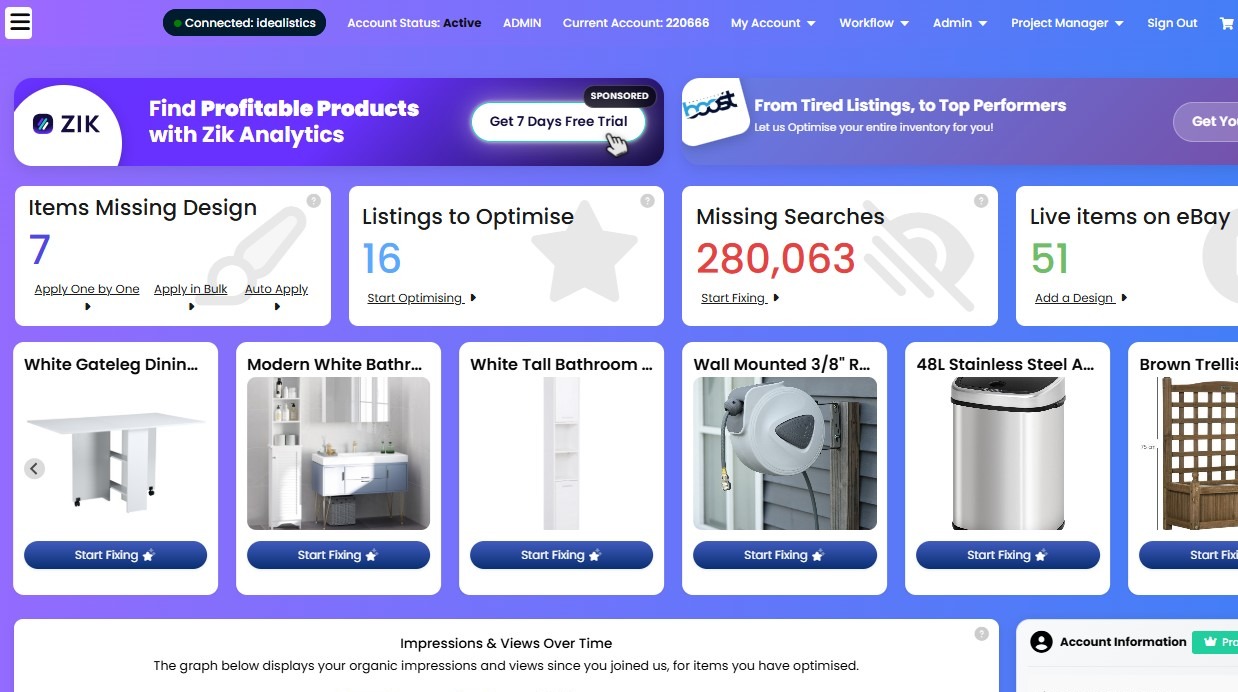
2. Click here to toggle the left hand menu
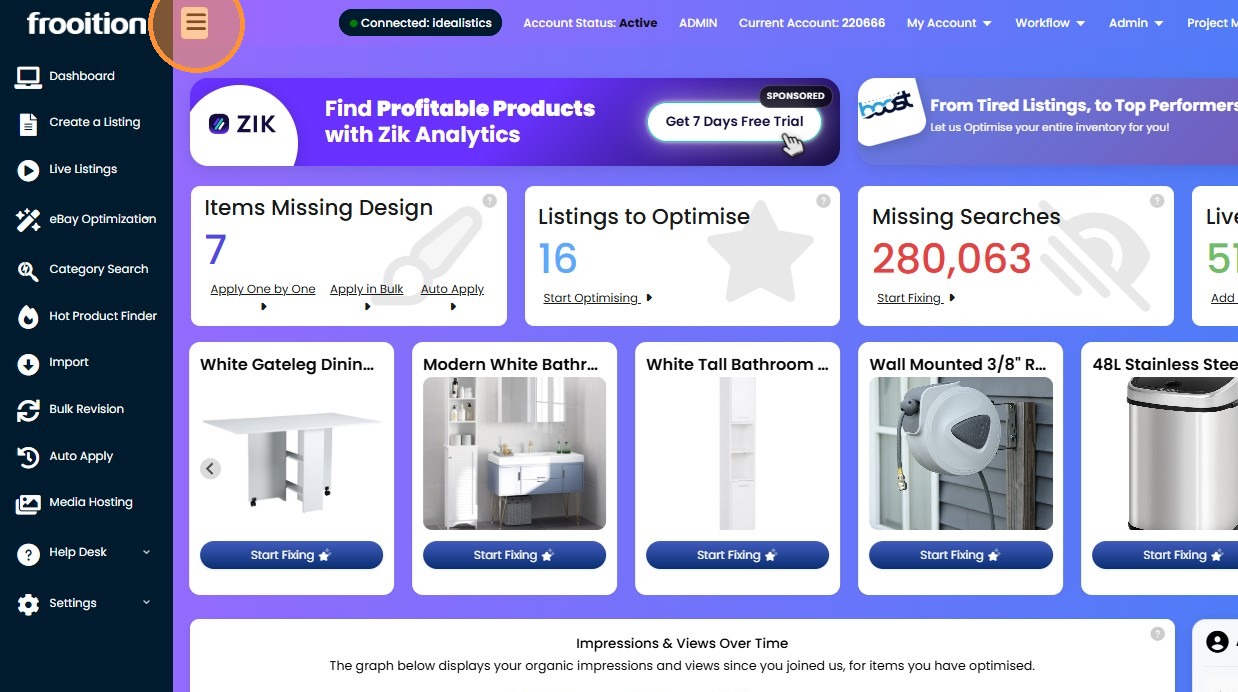
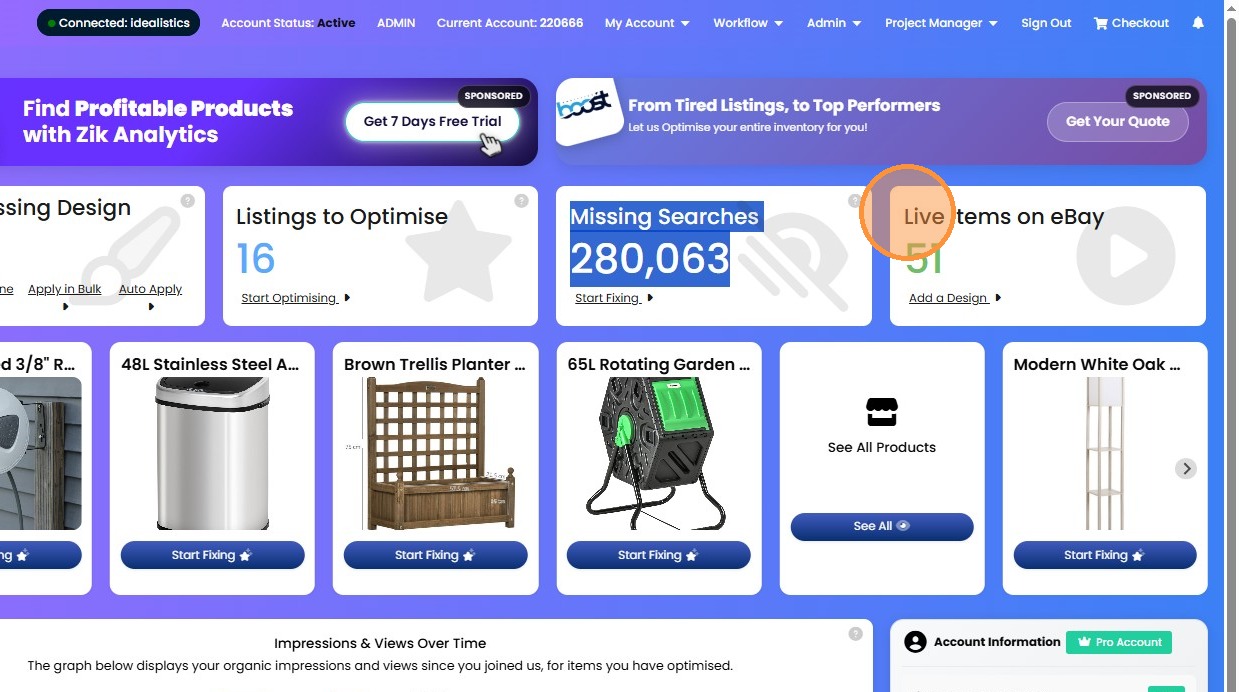
3. Check your eBay token/account is connected.
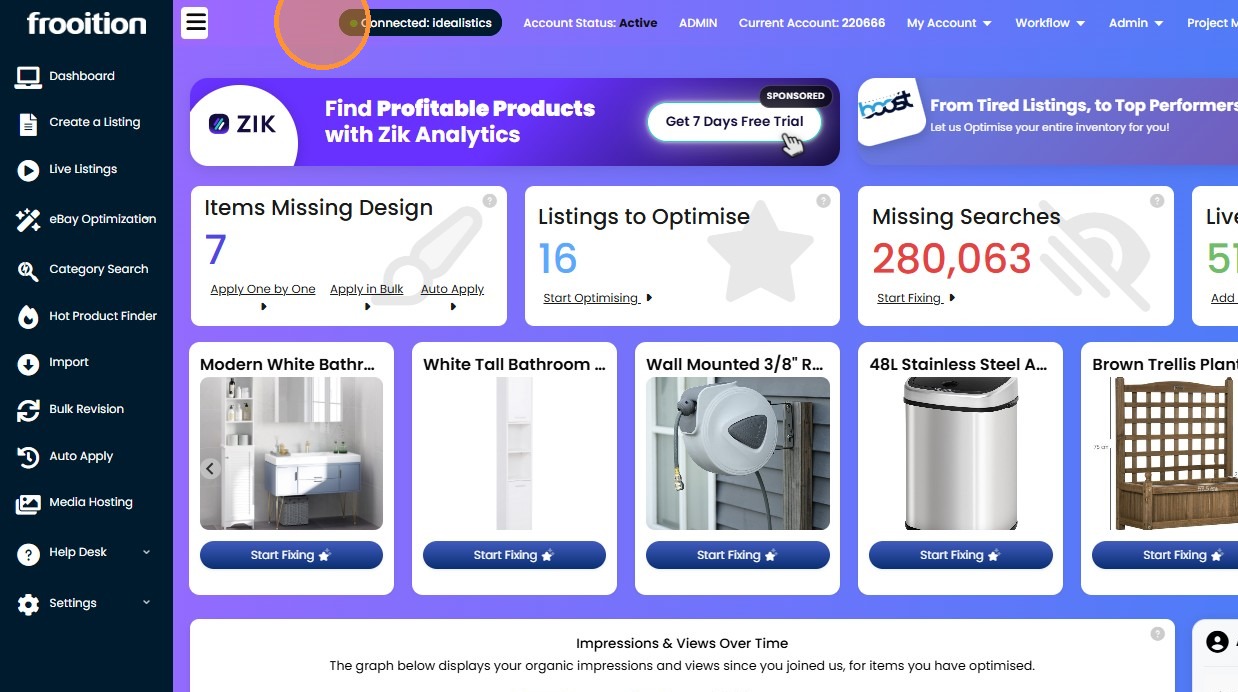
4. You Frooition account number. Important to make note of this number in case you need to contact us - we would need this number to locate your account.
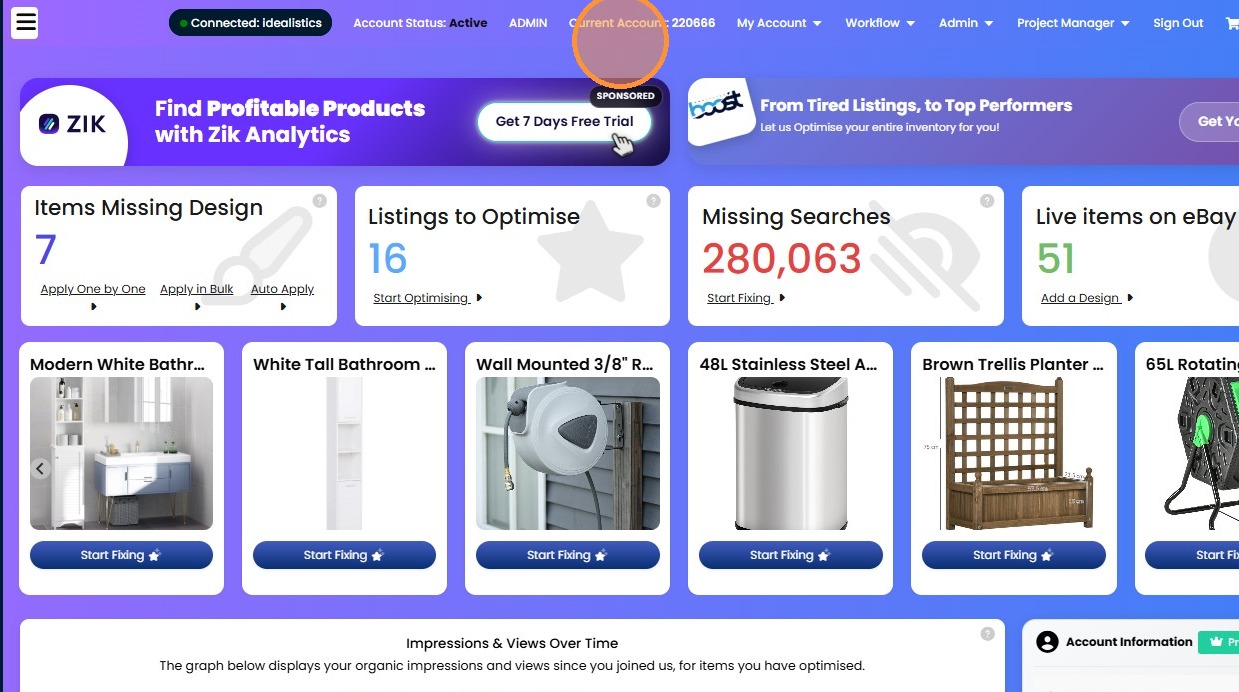
5. "Items Missing Design" is the number of live eBay listings which are missing your custom eBay listing template design.
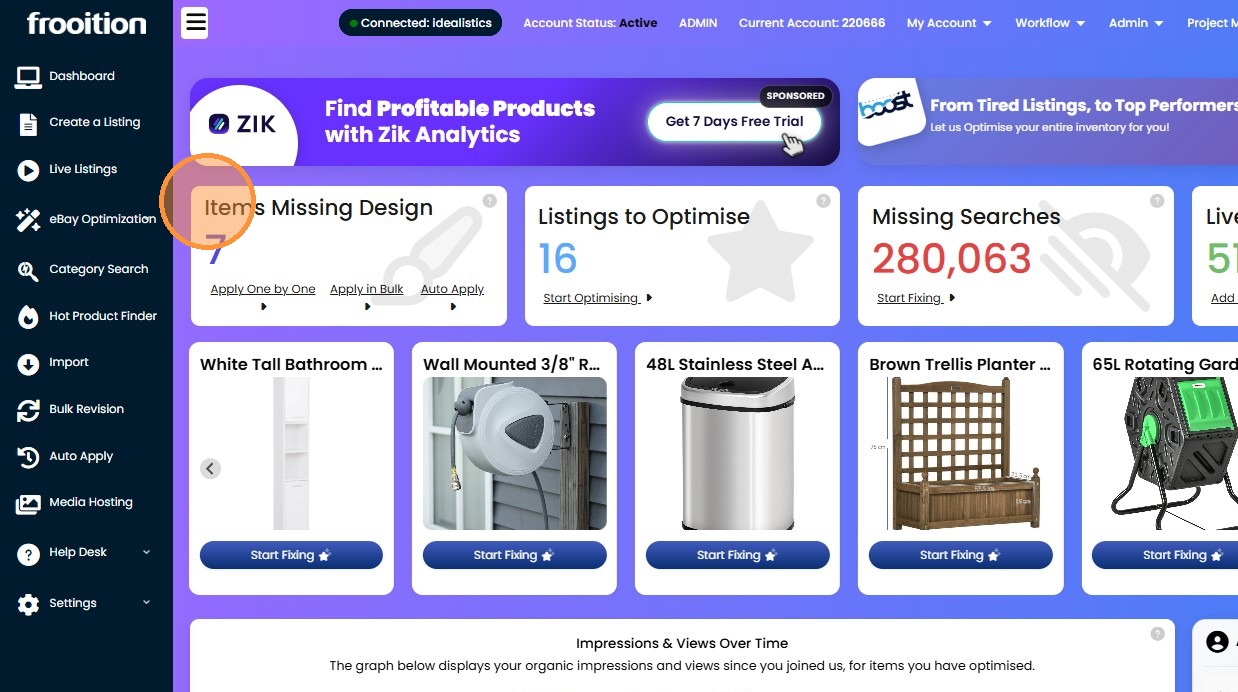
6. "Listings to Optimise" is the number of your eBay listings which need optimizing for better traffic, ranking, impressions, clicks, views, and sales on eBay, helping maximum listing performance.
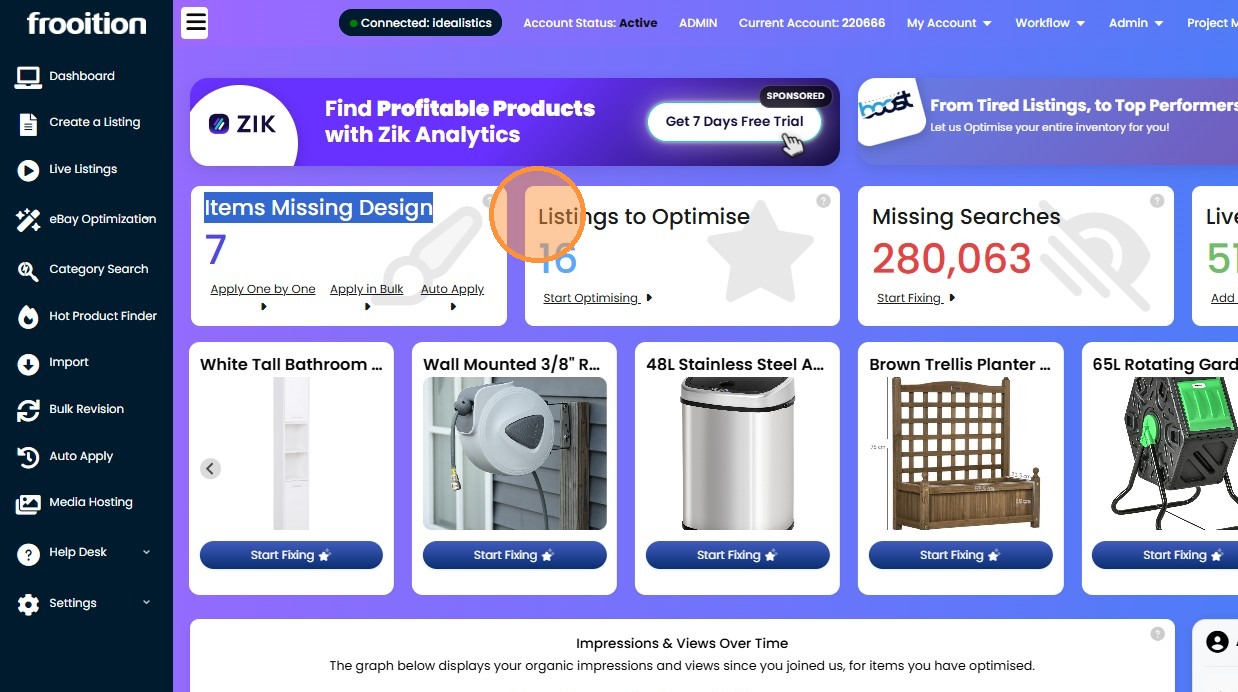
7. "Missing Searches" is the amount of eBay searches (and potential customers) you are missing out on each month due to missing data and lack of optimize on your eBay listings.
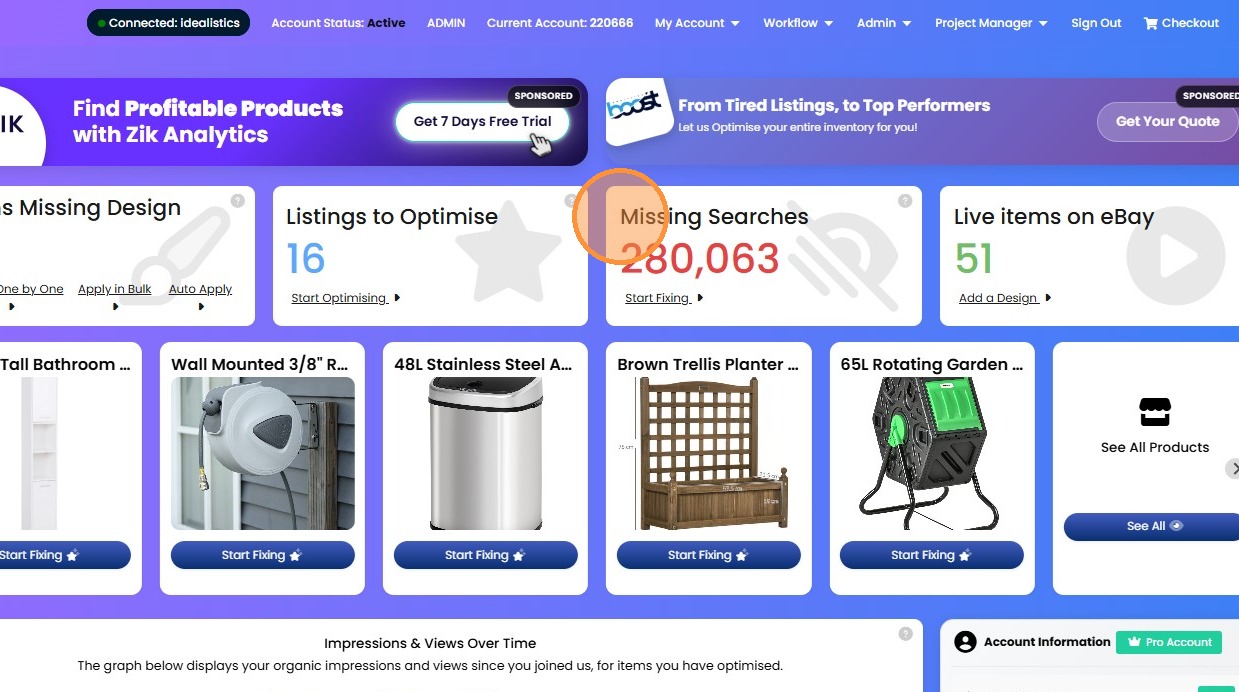
8. "Live items on eBay" is the total number of live listings you have on eBay worldwide.
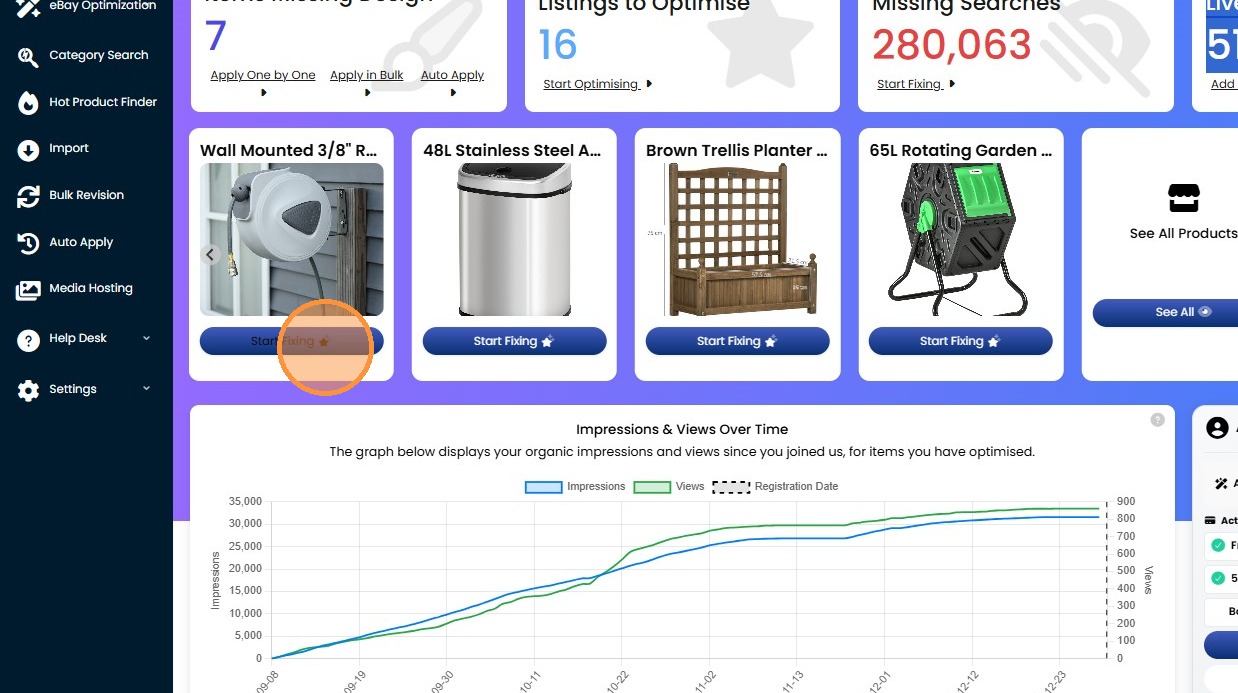
9. Click "Start Fixing" and this will show you how the eBay software can optimize your listings for better performance, traffic, ranking, sales and orders on eBay.
10. Click "Take the Tour" will give you a guide tour of the different features, functionality, and tools available in your account.
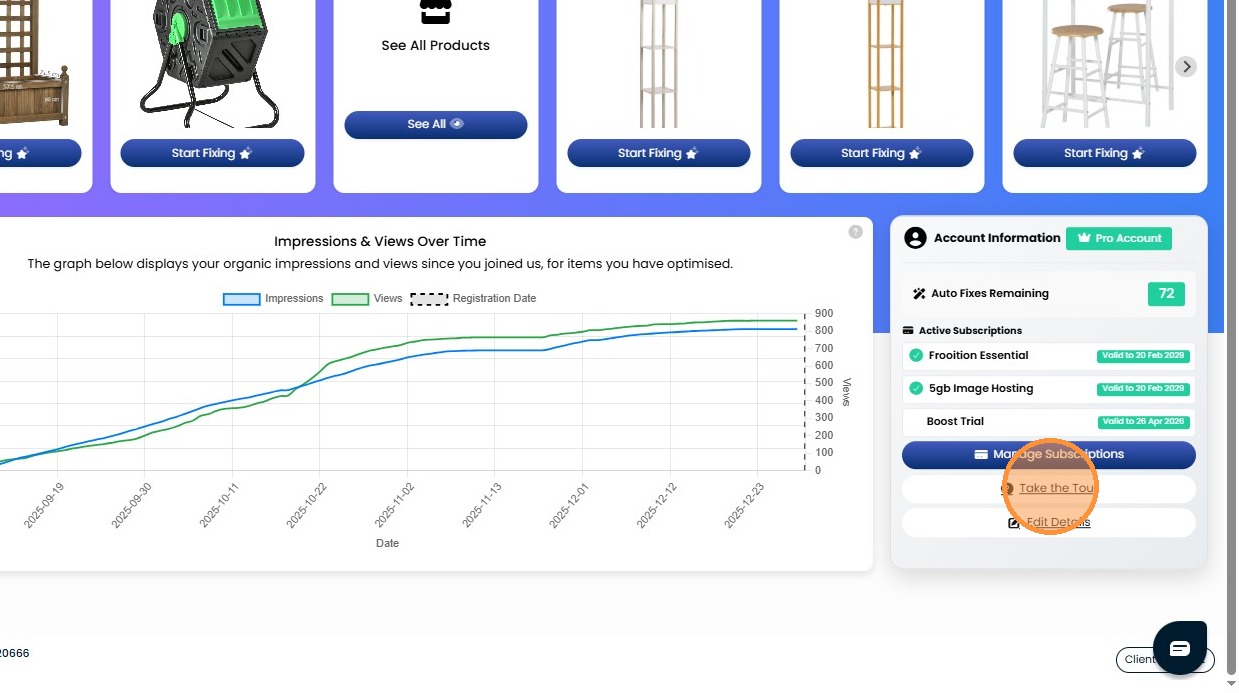
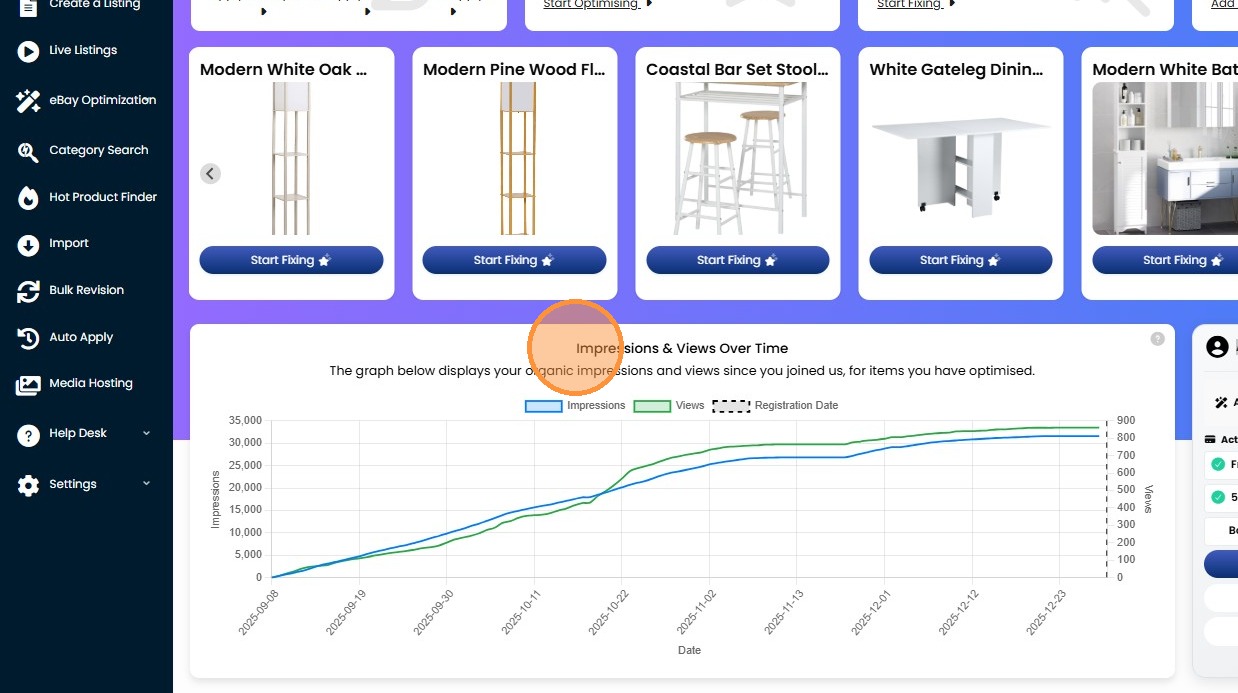
11. "Account Information" is important information about your level of account, subscriptions, remaining optimization credits, and where you can manage your subscriptions.
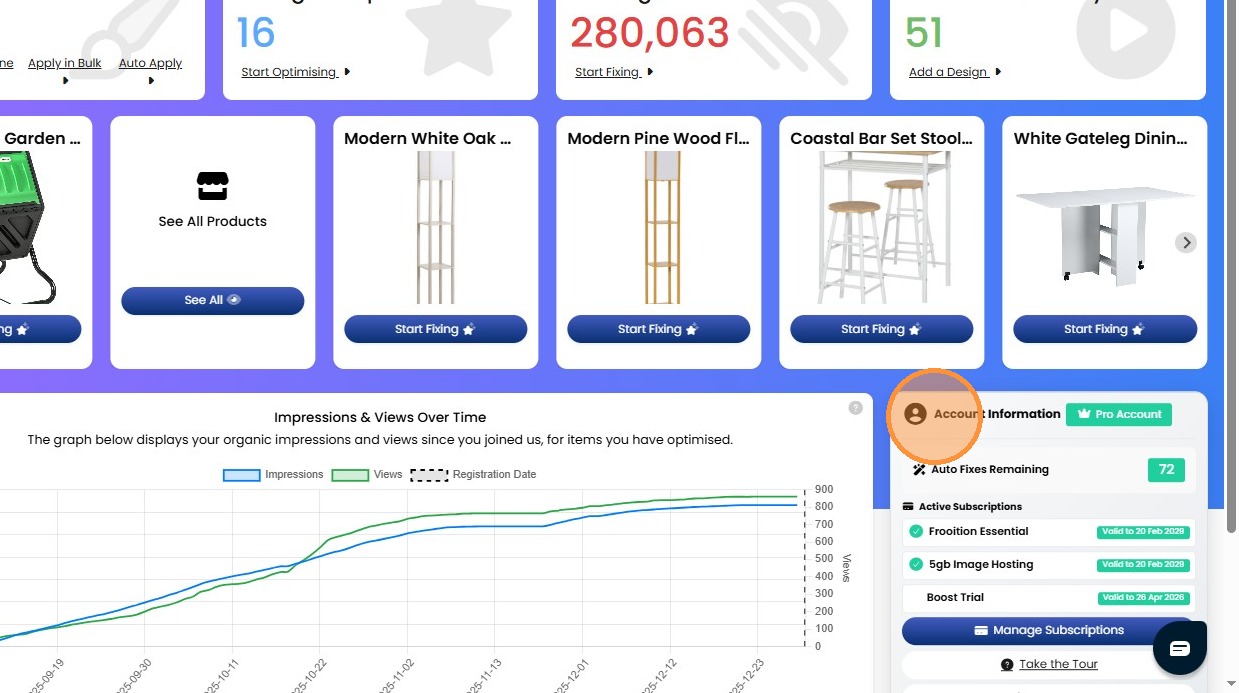
12. "Impressions & Views Over Time" is a graph around the overall impressions, clicks, and views your eBay listings are getting over a certain period.