Update Live eBay Listings With Design
Updating your branding, layout, or template doesn’t mean you need to end and relist your products. With the right tools, you can update live eBay listings with a new design quickly, keeping your listings active while improving conversion rates, mobile usability, and brand consistency. This step-by-step guide explains exactly how to apply updated Frooition designs to active listings, helping you refresh your eBay store appearance without losing sales history, rankings, or momentum.
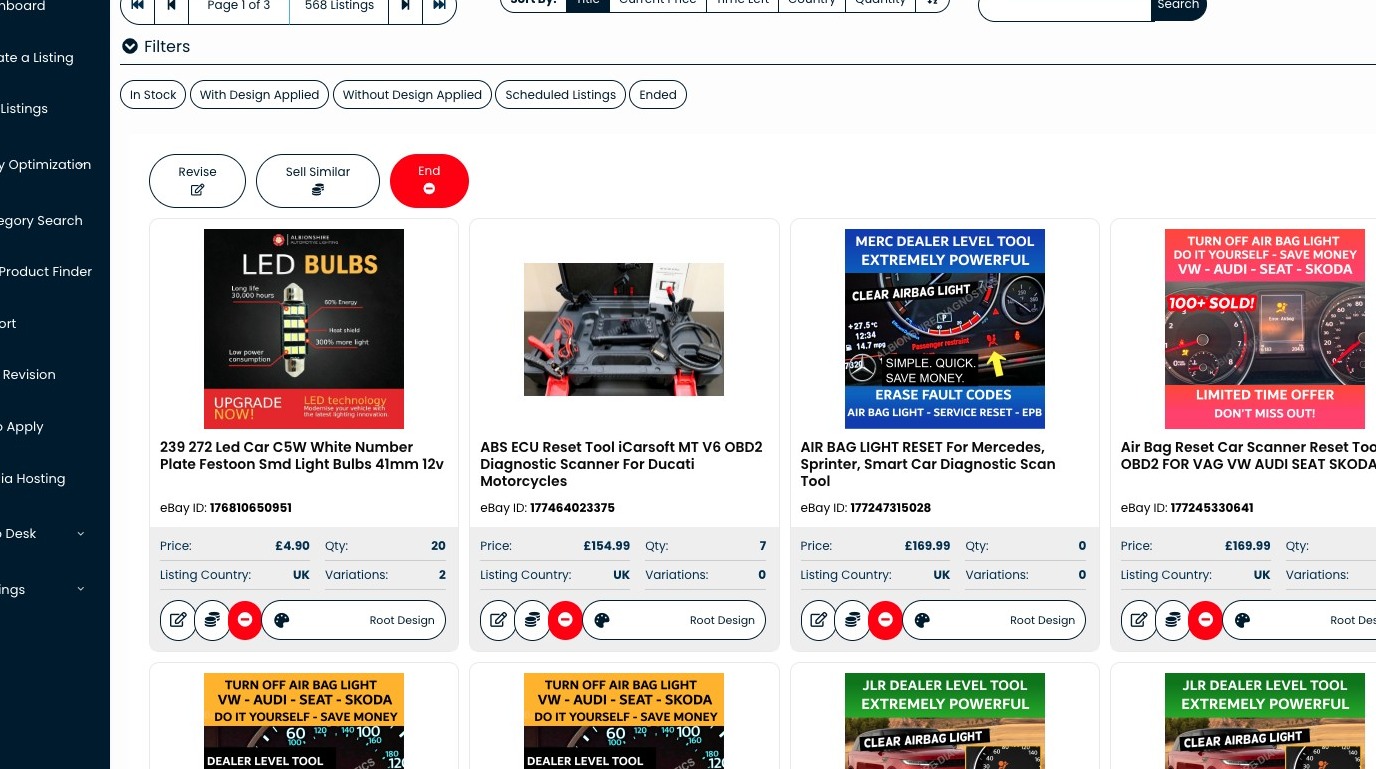
1. Navigate to https://freedom.frooition.com/ebay/live/
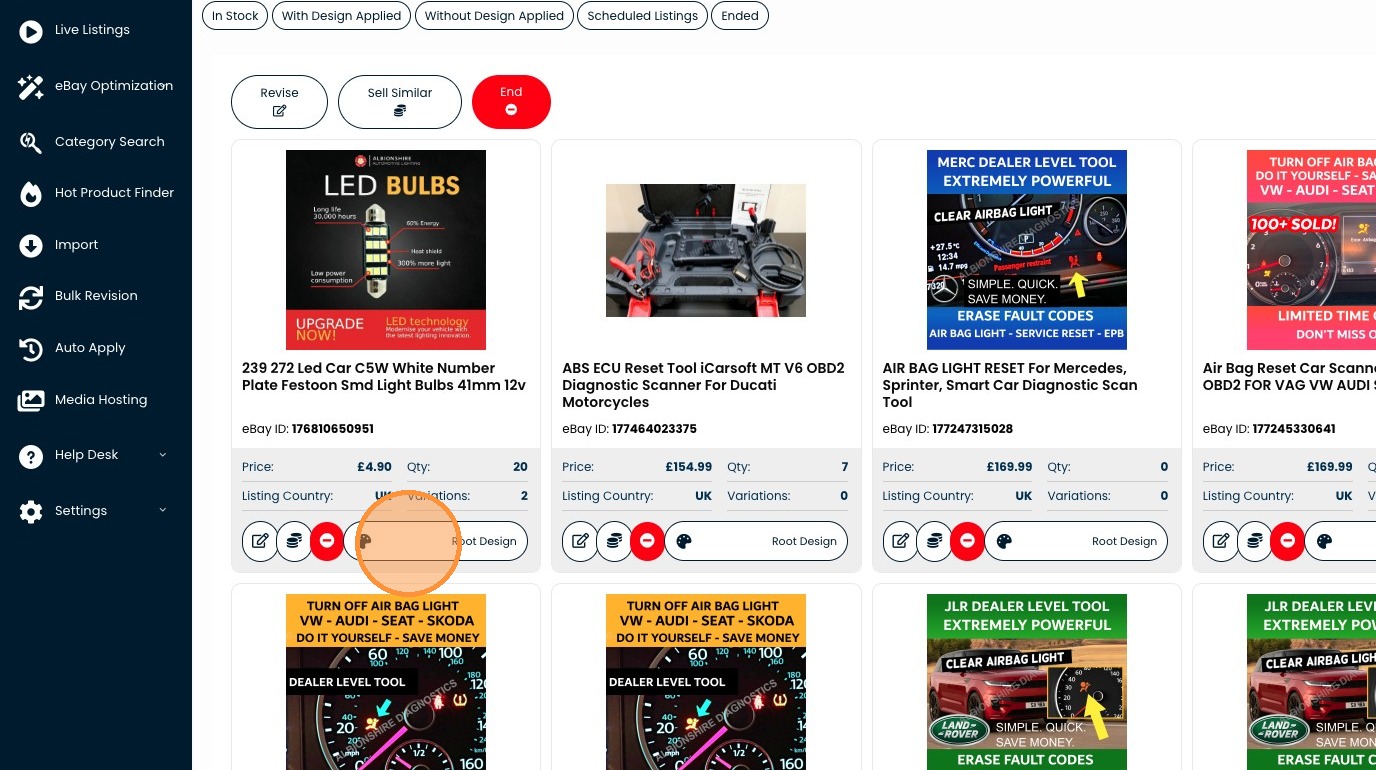
2. Click "Root Design"
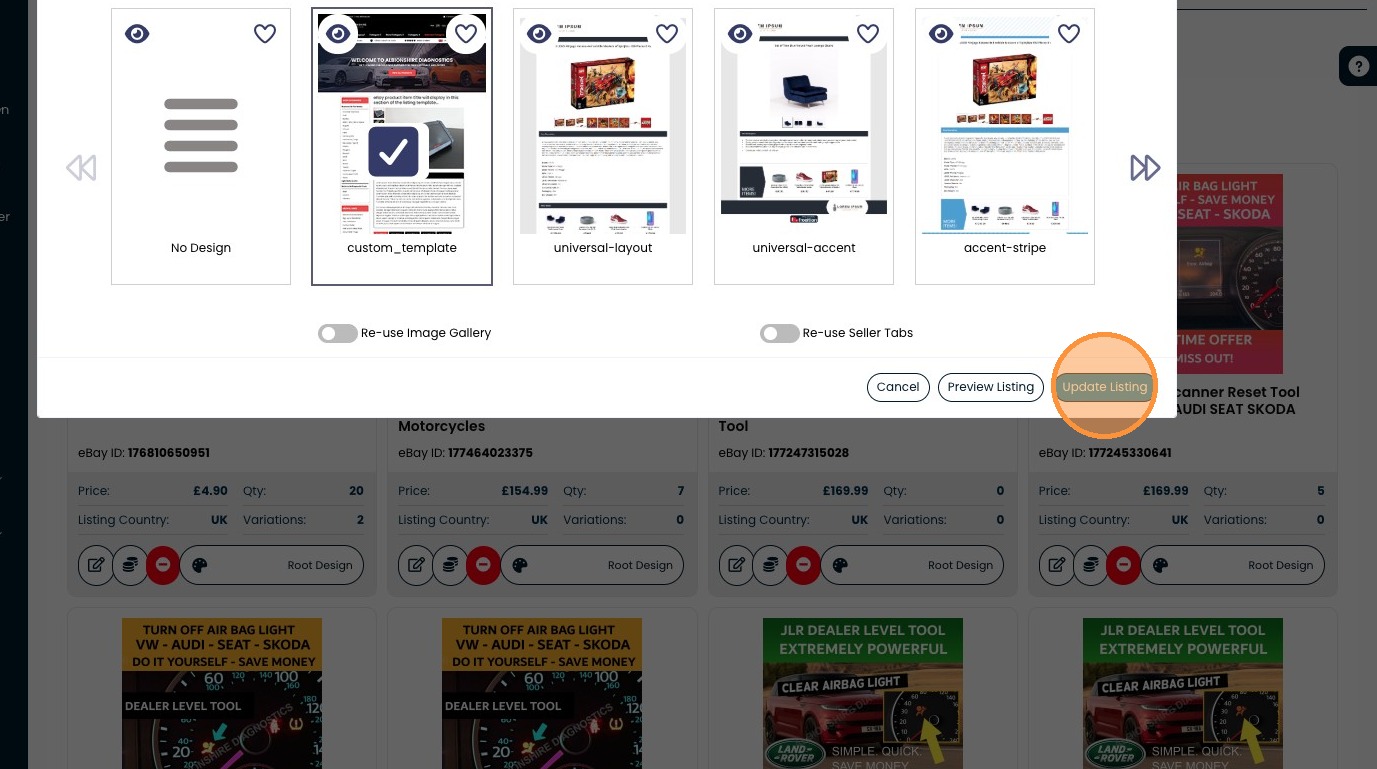
3. Click "Update Listing"
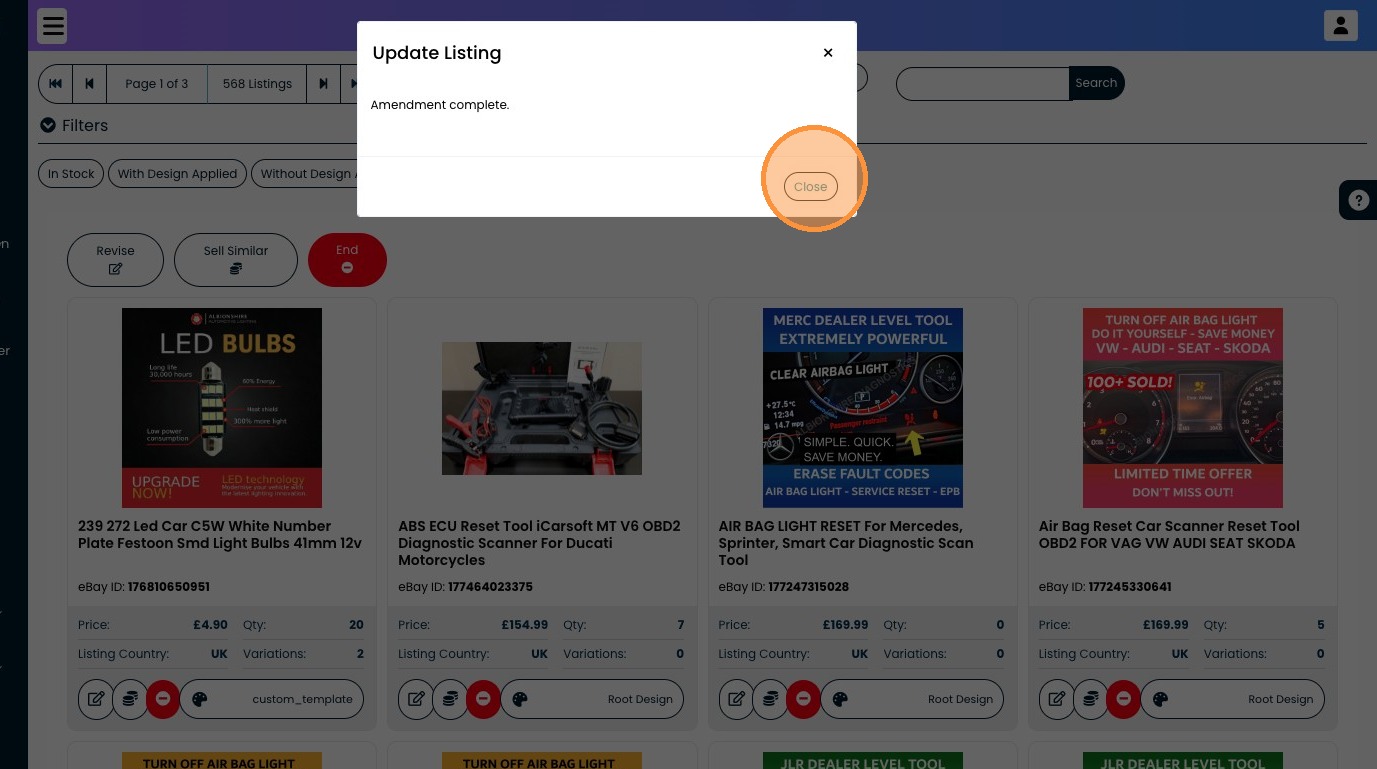
4. Click "Close"