
How to Renew Your eBay Token
A step-by-step guide on how to renew your eBay token and reconnect this to your Frooition account. Keeping your eBay authorization token updated in Frooition is essential for uninterrupted syncing between your eBay account and Frooition’s listing and design tools. When your eBay token expires — usually after about 18 months or due to account changes — your listings, store design and Frooition features may stop updating correctly until you reconnect. This guide explains how to quickly renew or reconnect your eBay token in Frooition, step-by-step, so you can maintain seamless access, avoid listing issues and keep your eBay store running smoothly.
1. Navigate to https://freedom.frooition.com/ebay/
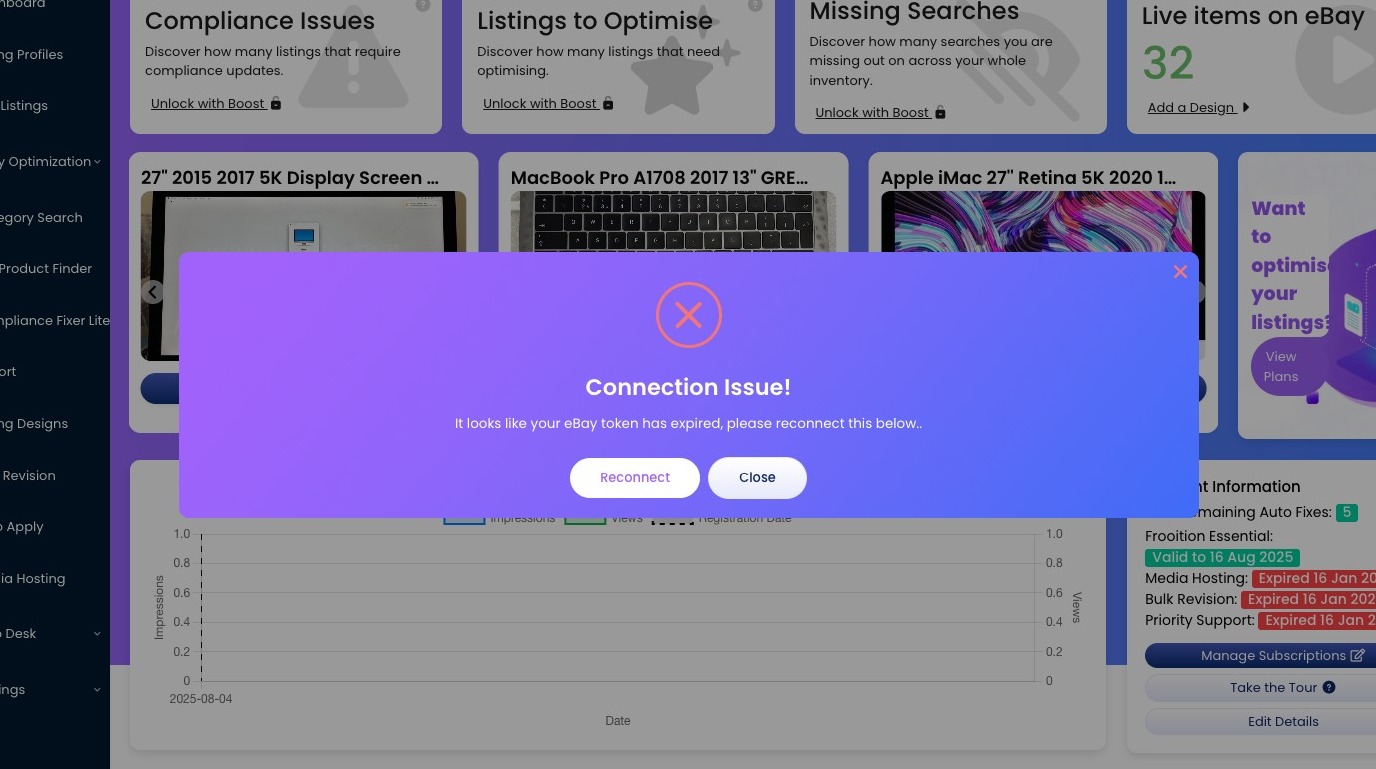
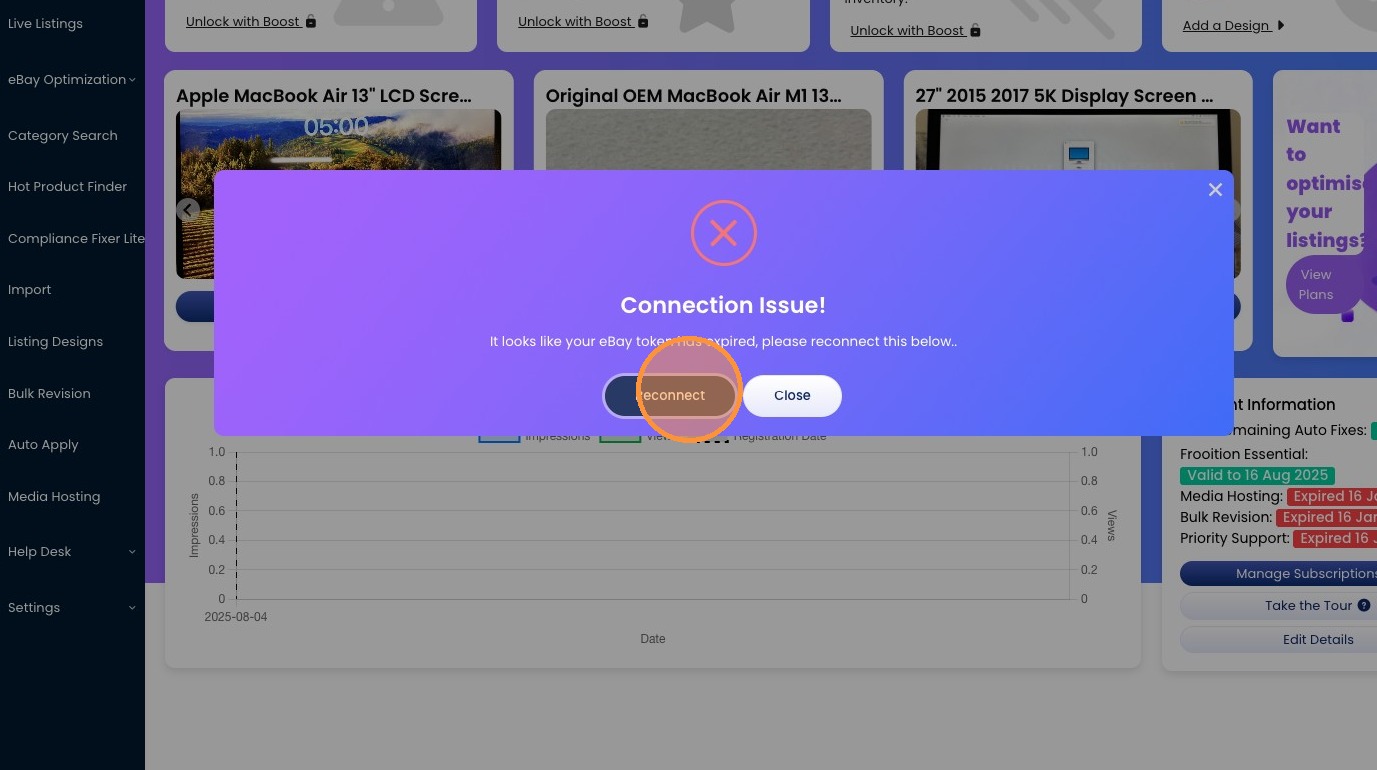
2. Click "Reconnect"
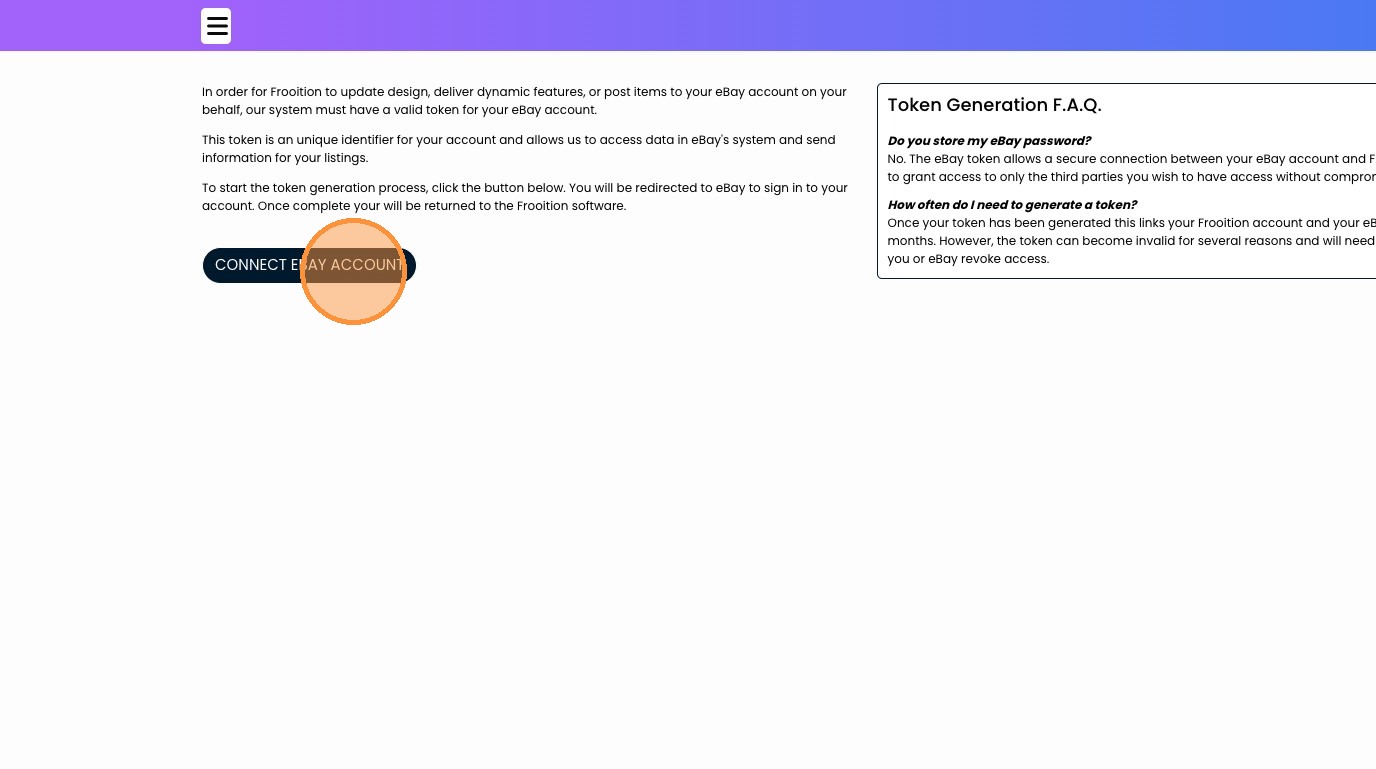
3. Click "CONNECT EBAY ACCOUNT"
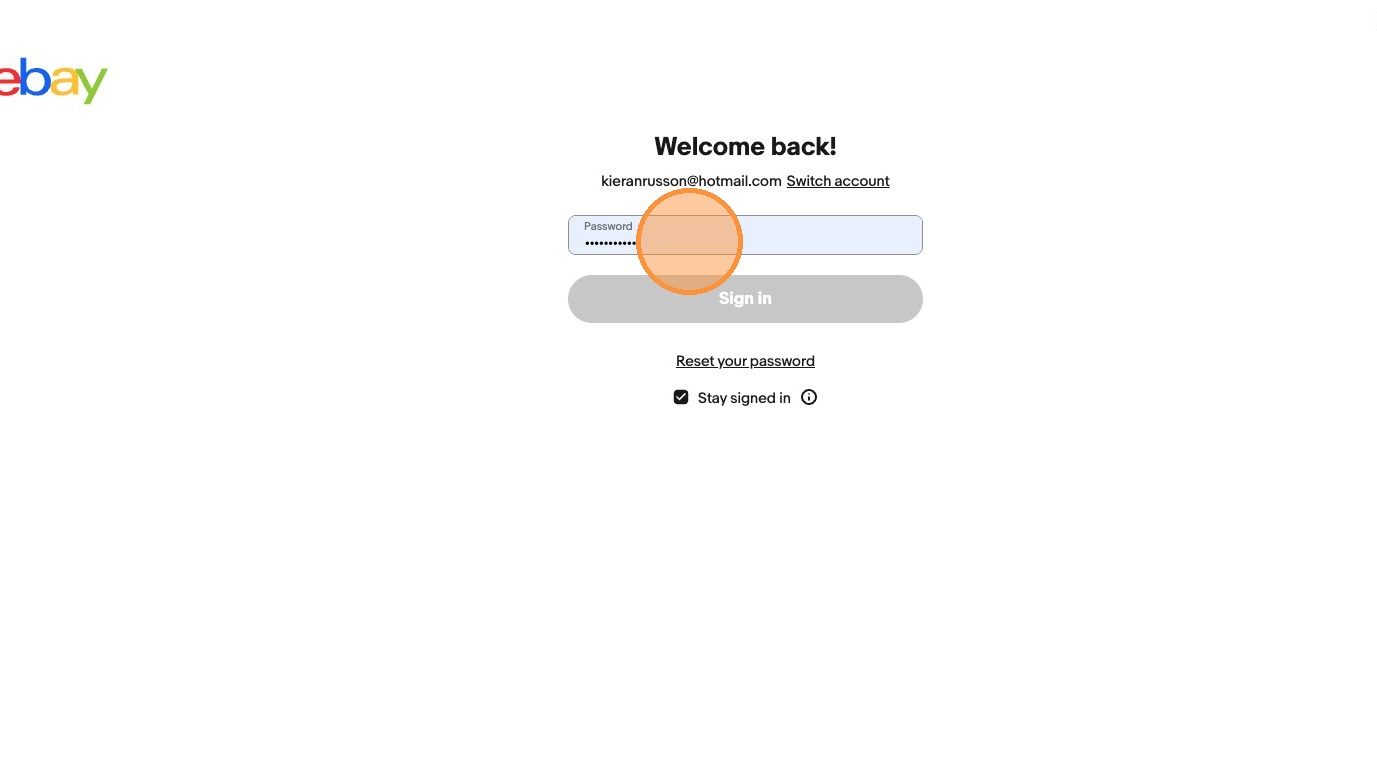
4. Within this section, you need to make sure you are connecting to the correct eBay store, if you need to switch accounts, click the switch account text that is underlined next to your email. This will allow you to sign in as a different eBay account.
5. Once completed, you will then be redirect back to Frooition where your correct account will be connected.

