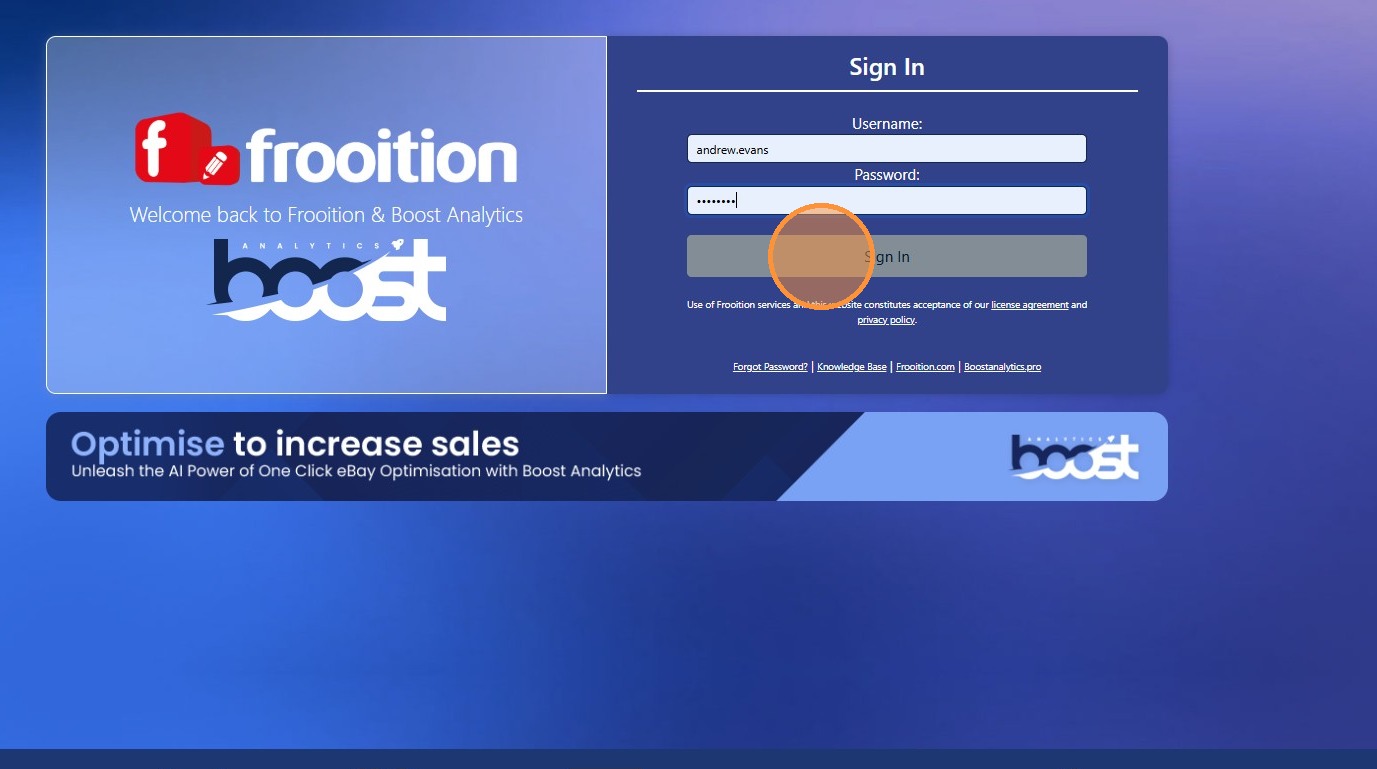
How To Login To Your Frooition Account
Accessing your Frooition account login is the first step to managing your eBay templates, listings, design tools and store settings with ease. Whether you’re a new user signing in for the first time or an experienced seller returning to update your templates and listings, this guide explains exactly how to log in to your Frooition account, troubleshoot common login issues, and securely access your dashboard. Follow these clear, step-by-step instructions to get into your Frooition workspace quickly and continue optimising your eBay selling experience.
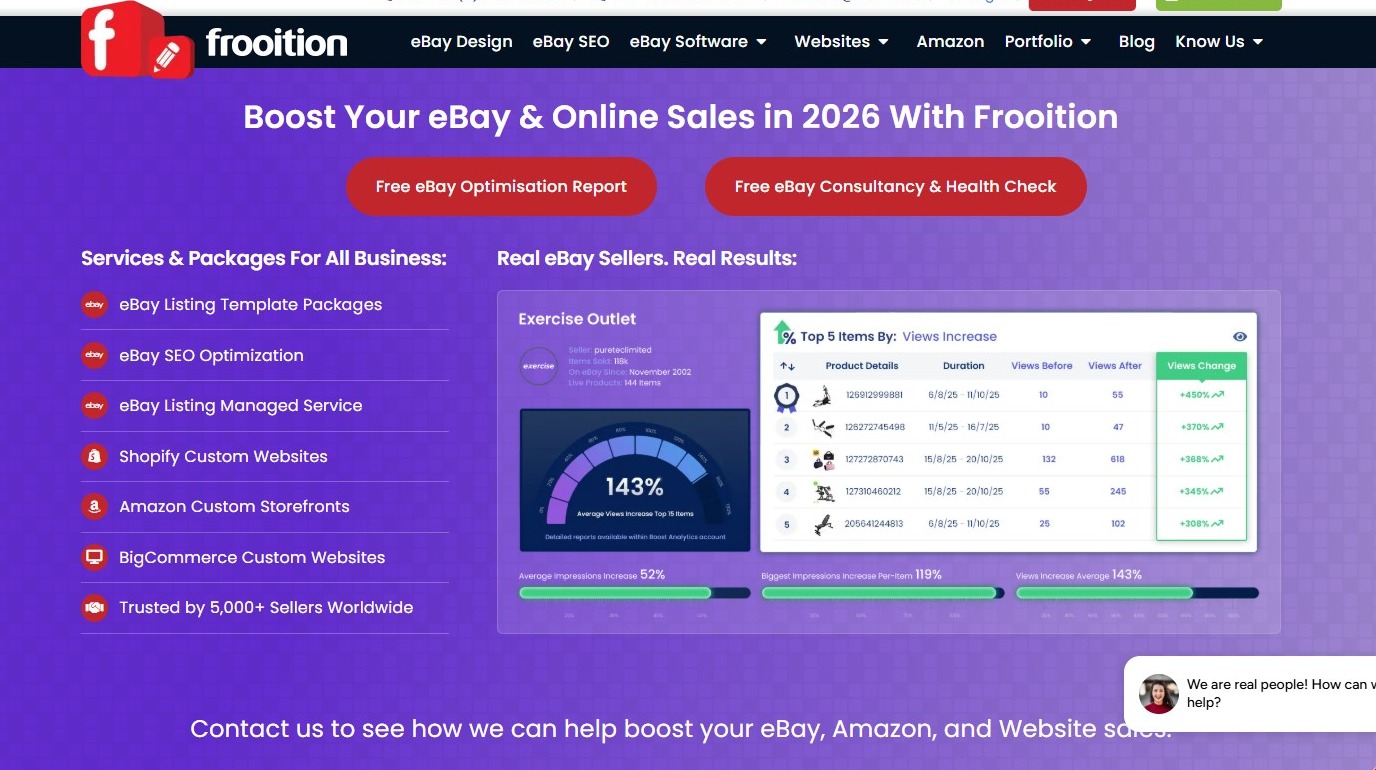
1. Navigate to https://www.frooition.com/
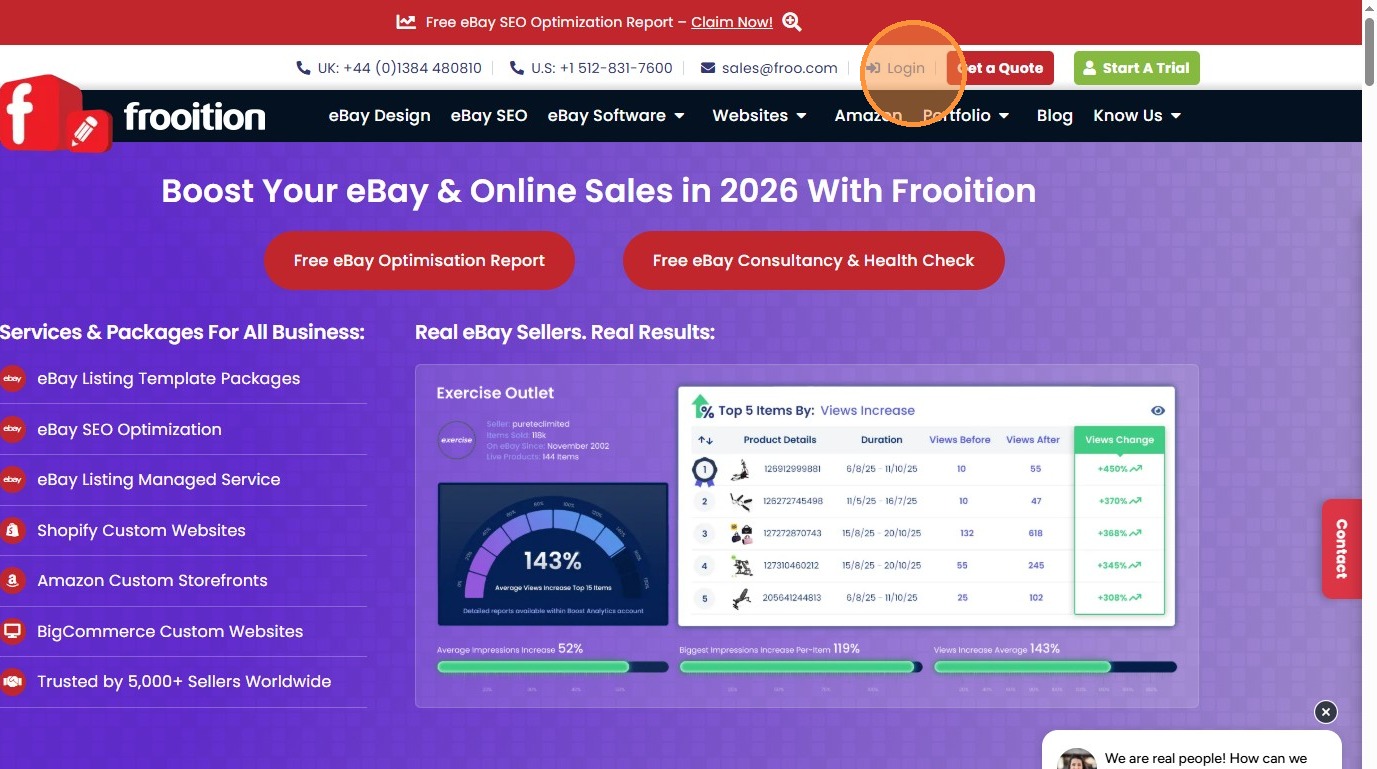
2. Click "Login"
3. Click the "Enter username..." field and enter your username. Your username is what the Accounts dept. have emailed your, or if you are on a trial it will be your eBay username/ID.
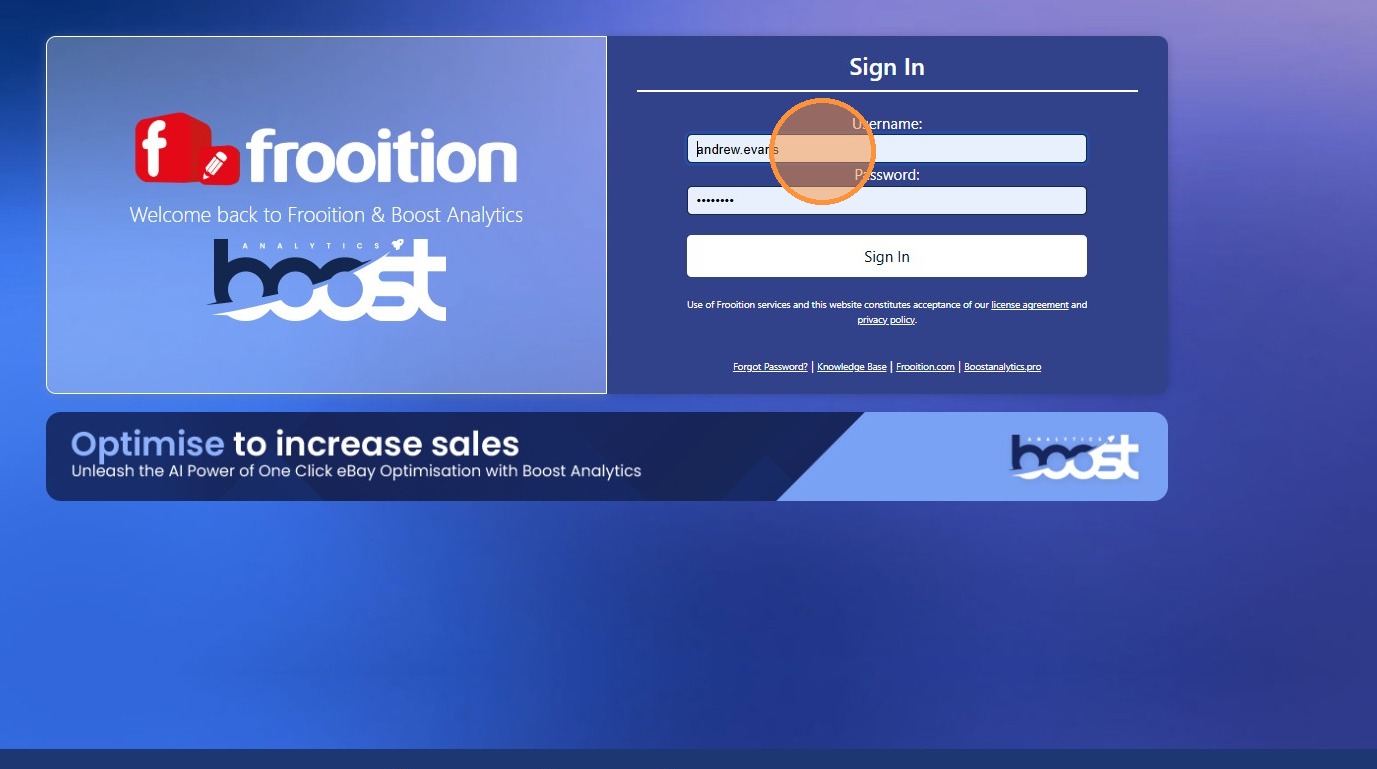
4. Click the "Enter password..." field and enter your password.
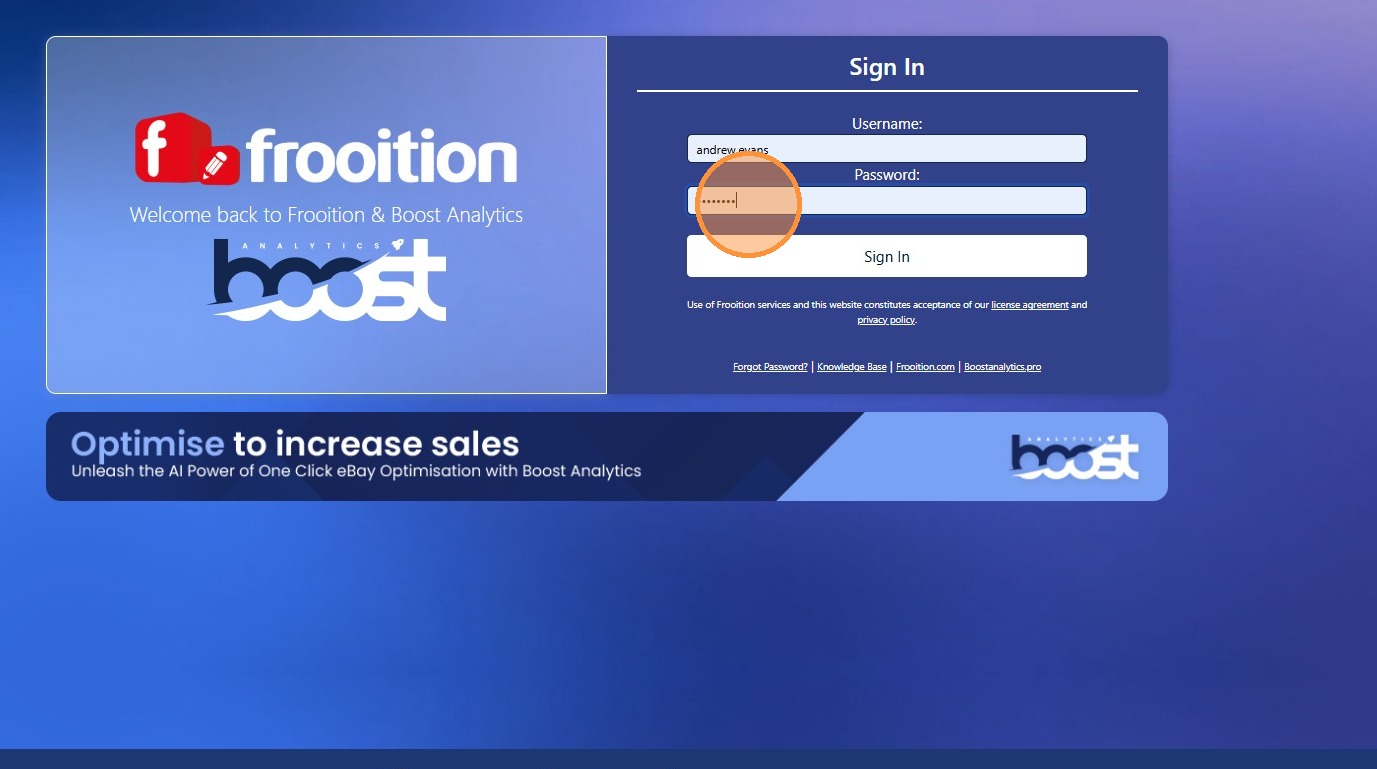
5. Click "Submit" and you will be logged into your Frooition account and directed to your account dashboard.