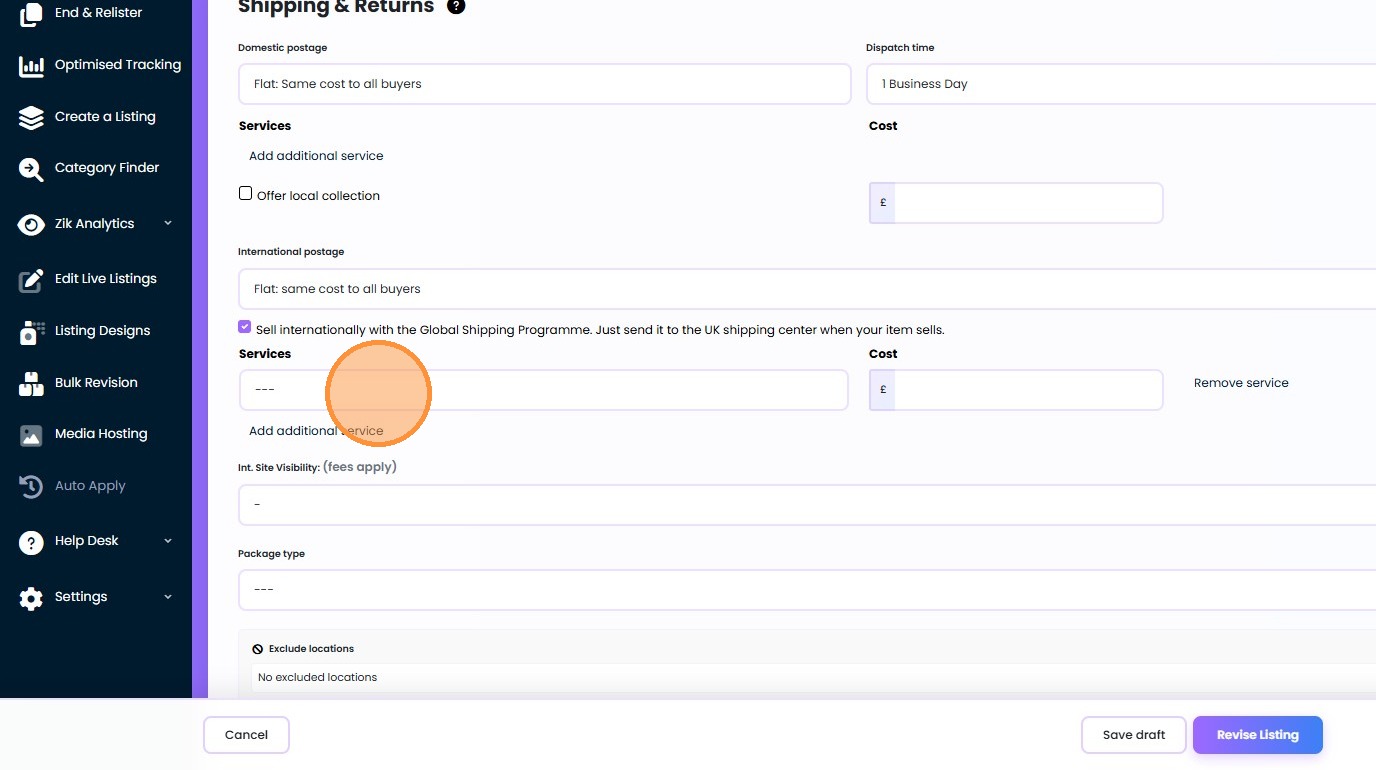
Edit Shipping and Returns Information for eBay Listings
Clear shipping and return policies are the backbone of buyer trust and eBay search visibility, yet managing these details across thousands of products can be a massive manual hurdle. In this guide, you will learn how to edit shipping and returns information for eBay listings on Frooition efficiently. Whether you need to bulk update eBay return policies for holiday compliance or modify your custom seller information tabs to reflect new carrier rates, the Frooition dashboard provides the tools to synchronize your business policies instantly. By streamlining your delivery and refund terms, you reduce customer inquiries and ensure your store remains fully optimized for eBay’s latest listing requirements. Follow these simple steps to master your eBay policy management today.
1. Navigate to https://freedom.frooition.com/ebay/live/
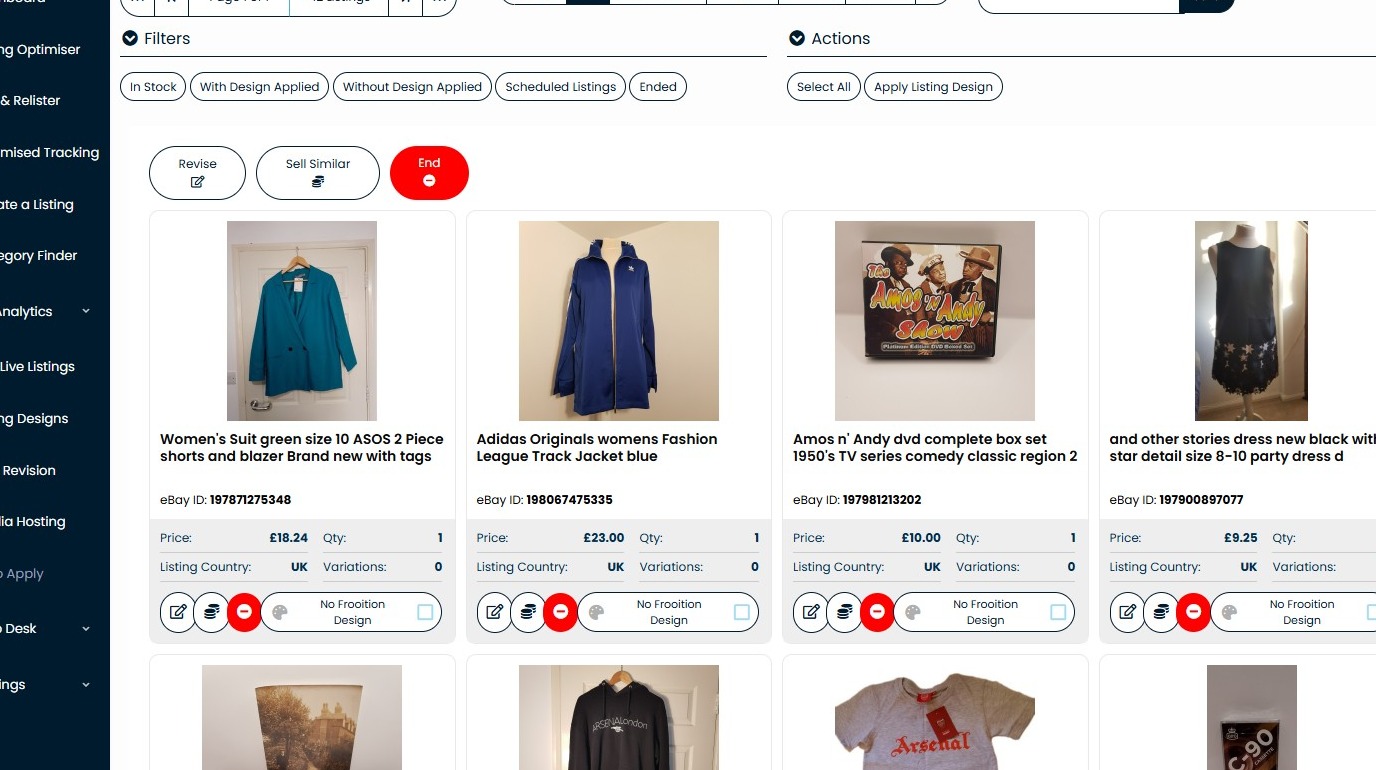
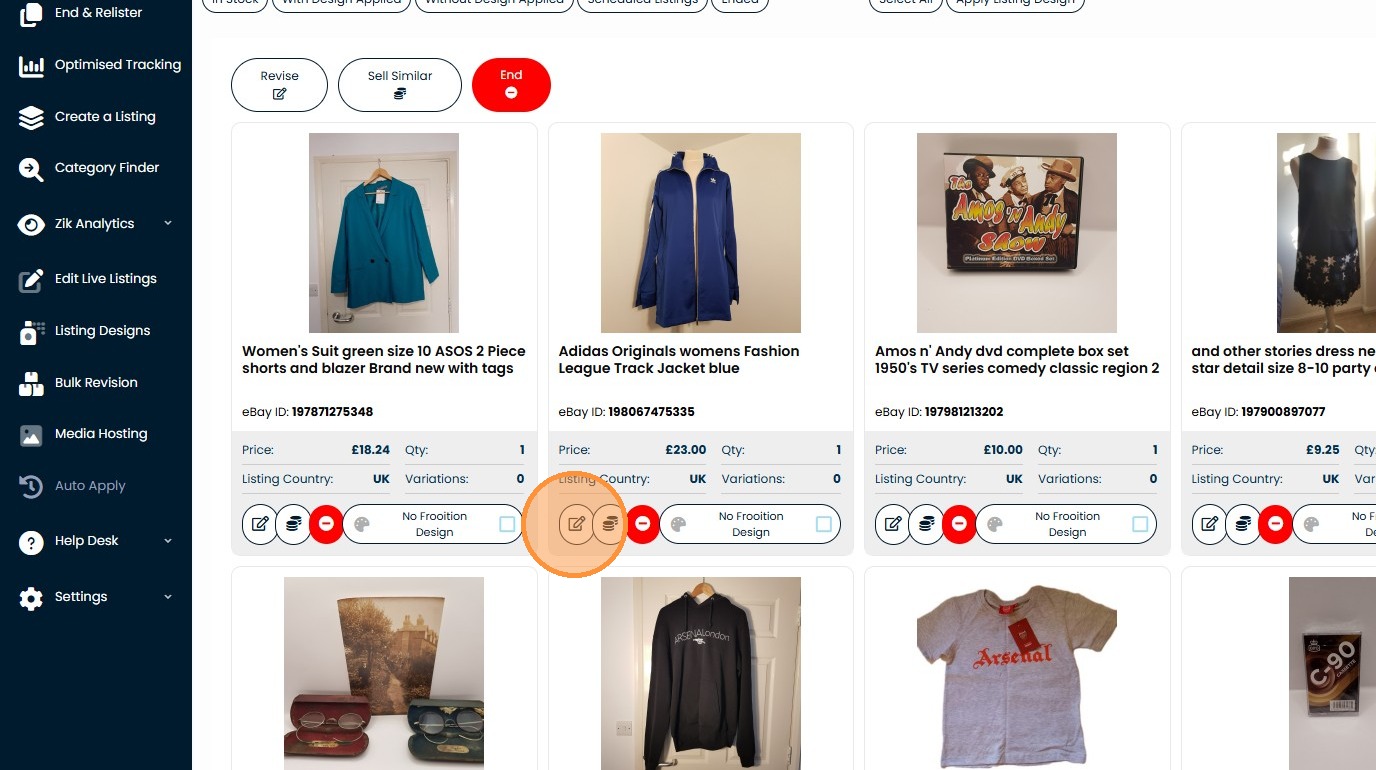
2. Click here.
3. Click "Full Edit"
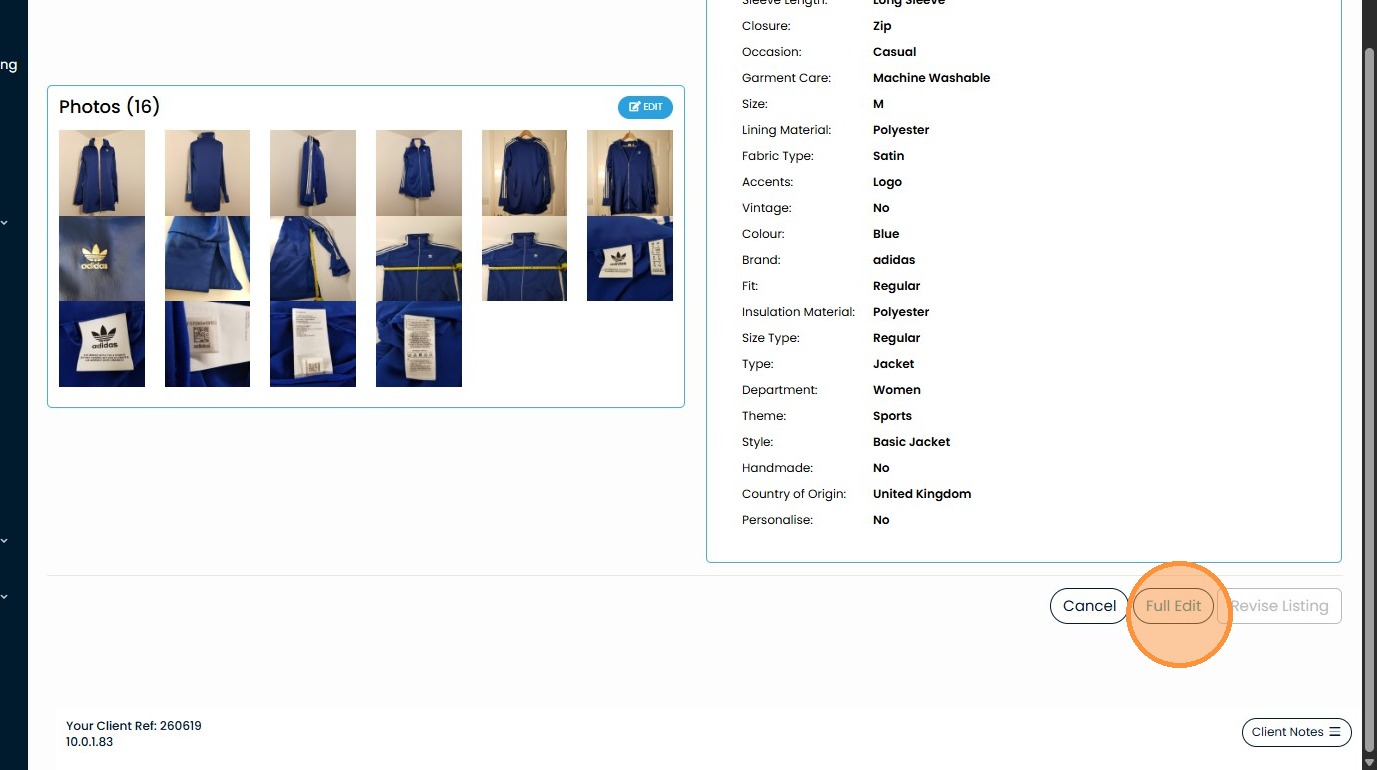
4. Click this dropdown.
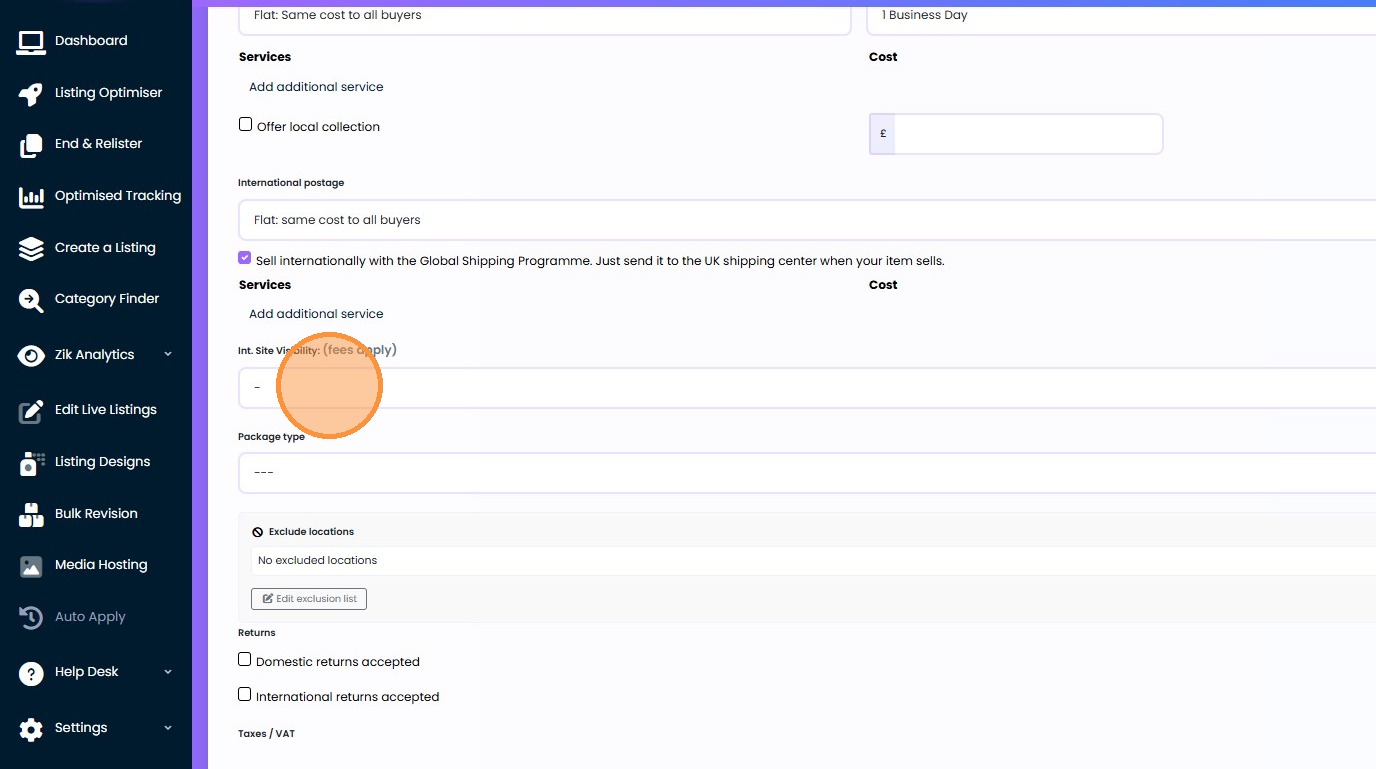
5. Click this dropdown.
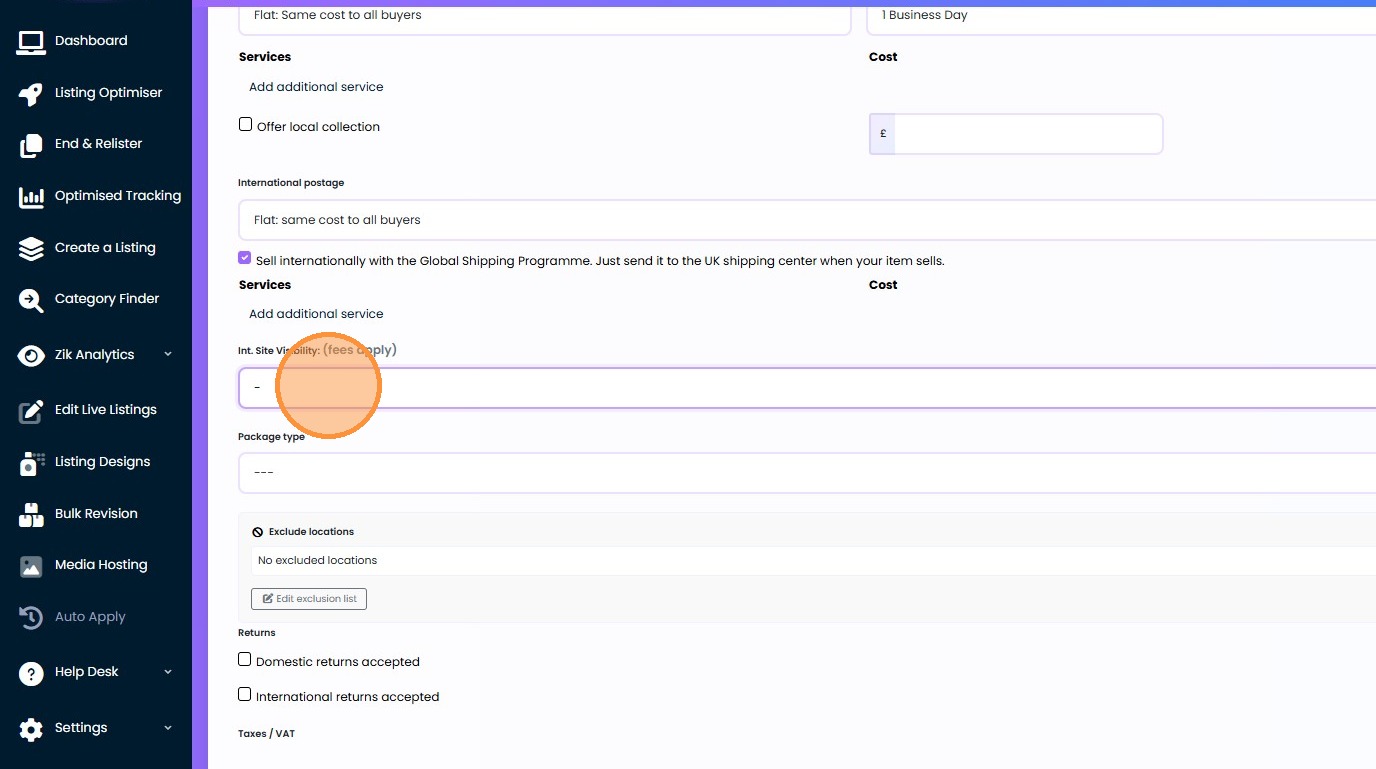
6. Click "Add additional service"
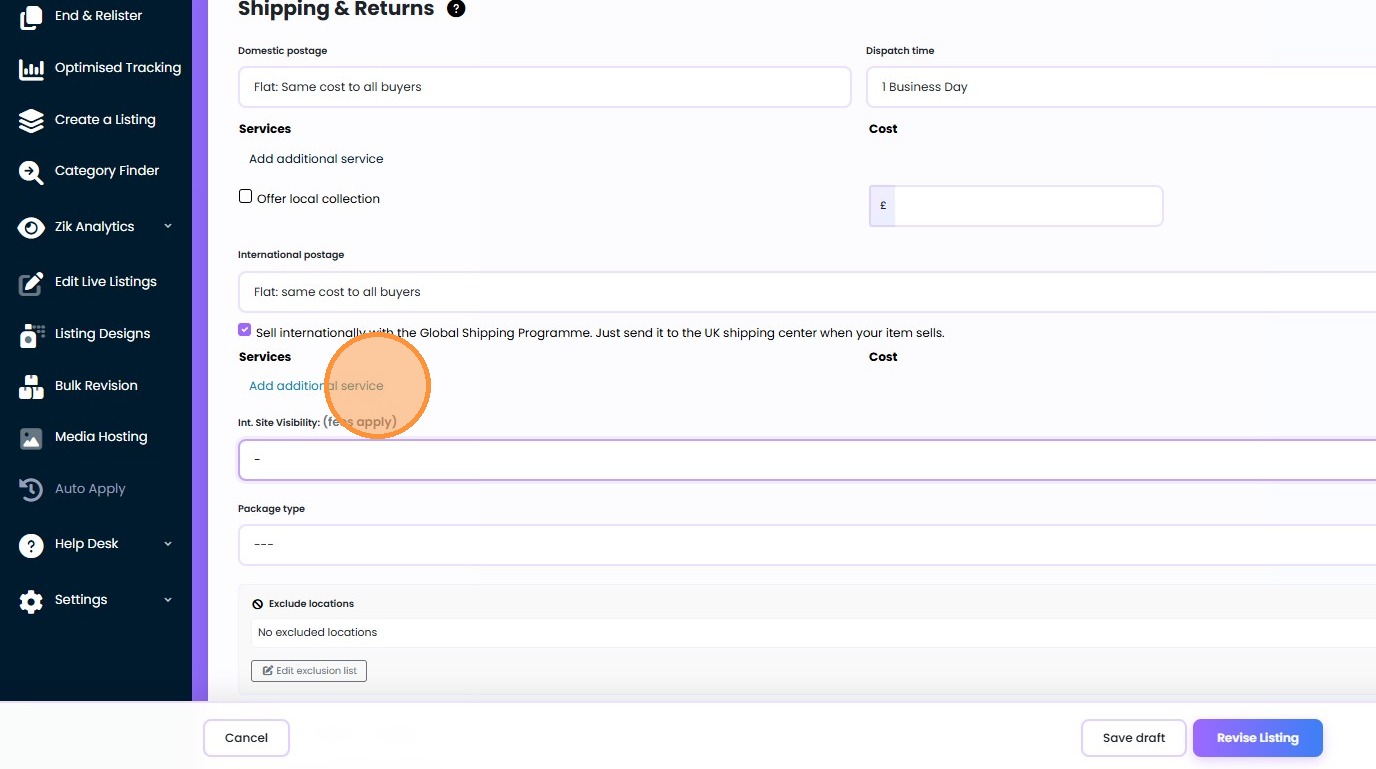
7. Click this dropdown.