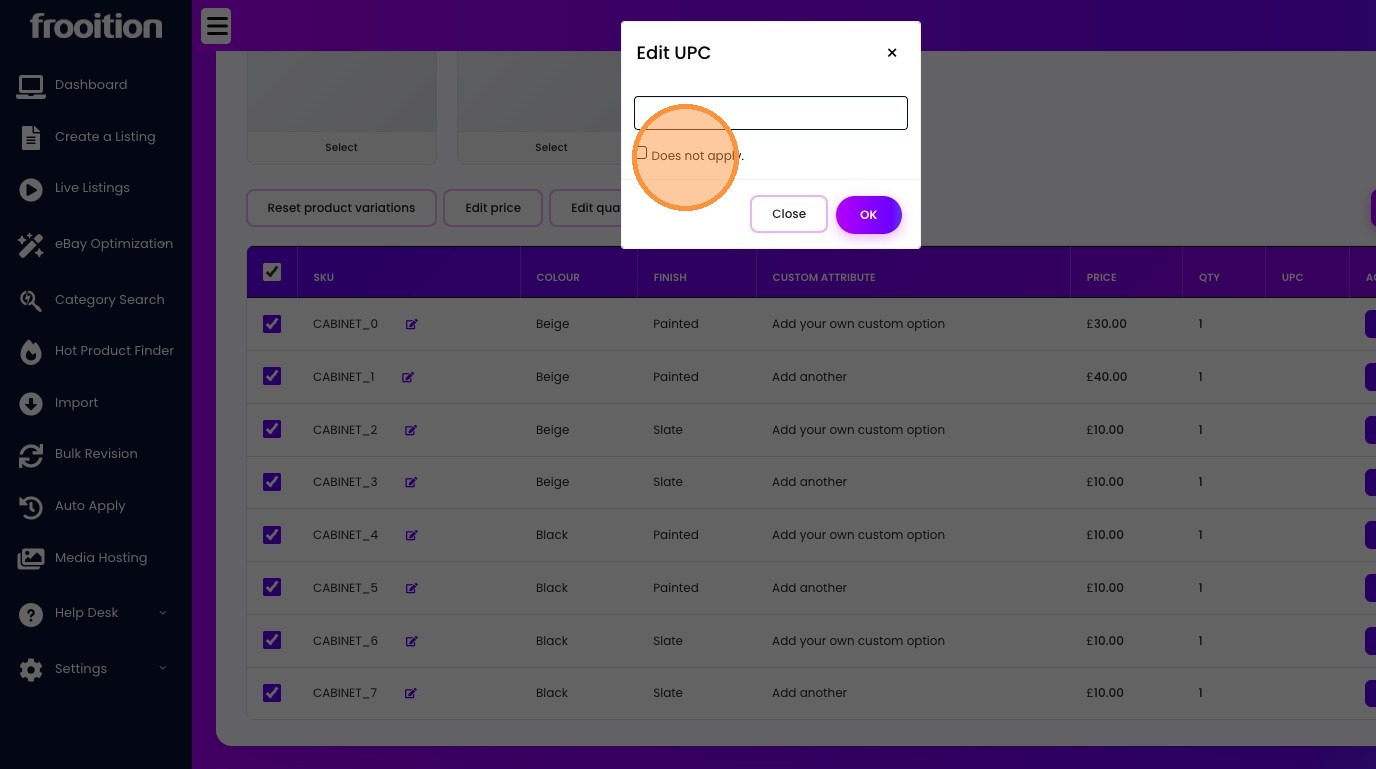
Edit eBay Product Variations and Add Custom Attributes
To edit eBay product variations and add custom attributes using Frooition, navigate to the listing tool to update active item specifics and map variation data. This process allows sellers to consolidate multiple product options—such as size, color, or material—into a single, high-converting listing while ensuring compliance with eBay’s latest category requirements.
In this guide, we provide a step-by-step walkthrough for creating custom attributes, managing multi-variation listings, and using bulk revision tools to enhance your store’s technical SEO and buyer experience.
1. Navigate to https://freedom.frooition.com/ebay/listing/
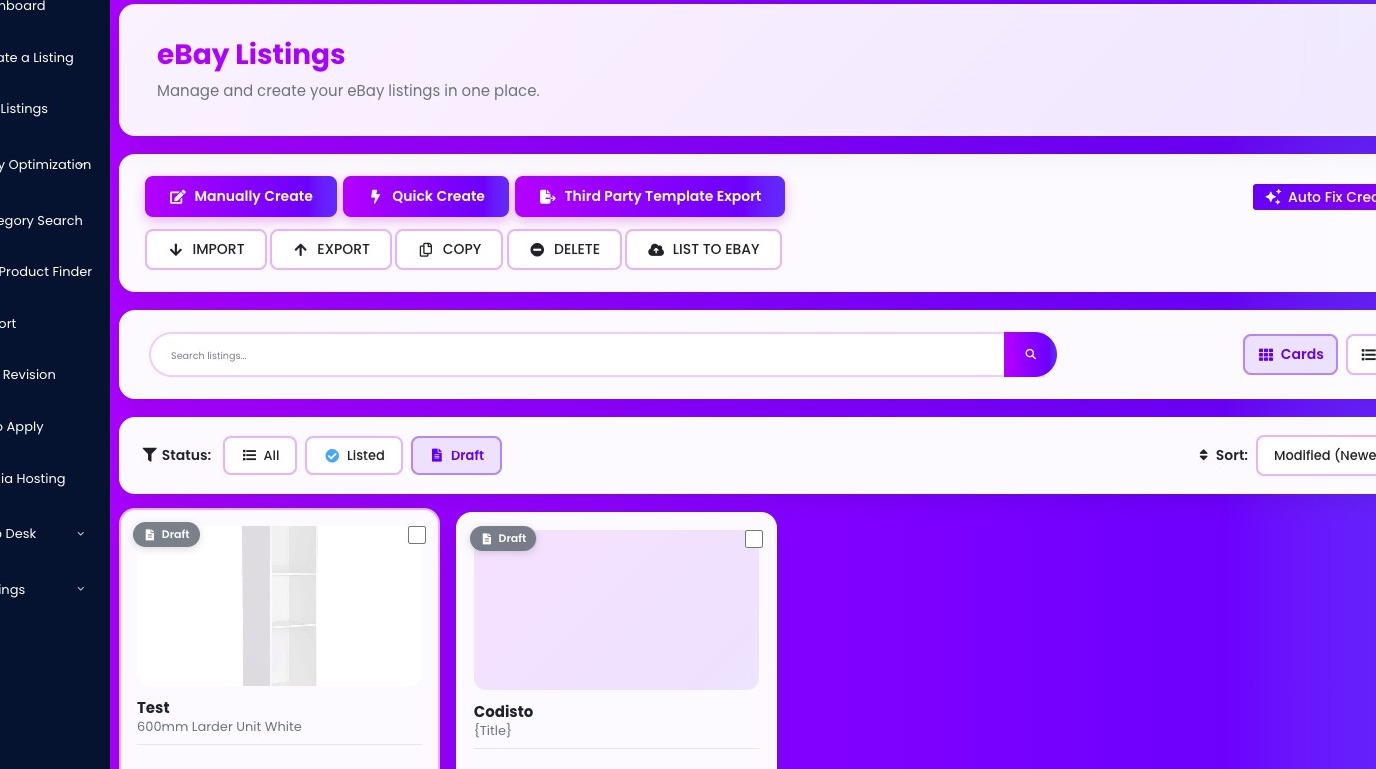
2. Click "Edit Listing"
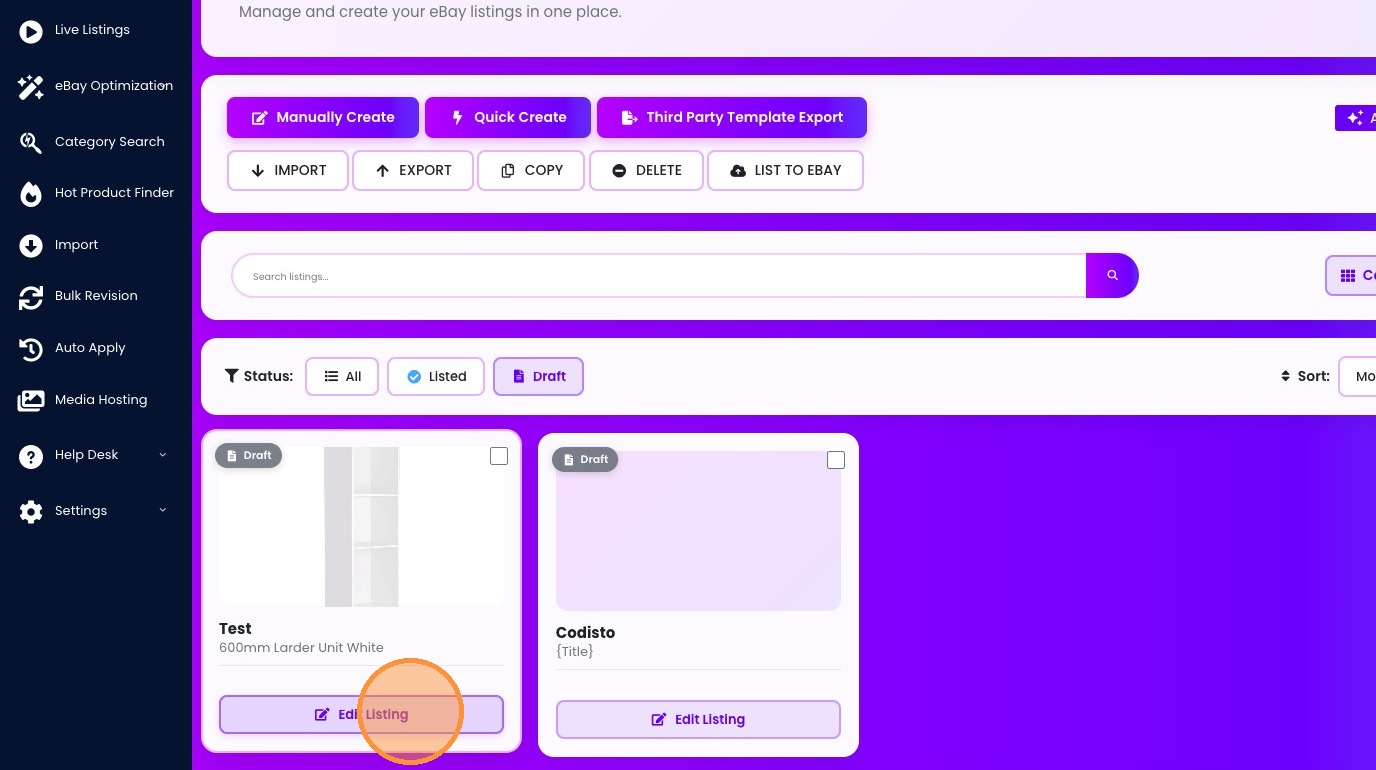
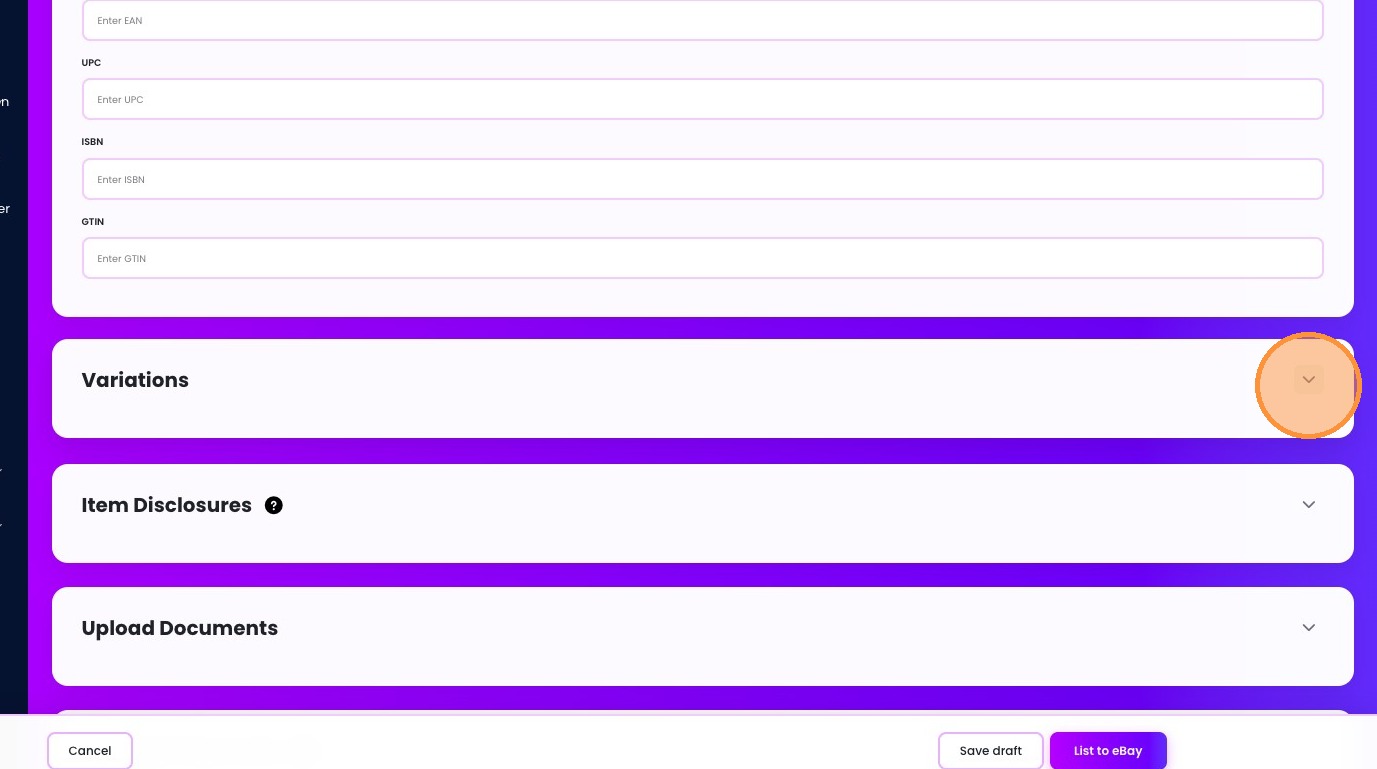
3. Click "Variations"
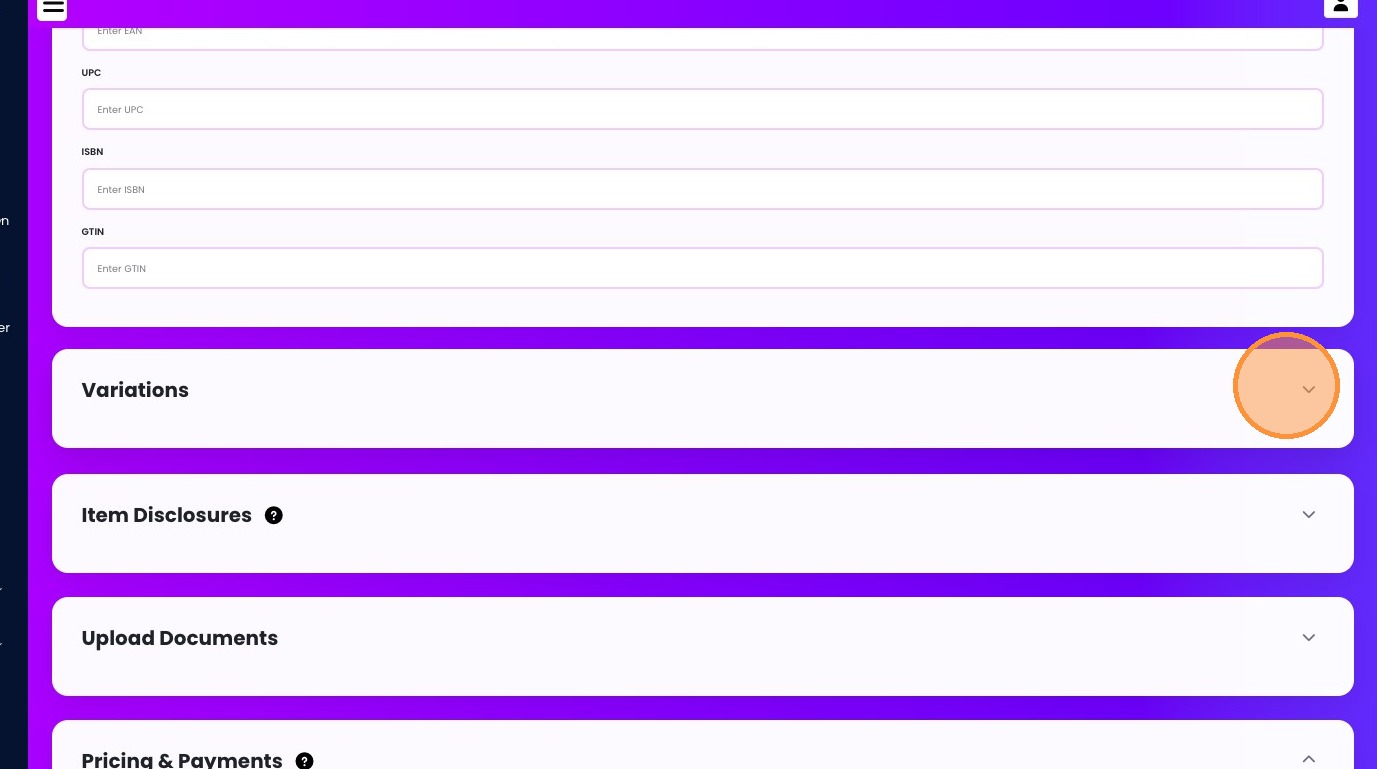
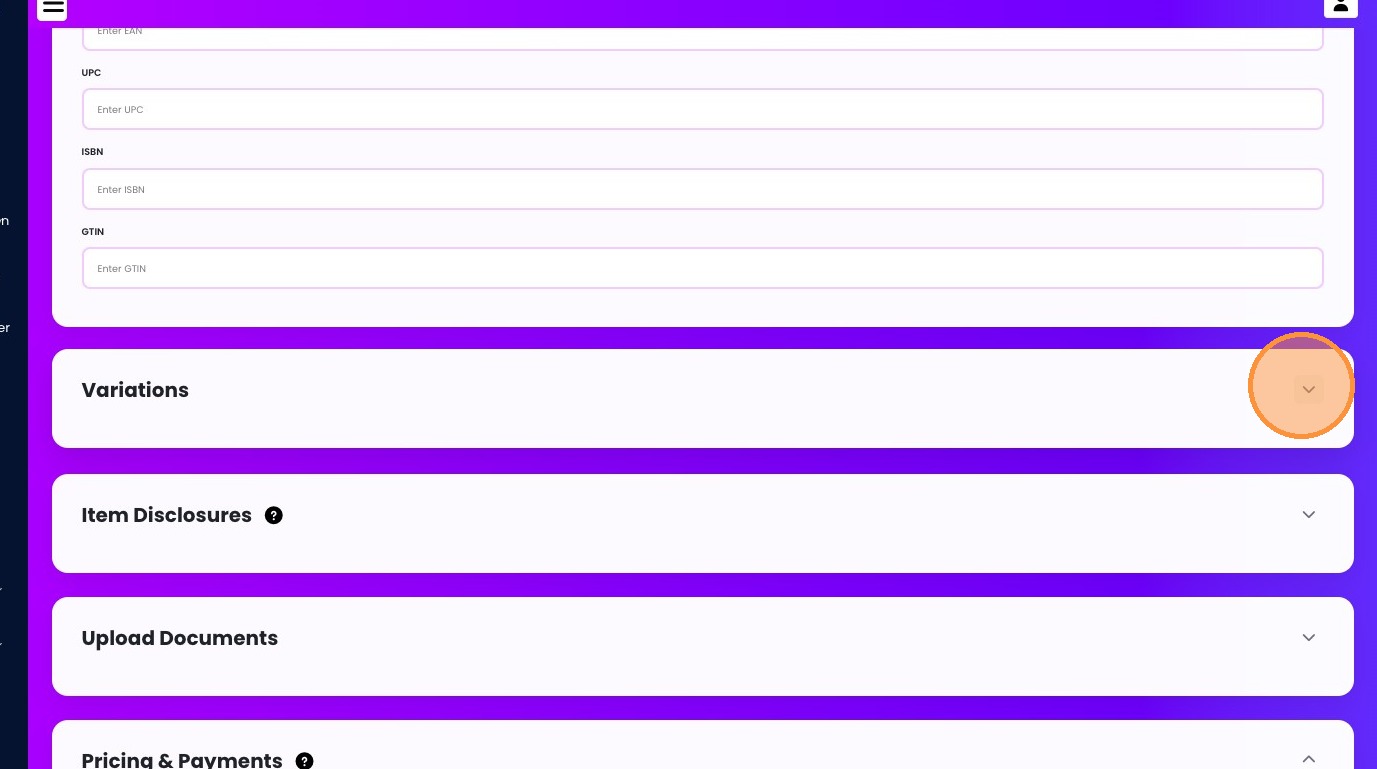
4. Click here.
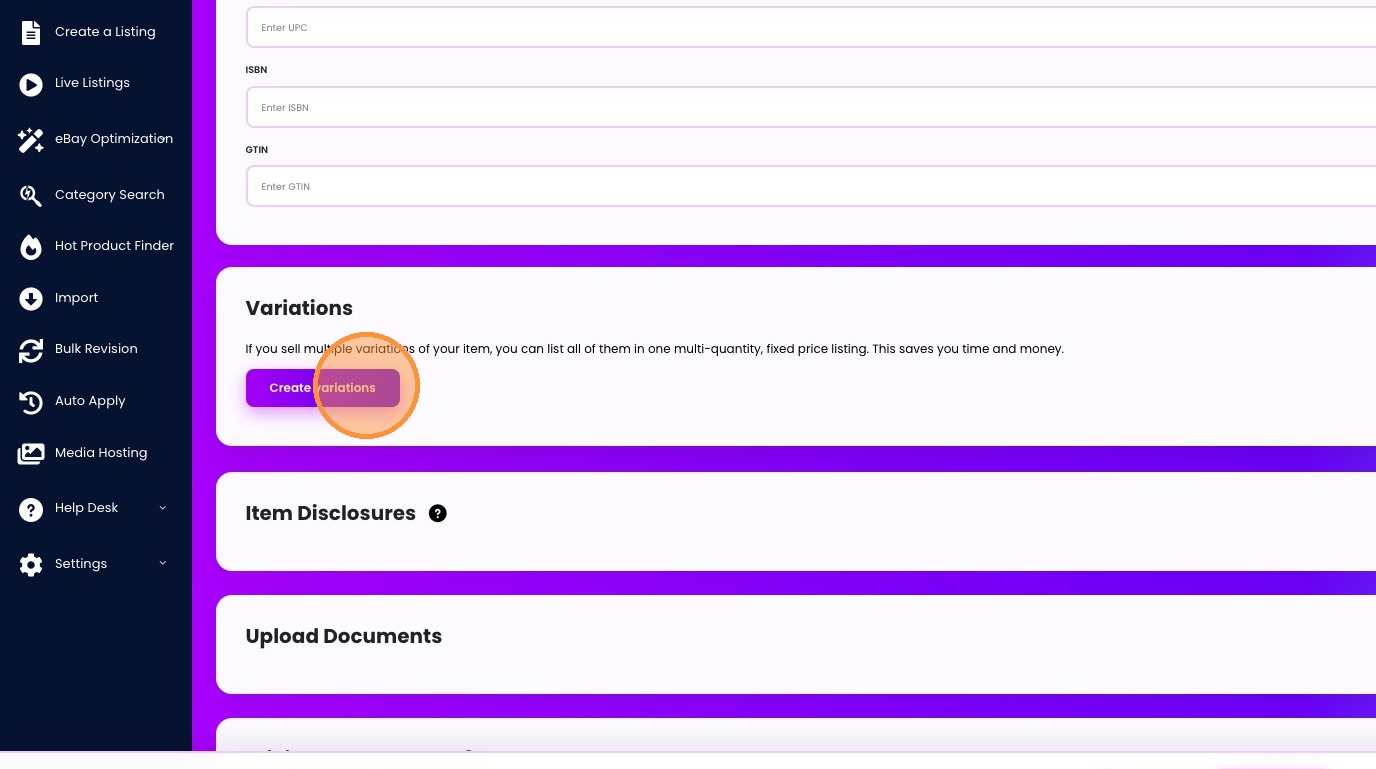
5. Click "Create variations"
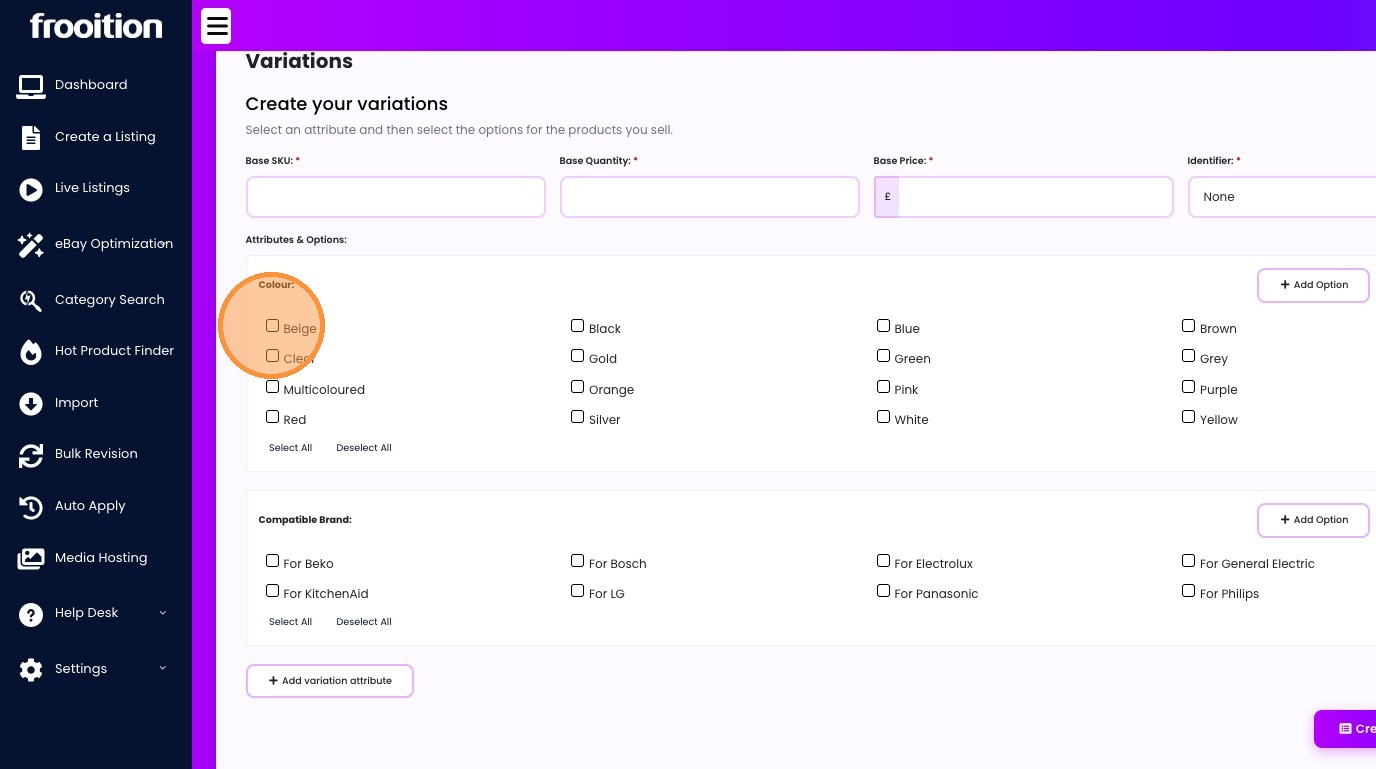
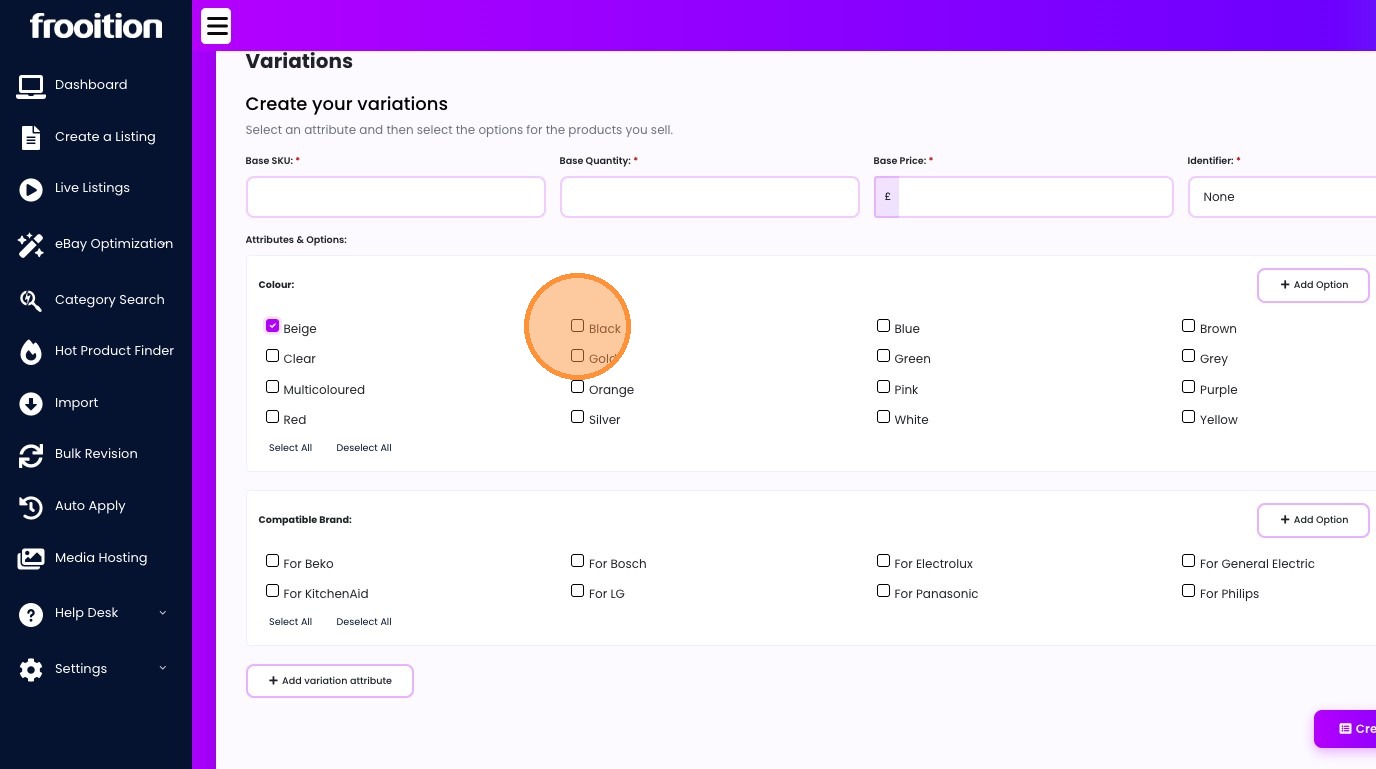
6. Select the correct attributes you would like for your products.
7.
8.
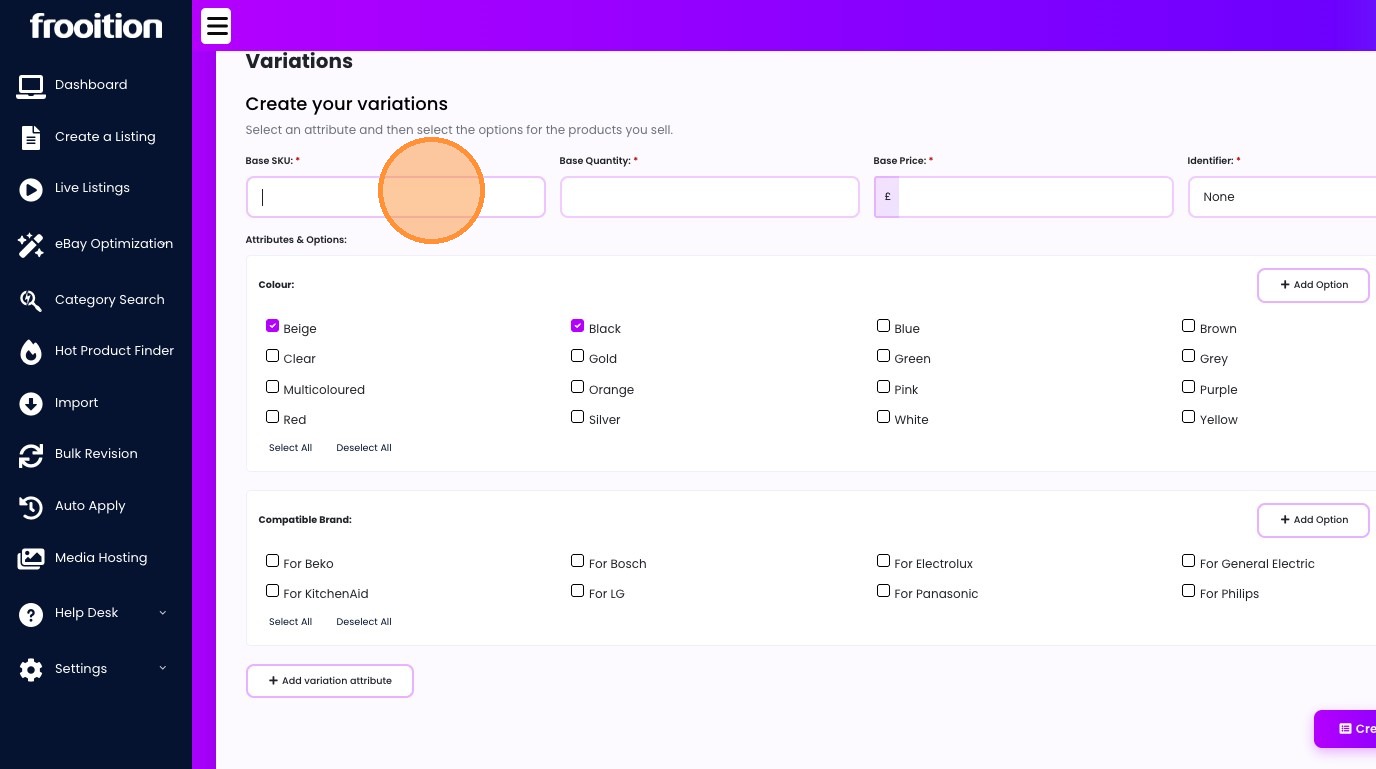
9. Enter Base SKU, Base Quantities and Base Prices
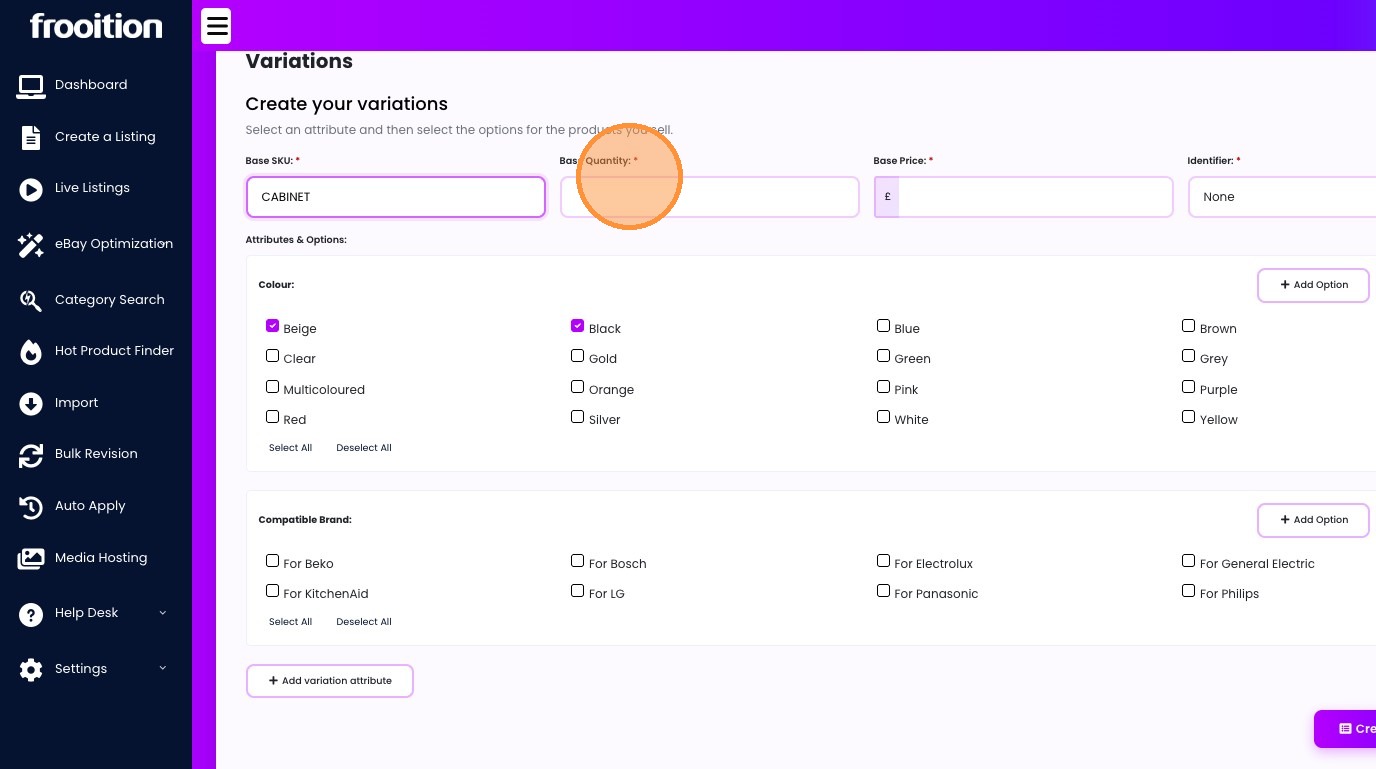
10. Click this text field.
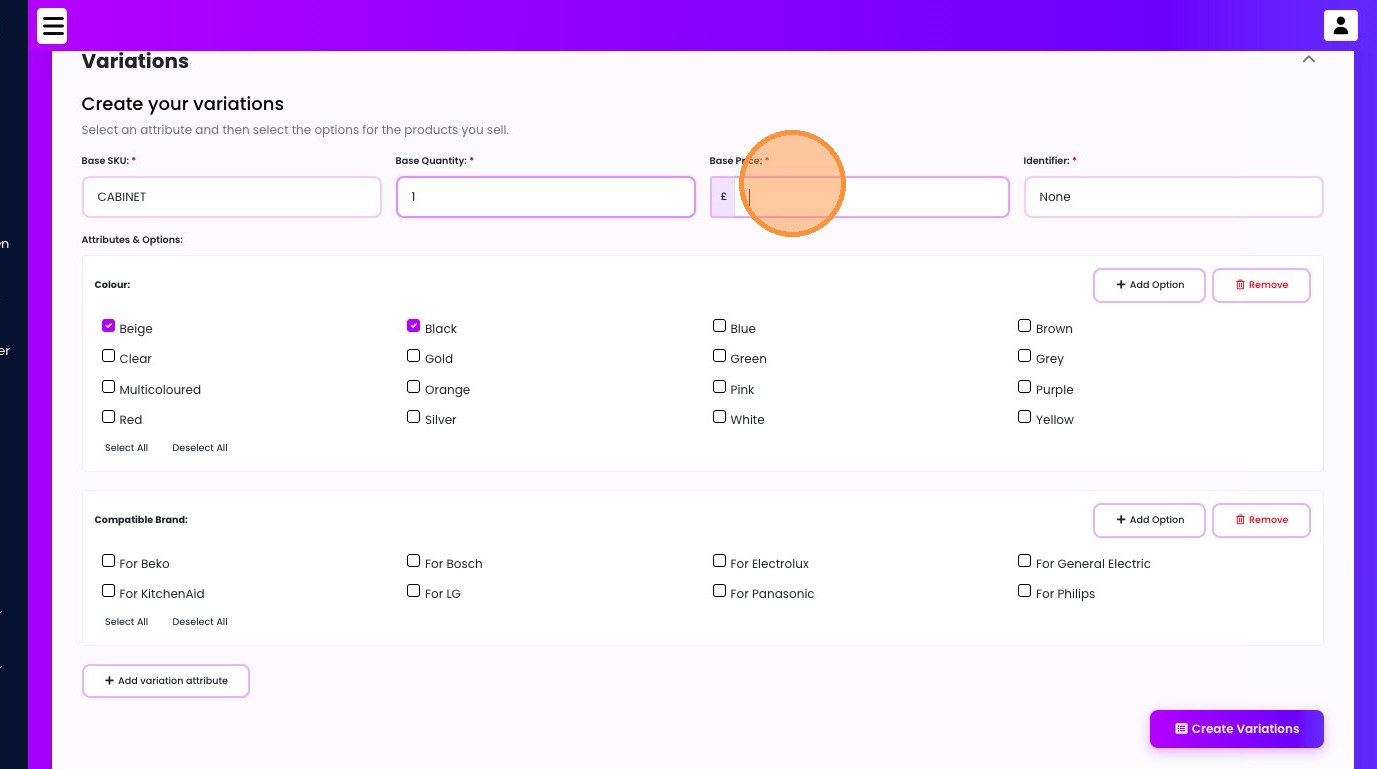
11. Select the "UPC" option.
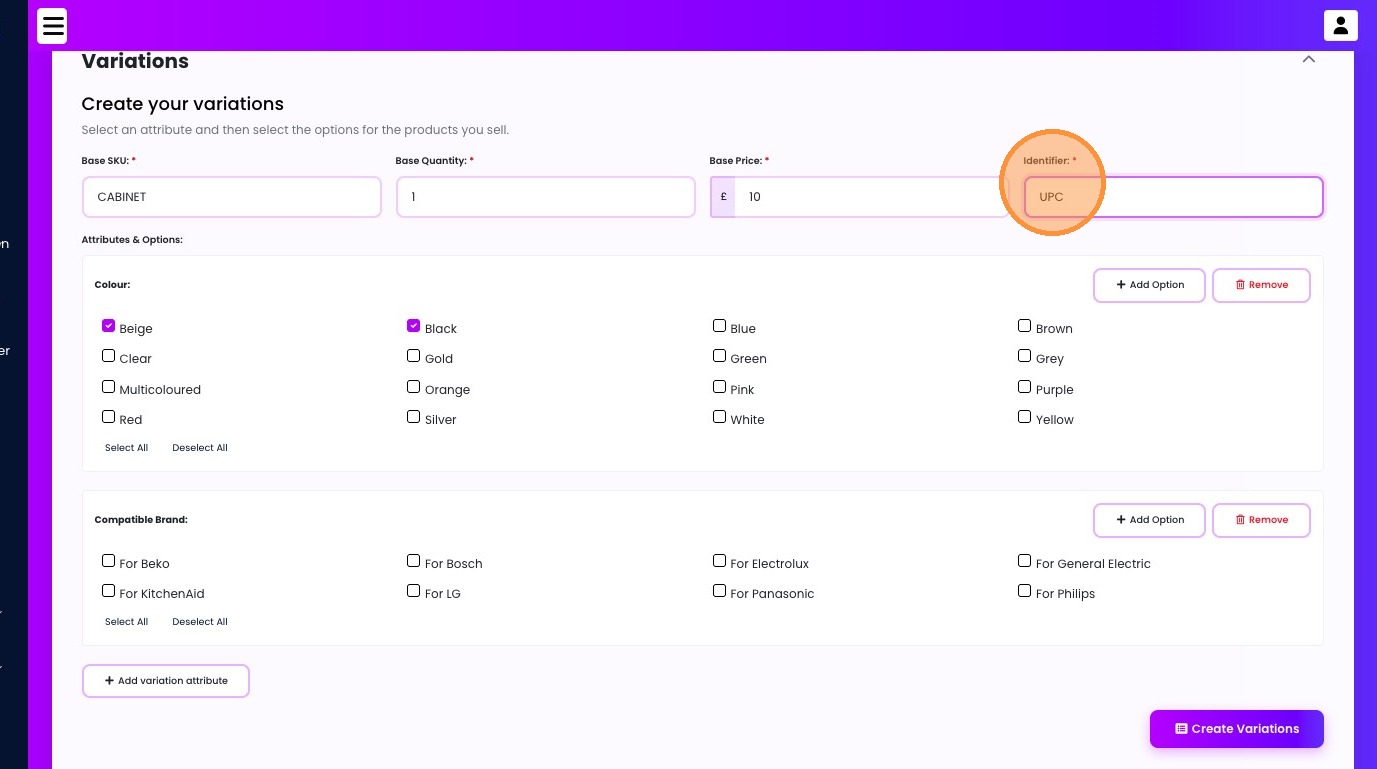
12. Click "Remove"
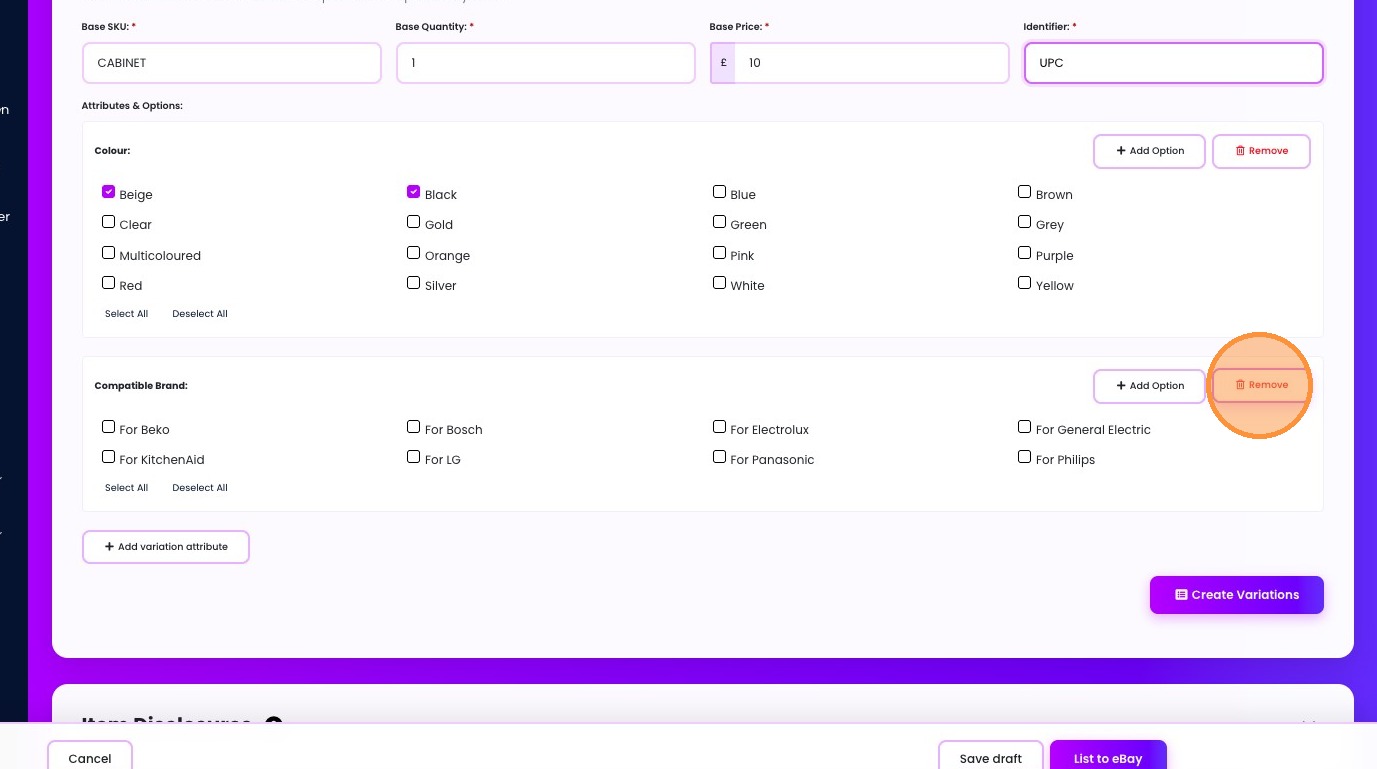
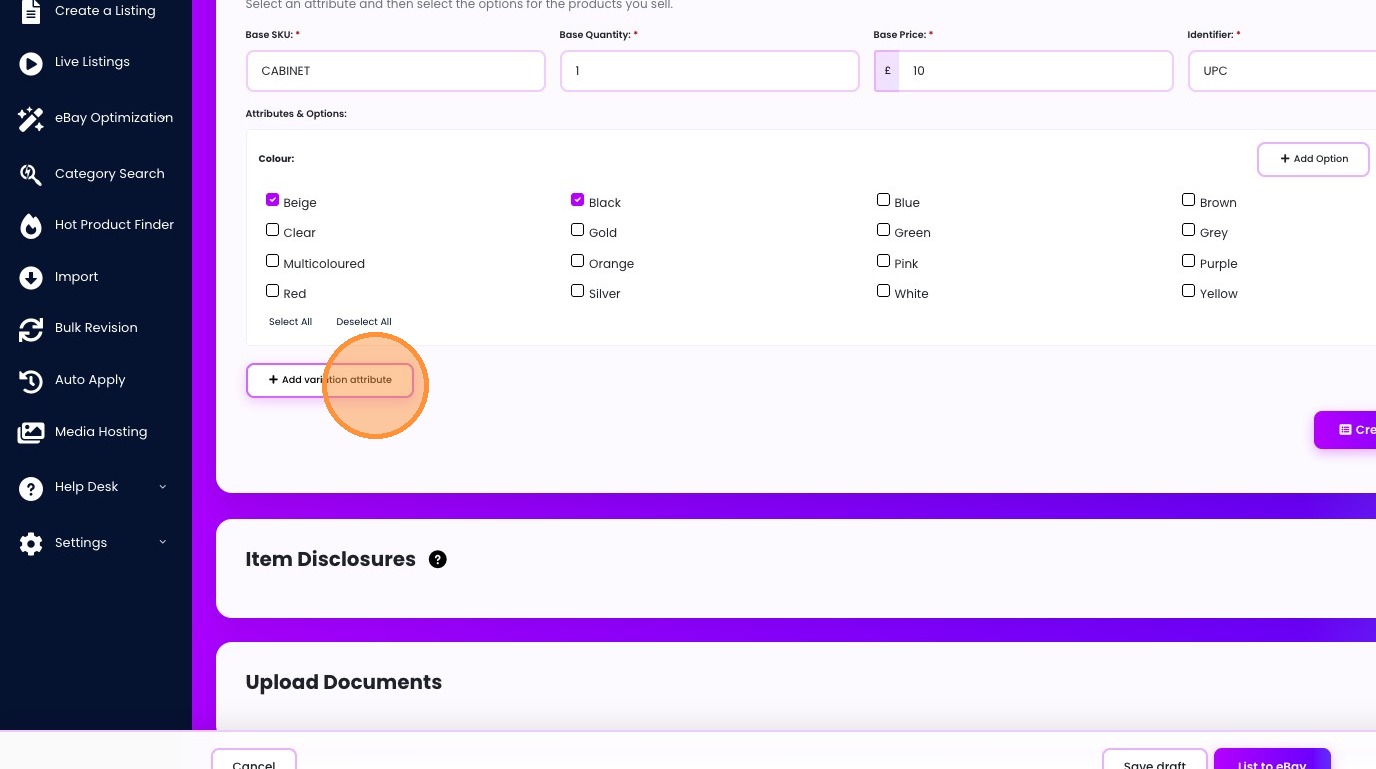
13. Click "Add variation attribute"
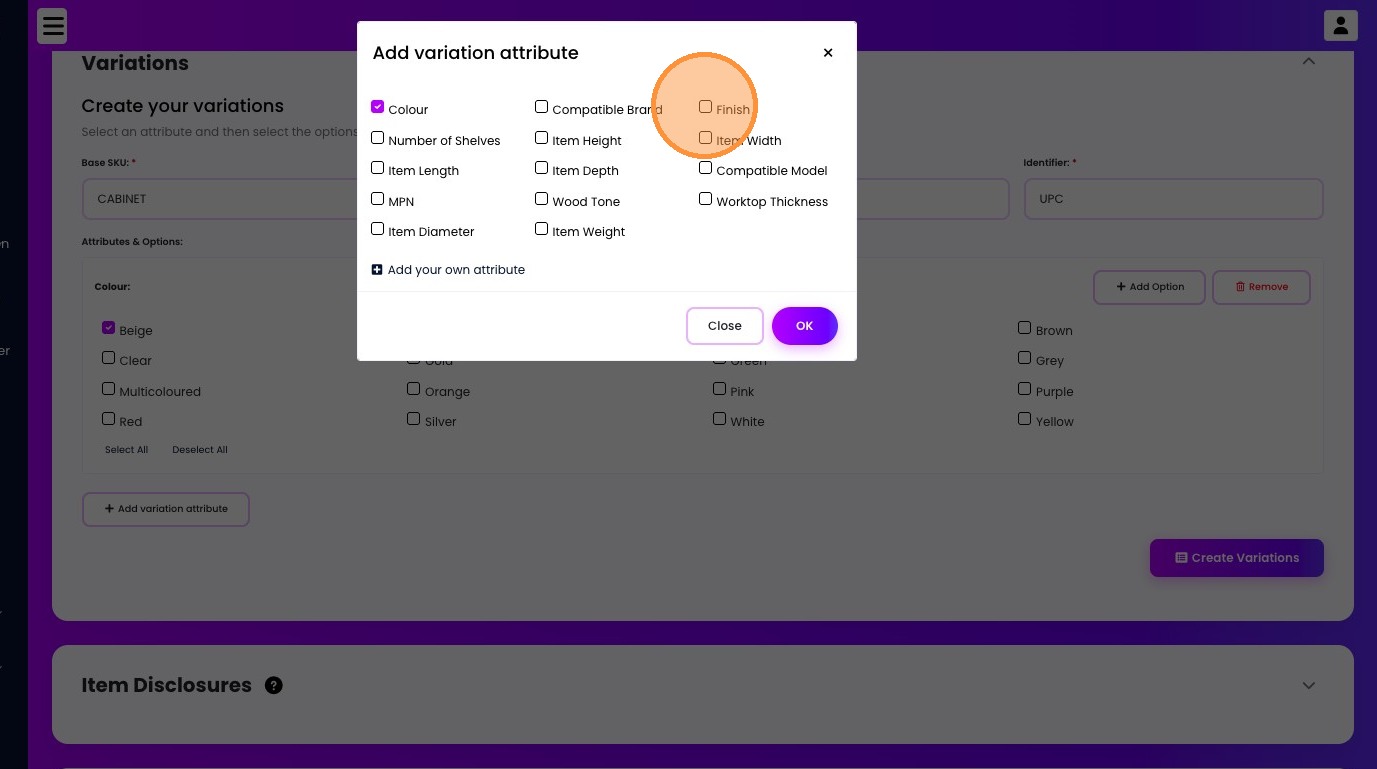
14. Click the "Finish" field.
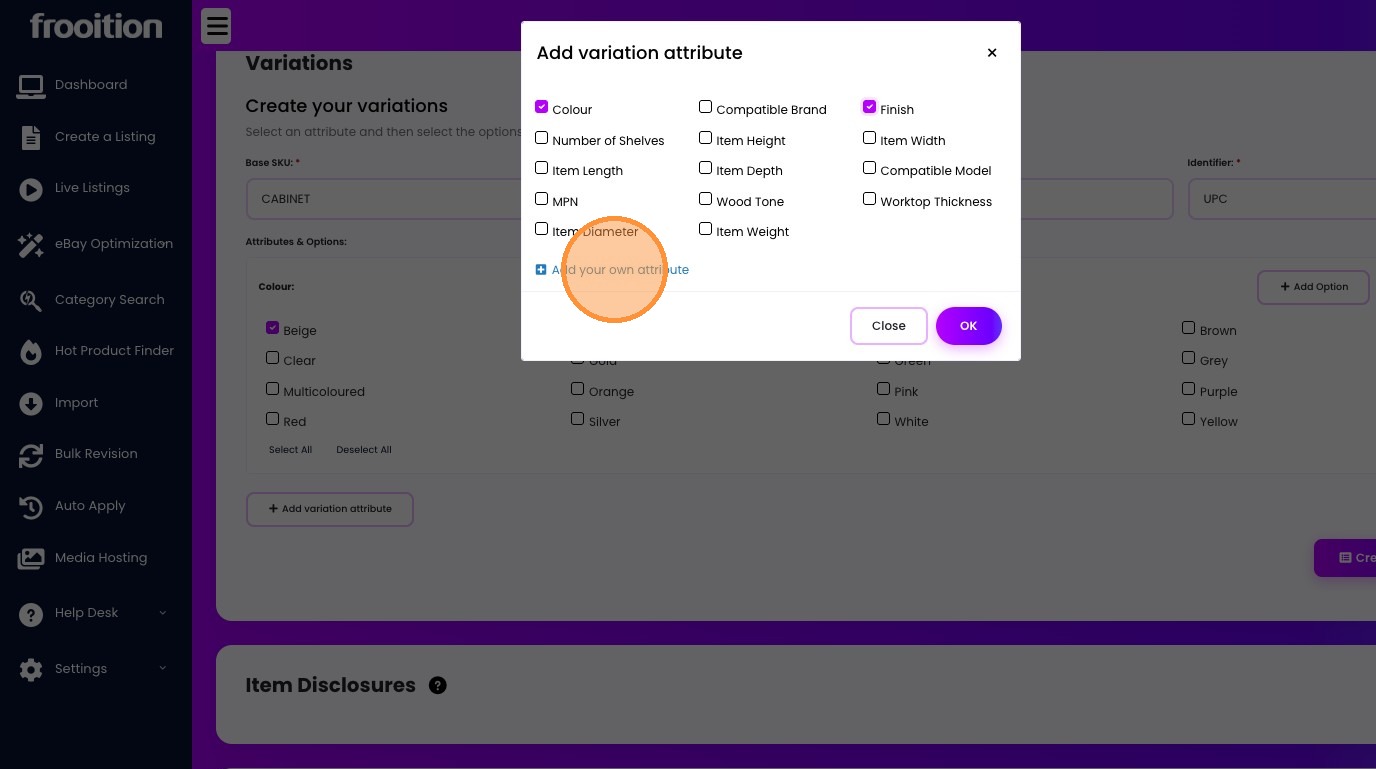
15. Click "Add your own attribute"
16. Click this text field.
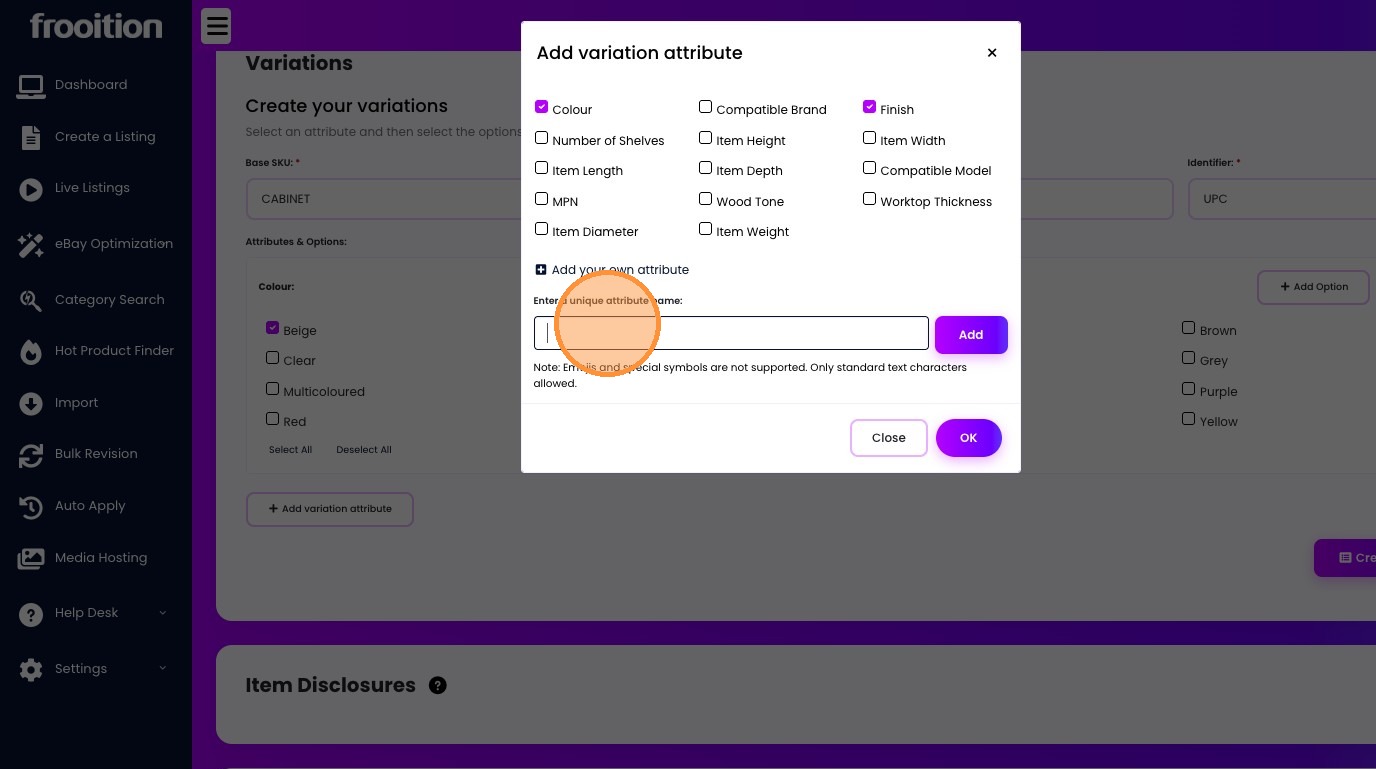
17. Type "Custom Attribute"
18. Click "Add"
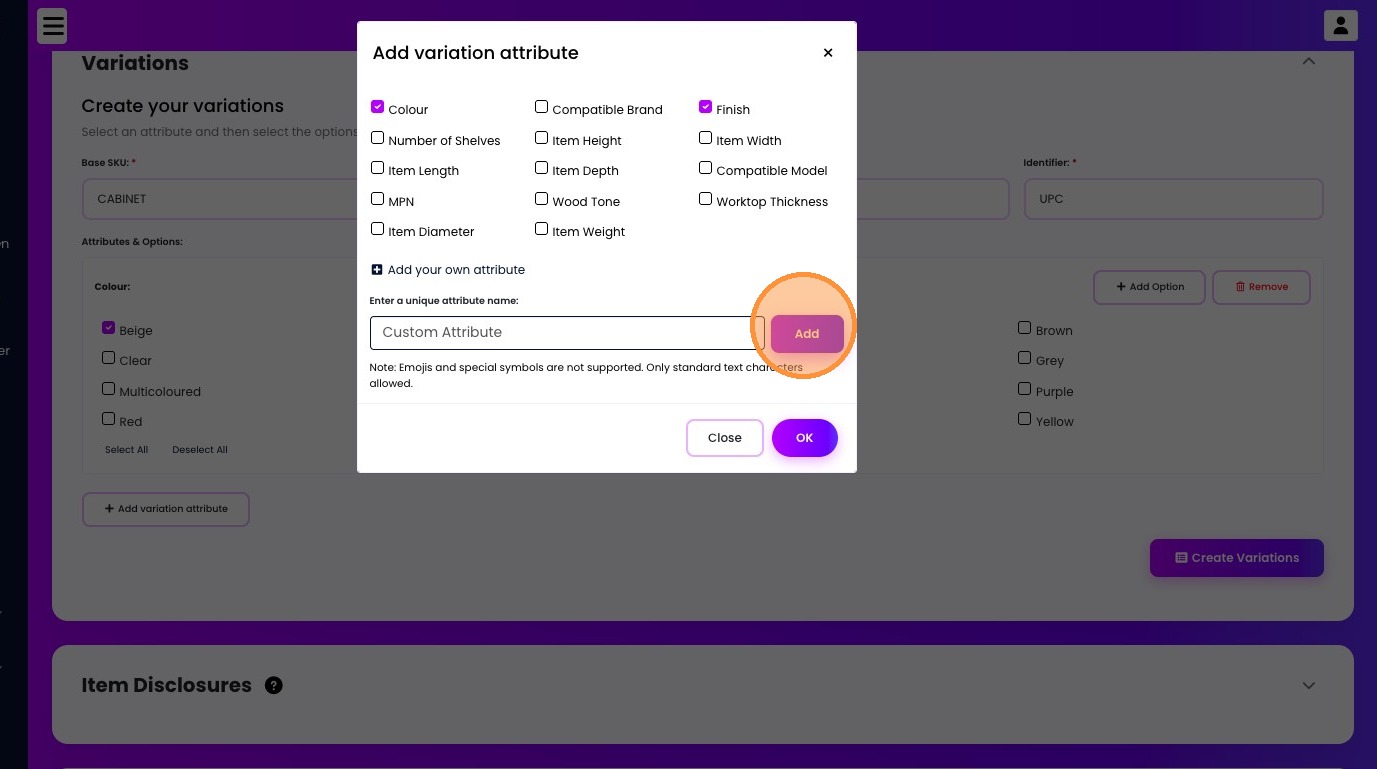
19. Click the "Item Width" field.
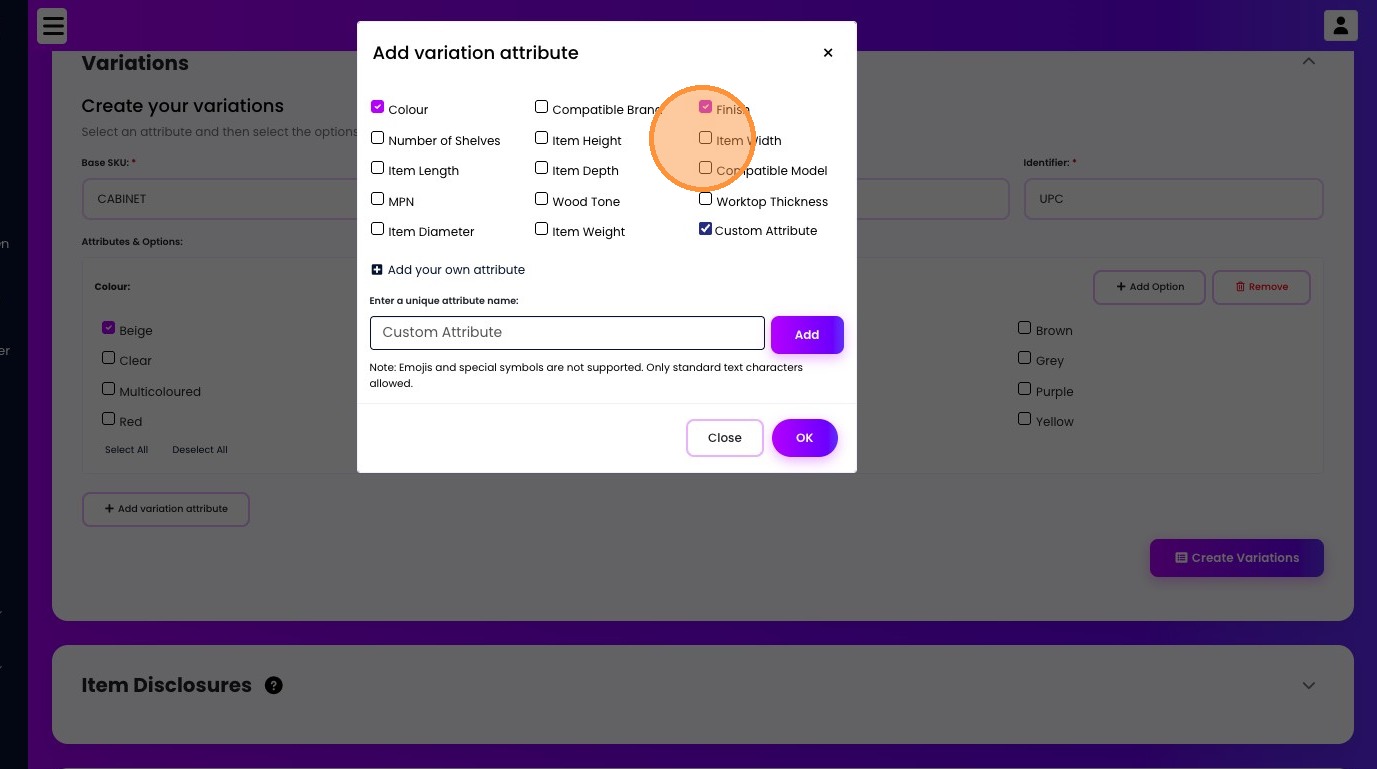
20. Click "OK"
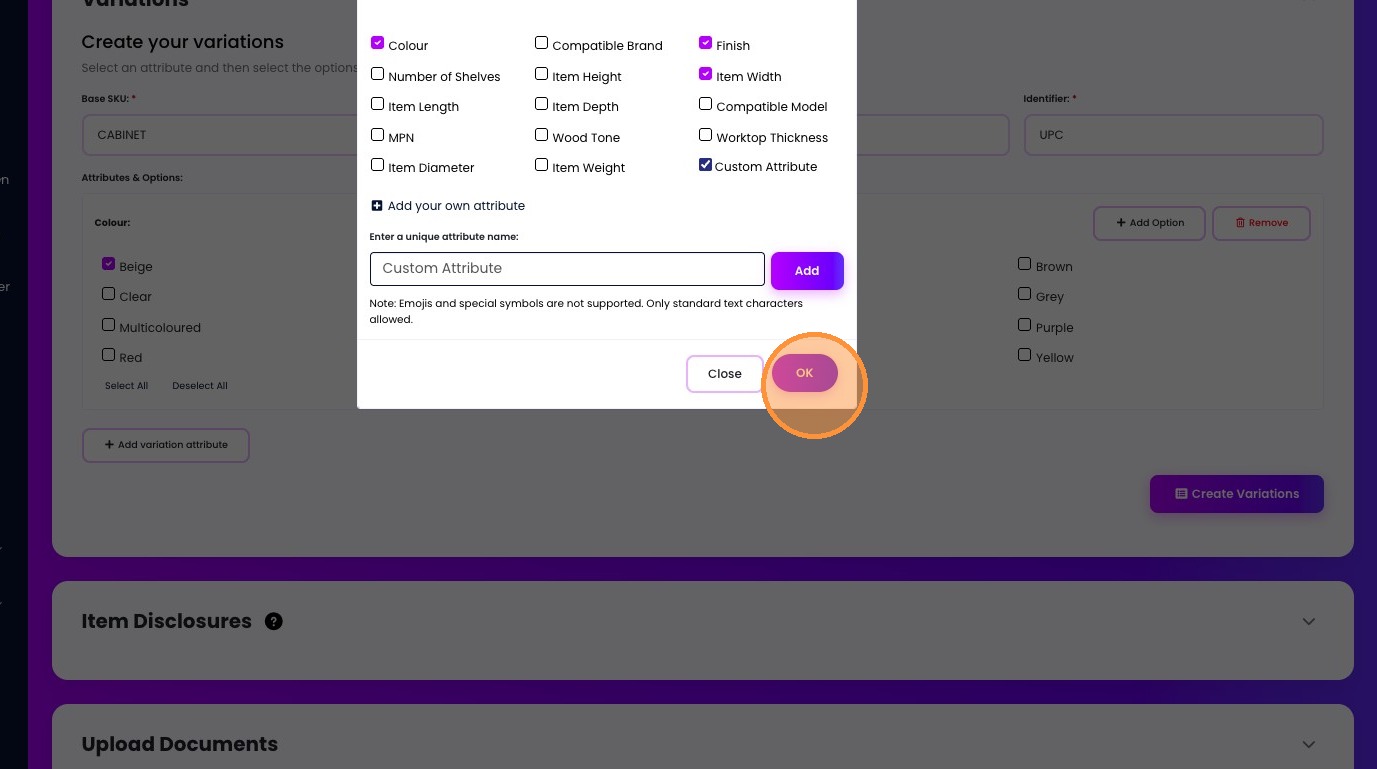
21. Click the "Painted" field.
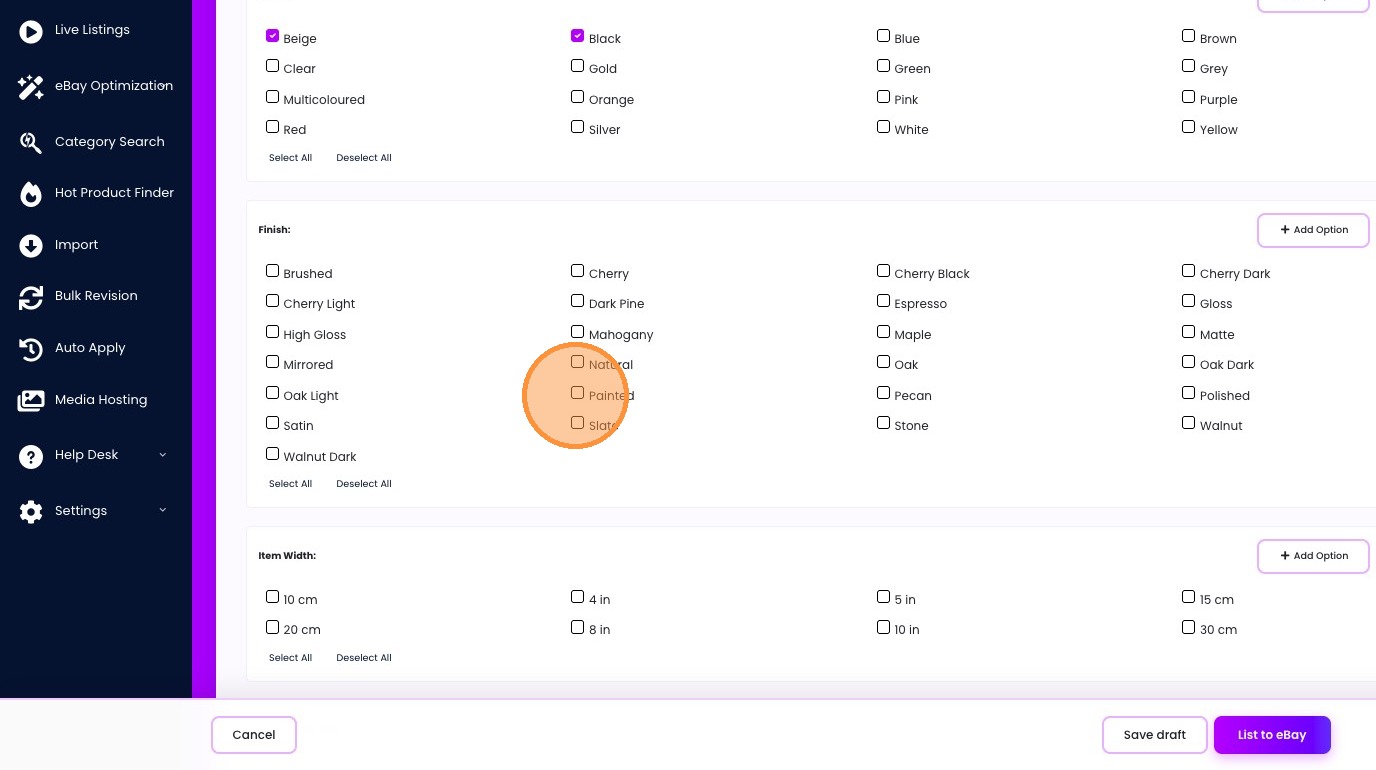
22. Click the "Slate" field.
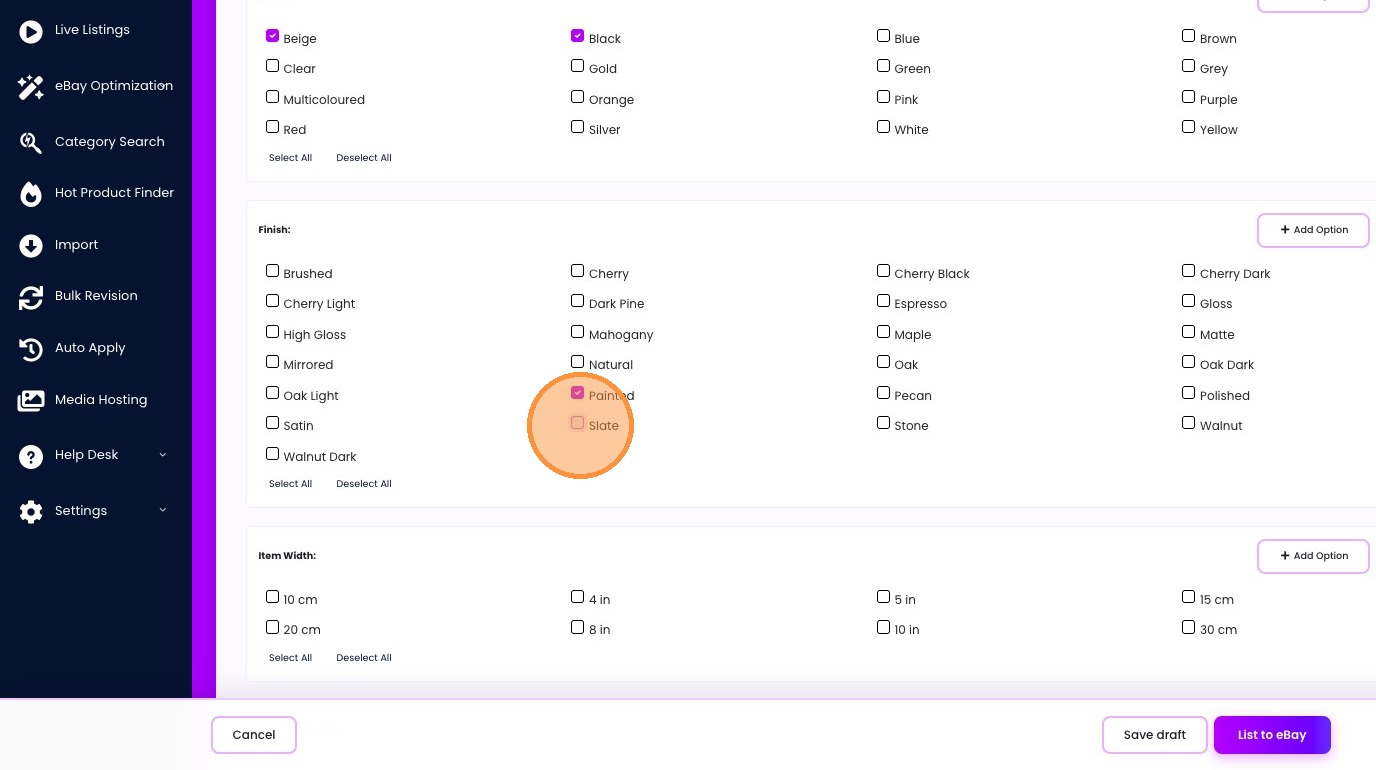
23. Click "Add Option"
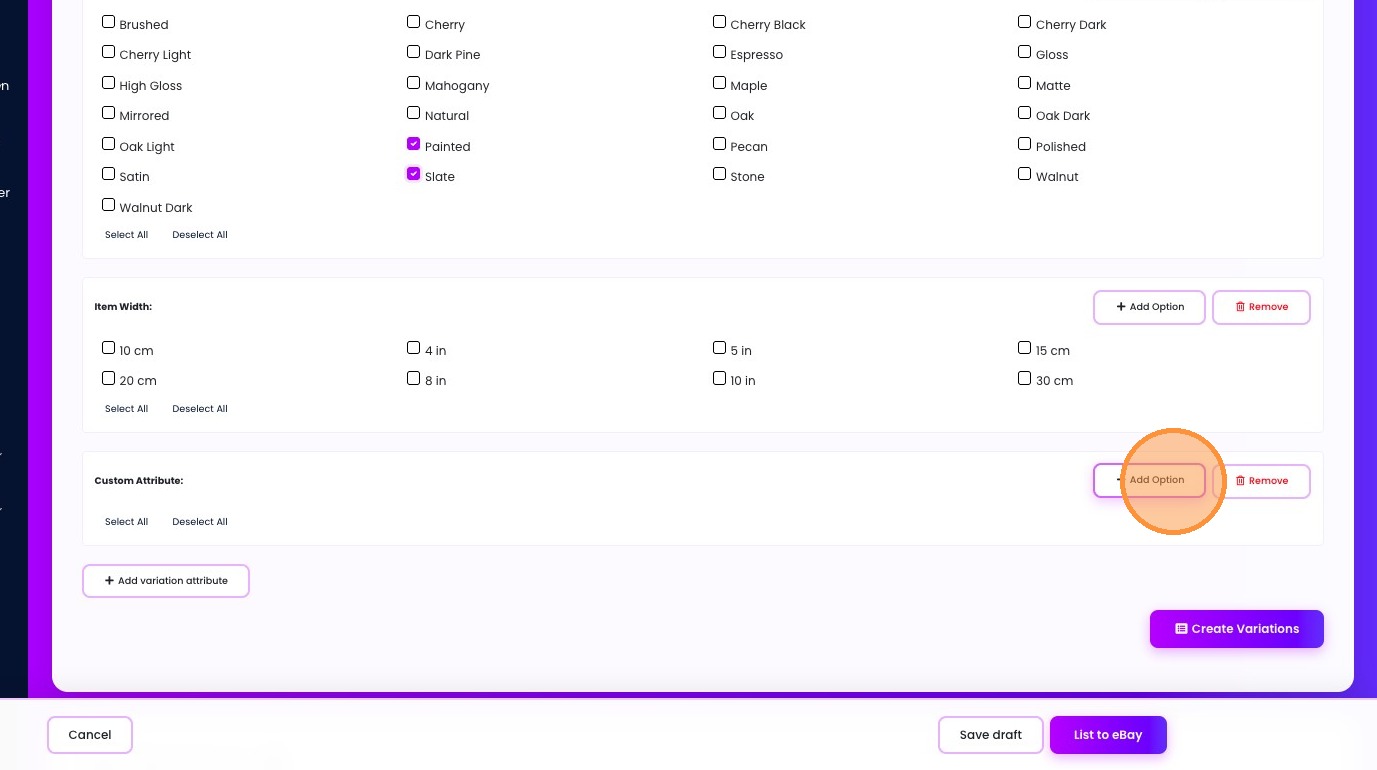
24. Type "Add your own custom option"
25. Click "Close Add"
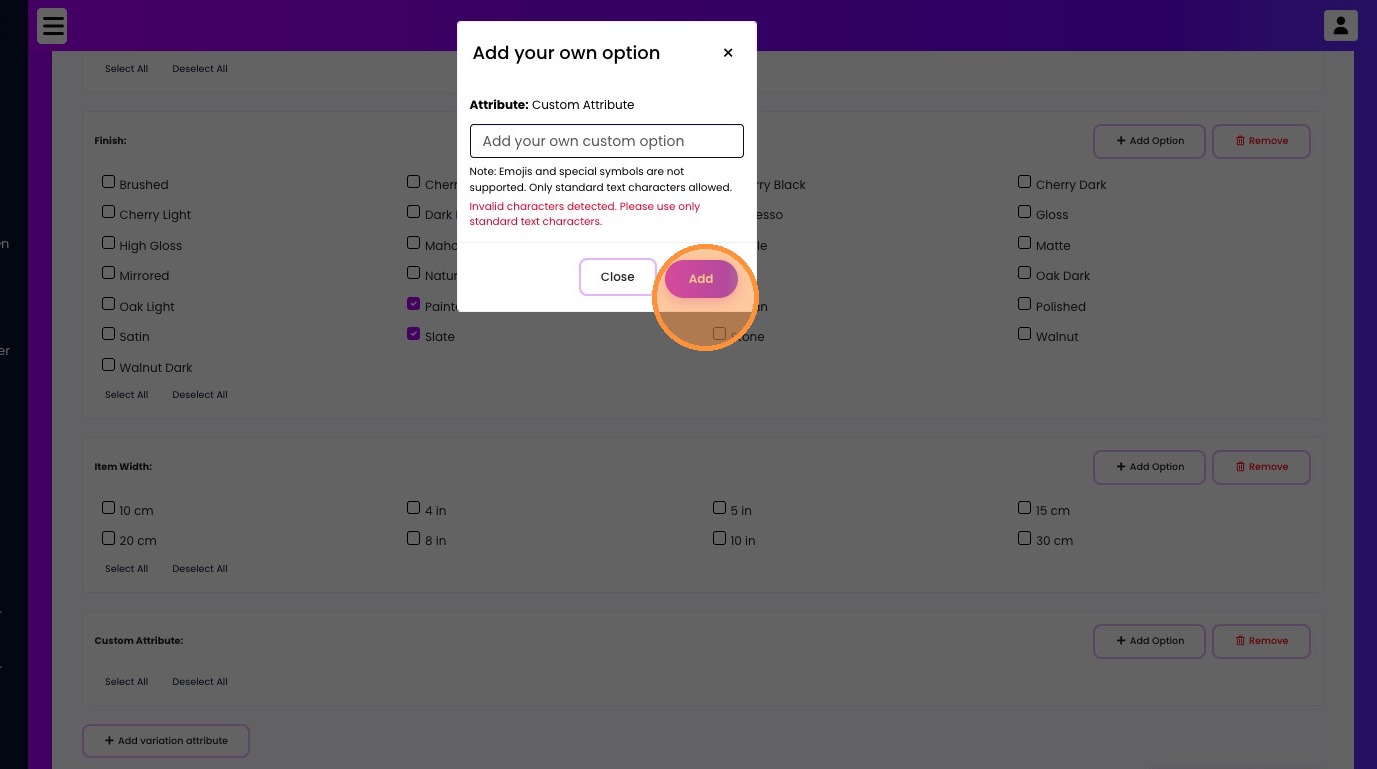
26. Click "Add"
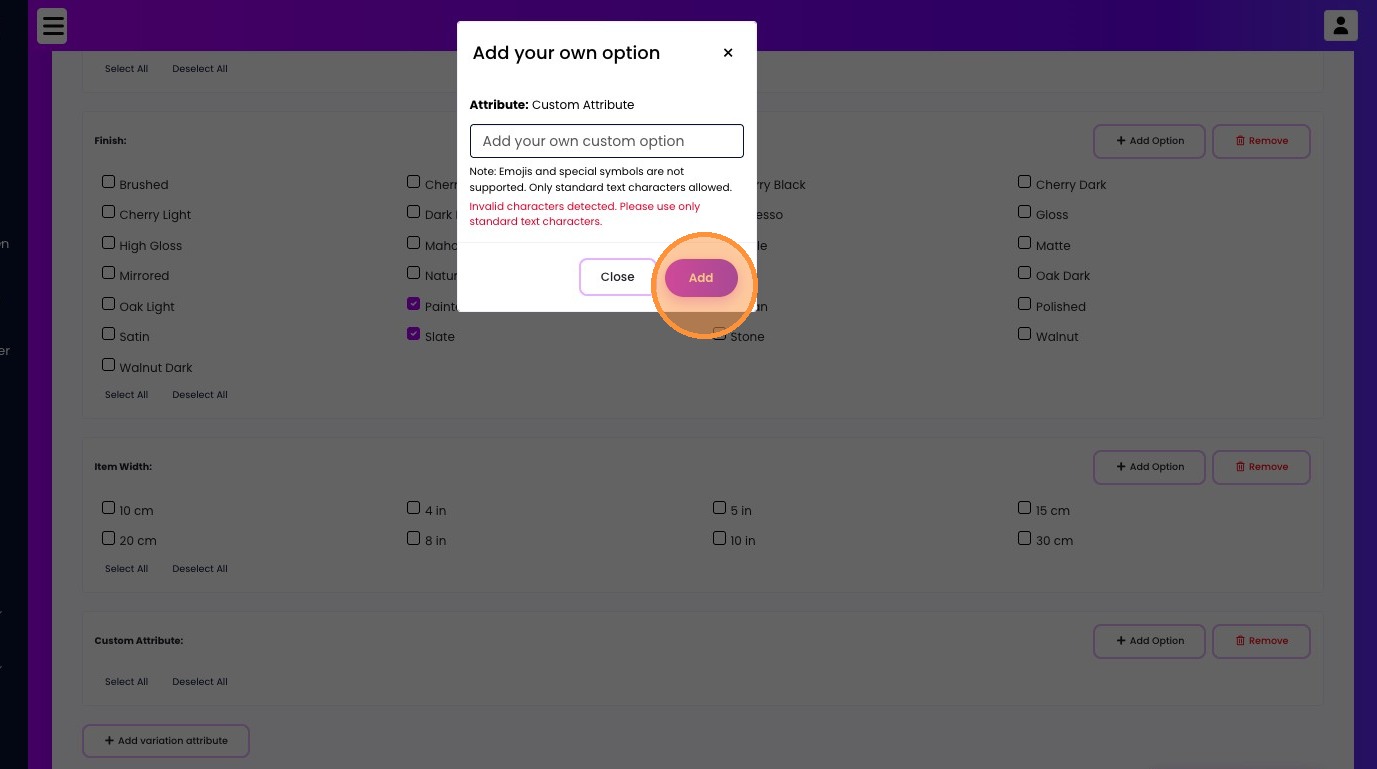
27. Click "Add Option"
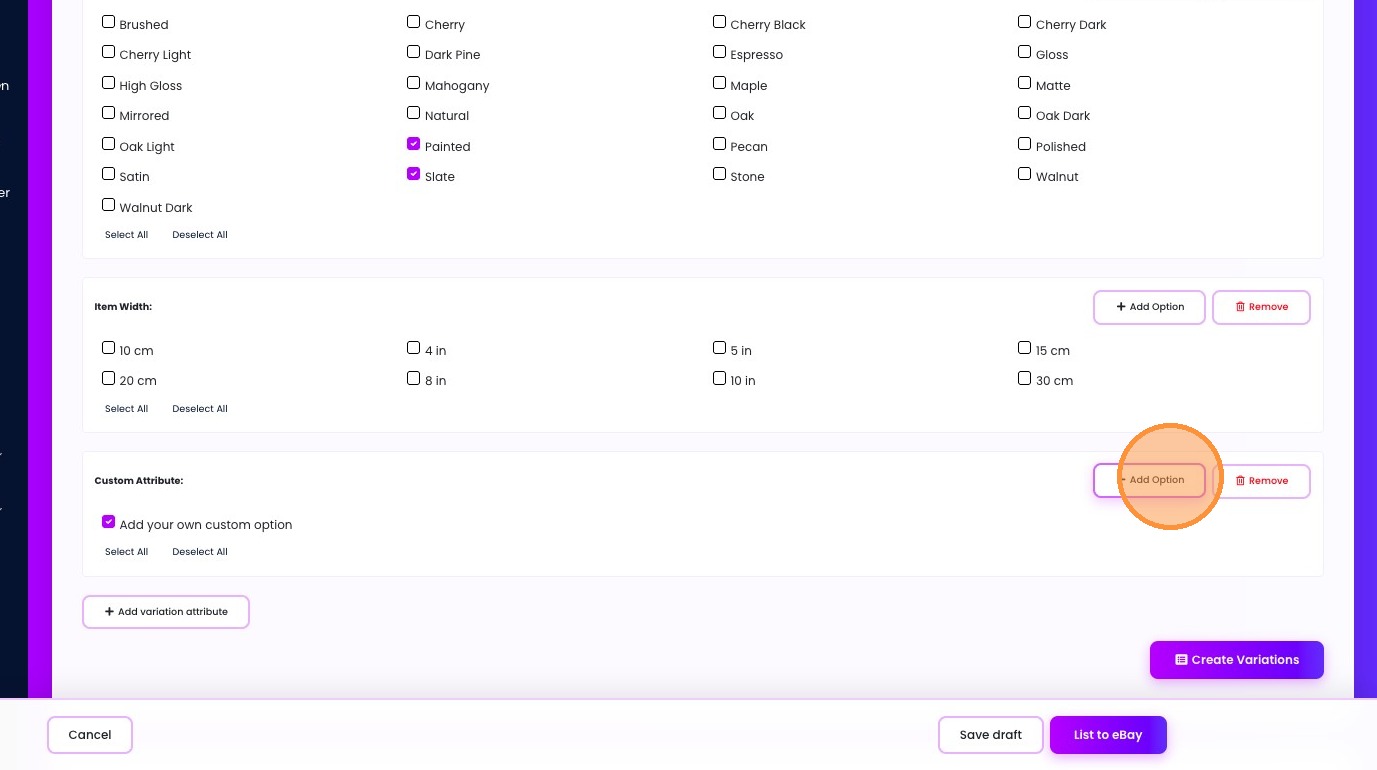
28. Type "Add another"
29. Click "Add"
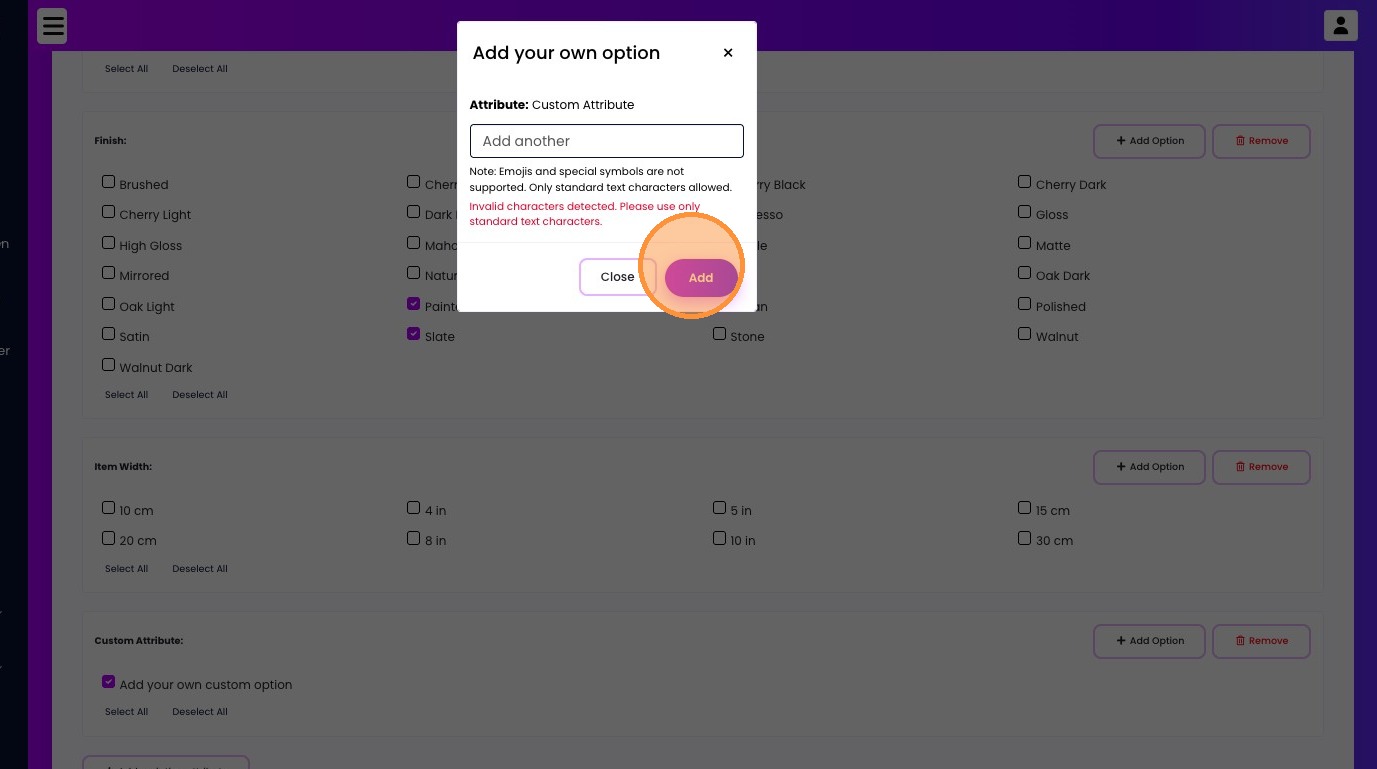
30. Click "Remove"
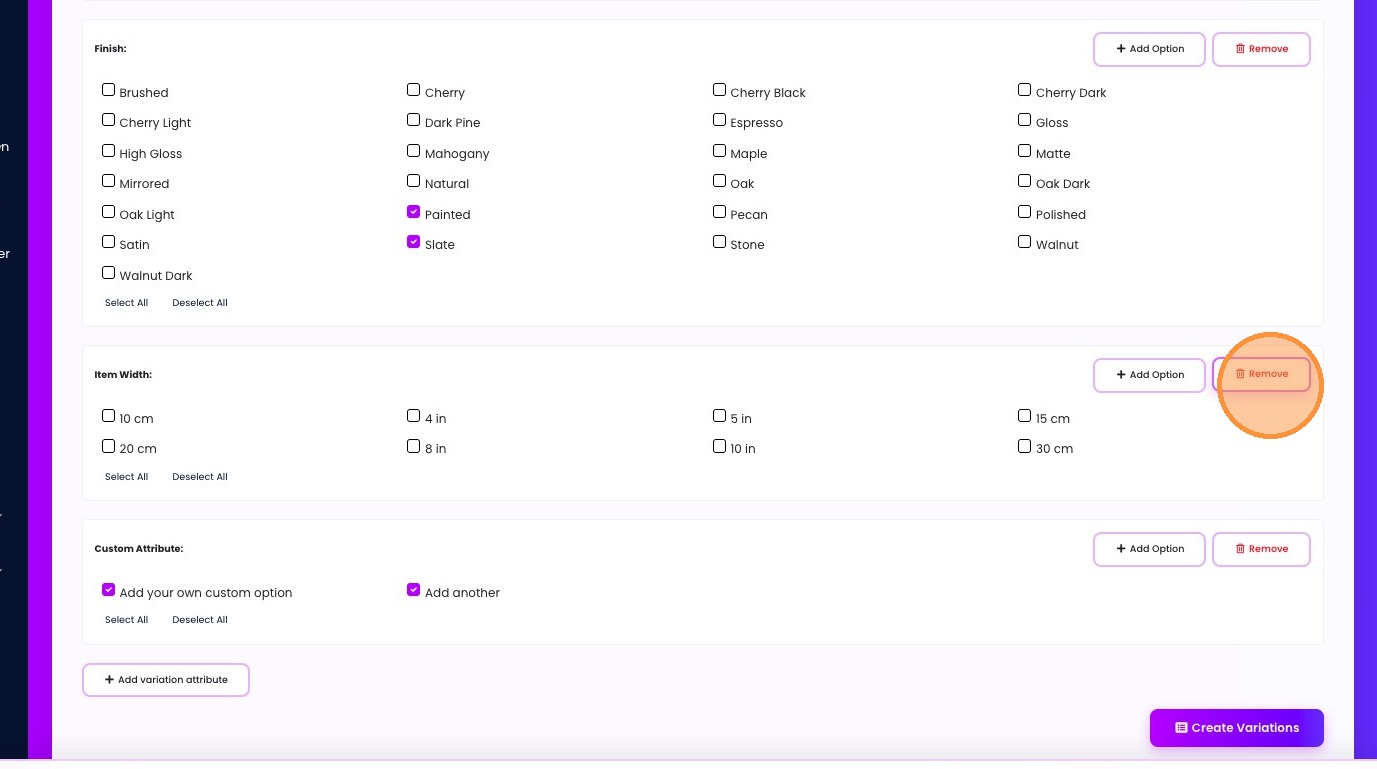
31. Click "Create Variations"
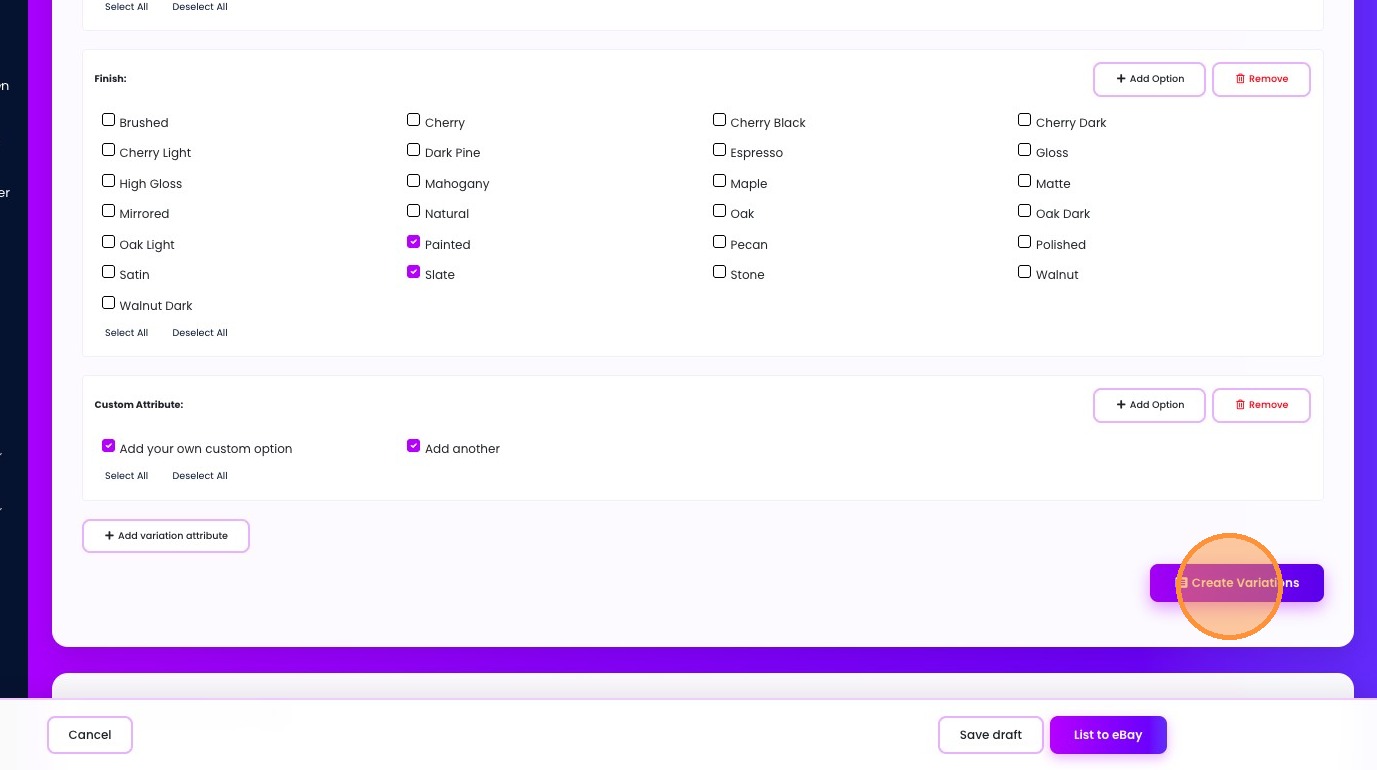
32. Click "Create automatically"
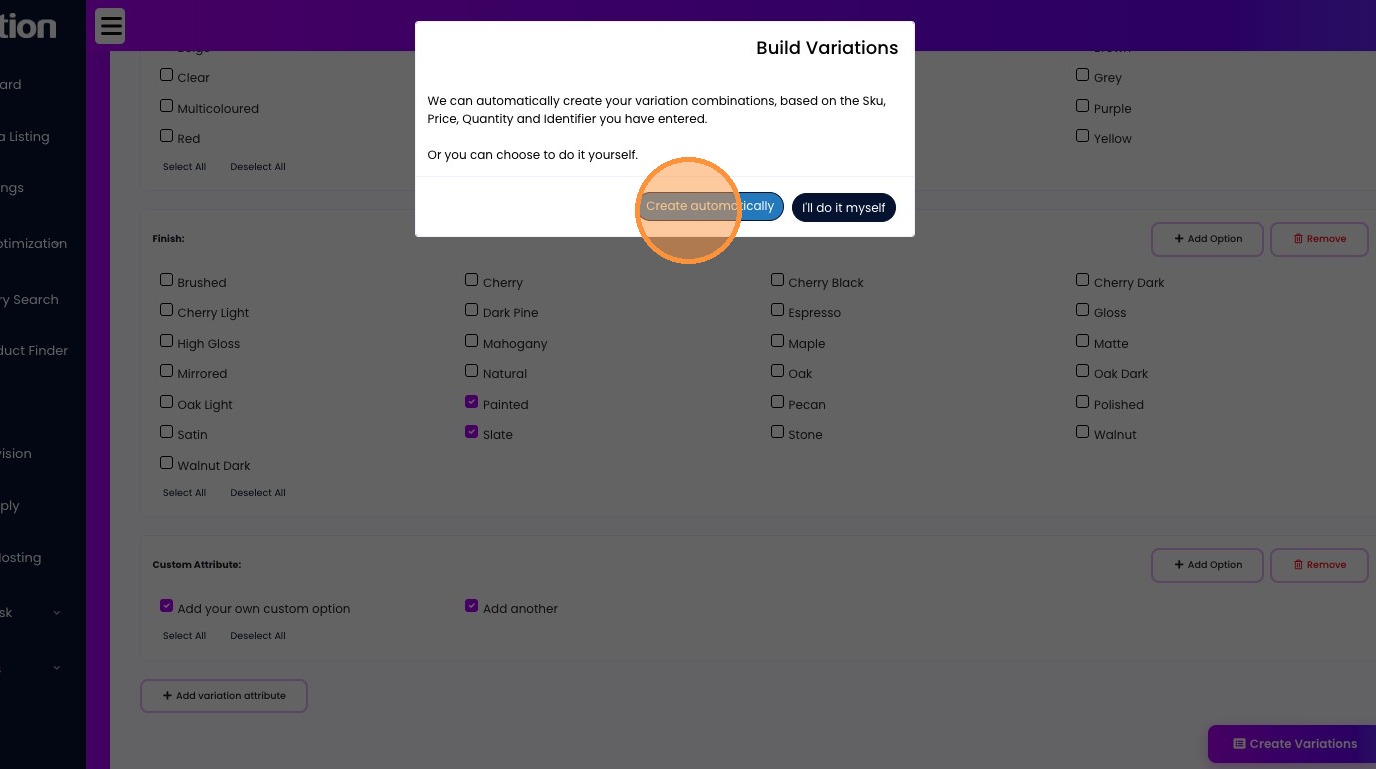
33. Click this checkbox.
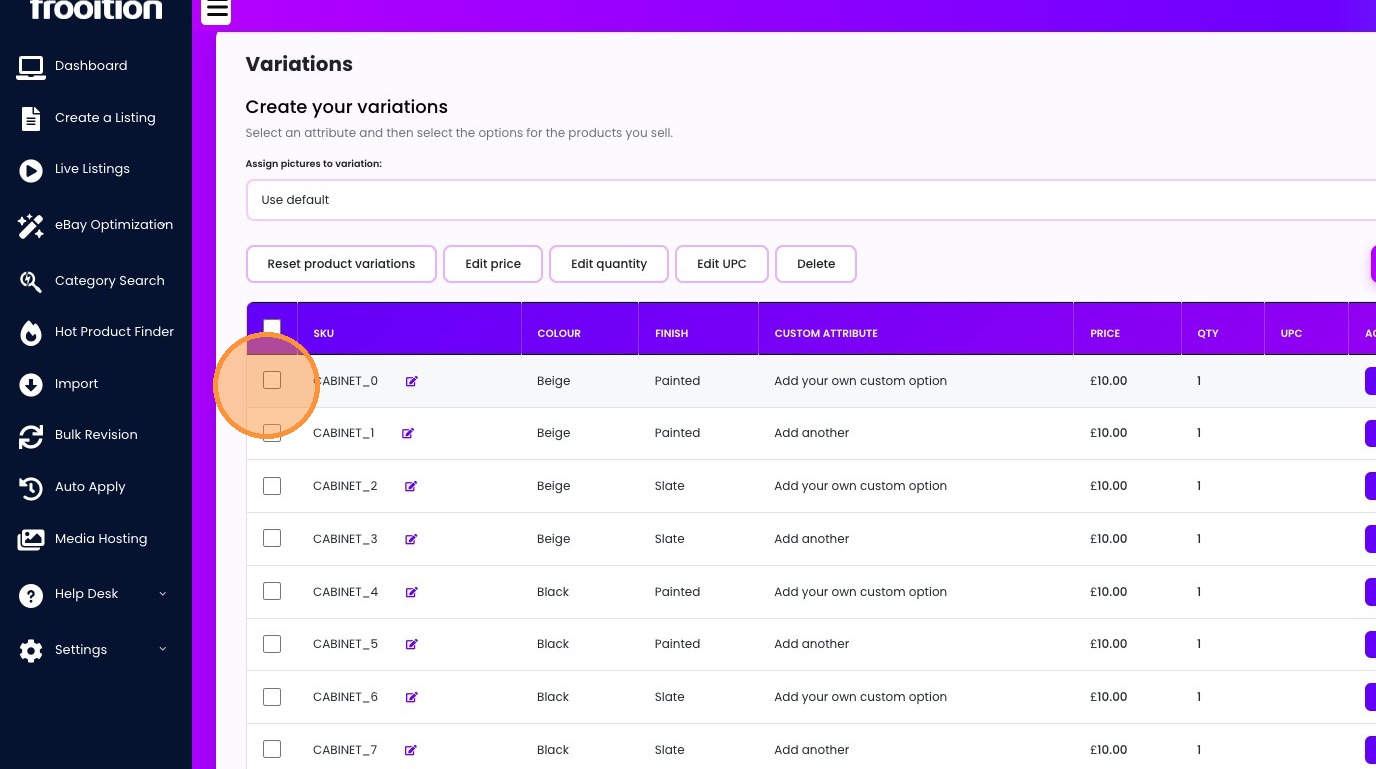
34. Click "Edit price"
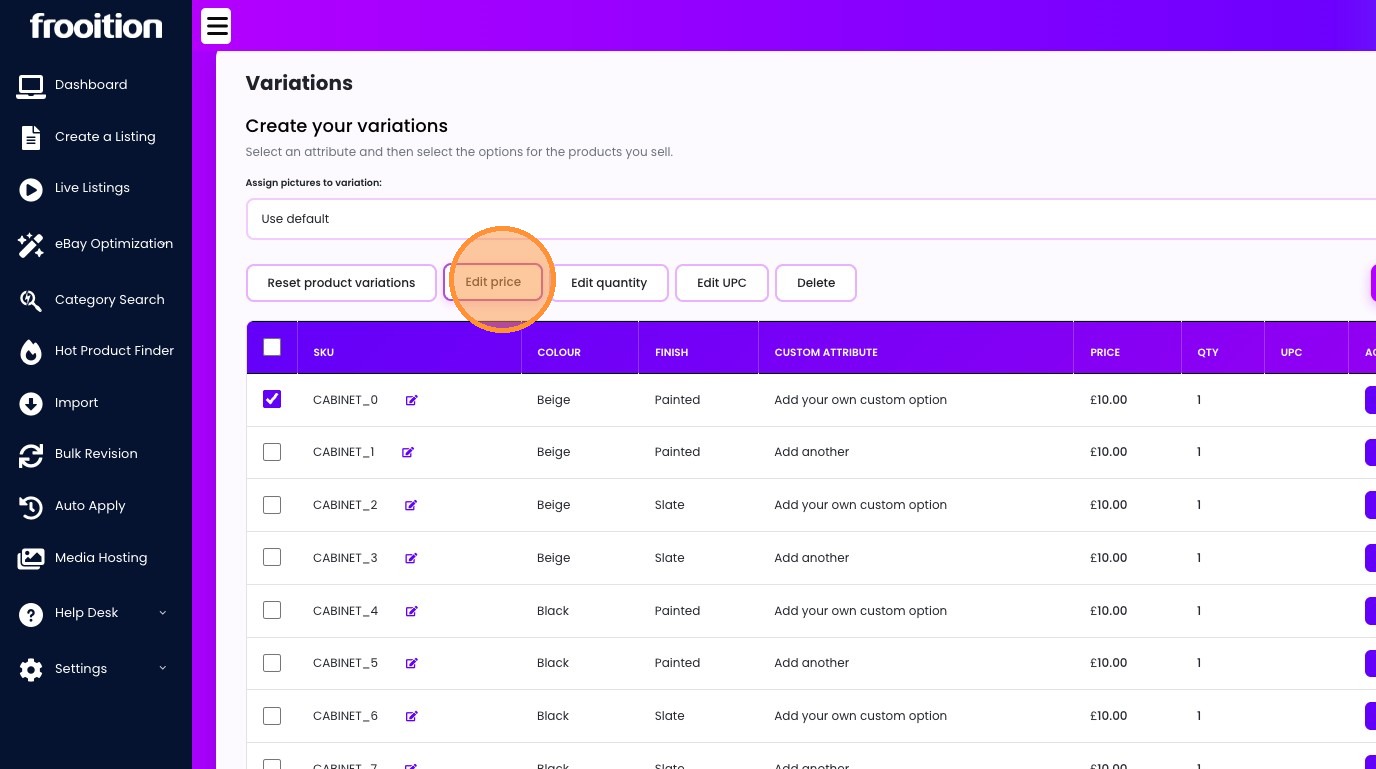
35. Click this text field.
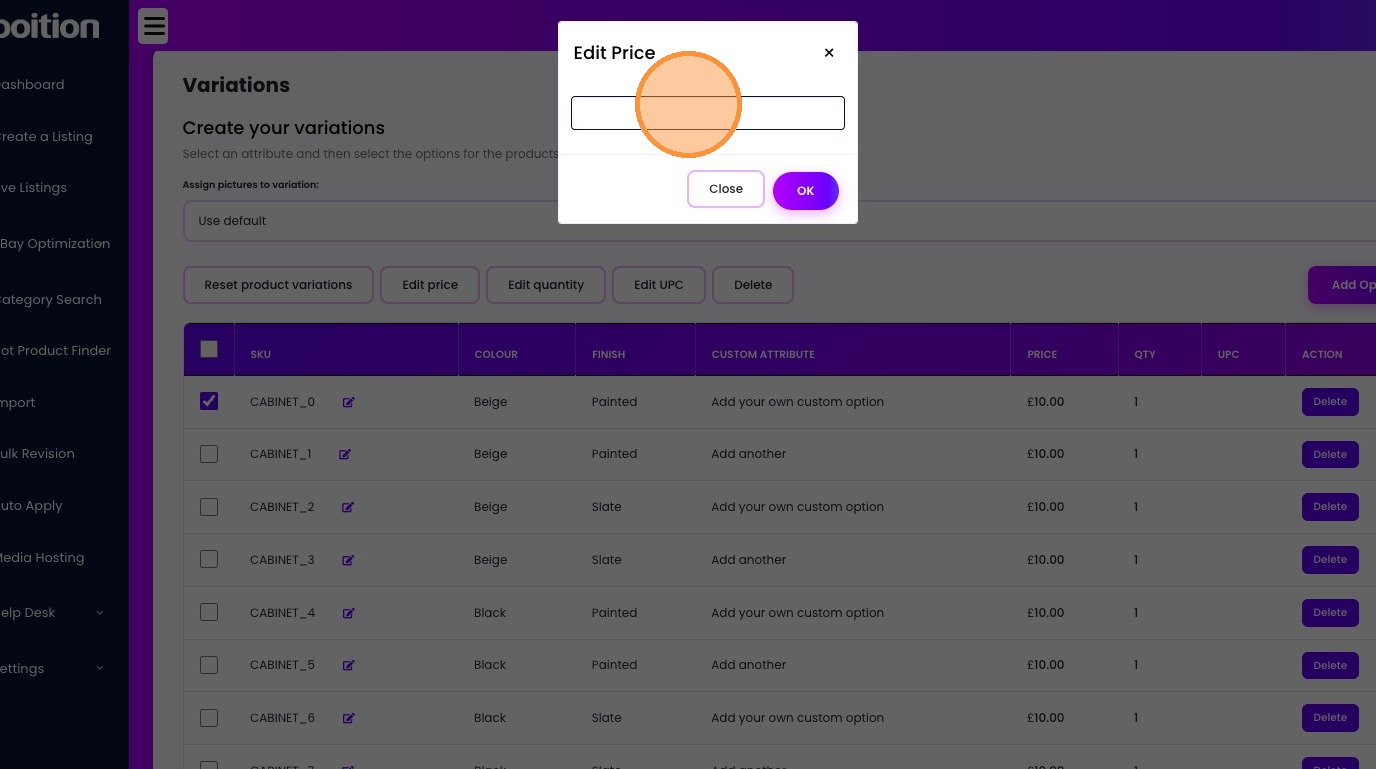
36. Type "30"
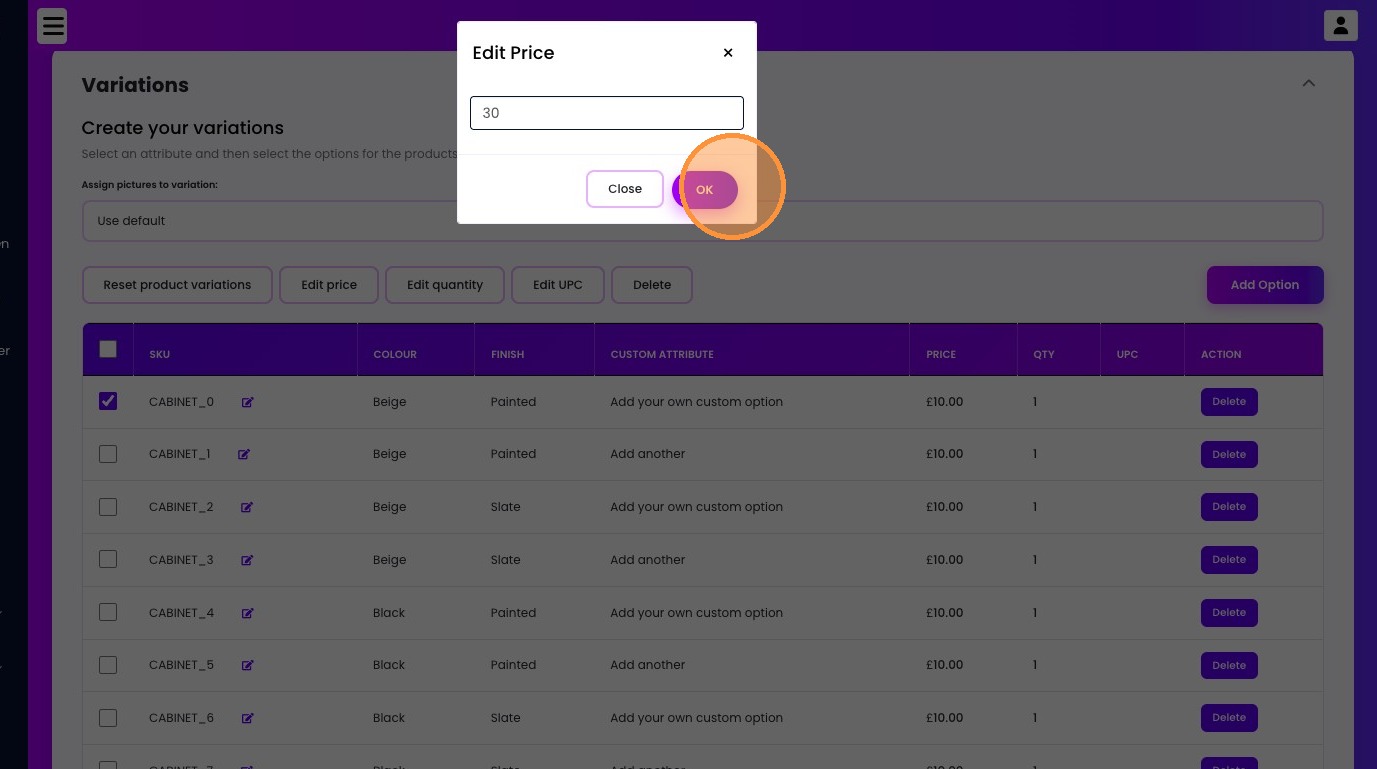
37. Click "OK"
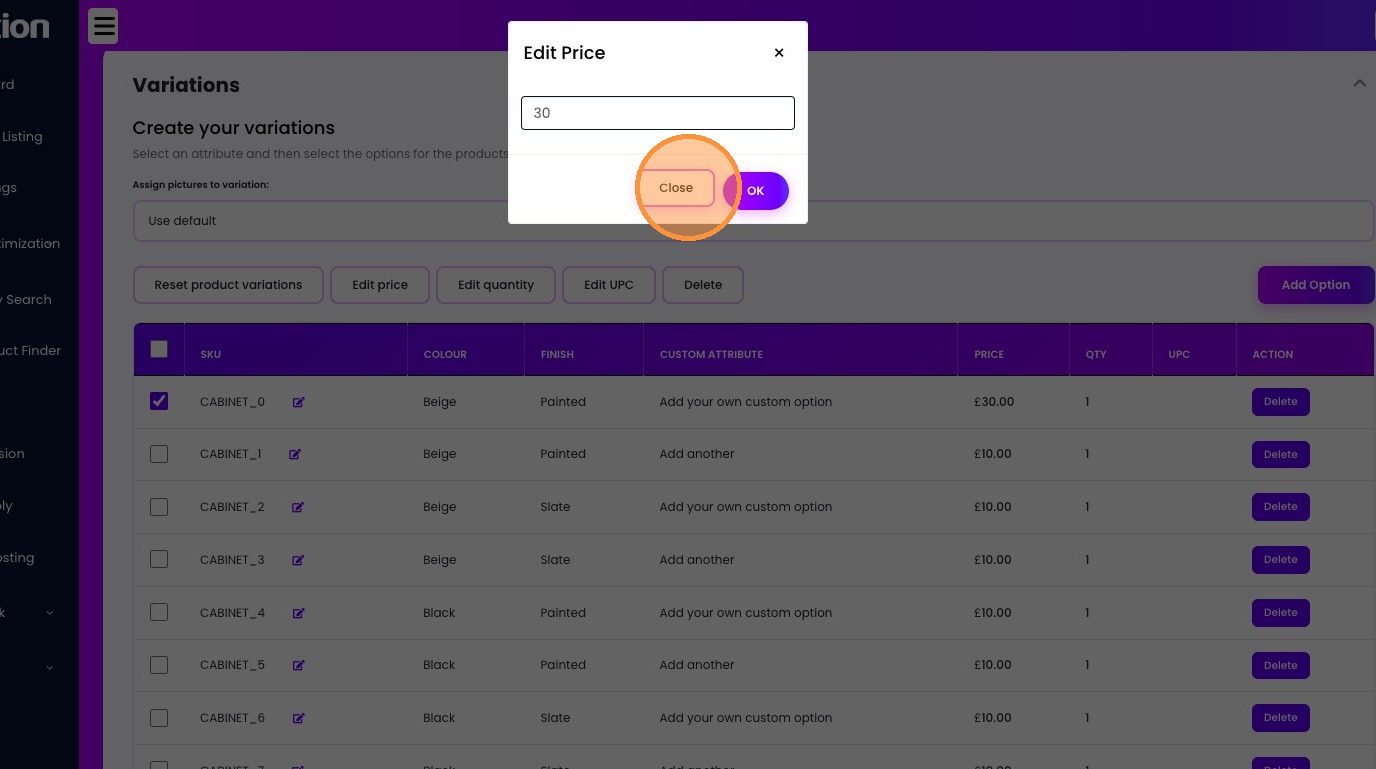
38. Click "Close"
39. Click this checkbox.
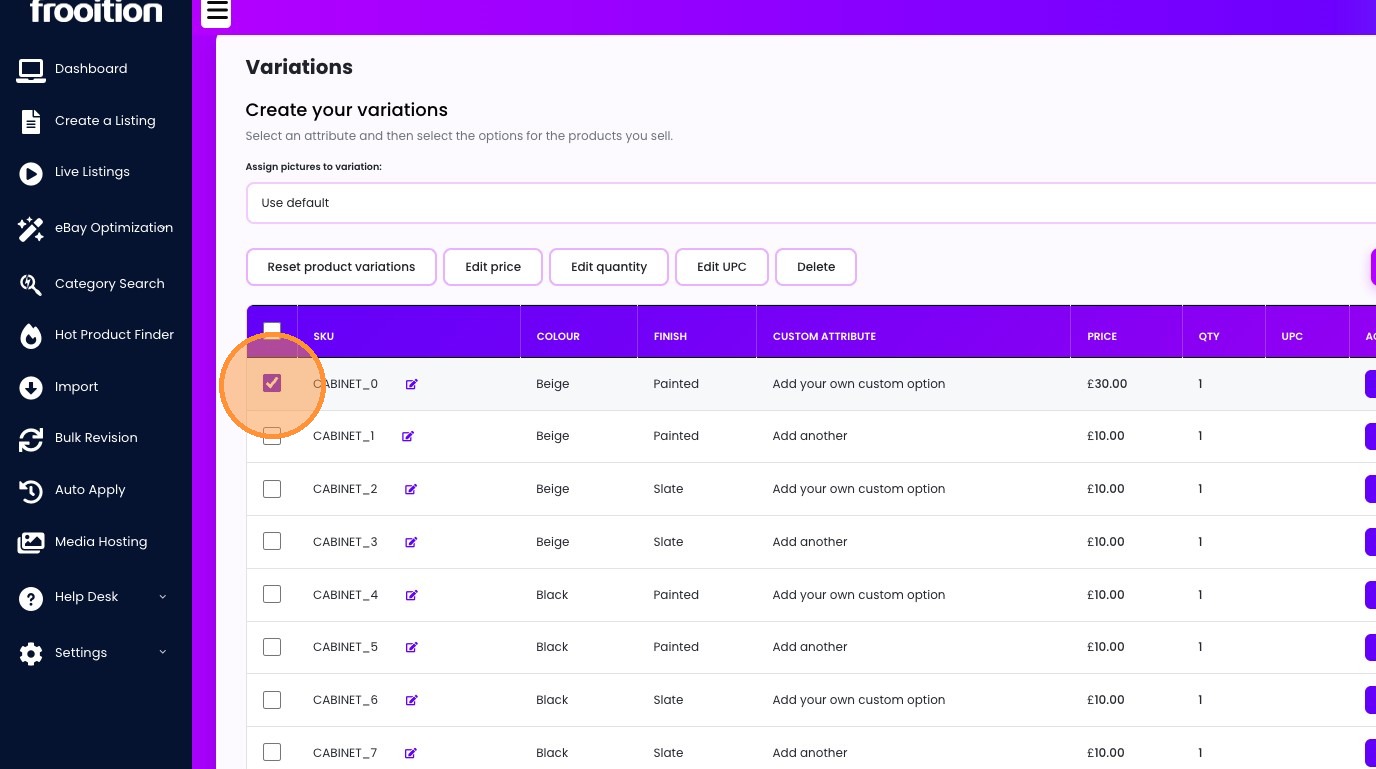
40. Click this checkbox.
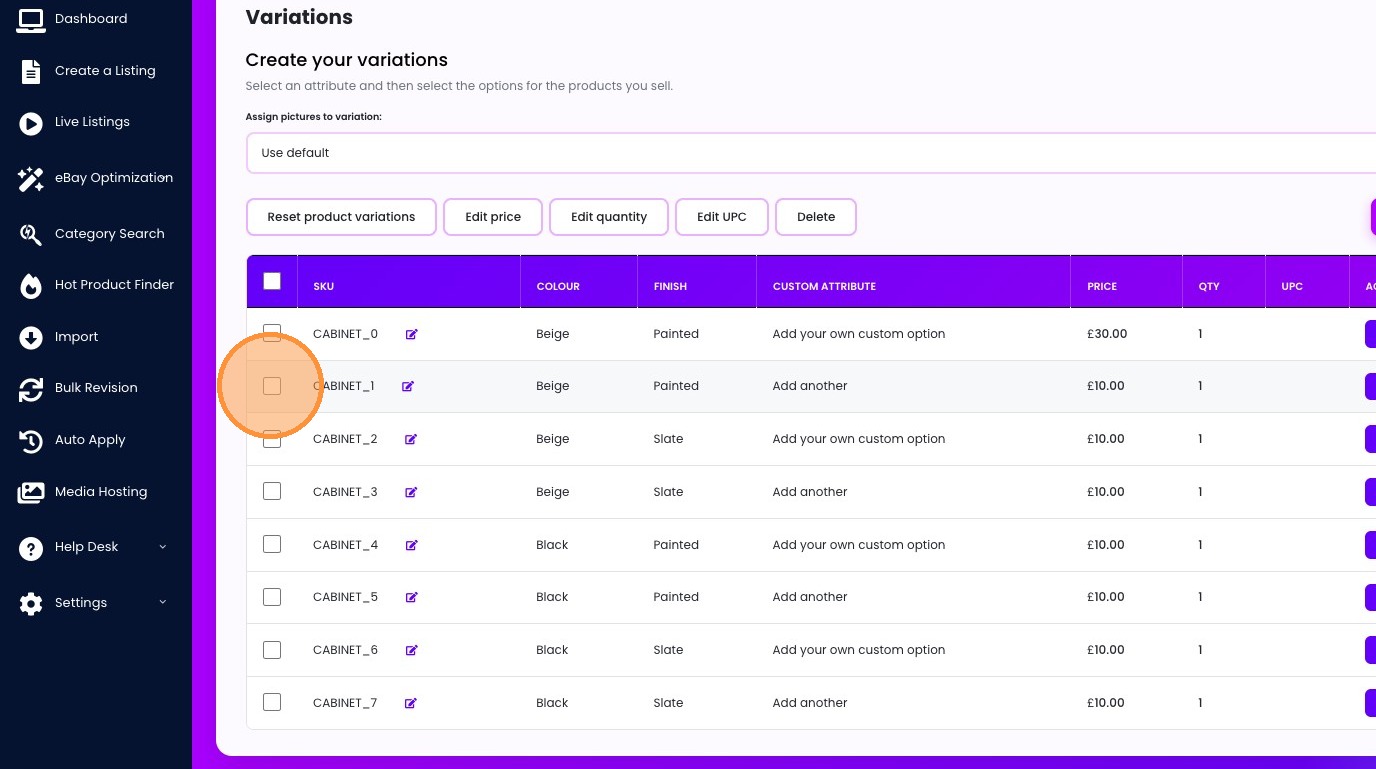
41. Click "Edit price"
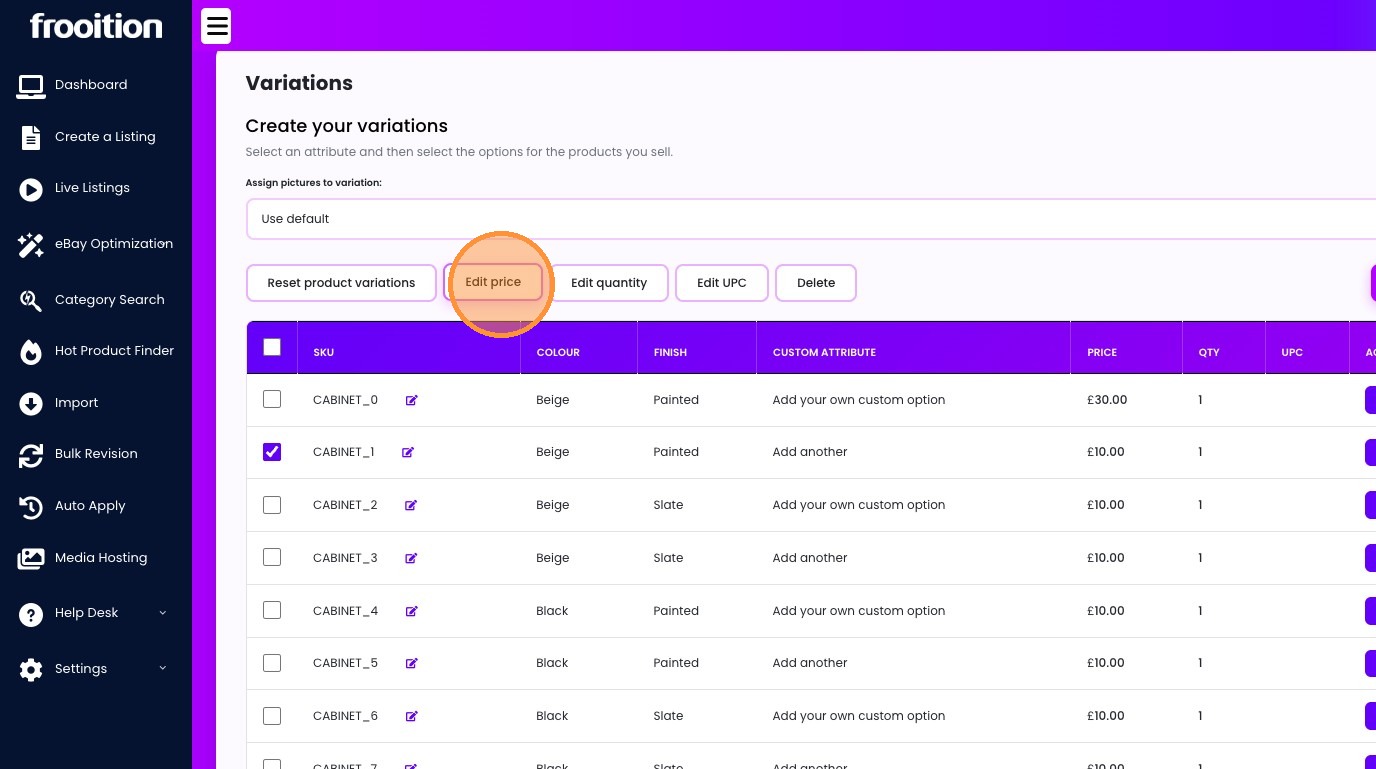
42. Click this text field.
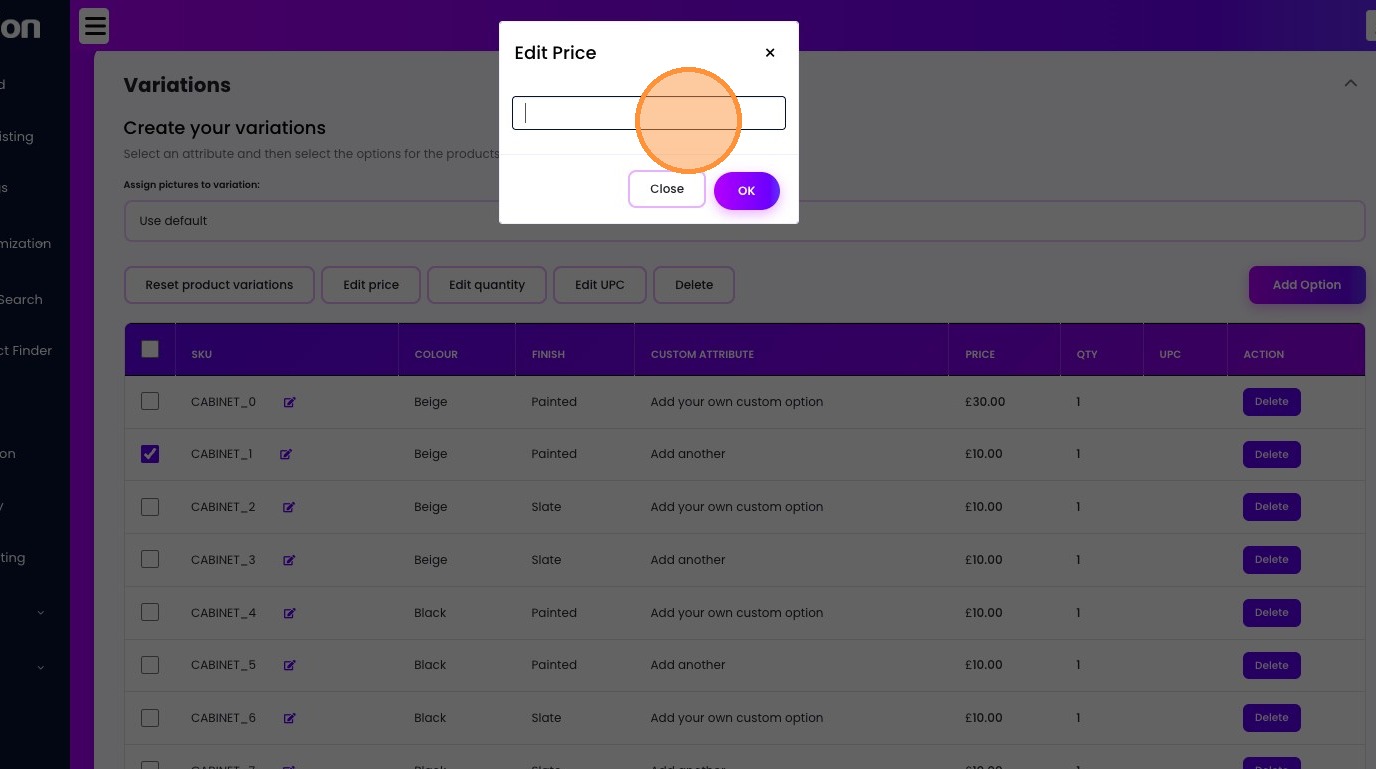
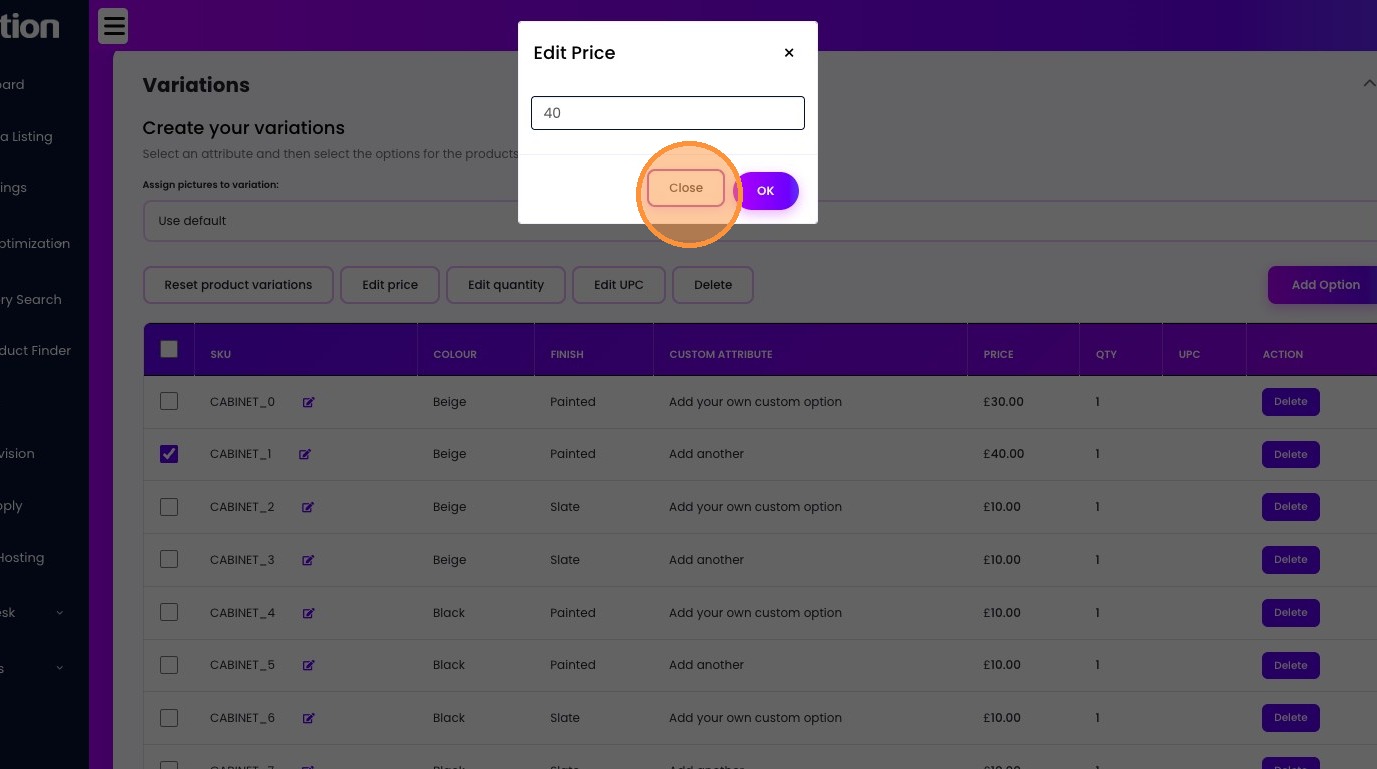
43. Type "40"
44. Click "OK"
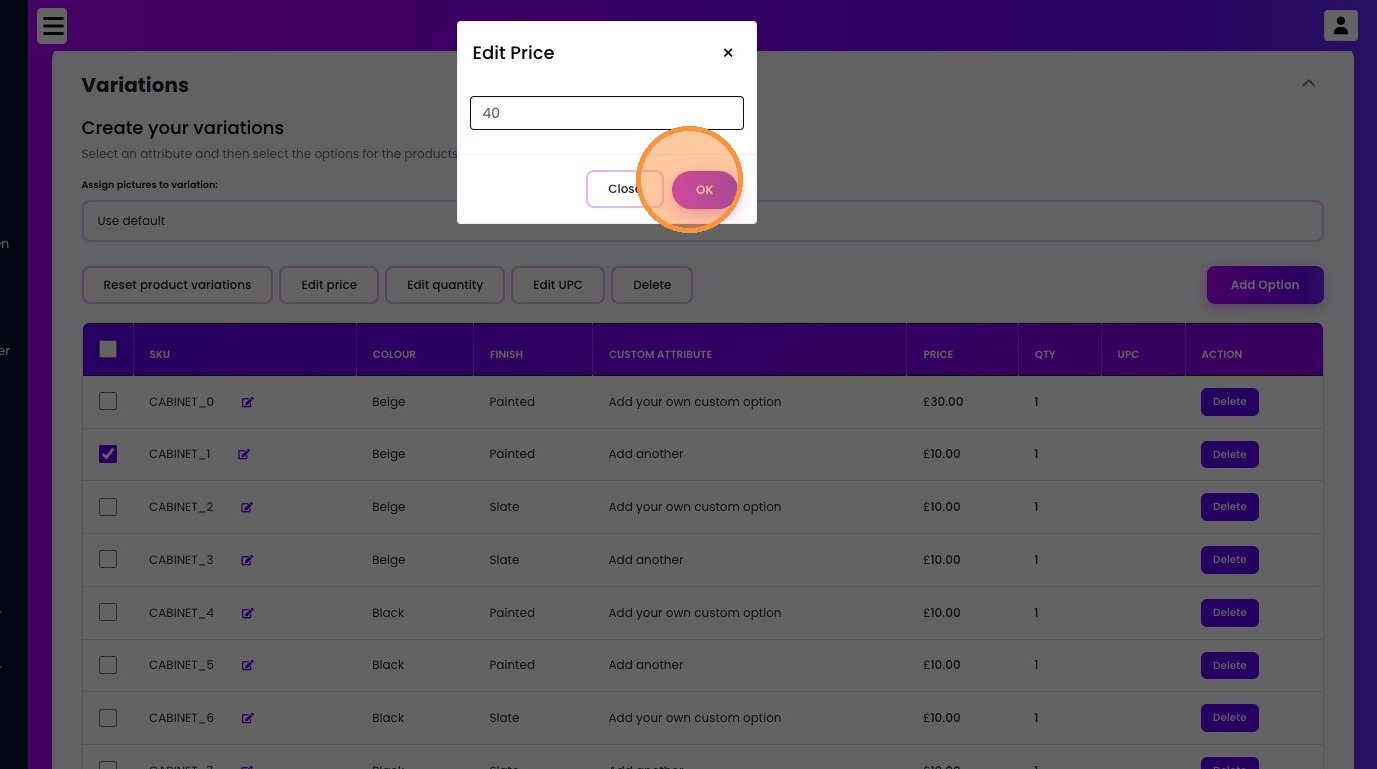
45. Click "Close"
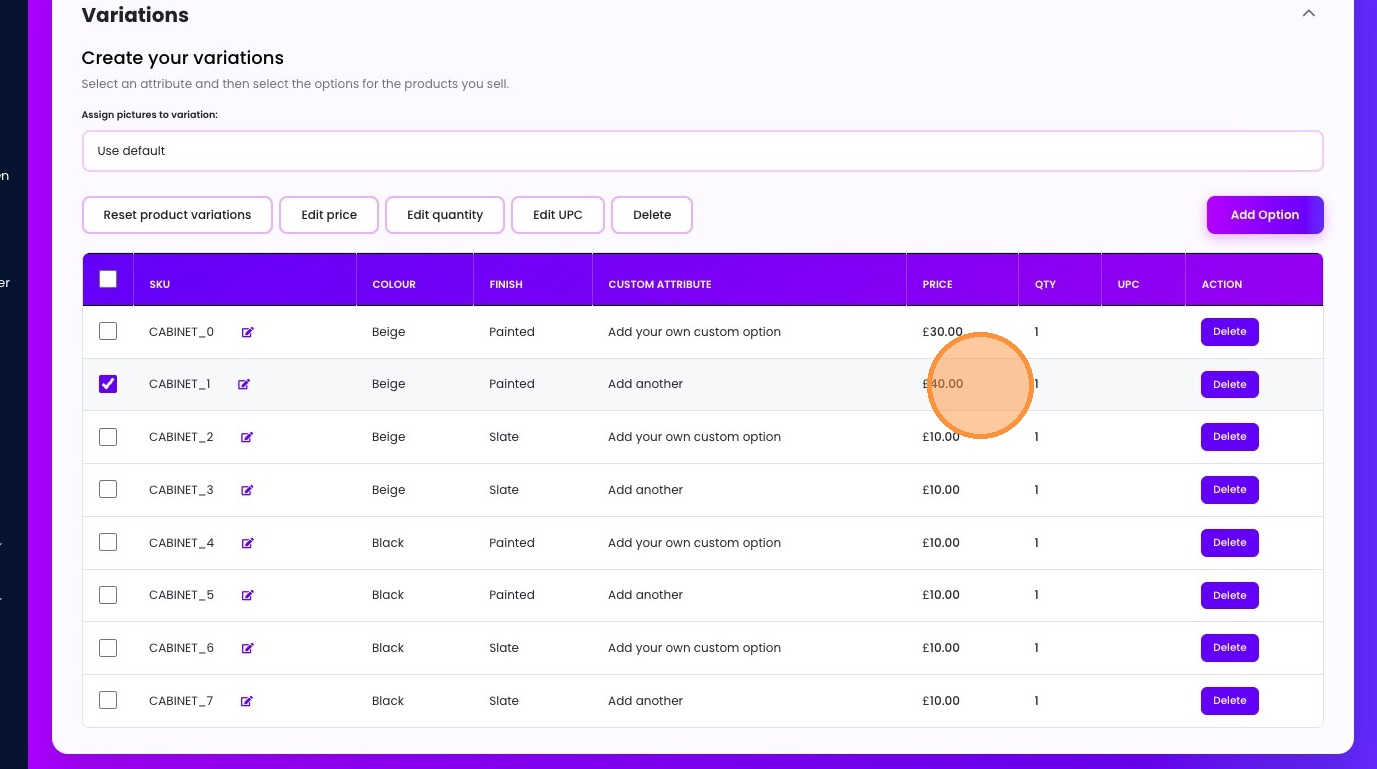
46. Click "£40.00"
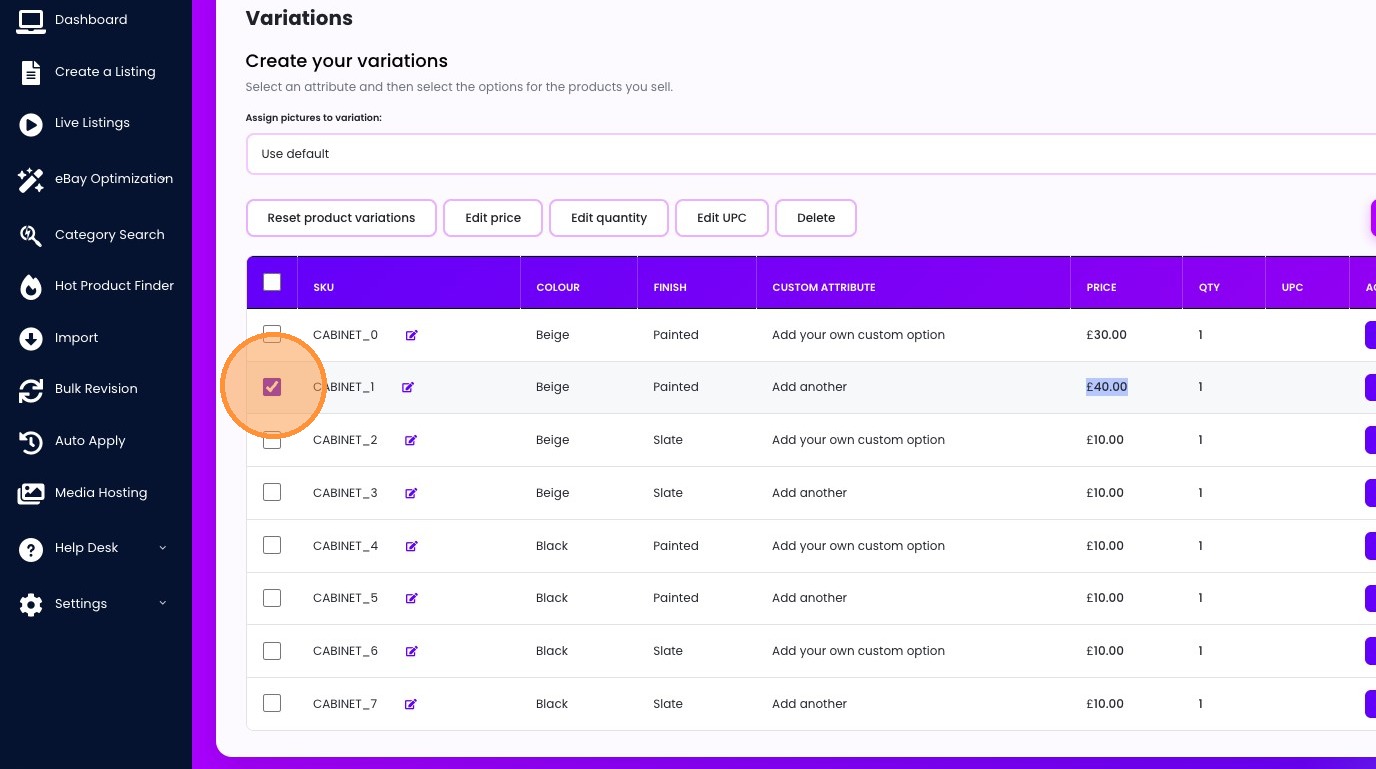
47. Click this checkbox.
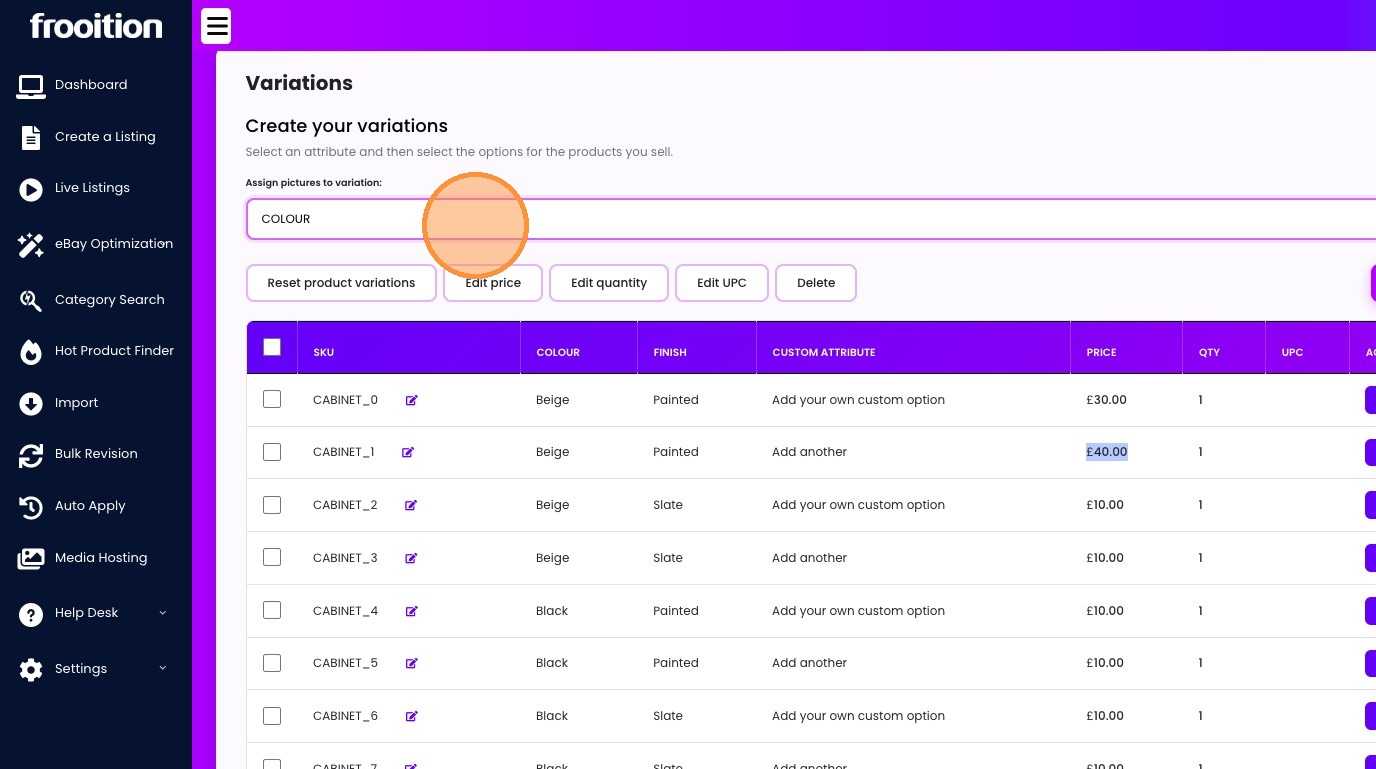
48. Select the "COLOUR" option.
49. Click here.
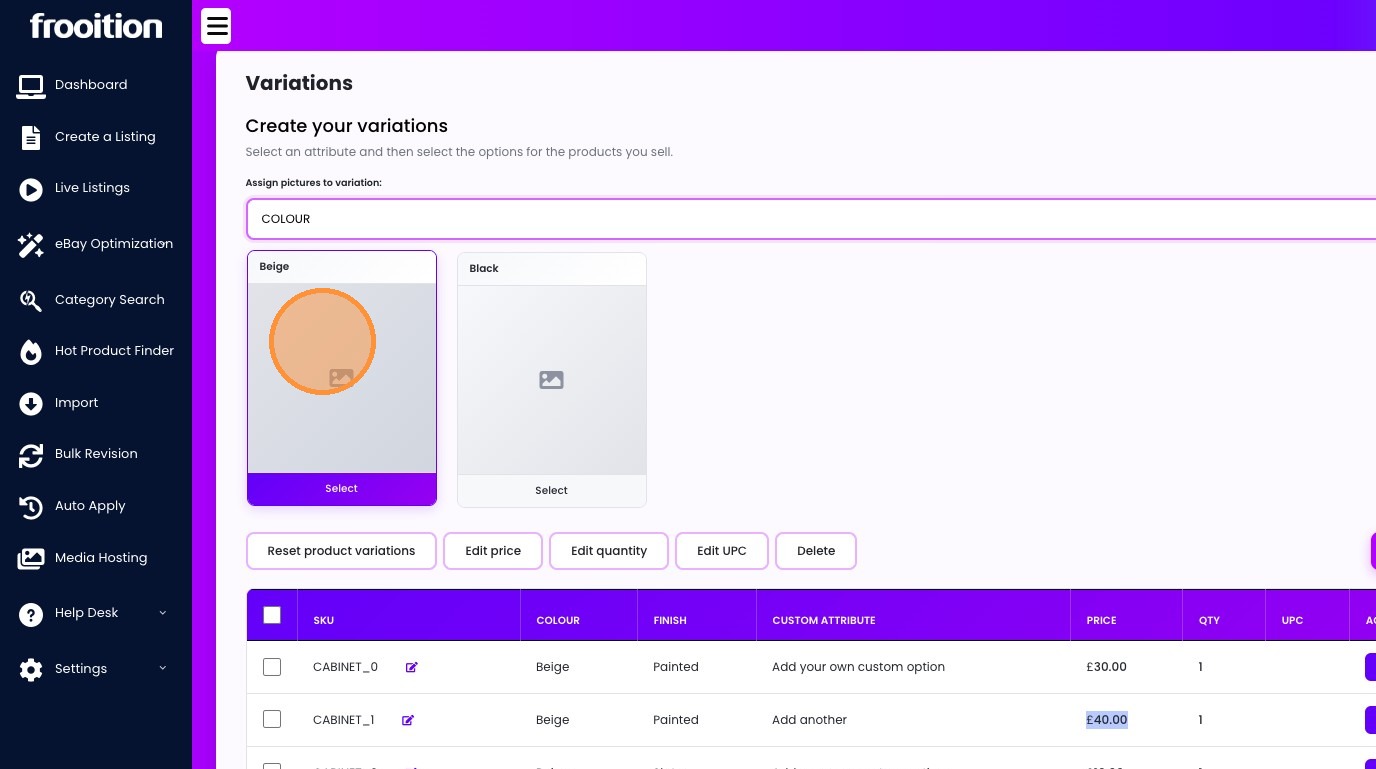
50. Click "Return to Listing"
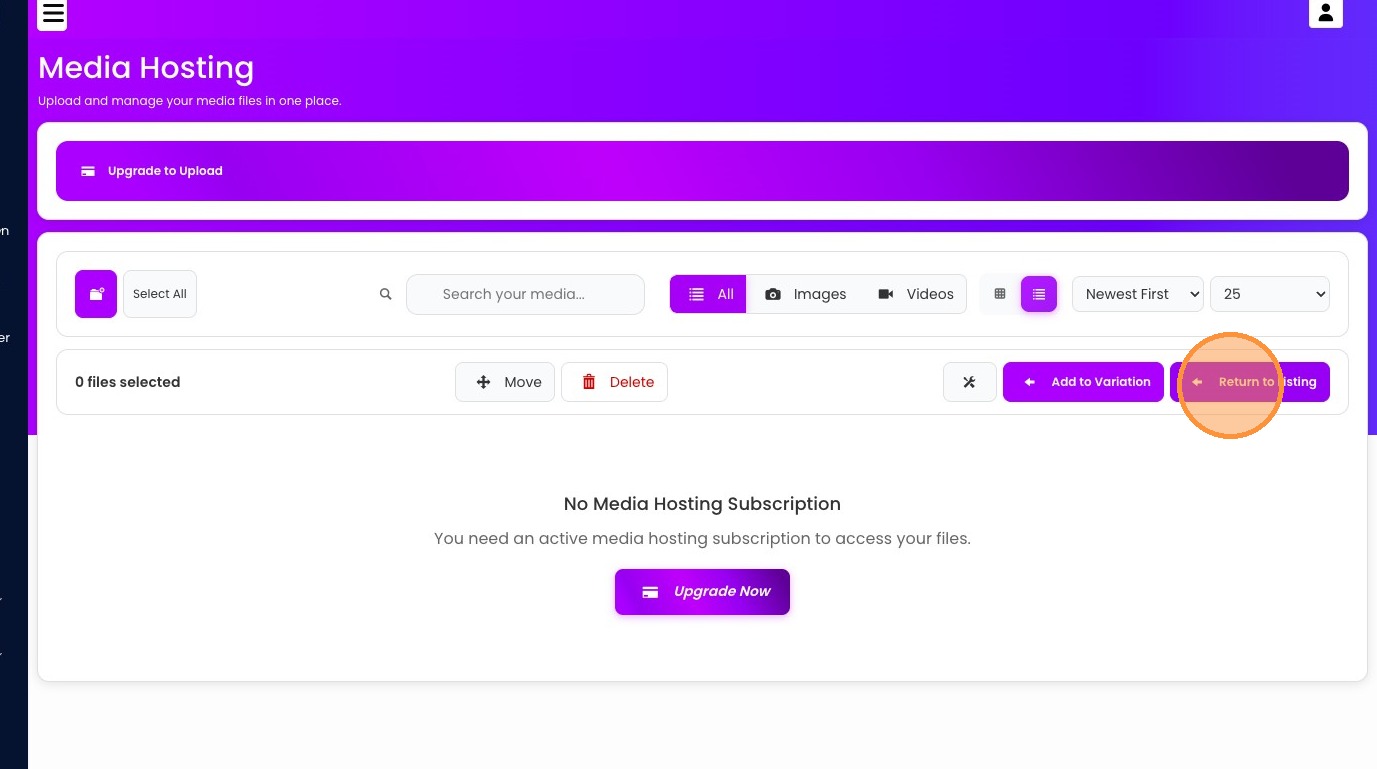
51. Click here.
52. Click this checkbox.
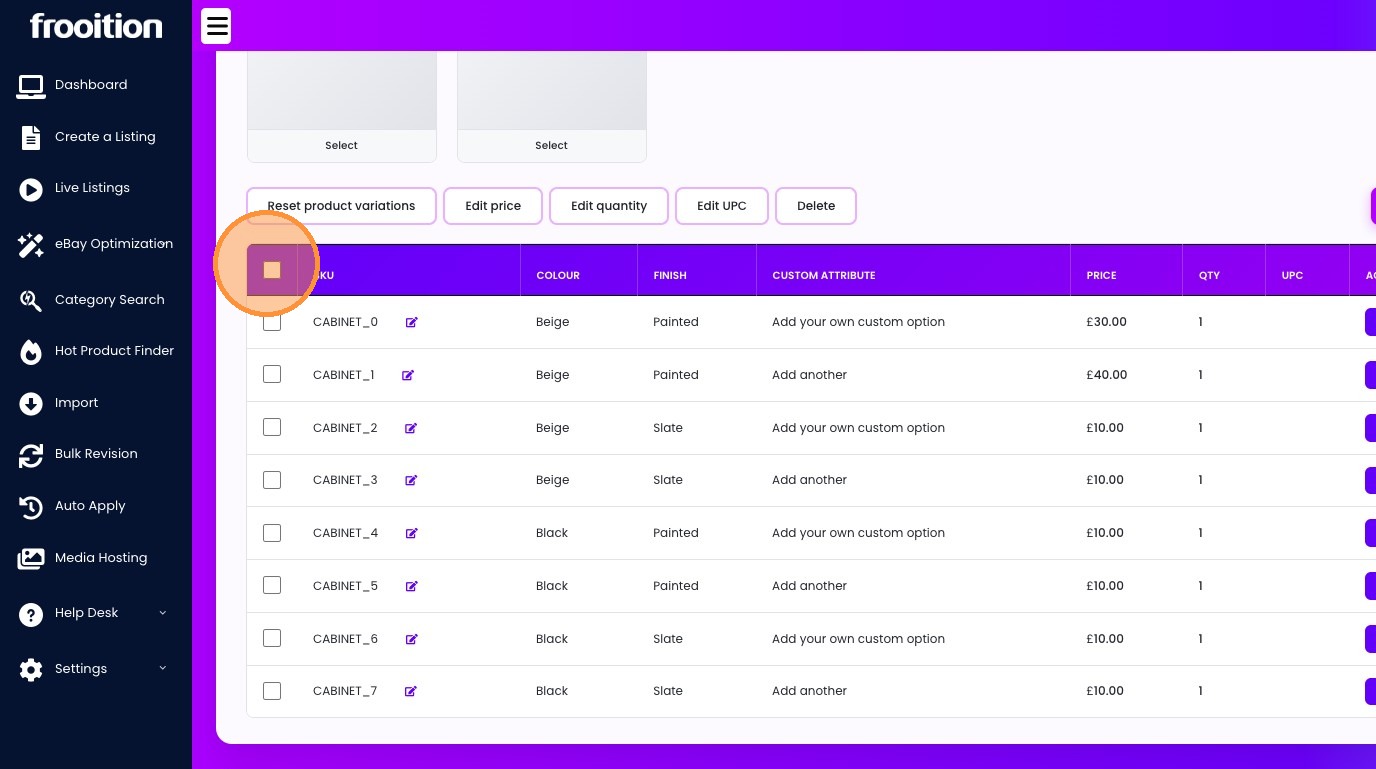
53. Click "Edit UPC"
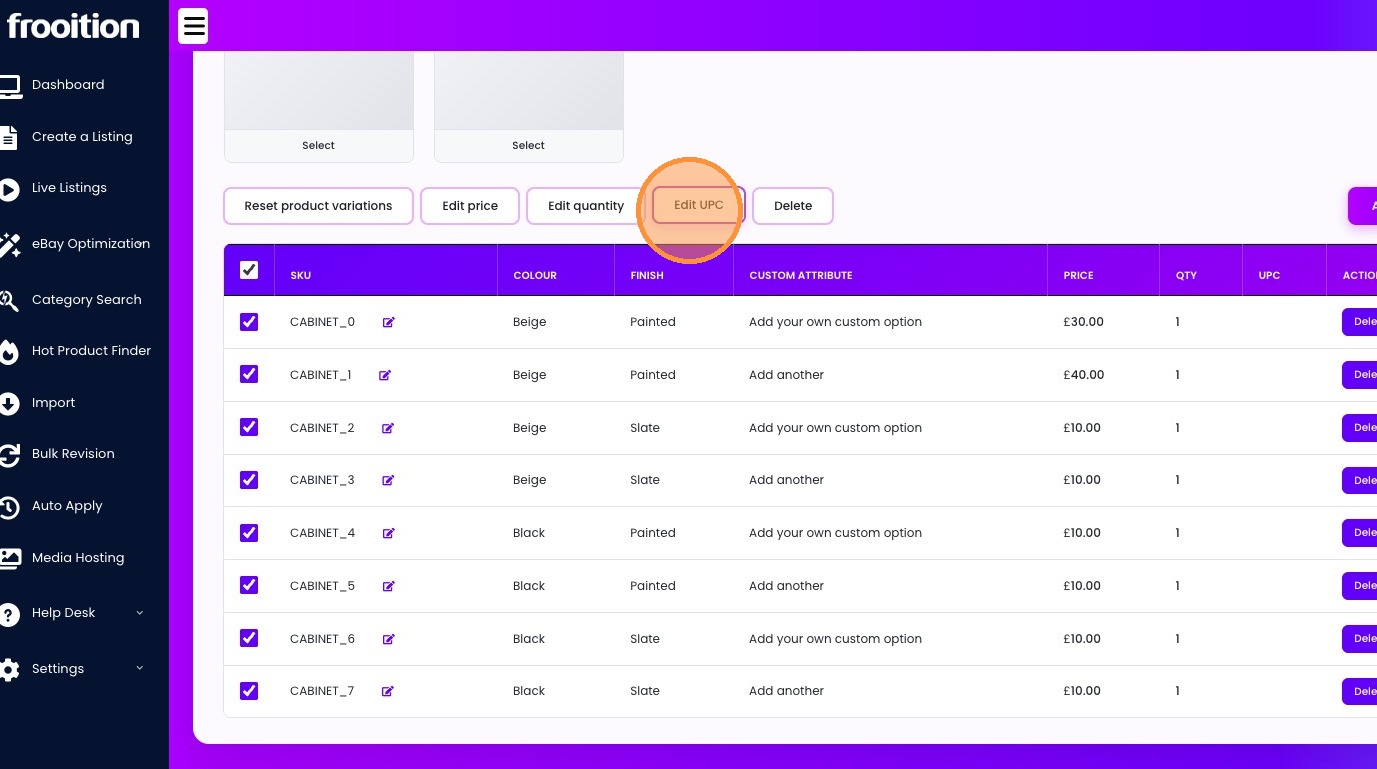
54. Click "Does not apply."