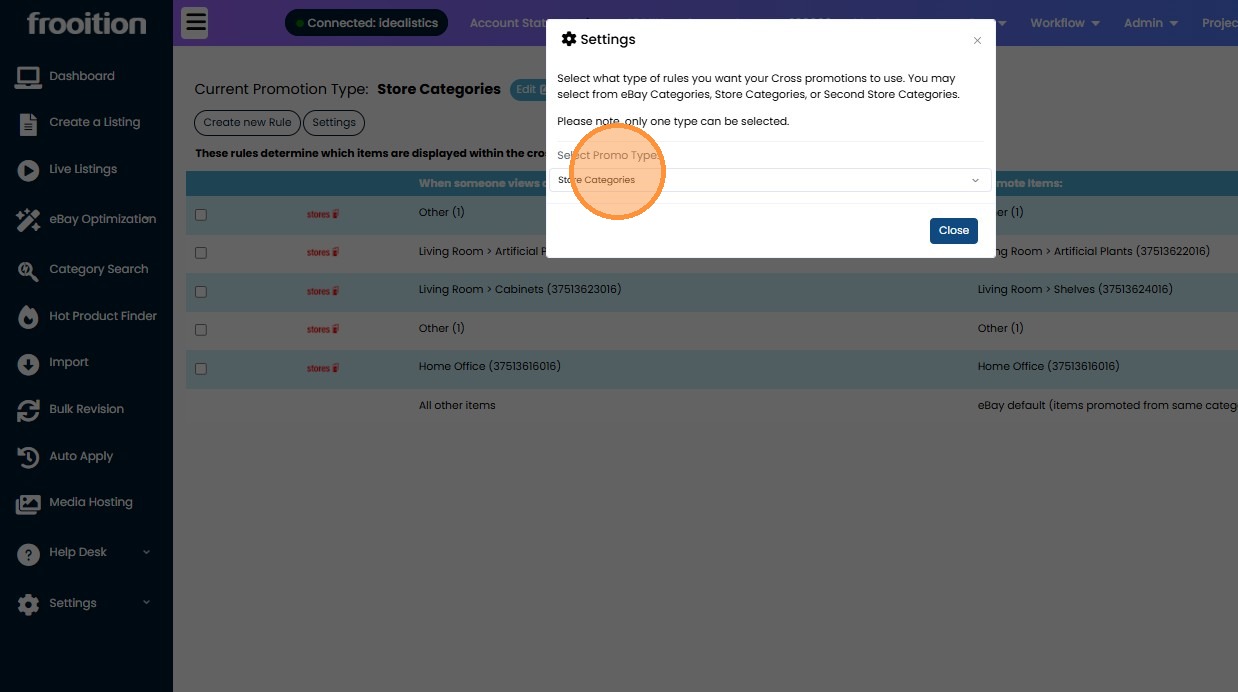
How To Create eBay Cross Selling Rules
Maximise your eBay sales with Frooition cross-selling rules, a powerful tool that dynamically promotes related or complementary products within each listing based on custom criteria you define. By creating intelligent cross-promotion rules in your Frooition dashboard, you can automatically display items that match category relationships — such as accessories, upsells or alternative products — helping keep buyers engaged, boosting conversion rates and increasing average order value without manual updates. This step-by-step guide explains how to set up, edit and manage your eBay cross-selling rules so that your related products are shown at the right time to the right customers, enhancing the shopping experience and driving more sales.
1. Navigate to https://freedom.frooition.com/ebay/
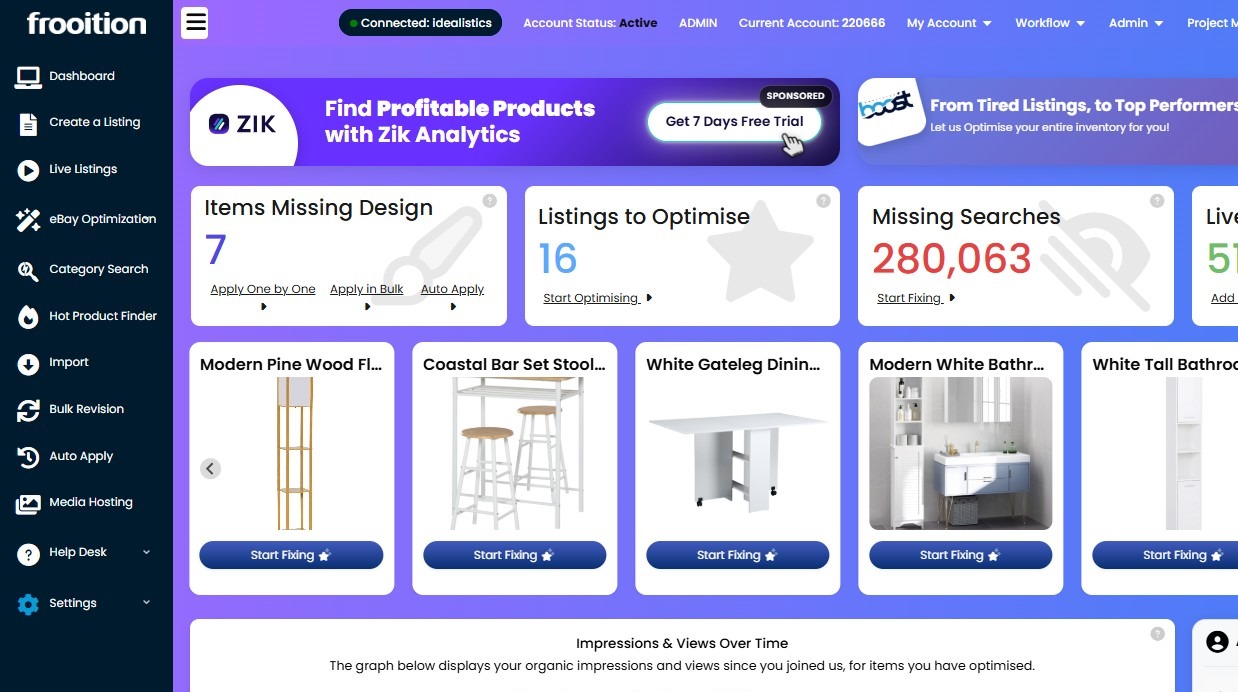
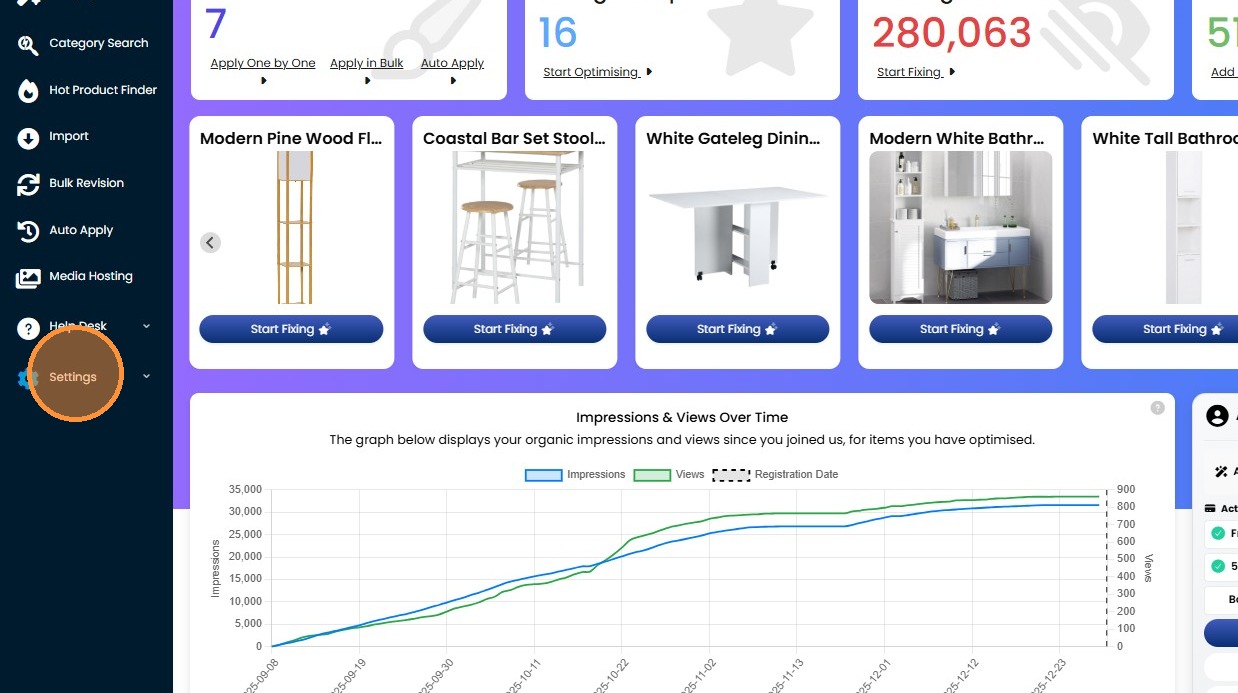
2. Click "Settings"
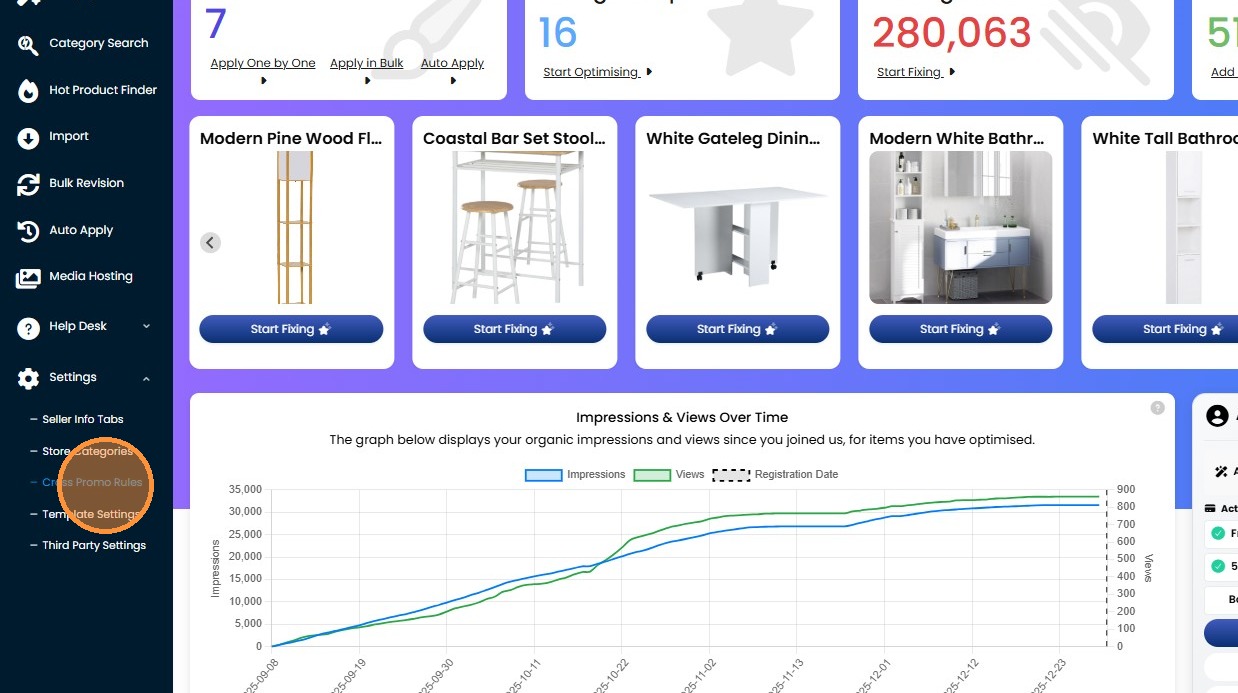
3. Click "Cross Promo Rules"
4. Click "Create new Rule"
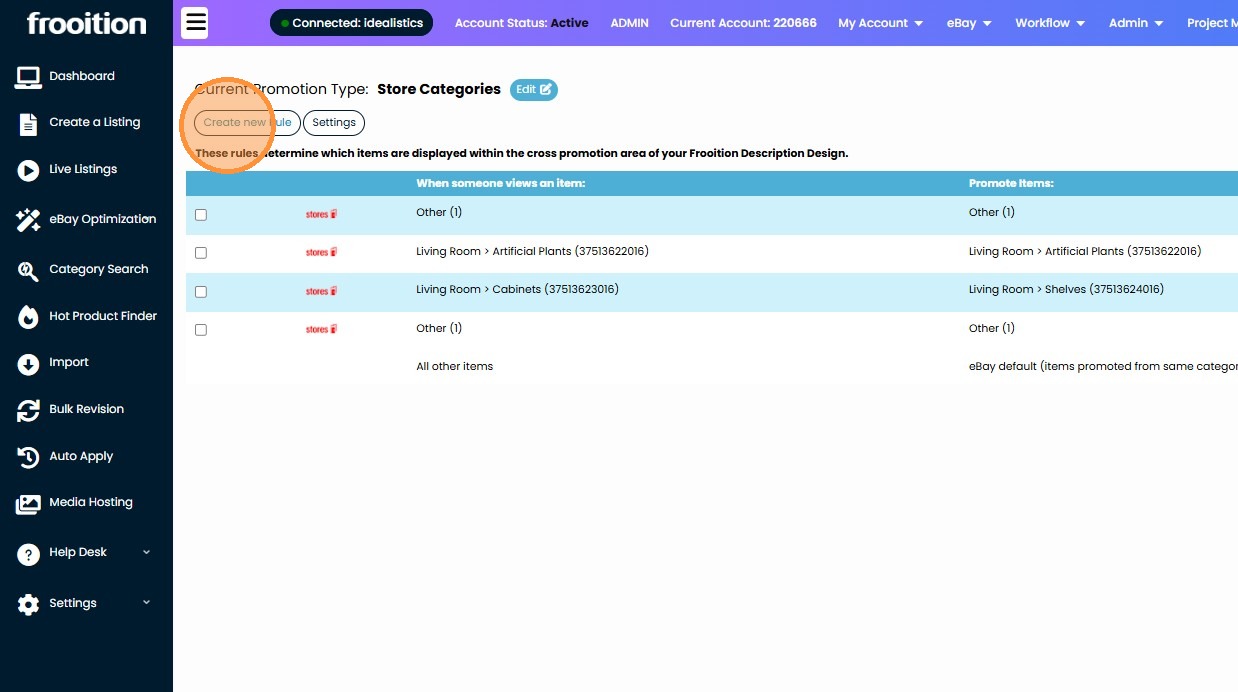
5. Select the eBay category you wish to target.
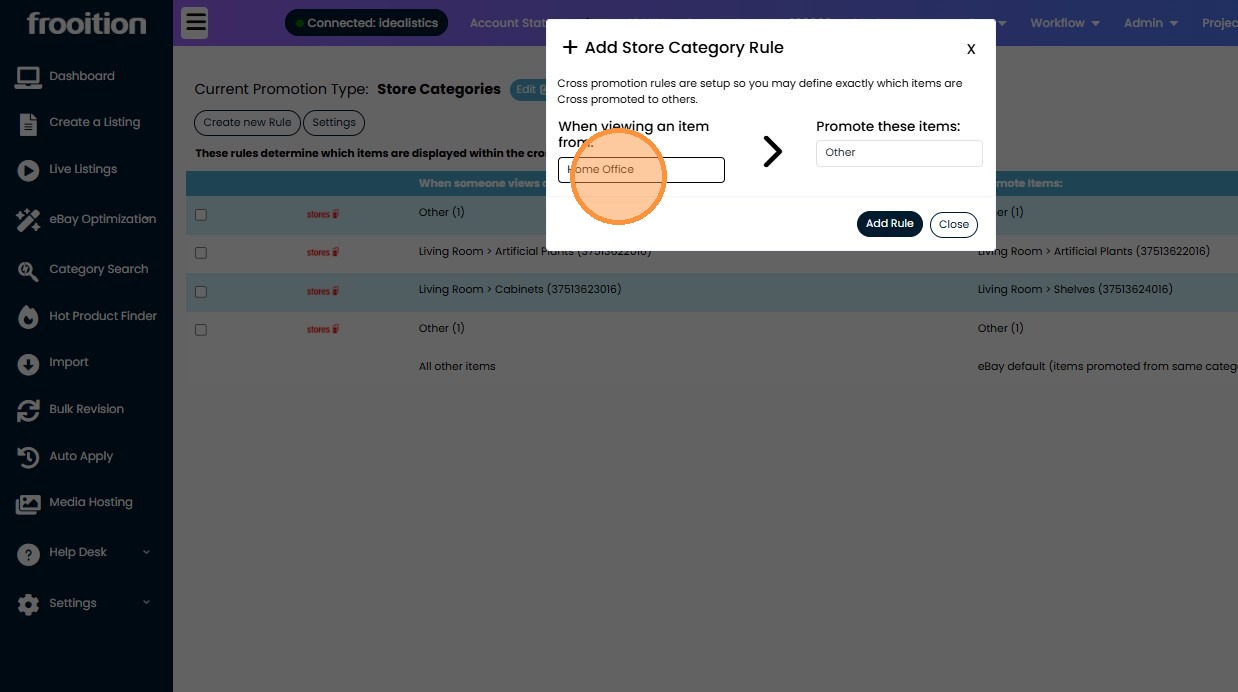
6. Select the eBay category you wish to cross promote from.
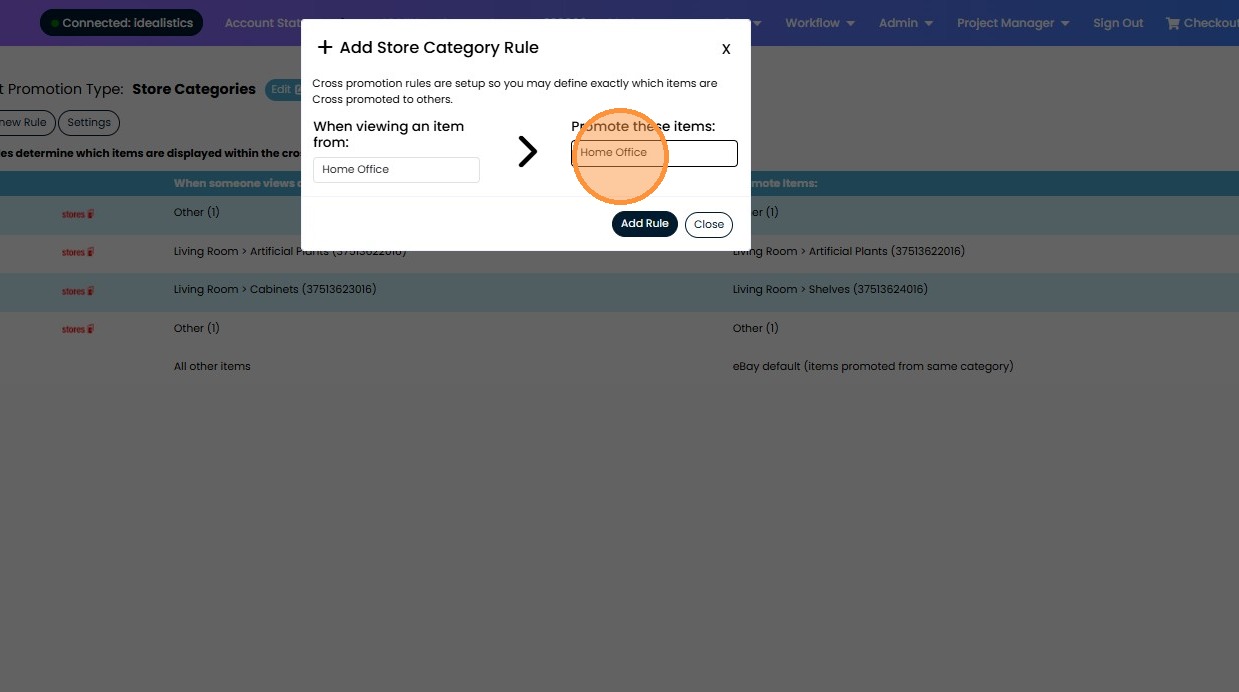
7. Click "Add Rule".
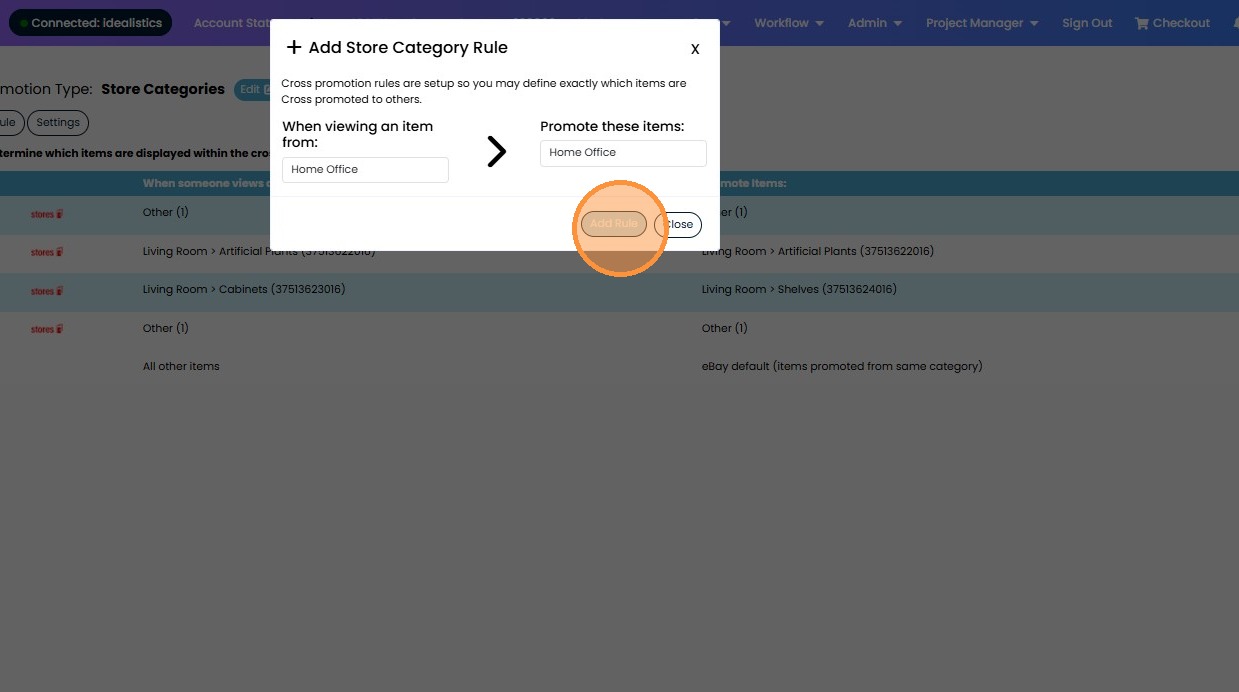
8. Now, any listings within the first eBay category, will promote products from the 2nd eBay category.
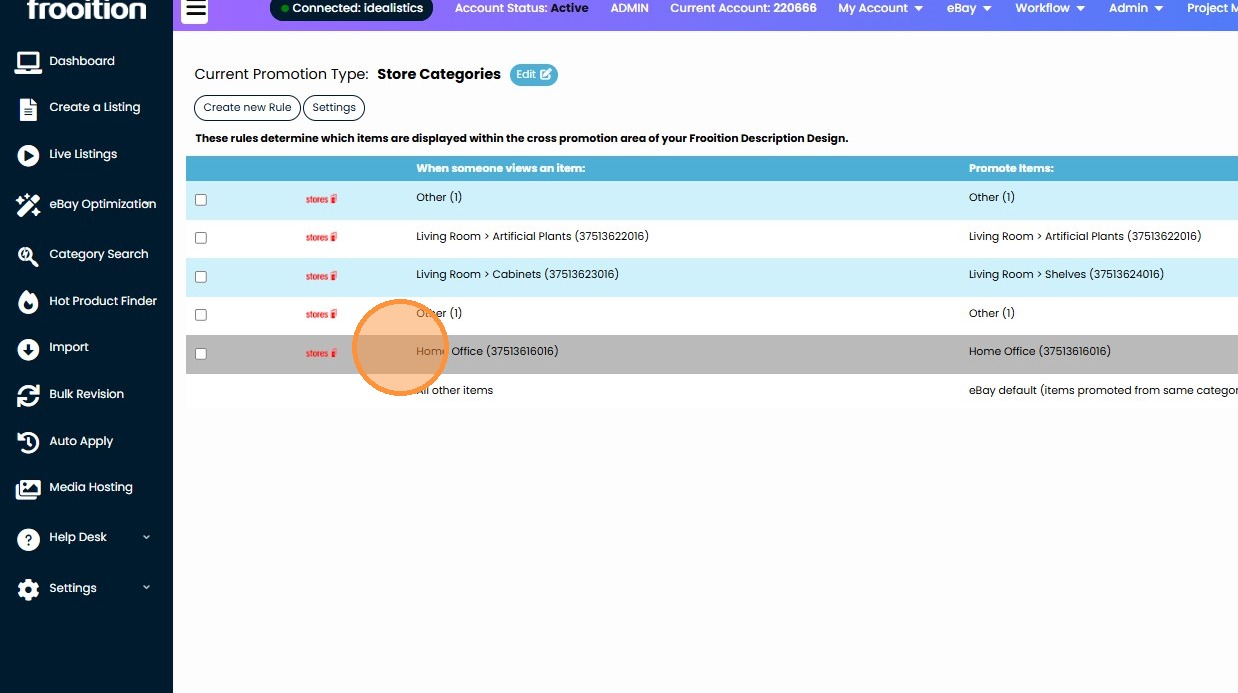
9. Click "Edit" to adjust the settings.
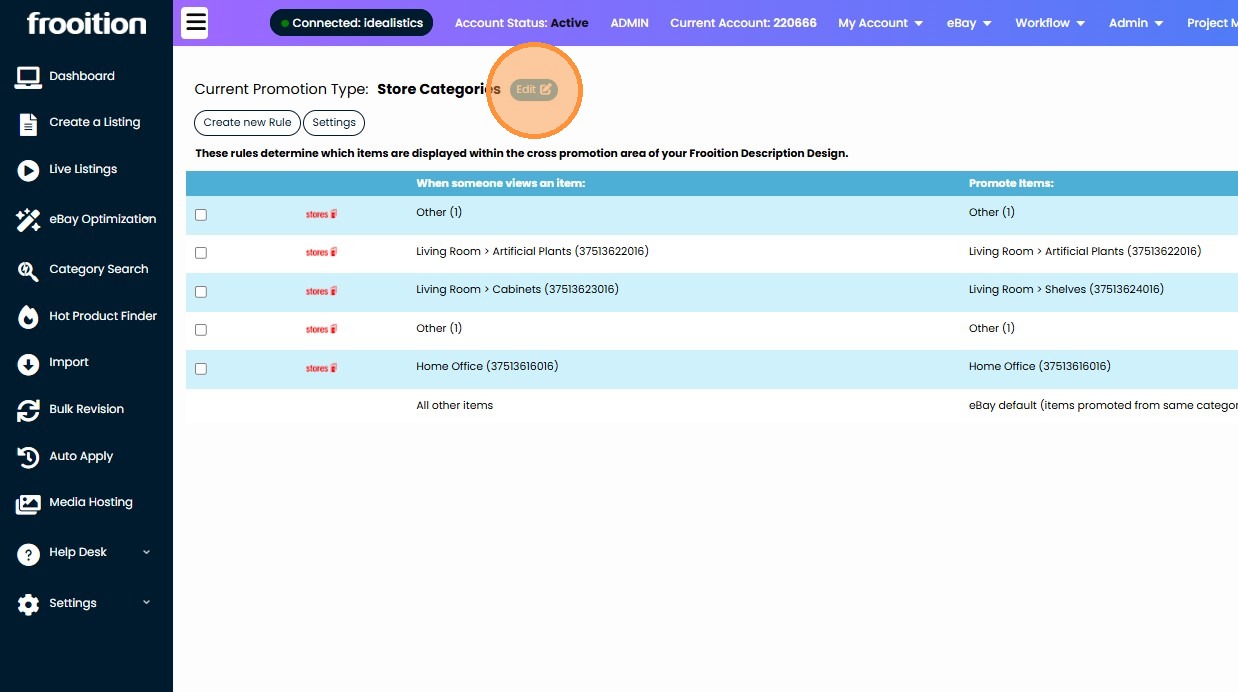
10. Click this dropdown to select from eBay Categories, Your eBay Store categories, or your eBay store secondary categories.