
AI eBay Lister: Create an eBay Listing with Quick List
Frooition’s AI eBay lister — called Quick List — turns a product title and a few photos into a complete, publish-ready eBay listing in under a minute. Enter the item title, upload your images, and the AI generates the category, full item specifics, and an SEO-optimised description automatically — no manual data entry required.
This guide walks through the exact Quick List workflow, from your first product detail to a live eBay listing: auto-generating titles, selecting the best category, populating item specifics, and optimising images along the way. Whether you’re a new seller or scaling an existing store, it’s the fastest path from photo to published listing.
Start a New Listing
1. Navigate to https://freedom.frooition.com/ebay/
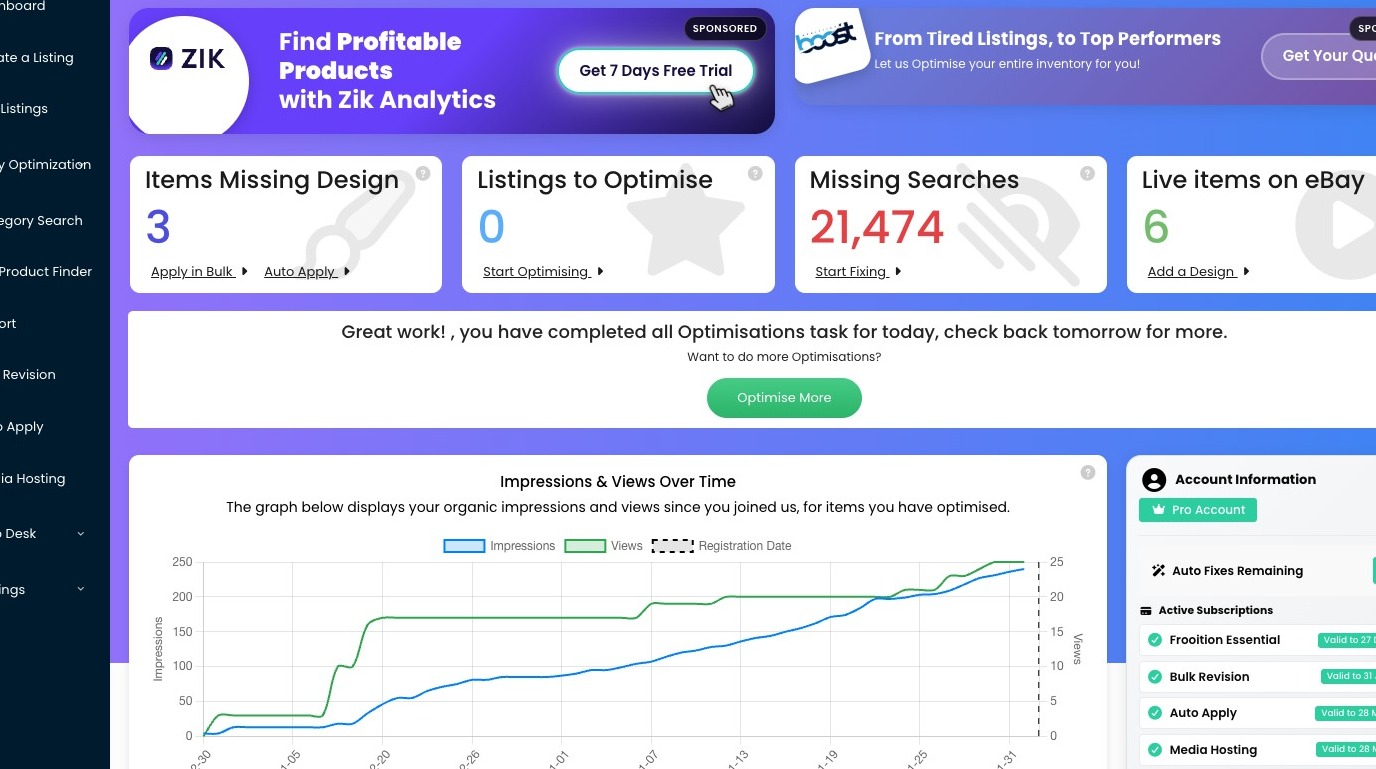
2. Click "Create a Listing"
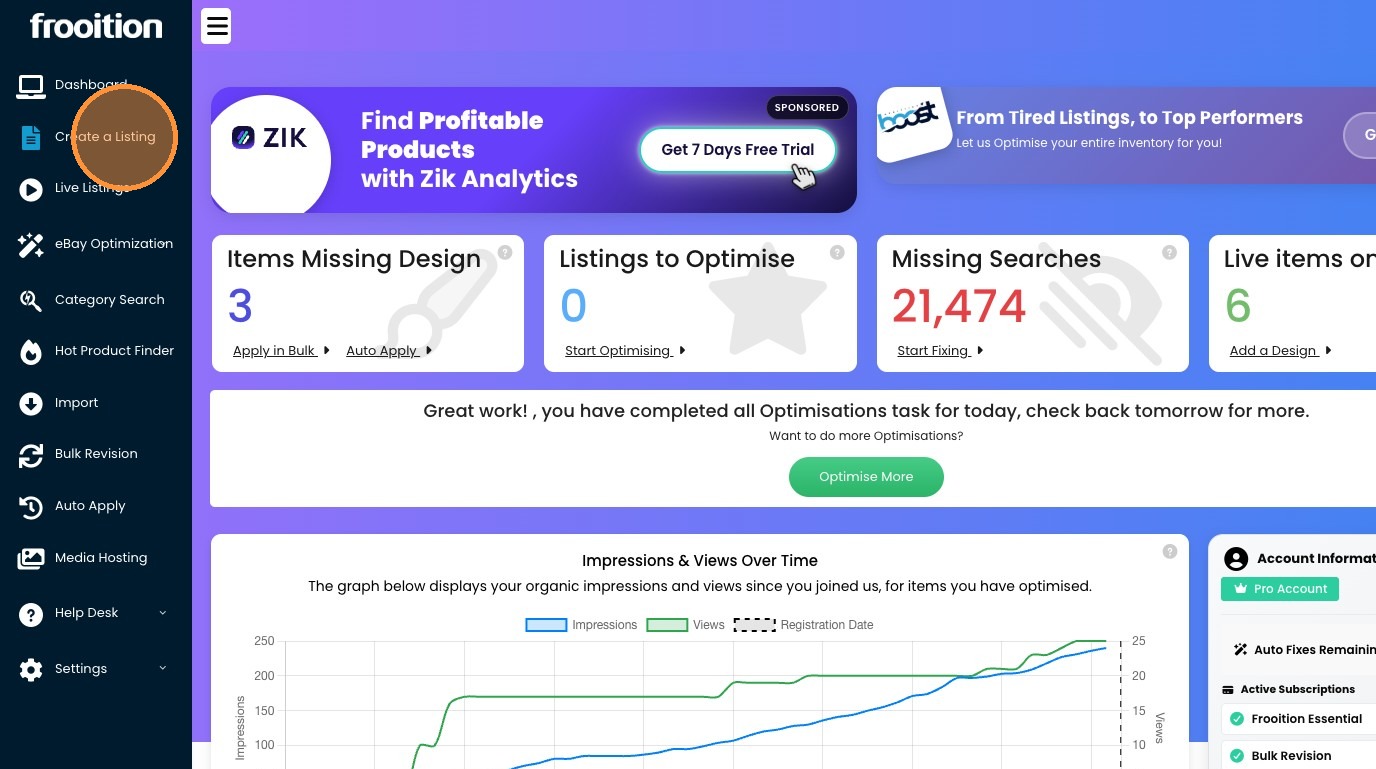
3. Click "Quick Create" to open the AI eBay lister
Enter Your Product Details
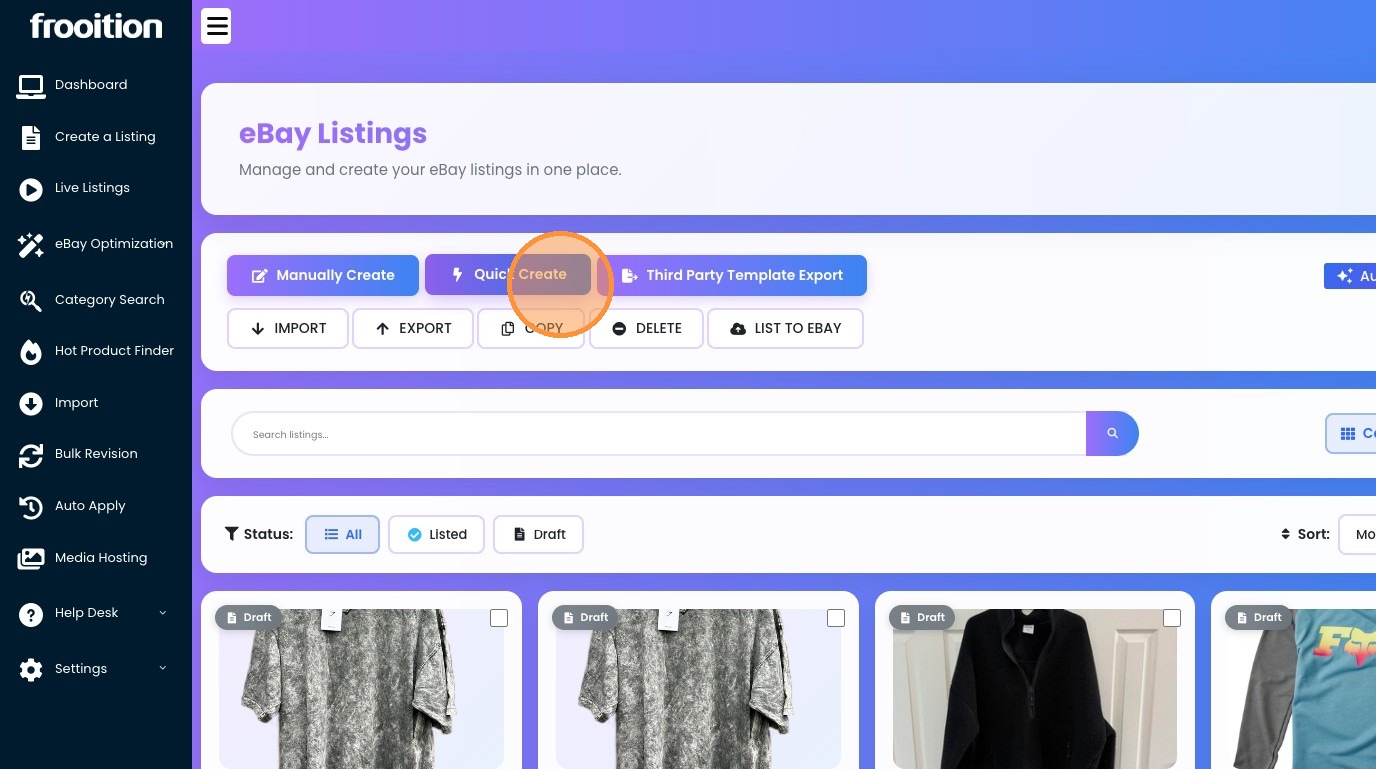
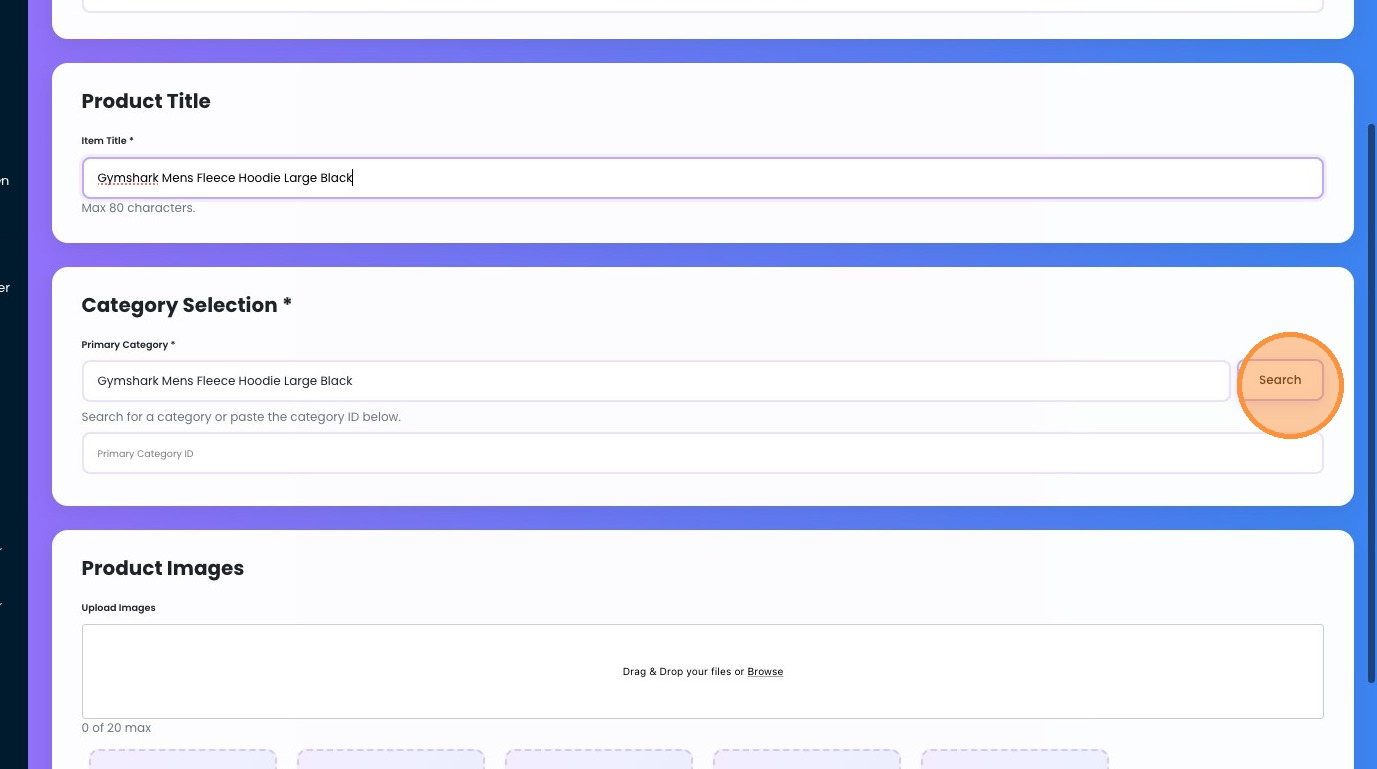
4. Click the "Item Title *" field and enter as much information as possible (80 characters or less about your product)
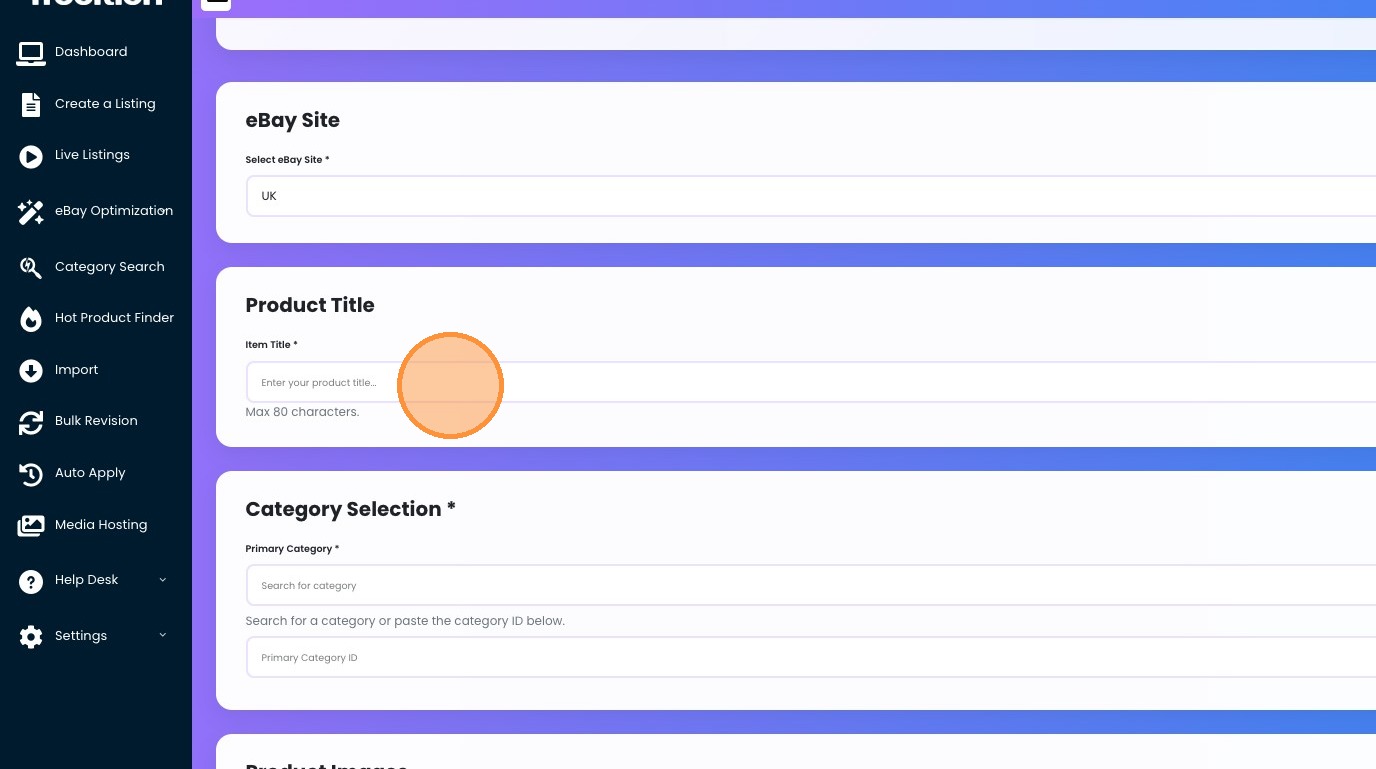
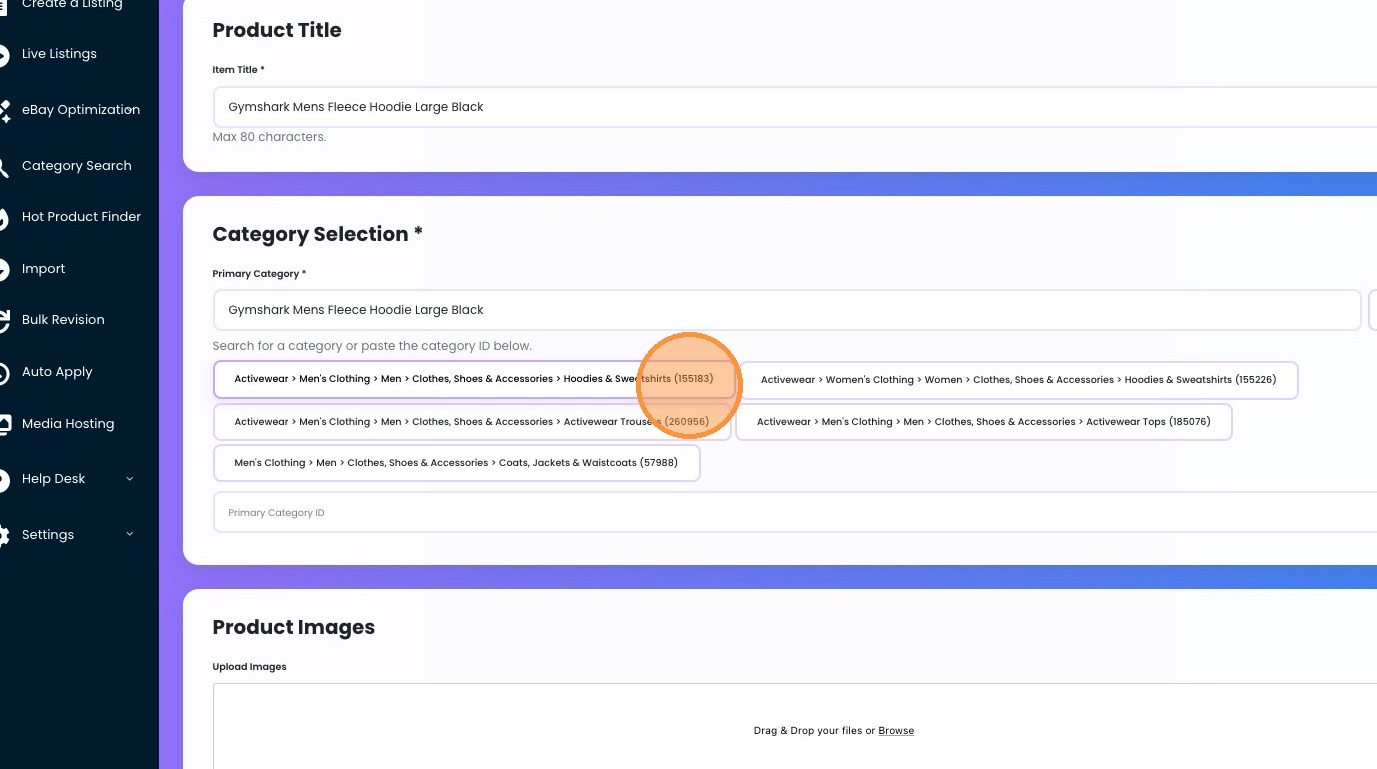
5. This will auto pre-fill the category search box, so you may find the correct category much quicker.
6. We selected this category for our fleece: Click "Activewear > Men's Clothing > Men > Clothes, Shoes & Accessories > Hoodies & Sweatshirts (155183)"
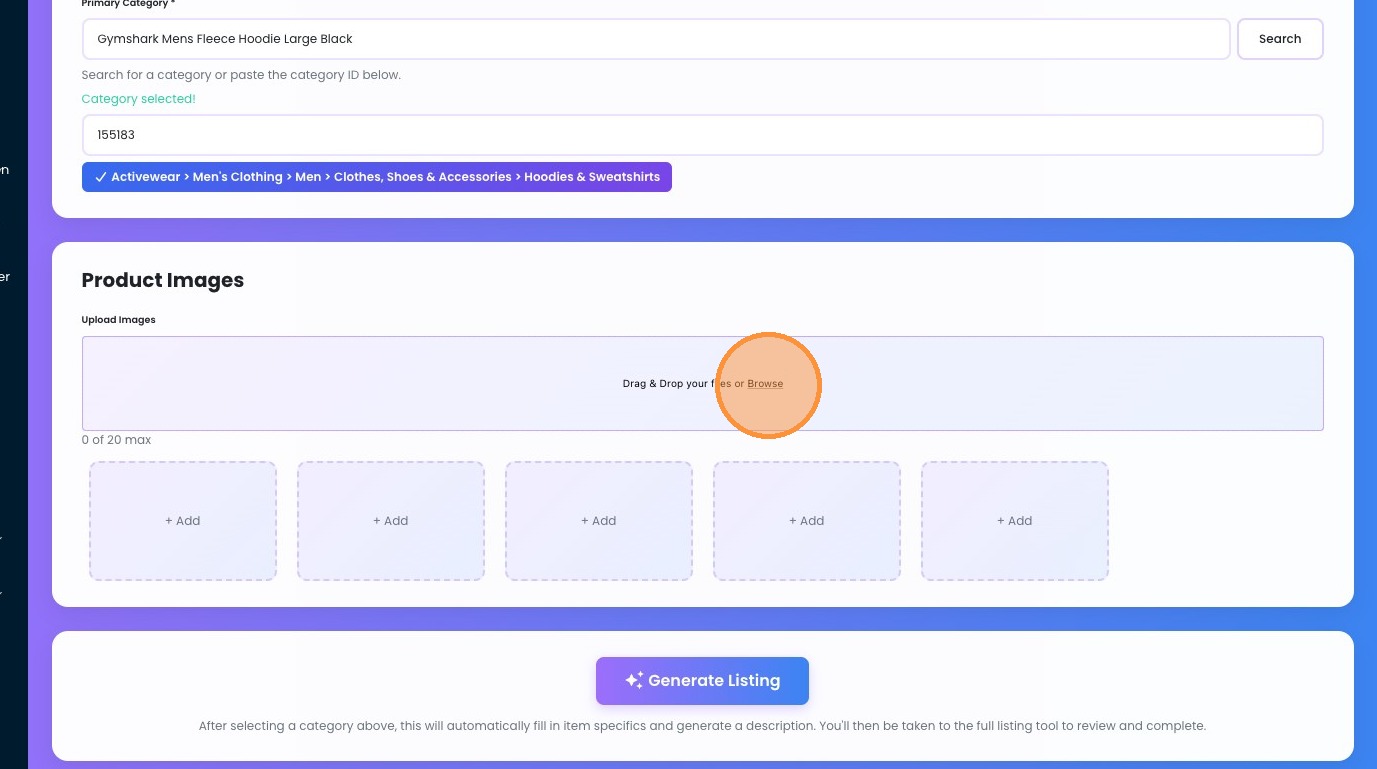
7. Upload your images by clicking the browse button.
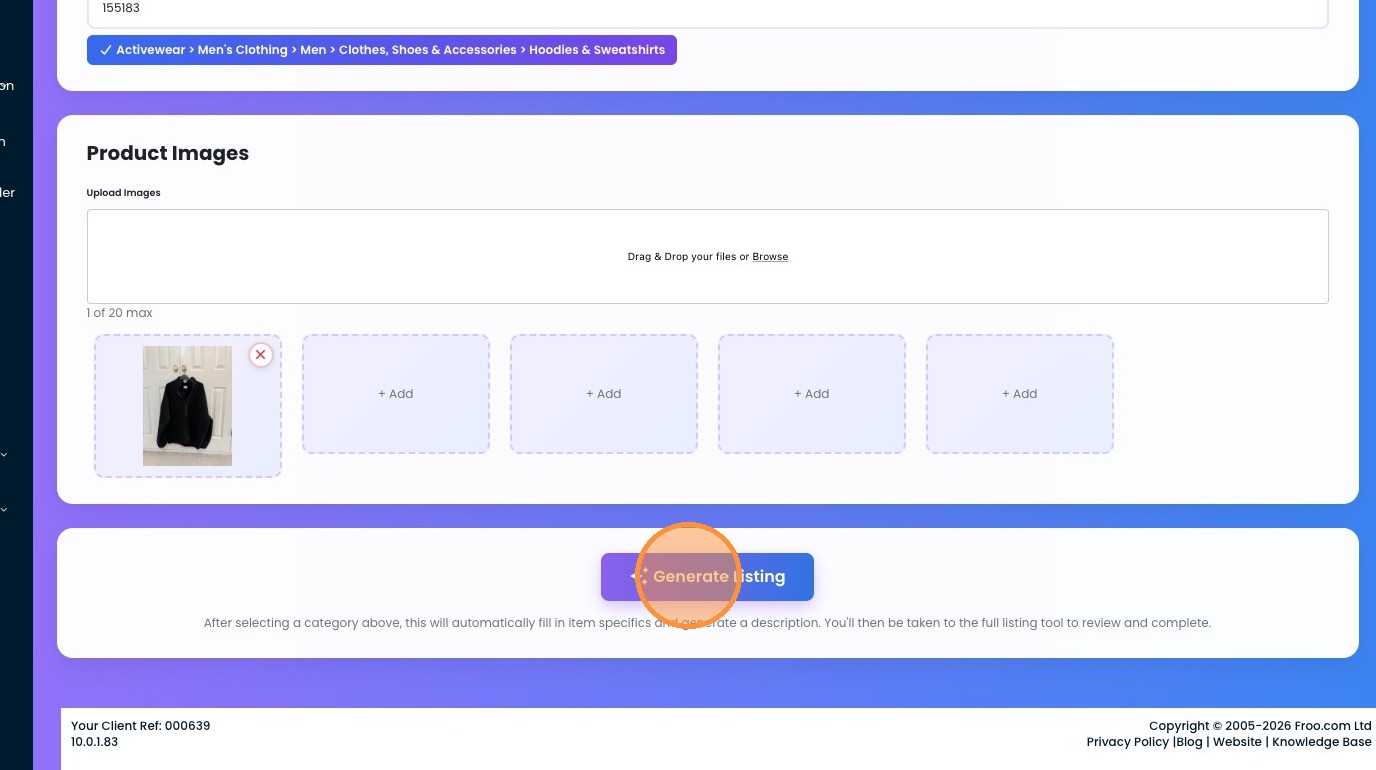
Let the AI Generate Your Listing
8. Click "Generate Listing" — this triggers the AI eBay lister to build your full listing automatically. You'll get the chance to review and tweak everything afterward.
9. Click "Yes, Generate Listing" — this will use one of your Auto Fix Credits. If you're running low, you can always purchase more via your subscriptions page.
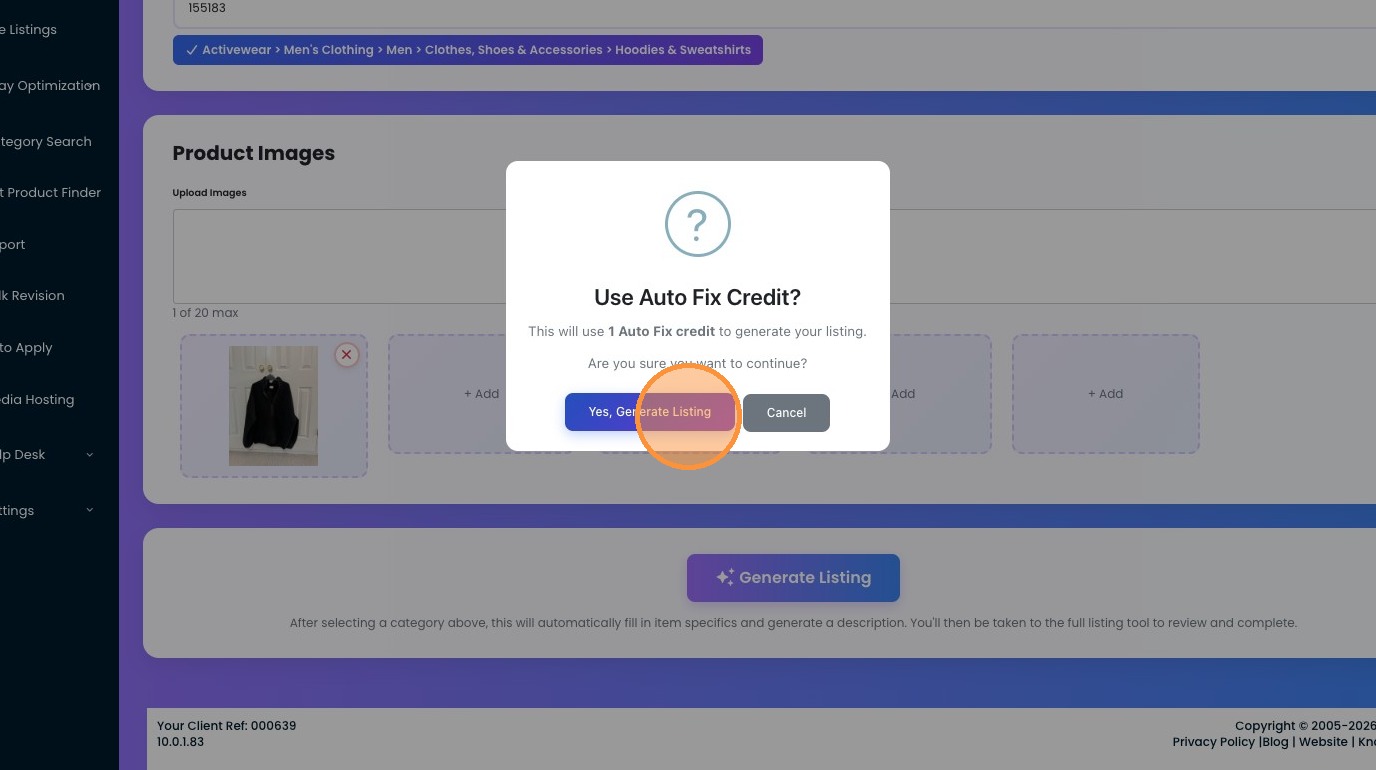
10. Click "Item Specifics Pre-fill with AI" to populate all required item specifics automatically.
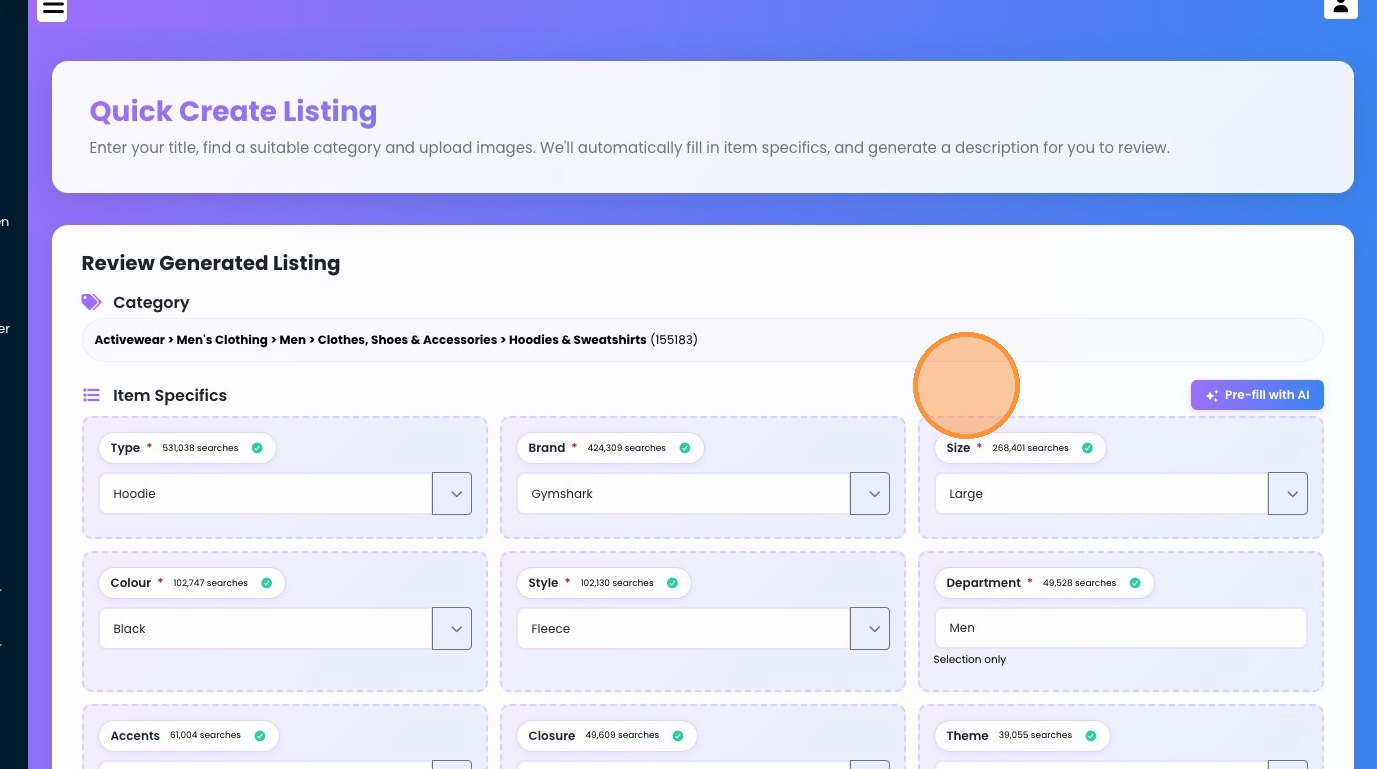
Review, Price, and Publish
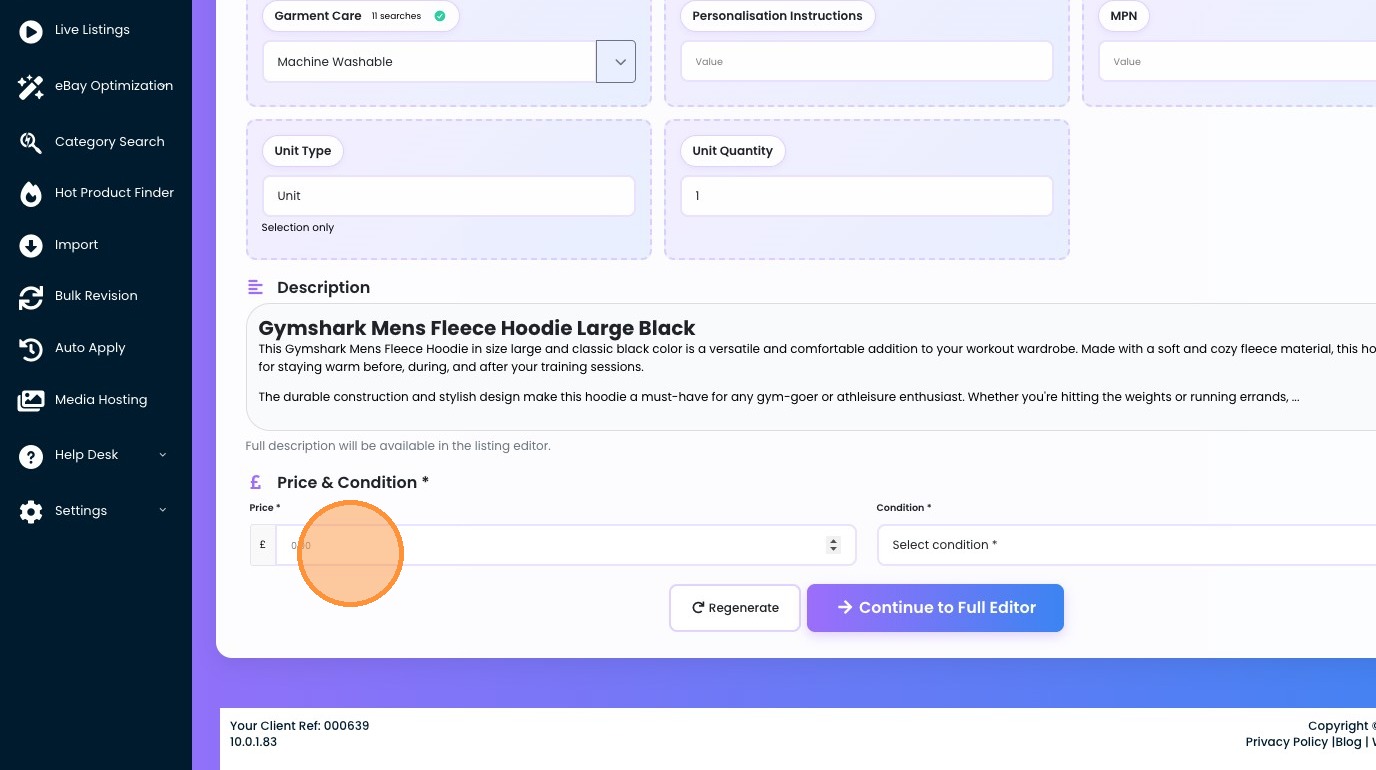
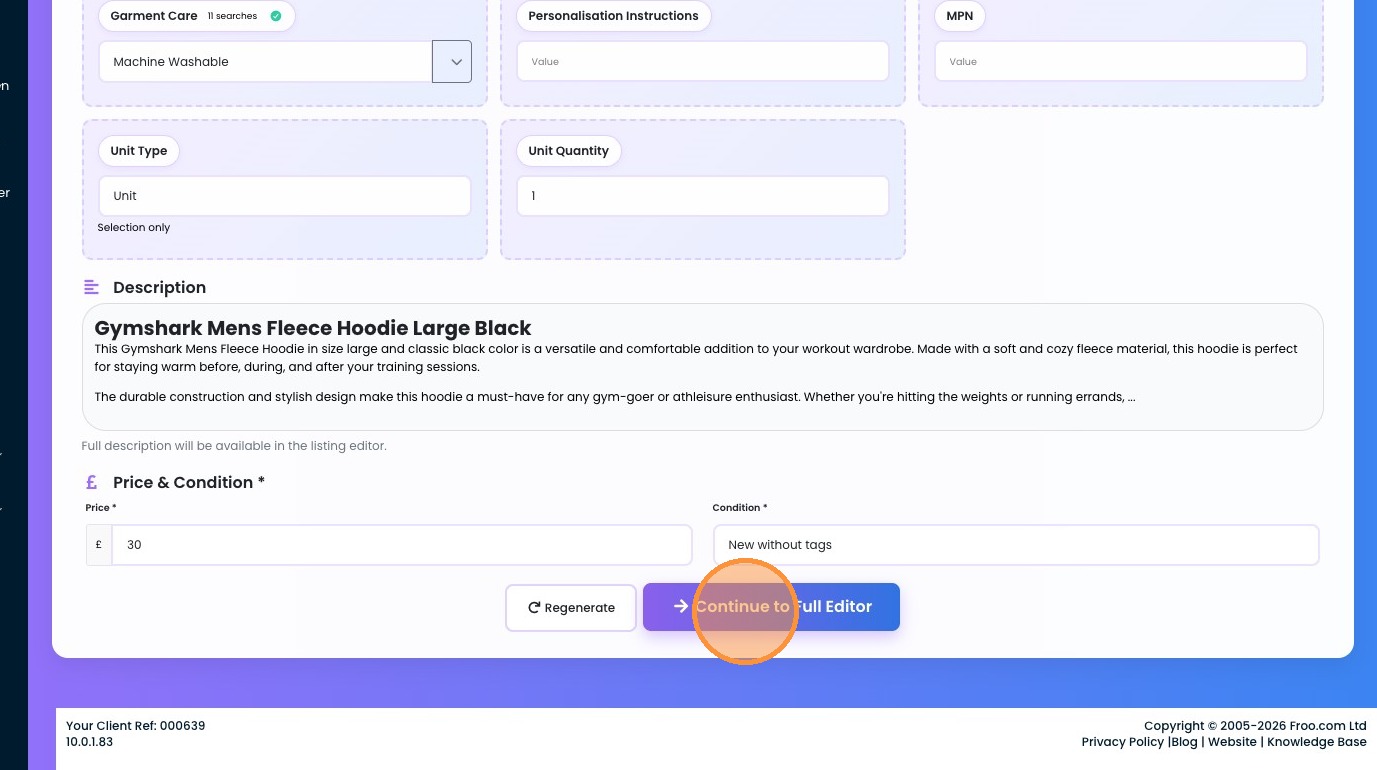
11. Add in your price and Conditions
12. Select the "New without tags" option.
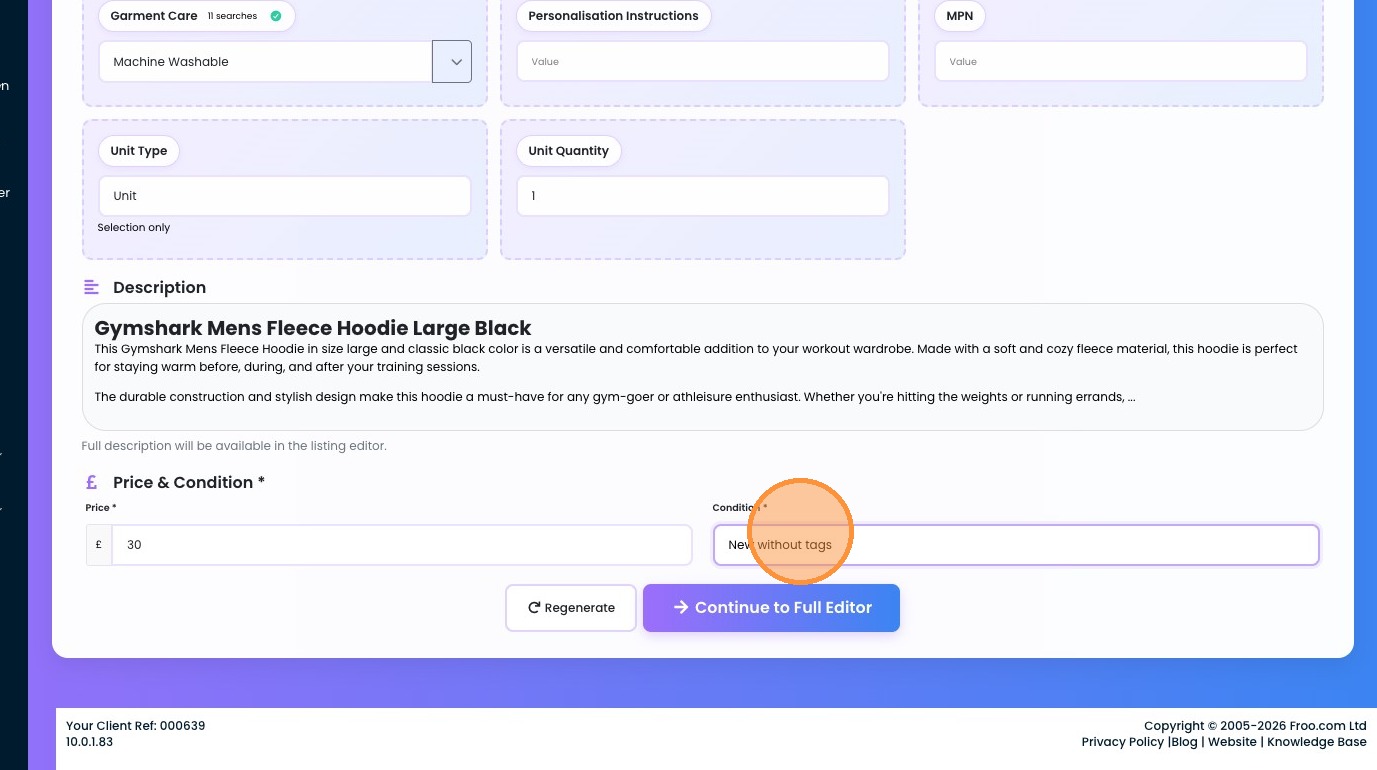
13. Click "Continue to Full Editor" — this is where you can fully review everything before launching it live.
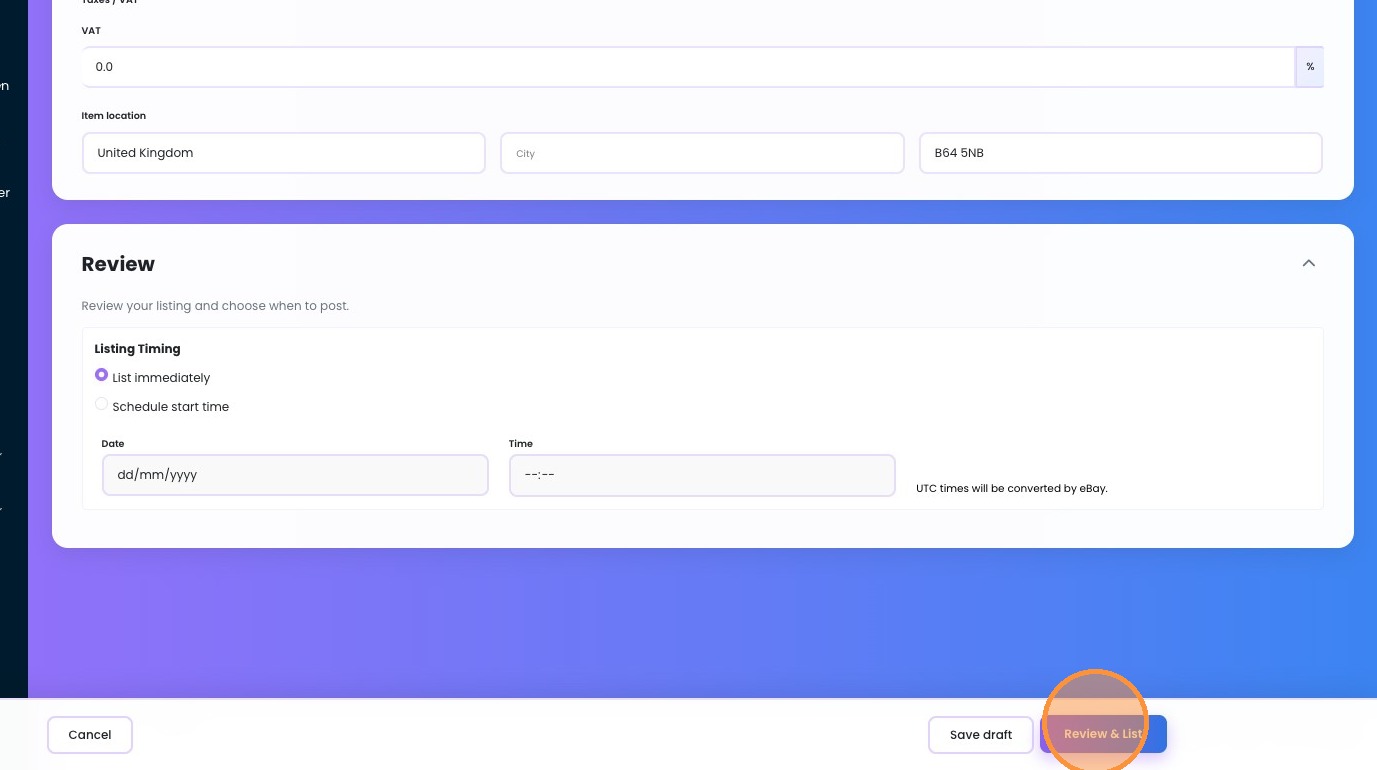
14. Once you are happy, click the Review and List button. This will flag any issues — if there are none, your listing goes live on eBay immediately.
Share This How To Article
Thanks! We'll be in touch within one business day.

