
eBay Listing Templates
Frooition’s eBay templates are designed to increase sales by at least 30% by improving the look, feel, and performance of your eBay store. Our custom eBay templates not only enhance visual appeal but also boost buyer trust and improve conversion rates. Fully mobile-optimized and compliant with eBay’s latest policies, our listing templates are trusted by top sellers around the world.
eBay Listing Templates To Boost eBay Sales!
Whether you’re a startup or a large seller, Frooition’s eBay listing templates are fully responsive, eBay-compliant, and feature cross-promotion, video galleries, dynamic categories, and more for your eBay store. With built-in tools for easy management and bulk revisions, Frooition helps you stay competitive while saving time. Explore our customizable packages to create a professional eBay presence today and start increasing your eBay sales.
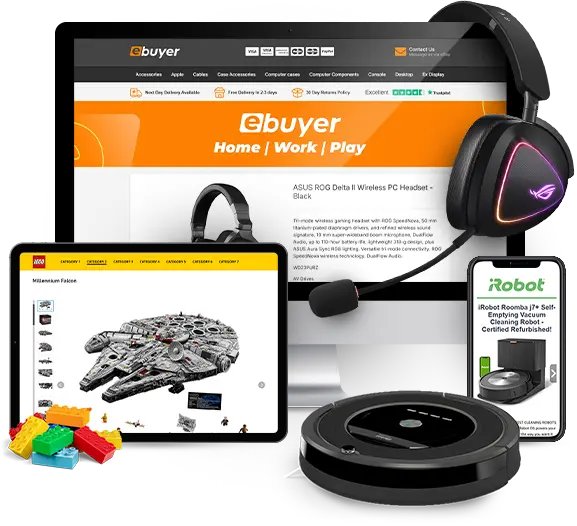
How will eBay Template design increase my eBay Sales?
An eBay design from Frooition creates a professional, cohesive brand experience that builds buyer trust and encourages repeat purchases. Our mobile-optimized, fast-loading templates improve product visibility and usability, which helps reduce bounce rates and increase conversions. With custom branding and cross-promotion features, Frooition’s eBay design solutions drive more traffic across your listings, ultimately boosting overall sales.
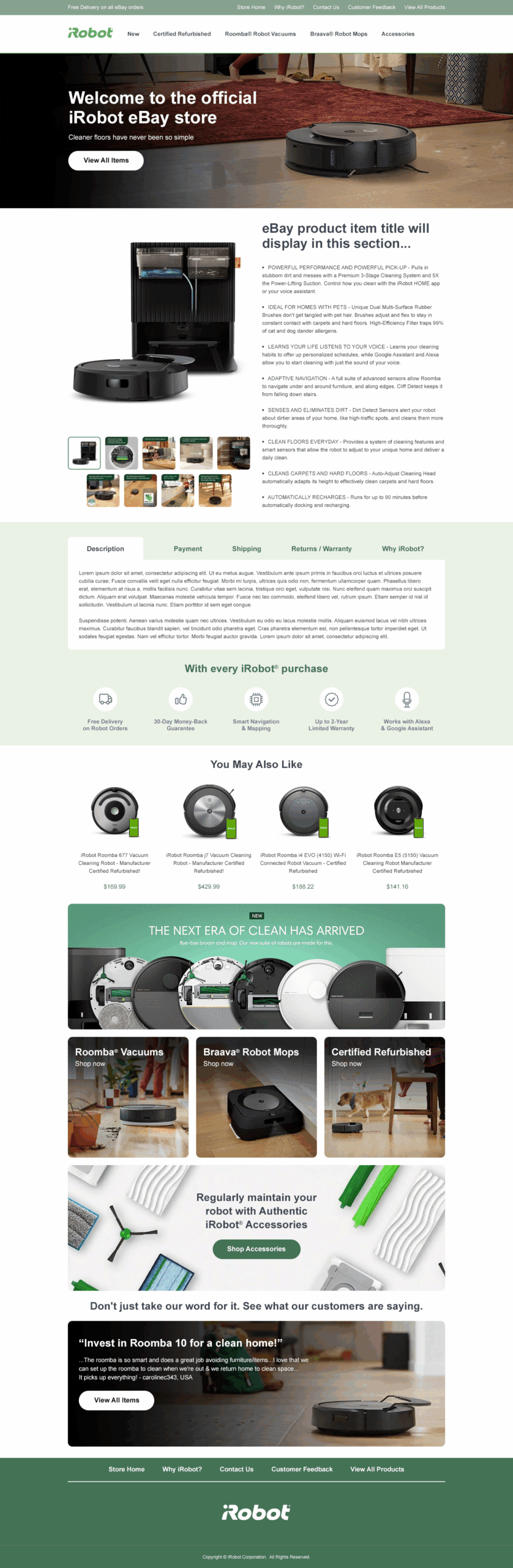
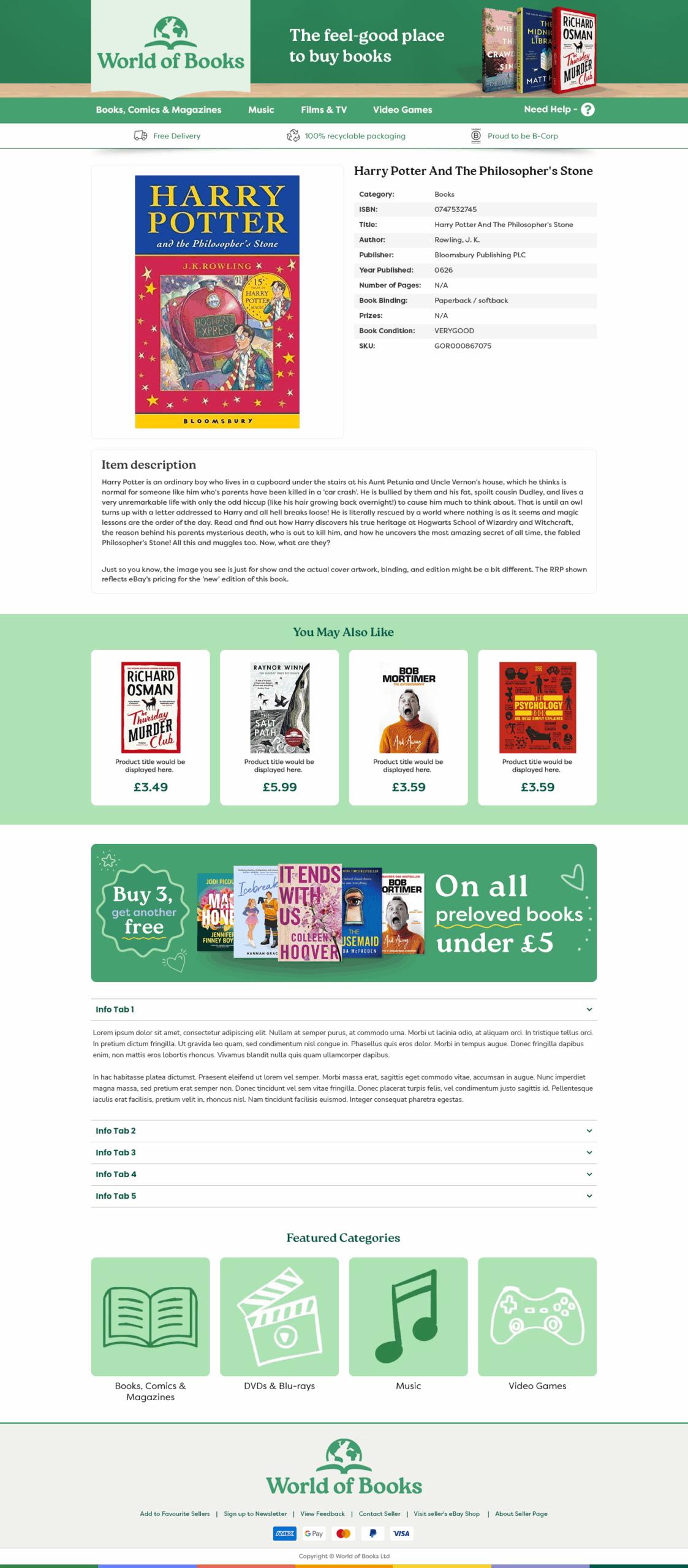
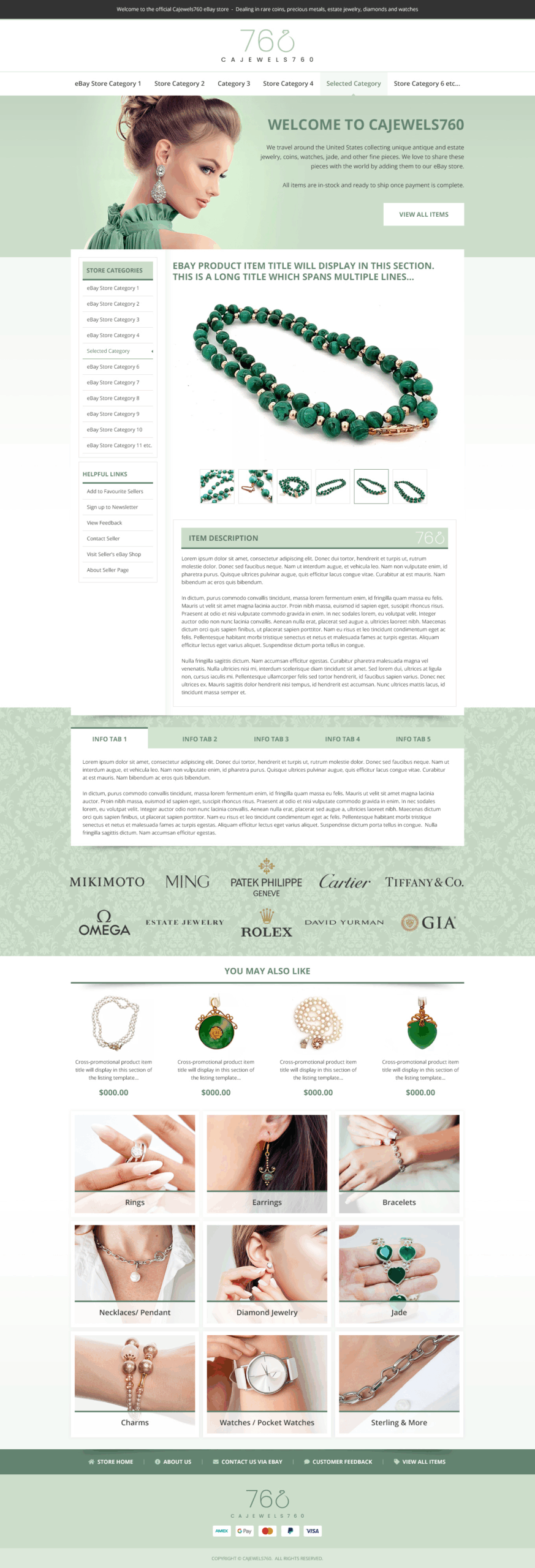
What’s Included in our Professional eBay Templates?
It’s more than just design! Our eBay design packages help you look more professional, trustworthy, and stand out from your competition.
But we also include additional search and navigation features to help you retain traffic and customers, cross-promotion features, custom call to actions, promo areas – all to help increase eBay sales, conversion rates, and average order values!
Custom eBay Template Design
- Custom eBay design and branding, unique to you and your business
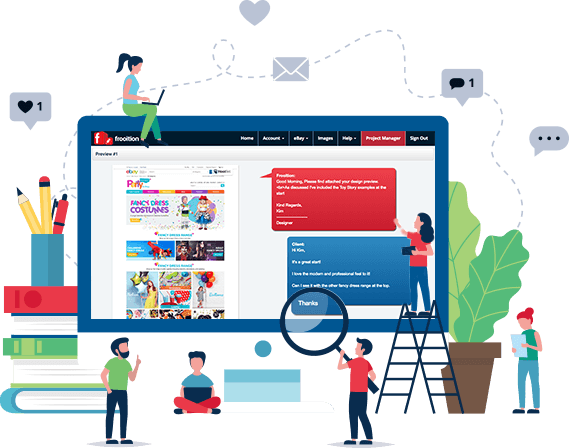
- Unlimited design previews and revisions
- All live listings updated to the new design
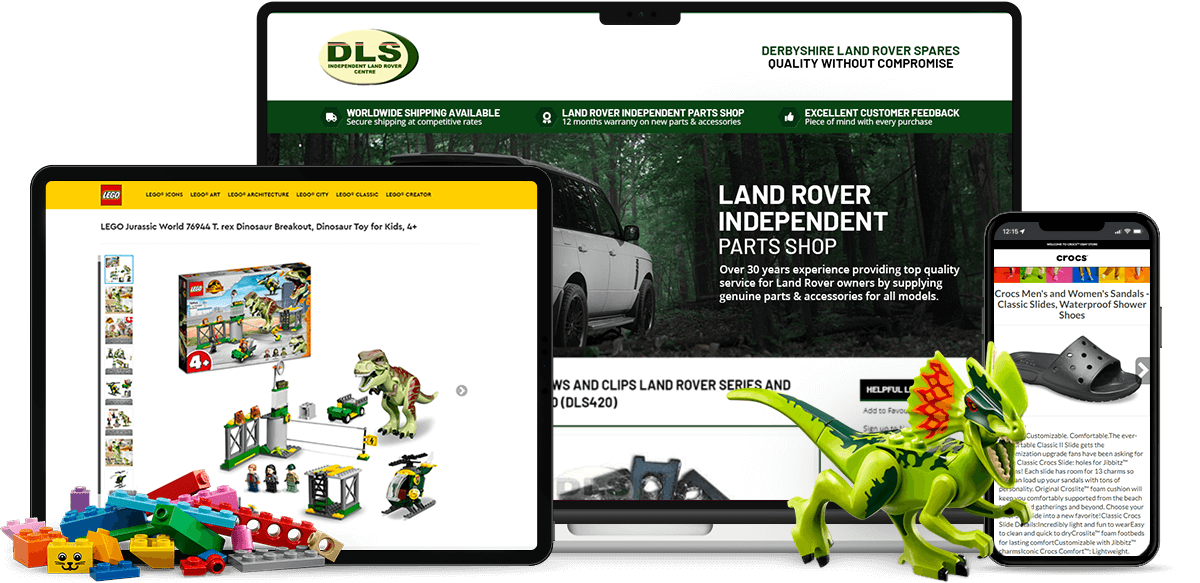
- Fully Mobile & eBay App Compatible
A professional eBay design is crucial for building trust, increasing buyer engagement, and ultimately boosting sales. With millions of listings on eBay, standing out is essential—and that’s where custom eBay design comes in. A well-structured and visually appealing eBay template helps establish a strong brand identity, builds credibility, and keeps customers on your listings longer. Features like mobile-optimized layouts, clear navigation, and a consistent visual theme can significantly enhance the customer experience, leading to higher conversion rates. eBay design isn’t just about aesthetics—it’s about creating a seamless, branded shopping journey that gives buyers confidence in your store.
eBay Template Benefits
Using a custom eBay listing template designed by professionals like Frooition gives sellers a competitive edge. eBay design services offer fully compliant and dynamic templates that adapt to all devices, ensure fast load times, and match your store’s branding. This not only improves your search visibility on eBay but also encourages repeat business by making your listings memorable and easy to navigate. eBay store design also allows for strategic cross-promotion, showcasing related items and keeping shoppers engaged with your brand. For serious sellers looking to scale, investing in a premium eBay design isn’t optional—it’s a key step toward sustained eCommerce success.
eBay SEO Optimization
In addition to boosting buyer confidence and improving usability, eBay design also plays a vital role in search engine optimization (SEO) within eBay itself. A clean, professional layout with structured content helps eBay’s Cassini search engine better understand and rank your listings. Optimized eBay listing templates from Frooition are built with SEO best practices in mind, including keyword-rich headings, responsive code, and fast-loading images—all of which contribute to better placement in search results. By combining striking visuals with strategic design and SEO-focused structure, sellers can significantly increase their visibility, click-through rates, and overall sales performance on eBay.
eBay Cross-Selling
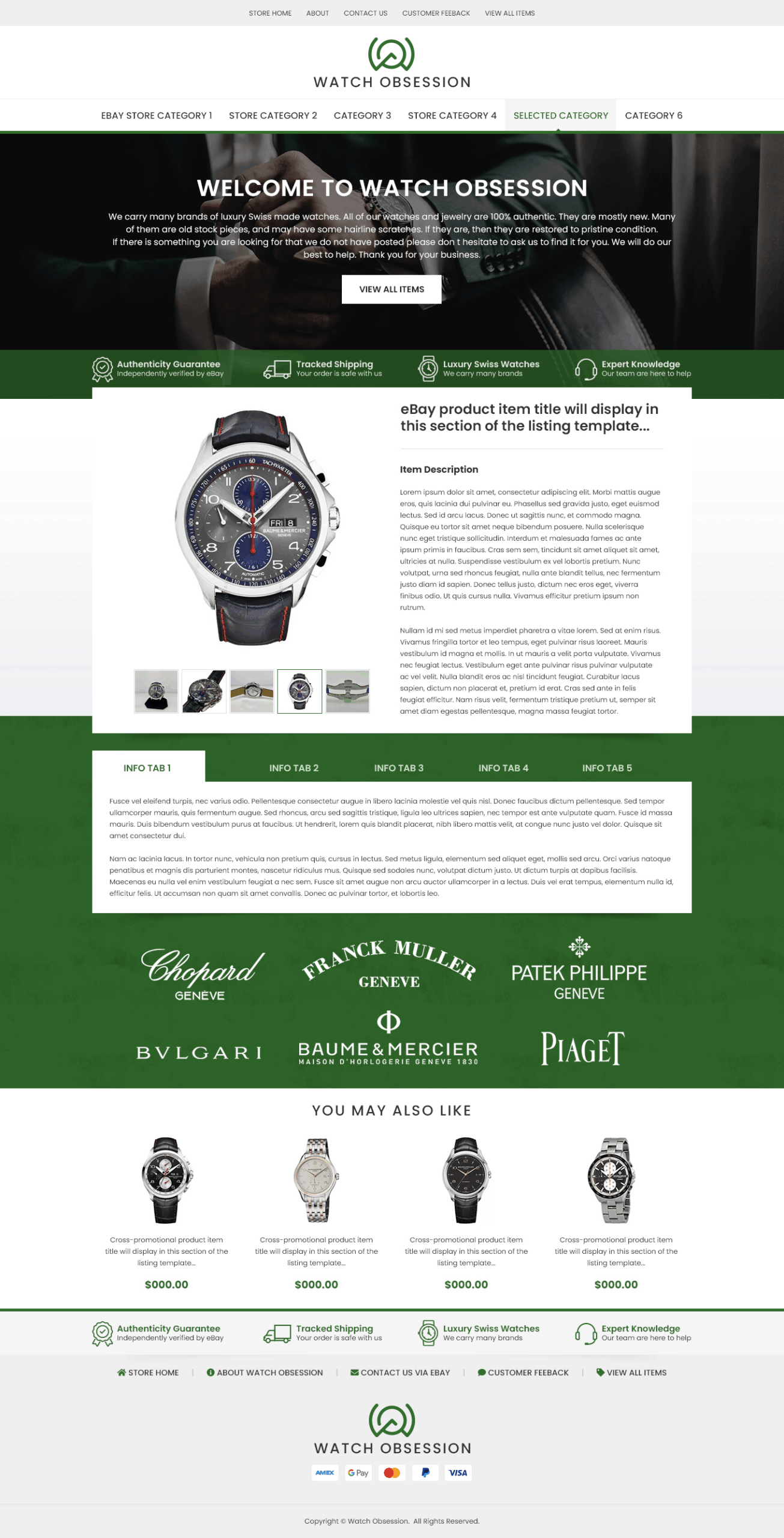
- Related items are picked and added to the Cross Selling section within the listing
- The items that are cross promoted are chosen via rules in the Frooition Software
- Items can be picked via category
- e.g. you could offer iPhone cases with any Phone in the iPhone category.
- As promoted items are sold or prices change they are replaced automatically
- No need to manually update any listings
- The cross selling section is fully mobile responsive
eBay cross-selling is a powerful strategy that enables sellers to showcase related or complementary products within their listings, effectively increasing average order values and enhancing the shopping experience. Frooition’s dynamic cross-selling feature automates this process by intelligently selecting and displaying relevant items based on custom rules set by the seller, such as product category or price range. This automation ensures that as inventory changes, the cross-promoted items remain up-to-date without manual intervention, saving time and maintaining relevance. By keeping buyers engaged with additional product options directly within the listing, sellers can reduce the likelihood of customers navigating away to competitors, thereby boosting conversion rates and fostering brand loyalty.
Dynamic eBay Categories
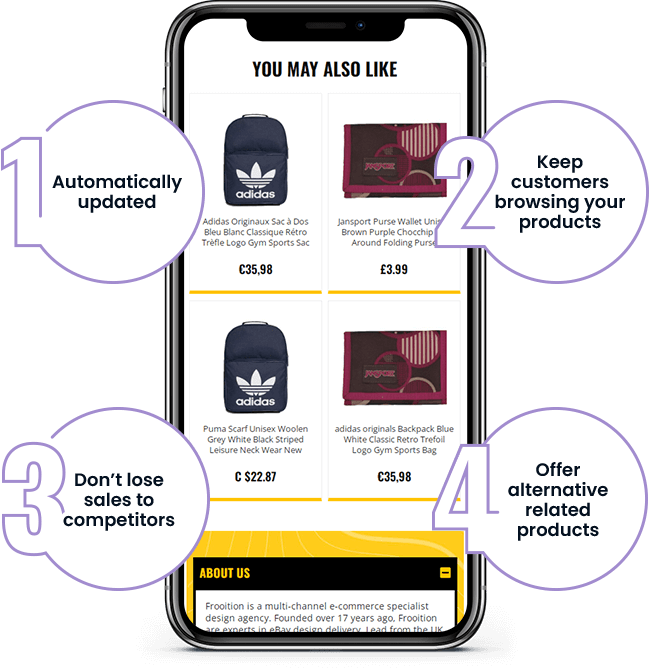
- Automatically updates categories, no re-listing required
- Saves hours of time
- Do not need to manage links or edit code
- Always up to date and no dead links
- Provides a much better shopping experience for your buyers
- Increase traffic, buyers and customers throughout your eBay store
Dynamic eBay categories are essential for maintaining an organized and user-friendly online store, especially as inventory evolves. Frooition’s eBay design solutions incorporate dynamic categories that automatically update, allowing sellers to add or remove product categories without manual adjustments to each listing. This automation not only saves time but also preserves sales history and search rankings, ensuring that listings remain current and relevant. By providing a seamless navigation experience, dynamic eBay categories enhance customer satisfaction and can lead to increased sales.
eBay Search & Navigation
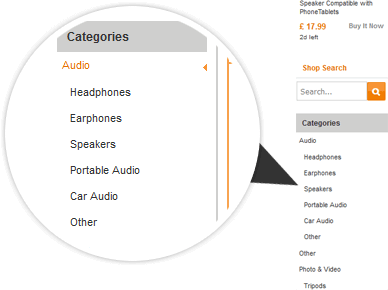
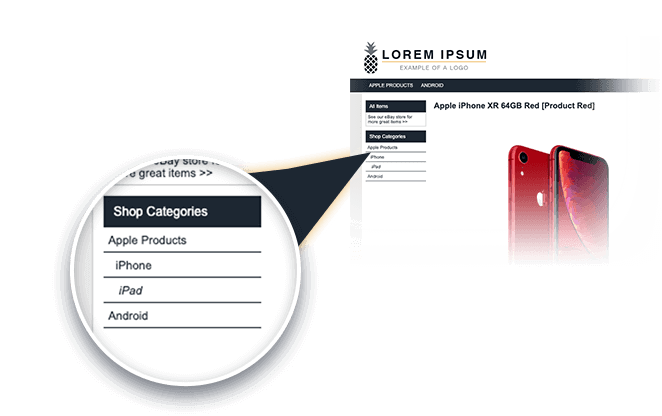
- Additional search tools for your customers
- Helps your retain customers by giving them options to search
- Professional website feel to your eBay listings
- Search By eBay Category
- Search By Brand/Manufacturer
- Search By Color
- Search By Size
- & many more…
Custom eBay search and navigation features are essential for enhancing the user experience and driving sales. Frooition’s eBay design services offer tailored search functionalities, such as custom search widgets and advanced navigation menus, enabling buyers to filter products by specific attributes like brand, size, or category. These features streamline the shopping process, allowing customers to find desired items quickly and efficiently. By improving site navigation and search capabilities, sellers can increase customer satisfaction, reduce bounce rates, and boost conversion rates. Implementing custom eBay search and navigation tools is a strategic move to stand out in a competitive marketplace and foster customer loyalty.


eBay Listing Software
Integrating a robust eBay listing tool and eBay software into your eBay design strategy is essential for streamlining operations and enhancing your online presence.
Frooition’s eBay software suite offers a comprehensive solution that allows sellers to efficiently manage their listings, apply custom design templates in bulk, and automate various aspects of the listing process. Features such as the Auto Apply tool enable automatic application of designs to new listings, ensuring consistency and saving time .
Additionally, the software supports bulk import of products via CSV files and provides optimization reports, facilitating better inventory management and improved search visibility . By leveraging eBay listing tools and eBay software, sellers can maintain a professional and cohesive brand image across all listings, ultimately leading to increased buyer trust and higher sales conversions

New To eBay?
Start here with our Complete Beginners Guide To eBay
What Makes a Good eBay Listing Template?
Not all eBay listing templates are equal. A well-designed template does far more than make your listings look attractive — it actively works to retain buyers, reduce bounce rates, and convert browsers into paying customers. Here’s what separates a high-performing professional eBay template from a generic one.
Mobile Responsiveness
Over 60% of eBay purchases are made on mobile devices. A good eBay listing template automatically adjusts its layout, font sizes, and images to display correctly on every screen size — from smartphones to desktops. Templates that aren’t mobile-optimised risk losing the majority of your potential buyers before they even read your description.
eBay Policy Compliance
Since eBay’s active content policy update, templates that rely on JavaScript, Flash, or third-party tracking scripts are blocked entirely by eBay. A compliant eBay listing template uses only approved static HTML and CSS — ensuring your design actually displays to buyers rather than showing a blank space or broken layout
Fast Load Speed
Buyers are impatient. Heavy templates packed with unoptimized images or excess code slow down your listing page, increasing the chance a buyer clicks away. Professional eBay templates are built with clean, lightweight code that loads quickly, keeping buyers engaged from the moment they land on your listing.
Custom Branding
A branded eBay template reinforces who you are as a seller. Consistent use of your logo, colour palette, and typography builds recognition and trust — both within individual listings and across your entire eBay store. Buyers are significantly more likely to make a repeat purchase from a seller they recognise and remember.
Cross-Promotion & Navigation
One of the most overlooked elements of an effective eBay template is the ability to keep buyers on your listings once they’ve arrived. Dynamic category menus, related product panels, and cross-promotion features guide buyers through your inventory — increasing average order value and turning one-time buyers into repeat customers.
Clear Trust Signals
Professional eBay listing templates include dedicated sections for shipping timelines, returns policies, and seller credentials — displayed prominently with clear iconography. When buyers can quickly see you’re a credible, reliable seller, purchase hesitation drops and conversion rates improve.
Bulk Apply Capability
A great template design is only useful if it can be applied to all your live listings at scale. The best professional eBay templates come with a bulk auto-apply feature, meaning you can update thousands of active listings to your new design in a single operation — without relisting, losing sales history, or risking eBay penalties.
Unique Design — Not a Shared Theme
Generic template builders give every seller the same starting point, meaning your store looks identical to your competitors. A truly effective eBay listing template is custom-designed and unique to your business, ensuring your brand stands out in a crowded marketplace rather than blending in.


