
eBay Auto Apply: Your Design on Every New Listing

Frooition have built a fantastic suite of eBay Listing Software to help sellers get their items on to eBay with fantastic design.
However we understand that sometimes it isn’t possible to completely change the way you list to benefit from design.
That is why we created Auto Apply.
Auto Apply gives you application free design. The design is automatically applied as items go live on eBay – no matter how you listed.
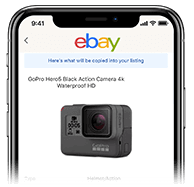
List to eBay

We monitor and detect new listings
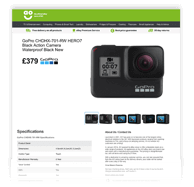
Design is auto applied

Who does Auto Apply work for?



The detail
How eBay Auto Apply works
eBay Auto Apply adds your Frooition design to every new eBay listing automatically, however the listing was created. You keep listing the way you do today, and each listing goes live with your design already on it.
List as you normally do
Use the eBay app, eBay's own listing form, a third-party tool or an automated feed. Nothing about how you list has to change.
eBay Auto Apply spots the new listing
It monitors your eBay account and detects each new listing as it goes live.
Your design is applied
The right design is added automatically, using rules you set by eBay store category, so every listing matches.
What eBay Auto Apply costs: nothing extra
eBay Auto Apply is included at no extra cost with Frooition's eBay software and with every custom eBay template package.
Questions sellers ask
eBay Auto Apply FAQs
Is eBay Auto Apply free?
Yes. eBay Auto Apply is included at no extra cost with Frooition's eBay software and with every custom eBay template package. There's no separate Auto Apply charge.
Does eBay Auto Apply work if I list with the eBay app?
Yes. Auto Apply watches your account for new listings, so it works however you list: the eBay app, eBay's own listing form, a third-party tool or an automated feed.
Can I use different designs for different categories?
Yes. You set rules so the right design is applied to the right eBay store category, which keeps every listing consistent even when several people are listing.
What about listings that are already live?
Auto Apply handles new listings as they go live. Listings that are already live can have your design applied across them in one action from your Frooition account.
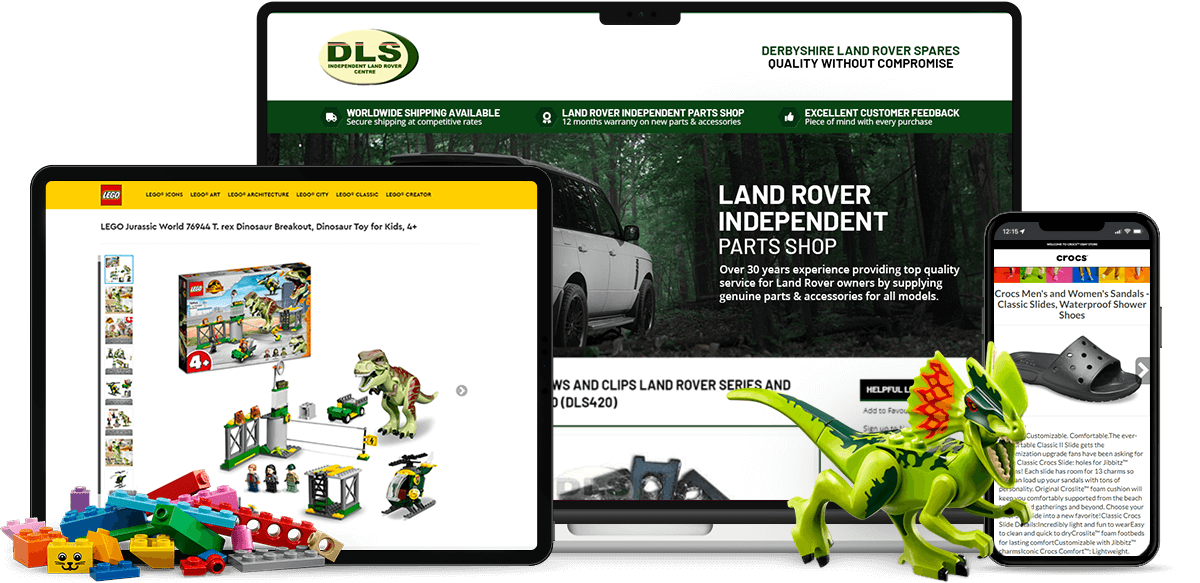
eBay Listing Templates
Great Software Deserves an Equally Great Design
The tools above work hardest when they're paired with a custom eBay listing template — the same eBay-certified design trusted by LEGO, Dyson, and AO.com, built to work seamlessly with your software.
Thanks! We'll be in touch within one business day.

