Share This Blog Post
These eBay selling tips come from twenty years of designing, optimizing and managing eBay stores for sellers of every size, from first-time sellers to global brands. They are the things that move a listing up eBay search, turn more viewers into buyers and keep those buyers coming back.
The short version: our top 5 eBay selling tips
- Write titles buyers actually search for, using the full 80 characters.
- Fill in every item specific eBay offers for your category.
- Use plenty of clear photos, with a clean, bright main image.
- Ship fast, with tracking, and offer a clear 30-day returns policy.
- Protect your seller rating: answer messages quickly and fix problems before they become cases.
The rest of this guide explains why each one matters, plus 20 more eBay selling tips covering pricing, promotions, shipping, seller performance and how to keep your whole store healthy.
How eBay decides which listings buyers see
eBay’s search engine, Cassini, decides which listings appear first when a buyer searches. It looks at more than your title and description. Broadly, it weighs four things:
- Relevance: how well your title, item specifics and category match what the buyer typed and the filters they chose.
- Listing performance: how often the listing sells, and what share of the people who view it go on to buy (its conversion rate).
- Seller performance: your feedback, your service metrics and how reliably you ship and handle problems.
- Store-wide performance: how your range performs as a whole, not just one listing.
New listings have no sales history, so eBay tends to give them some early visibility to see how they perform. If a listing converts well, it holds its position. If it doesn’t, it slips. Every one of the eBay selling tips below helps with at least one of those four factors. For a deeper look at how Cassini works, see our eBay SEO guide.
eBay selling tips for better listings
1. Write titles for the way buyers search
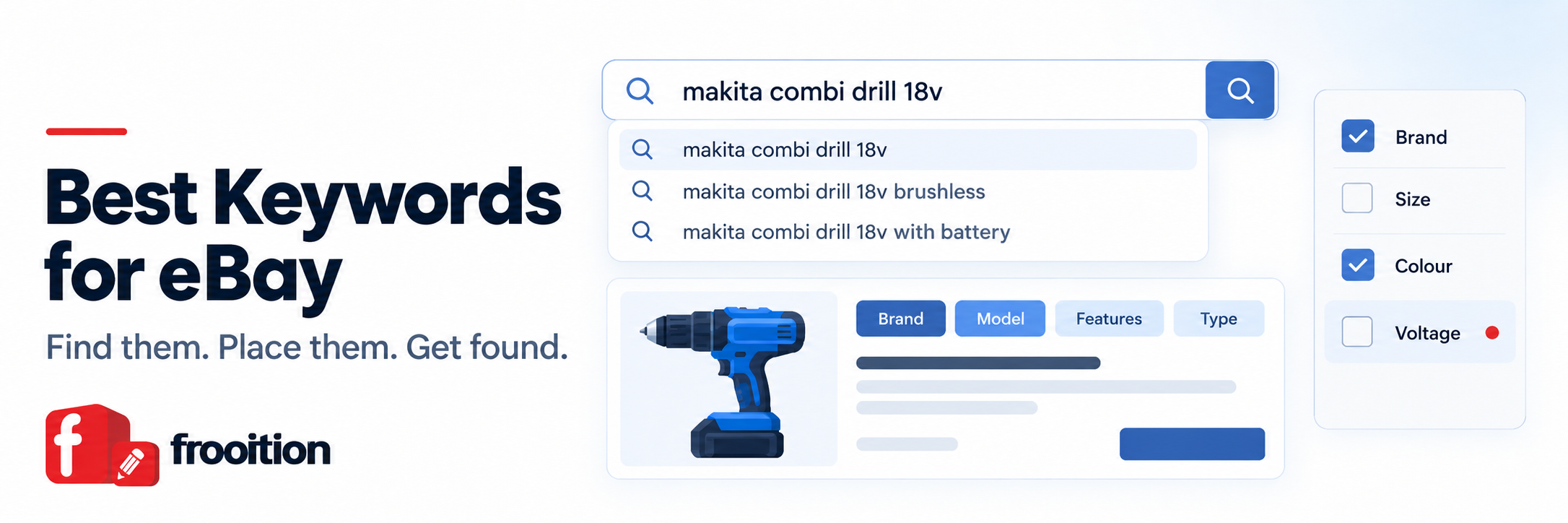
Your title is the single biggest relevance signal. eBay gives you 80 characters, so use them. Lead with the words a buyer would type: brand, product type, model, and the key details such as size, color or compatibility. Leave out filler like “L@@K”, “wow” or “great deal”, which nobody searches for. Our guide to the best keywords for eBay shows how to find the terms buyers use.
2. Fill in every item specific
Item specifics (brand, MPN, size, color, type and so on) are what eBay’s search filters run on. When a buyer narrows results with the filters down the side of the page, a listing with an empty field drops out of the running, however good the description is. Fill in the required specifics, then every recommended one that applies. Seller Hub’s listing quality report shows where specifics are missing, and Frooition’s eBay Listing Optimizer scans every live listing for them at once.
3. Choose the most accurate category
The category decides which item specifics eBay asks for and which searches and filters your listing can appear in. Pick the most specific category that fits, and check what top-selling competitors use for the same product.
4. Use plenty of photos, and make the first one count
eBay lets you add up to 24 photos to a listing. Use as many as you need to show the product from every angle, plus close-ups of labels, model numbers, connections and any wear. Keep the main image clean, bright and uncluttered, because it is what buyers see in search results and what decides whether they click.
5. Add a short product video
Where it helps, a short video showing the product in use, or working, answers questions photos can’t. It is especially useful for electronics, tools and anything with moving parts.
6. Answer every question in the listing
Include all the dimensions, materials, compatibility, what’s in the box and what isn’t. If you find yourself answering the same question more than once, add the answer to the listing. If a couple of people have messaged to ask, you can be sure others didn’t bother and bought elsewhere. Complete listings also mean fewer returns and less negative feedback.
7. Sell the benefits, not just the features
List the features, then say what they mean for the buyer. “1,000mAh battery” is a feature. “Lasts a full day on one charge” is the reason to buy. Short sections, headings and bullet points make the description easy to scan on a phone.
8. Use a professional, mobile-friendly design
Most eBay buyers shop on their phone or in the eBay app, so your description has to work there first. A professional eBay listing template builds trust, keeps your branding consistent and can carry your store categories and related items onto every listing. Keep it to plain HTML and CSS, because eBay blocks active content such as JavaScript.
9. Describe condition honestly and precisely
Choose the right condition and spell out any marks, missing parts or signs of use, with photos. An honest description costs you nothing and saves you an “item not as described” return, which hurts far more than a slightly lower price.
eBay selling tips for pricing and offers
10. Price from sold data, not asking prices
Look at what similar items have actually sold for, not what other sellers are asking. Product Research (formerly Terapeak) in Seller Hub shows sold prices, sell-through and average shipping cost for the past few years, and it is free for sellers.
11. Turn on Best Offer, with rules
Best Offer brings in buyers who would never pay the full asking price but are happy to haggle. Set an auto-accept price and an auto-decline price so you aren’t answering lowball offers all day. Our guide explains how eBay Best Offer works.
12. Send offers to watchers
Buyers who watch an item are already interested. eBay lets you send a discounted offer to watchers and other interested buyers, and a small discount is often enough to turn a watcher into a sale.
13. Reward bigger orders
Volume pricing (multi-buy discounts) and order discounts in Promotions Manager encourage buyers to add a second item. It is one of the easiest ways to increase average order value on eBay.
14. Run sales and markdowns with a plan
Sale events and markdowns are useful for clearing seasonal or slow stock, and the “sale” badge catches the eye in search. Plan them around your stock, not on impulse, and check your margins with an eBay fee calculator (UK version) before you cut prices.
eBay selling tips for shipping and returns
15. Ship fast, and always use tracking
Short handling times and tracked delivery help both your search position and your conversion rate. Set a handling time you can always meet, upload tracking promptly and make the shipping options clear in the listing.
16. Consider free shipping
Buyers compare the total price. Building shipping into the item price and offering free delivery often converts better than a low price with a high shipping charge, and it keeps your listing competitive when buyers sort by total cost.
17. Offer clear, reasonable returns
A 30-day returns policy reassures buyers, and a generous policy is part of what qualifies listings for eBay’s Top Rated Plus badge. Write the policy in plain language and make it easy to find. Easy returns cost far less in the long run than negative feedback or a case.
eBay selling tips for protecting your seller rating
18. Know your seller performance standards
eBay rates sellers as Top Rated, Above Standard or Below Standard, based on things like the transaction defect rate, cases closed without seller resolution and late shipments. Check your seller dashboard in Seller Hub regularly, because falling below standard can cost you visibility and add fees. Our guide explains how to become an eBay Top Rated Seller and keep the status.
19. Answer messages quickly
Aim to reply to buyer messages within a day, or sooner. Fast, polite answers win sales from buyers who are still deciding, and stop small problems turning into returns, negative feedback or cases.
20. Resolve problems before eBay has to
Now and again you’ll get a difficult buyer. It is almost always worth resolving the issue yourself. A case that eBay has to step in on can affect your account standing, and with it the ranking of every listing you have.
eBay selling tips for visibility and growth
21. Use Promoted Listings carefully
Promoted Listings put your items in front of more buyers in search and on other listings. Start with a modest ad rate on items with good margins and a decent conversion rate, then watch the sales the ads actually drive in Seller Hub. Promotion amplifies a good listing. It won’t rescue a poor one.
22. Keep buyers in your store
Once a buyer is on your listing, show them what else you sell. Store categories on every listing and cross selling on eBay with related items turn a single visit into a browse of your whole range, and a single sale into two.
23. Deal with slow-selling stock
Your whole range affects how eBay ranks you. A store full of listings with no sales can hold the rest back. Review anything that hasn’t sold in around 90 days: improve the title, specifics, photos or price, end and relist it, or hold seasonal stock until its season comes round again. We explain why in Are Slow Selling Items Damaging Your eBay Search Relevance? and in our guide to eBay end and relist.
24. Read your traffic reports
Seller Hub’s reports show impressions, click-through rate and conversion rate for each listing. Low impressions point to a relevance problem (title, specifics, category). Lots of views but few sales points to the listing itself (price, photos, description, shipping). Fix the right thing, and our guide to improving your eBay conversion rate covers the second case in detail.
25. Build a brand, not just listings
Buyers come back to sellers they recognize. A consistent look across your eBay store and listings, a clear About Us, and the same standards of service on every order turn one-off buyers into repeat customers. That is where long-term growth comes from.
Common eBay selling mistakes to avoid
- Titles stuffed with words buyers don’t search for.
- Required and recommended item specifics left empty.
- A dark, cluttered or stock main photo.
- Shipping costs that make the total price uncompetitive.
- Handling times you can’t consistently meet.
- Descriptions that don’t work on a phone.
- Leaving hundreds of dead listings untouched for months.
eBay selling tips FAQ
What is the most important eBay selling tip?
Make your listings easy to find and easy to buy. In practice that means a title built around what buyers search for, every item specific filled in, clear photos, and fast, tracked shipping. Those four things affect both where your listing appears and whether people buy when they see it.
How can I get more views on my eBay listings?
Improve relevance first: use the full 80-character title, fill in all item specifics and choose the most accurate category. Then strengthen performance signals with competitive pricing and fast shipping. Promoted Listings can add visibility on top, but they work best on listings that already convert.
Does free shipping help on eBay?
Often, yes. Buyers compare the total price, and free shipping with the cost built into the item price frequently converts better than a lower price plus a shipping charge. Check your margins first, because the shipping cost doesn’t disappear.
How long should I leave an eBay listing that isn’t selling?
Review anything that hasn’t sold in around 90 days. Improve the title, item specifics, photos or price, or end and relist it. Seasonal items can be held until their season comes round again. Large numbers of listings with no sales can hold back the rest of your store.
Do eBay listing templates help sales?
A professional, mobile-friendly template builds trust and keeps your branding consistent, which helps buyers commit. The best ones also show your store categories and related items on every listing, so buyers keep shopping your store instead of going back to search.
Learn more
To learn more about how Frooition can help you get more from eBay, schedule a free 15-minute discovery call with one of our eBay experts. You can also see how your own eBay listing could look in a Frooition design, free and with no obligation: get a free eBay listing preview.
Looking for more ways to grow? Read our guide on how to increase your eBay sales.
Share This Blog Post
Related Posts

Thanks! We'll be in touch within one business day.