
Free eBay Listing Checker: See What Your Listing Is Missing
Paste any eBay item number and see every item specific its category expects, and which ones your listing has left empty. Missing item specifics are the most common reason listings drop out of buyers' filtered searches, and this check shows you exactly what to fix.
Check a listing now
No account needed. Free PDF report. Three free checks a day.
Why missing item specifics cost you sales
Item specifics are the structured details of a listing: brand, model, size, colour, material, MPN and dozens of category-specific fields. They decide whether buyers ever see your listing.
When a buyer narrows results by size, brand or colour, listings without that item specific drop out, even if the word is in the title.
eBay's search engine, Cassini, uses item specifics to match listings to what buyers type, alongside your title and category.
Some item specifics are required for a category. eBay asks for these when you list, and categories add new ones over time.
Recommended item specifics aren't compulsory, but each one you leave empty is a filter your listing can't appear in.
Our guide to eBay item specifics explains required and recommended fields in more detail.
How the free eBay listing checker works
Paste an eBay item number. You'll find it on the listing page, in the description tab, or in Seller Hub.
We check it against its category. The checker compares the listing with every item specific eBay expects for that category.
See what's missing. You get a report showing which item specifics are filled in and which are empty, as a free PDF.
There's nothing to install and no eBay sign-in needed. You can run three free checks a day.
Free Frooition account
Check every listing at once, not one at a time
The listing checker looks at one item. To scan your whole eBay store, link it to a free Frooition account and use the eBay Listing Optimiser.
- Scan every live listing for missing item specifics, free
- See which listings and categories need the most work
- Fix them in bulk when you're ready
No contract, no payment details and no minimum period.
What to do with your report
- Fill in the empty item specifics, starting with any required fields, then the recommended ones that apply to your item.
- Check your title uses the full 80 characters with the words buyers search for. See our eBay SEO guide.
- Check the category. The category decides which item specifics eBay asks for.
- Fix the same gaps across similar listings. If one listing is missing a field, others in the same category usually are too.
Prefer to have it done for you? Frooition's eBay SEO services team optimises titles, item specifics and categories across your whole catalogue.
eBay listing templates
Make every listing look as good as it ranks
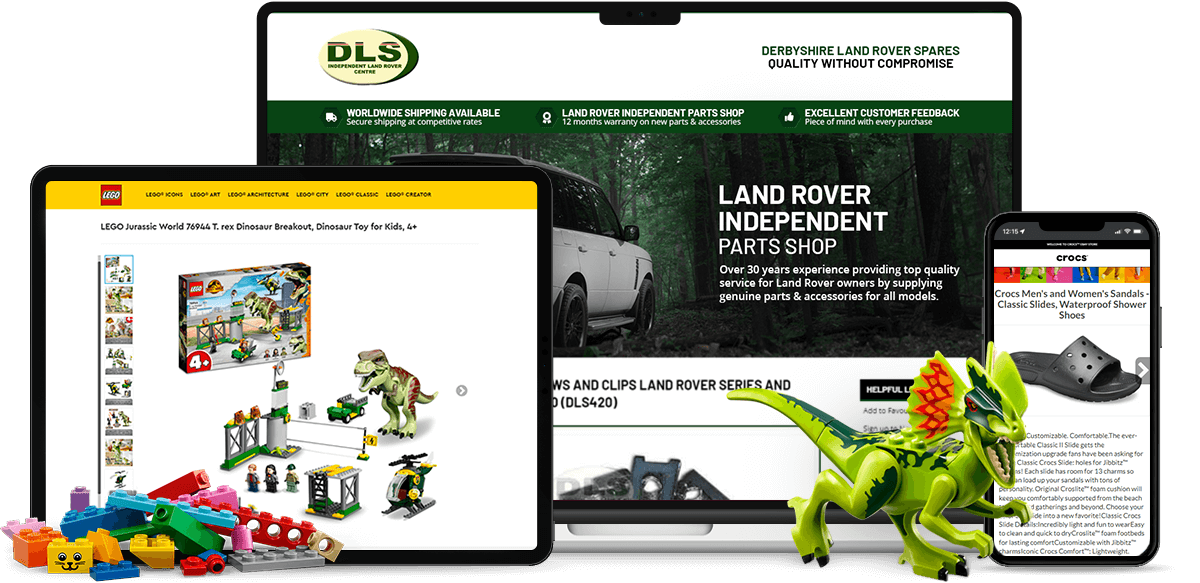
Once buyers can find your listings, a professional eBay listing template helps them buy. See how one of your own listings could look in a Frooition design, free and with no obligation.
Free eBay listing checker FAQ
Is the eBay listing checker really free?
Yes. You can check up to three eBay listings a day for free, with no account, no payment details and no eBay sign-in. Each check gives you a free PDF report.
What does the free eBay listing checker check?
It checks one eBay listing against every item specific eBay expects for its category, and shows which item specifics are filled in and which are empty.
Do I need to sign in to eBay or create an account?
No. Just paste a live eBay item number. There's nothing to install and no eBay sign-in needed.
Can I check my whole eBay store?
The free checker looks at one listing at a time. To scan every live listing at once, link your eBay store to a free Frooition account and use the eBay Listing Optimiser, which scans your whole store for missing item specifics for free.
What are eBay item specifics and why do they matter?
Item specifics are structured details such as brand, model, size and colour. eBay uses them for search filters and to match listings to buyers' searches, so a listing with empty item specifics can disappear from filtered results even if the detail is in the title.
Where do I find my eBay item number?
It's shown on the listing page, usually in the description tab, and next to each listing in Seller Hub. It's a long number, typically 12 digits.
What should I do after I get my report?
Fill in the empty item specifics, starting with required fields, then check the same gaps across similar listings. If you'd rather have it done for you, Frooition's eBay SEO team can optimise item specifics, titles and categories across your whole catalogue.