
How To Edit Live eBay Listings Item specifics on Frooition
Mastering your eBay visibility starts with accurate data, but updating hundreds of active ads manually is a time-consuming challenge. In this guide, you will learn how to edit live listings item specifics on Frooition to ensure your products remain compliant with eBay’s latest category requirements. Whether you are looking to perform a bulk update of eBay item specifics or refine individual product attributes, the Frooition software streamlines the process, allowing you to optimize search rankings and fix non-compliant listings without ending and restarting your ads. Follow these simple steps to automate your eBay data management and boost your store’s organic performance
1. Navigate to https://freedom.frooition.com/ebay/live/#nogo
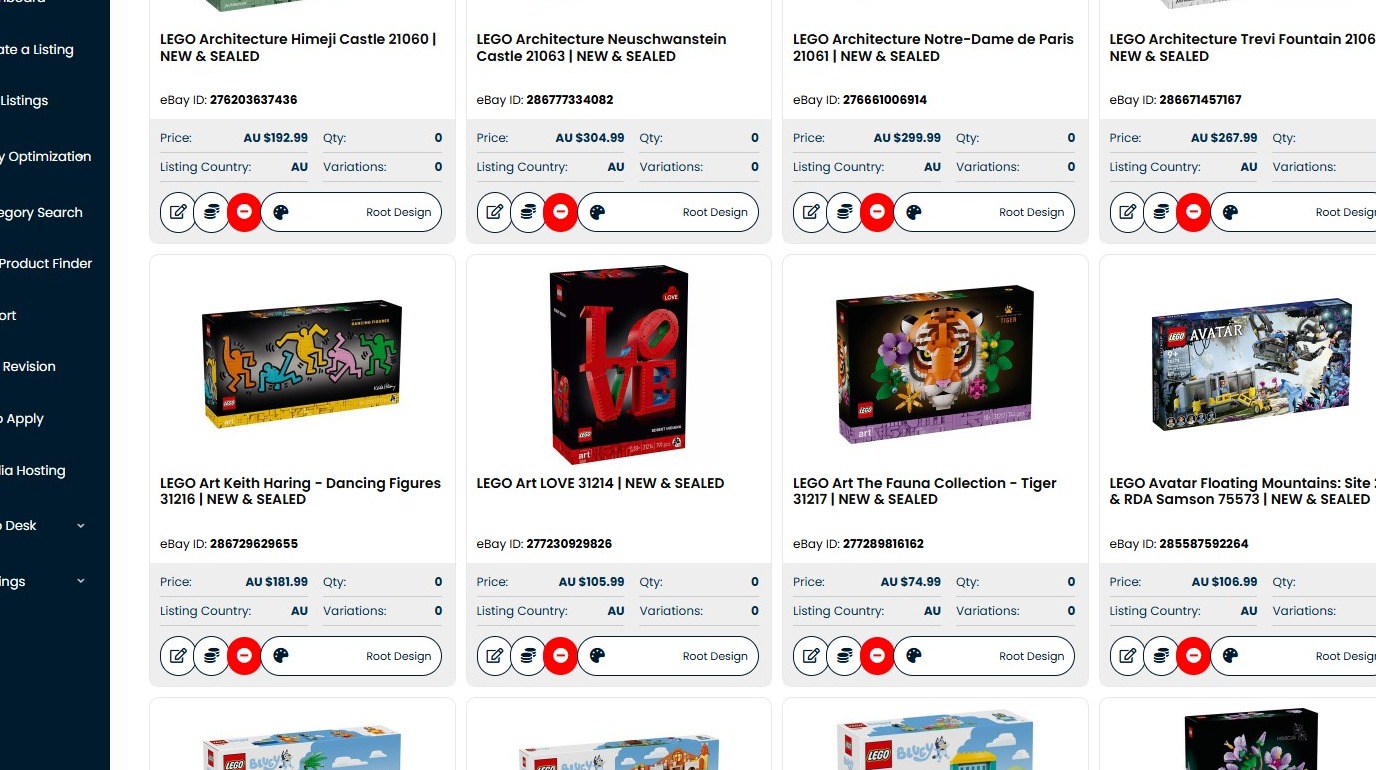
2. Click here.
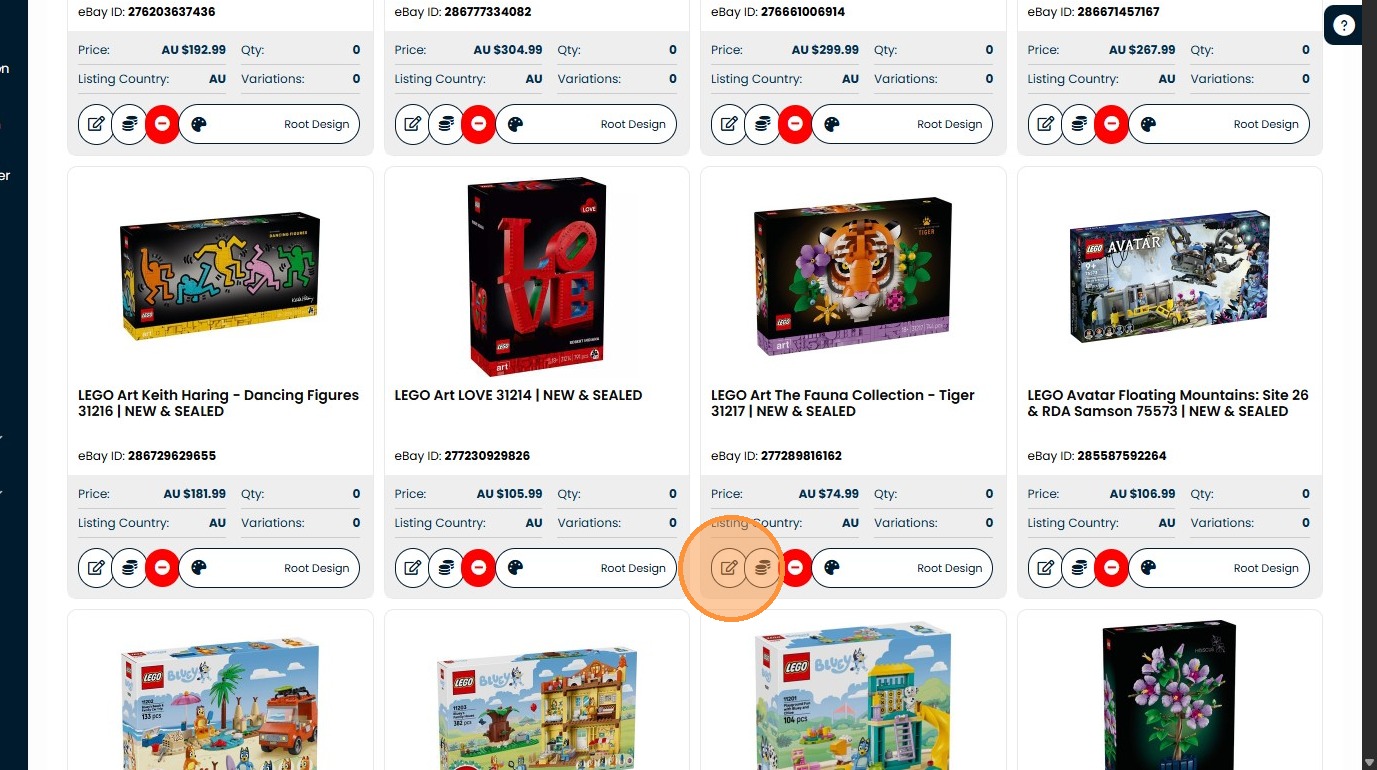
3. Click "Full Edit"
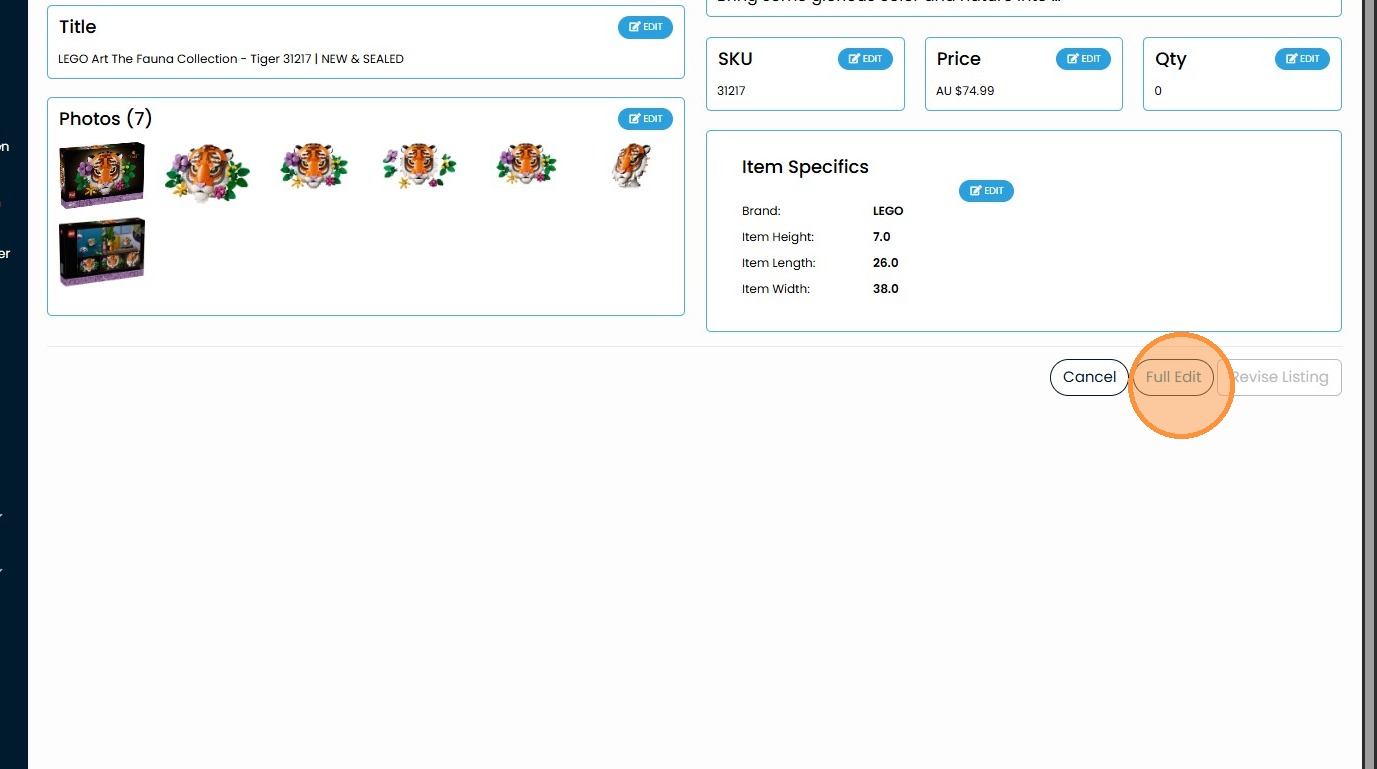
4. Click the "Select or type" field.
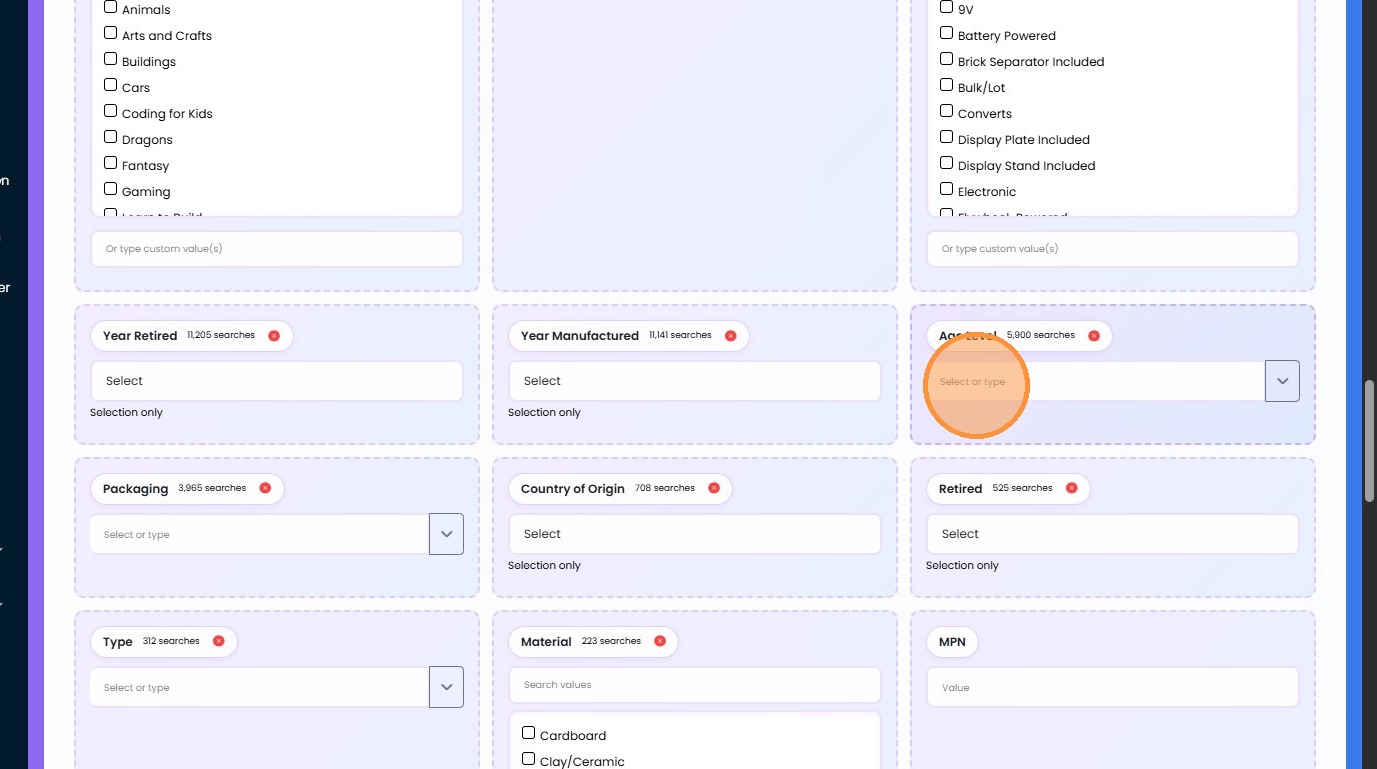
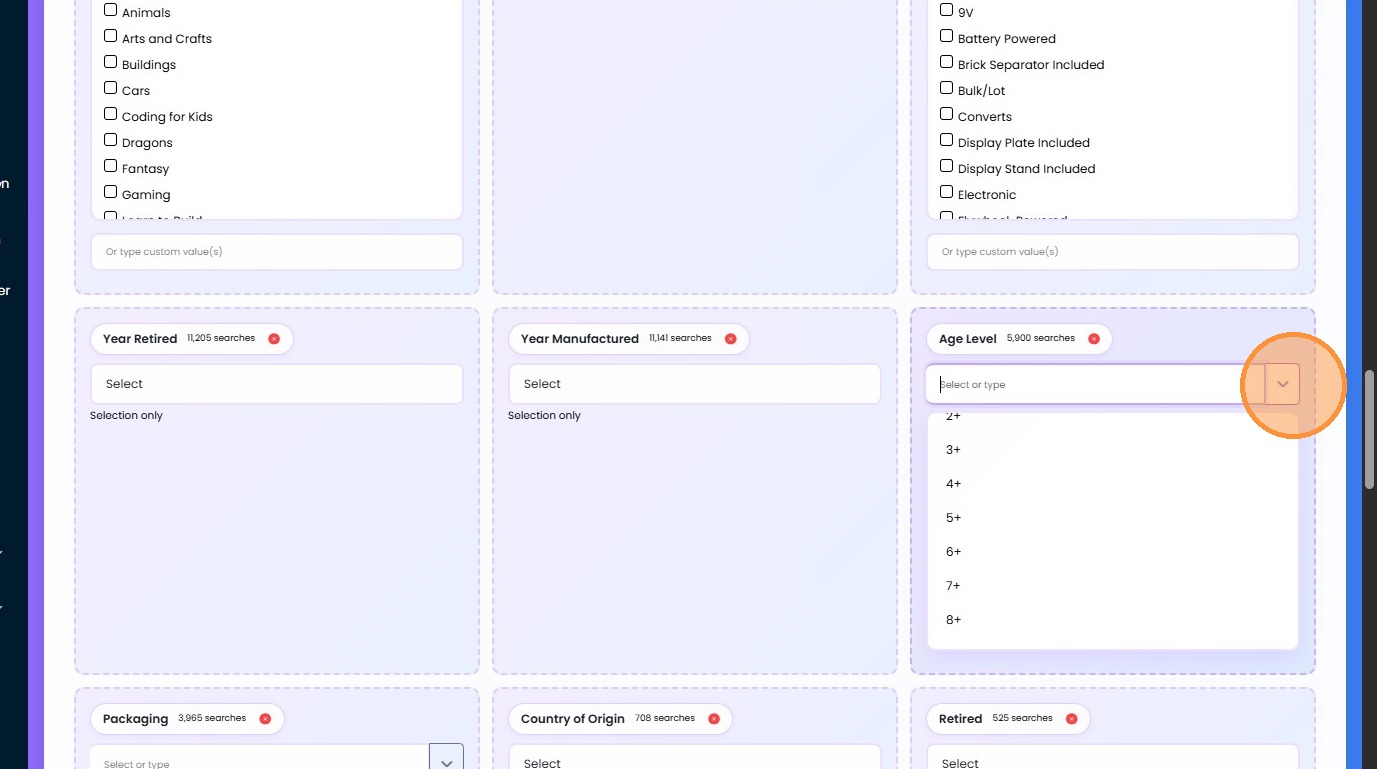
5. Click this button.
Share This How To Article
Thanks! We'll be in touch within one business day.

