
Create a Support Ticket
If you need help with your eBay listings, templates, bulk revisions, or account settings, the fastest way to get assistance is to create a Frooition support ticket through the Help Desk. Submitting a ticket ensures your request is tracked, reviewed by the support team, and responded to as quickly as possible. This step-by-step guide explains exactly how to create a Frooition support ticket, what information to include, and how to submit your request so issues with your listings or account can be resolved efficiently.
1. Navigate to https://freedom.frooition.com/ebay/
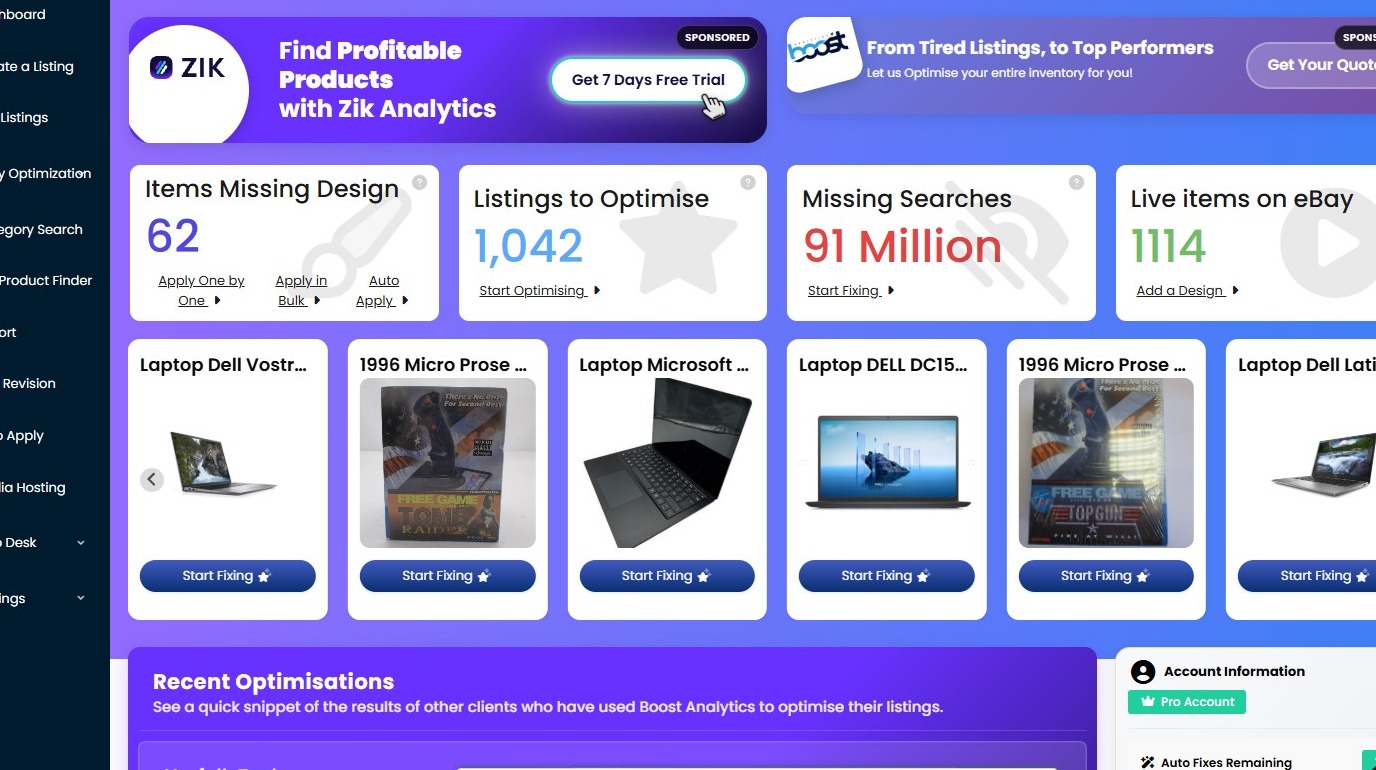
2. Click 'Help Desk' from the left hand navigation.
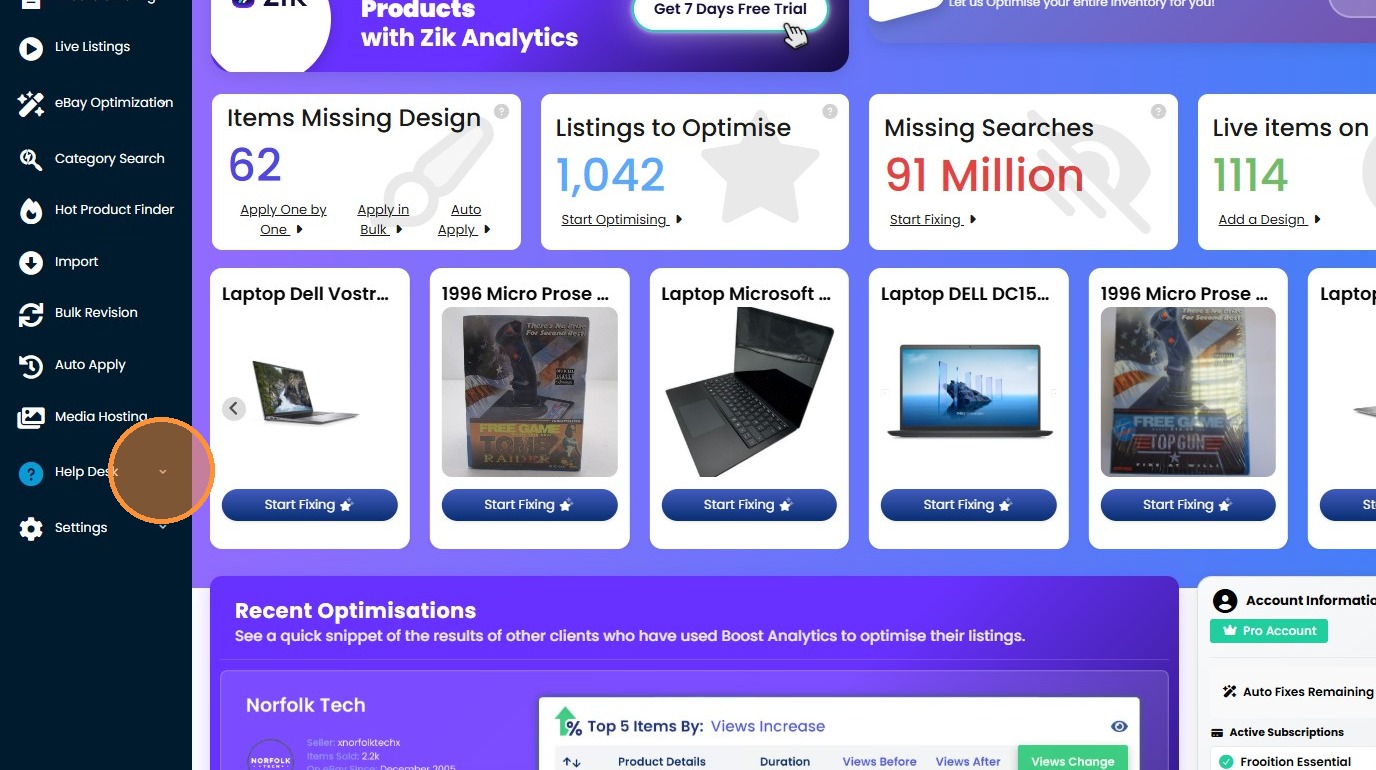
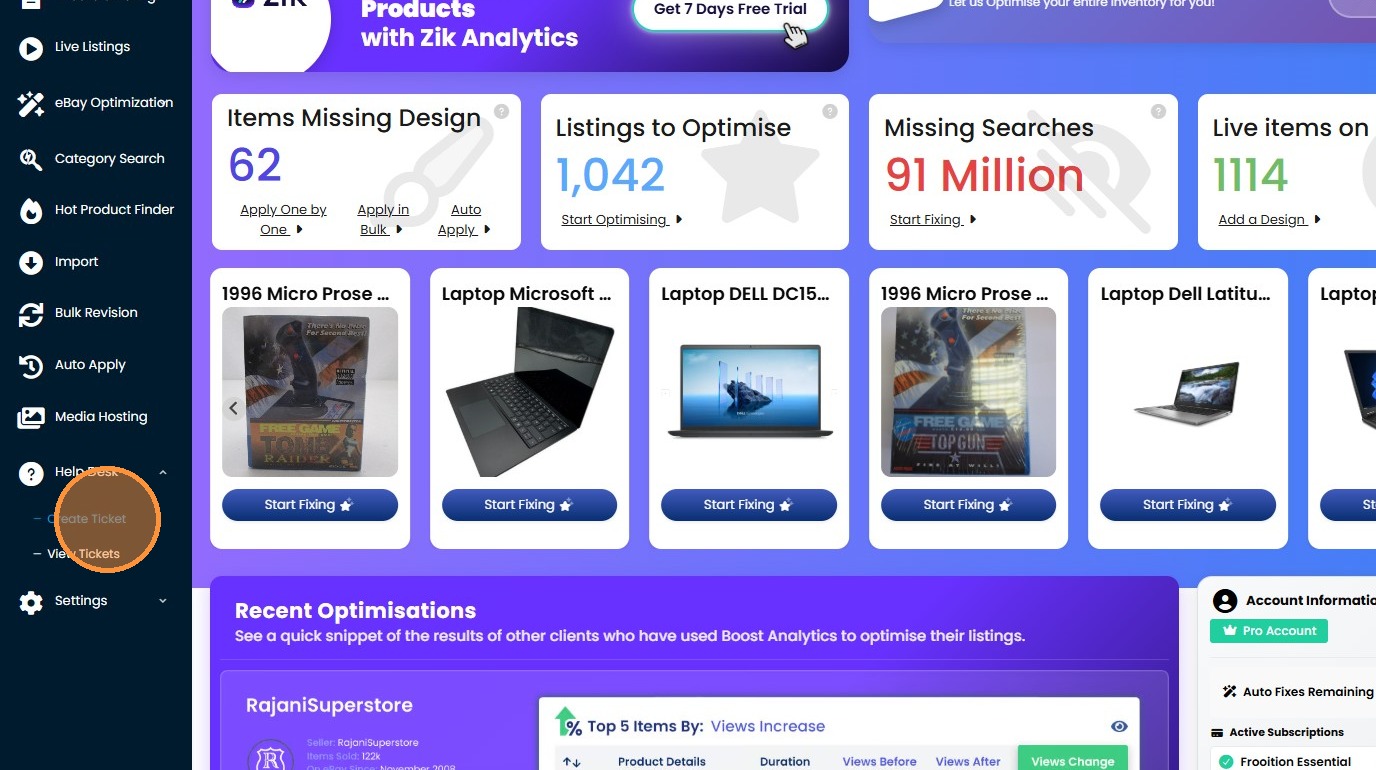
3. Click "Create Ticket"
4. Enter your name.
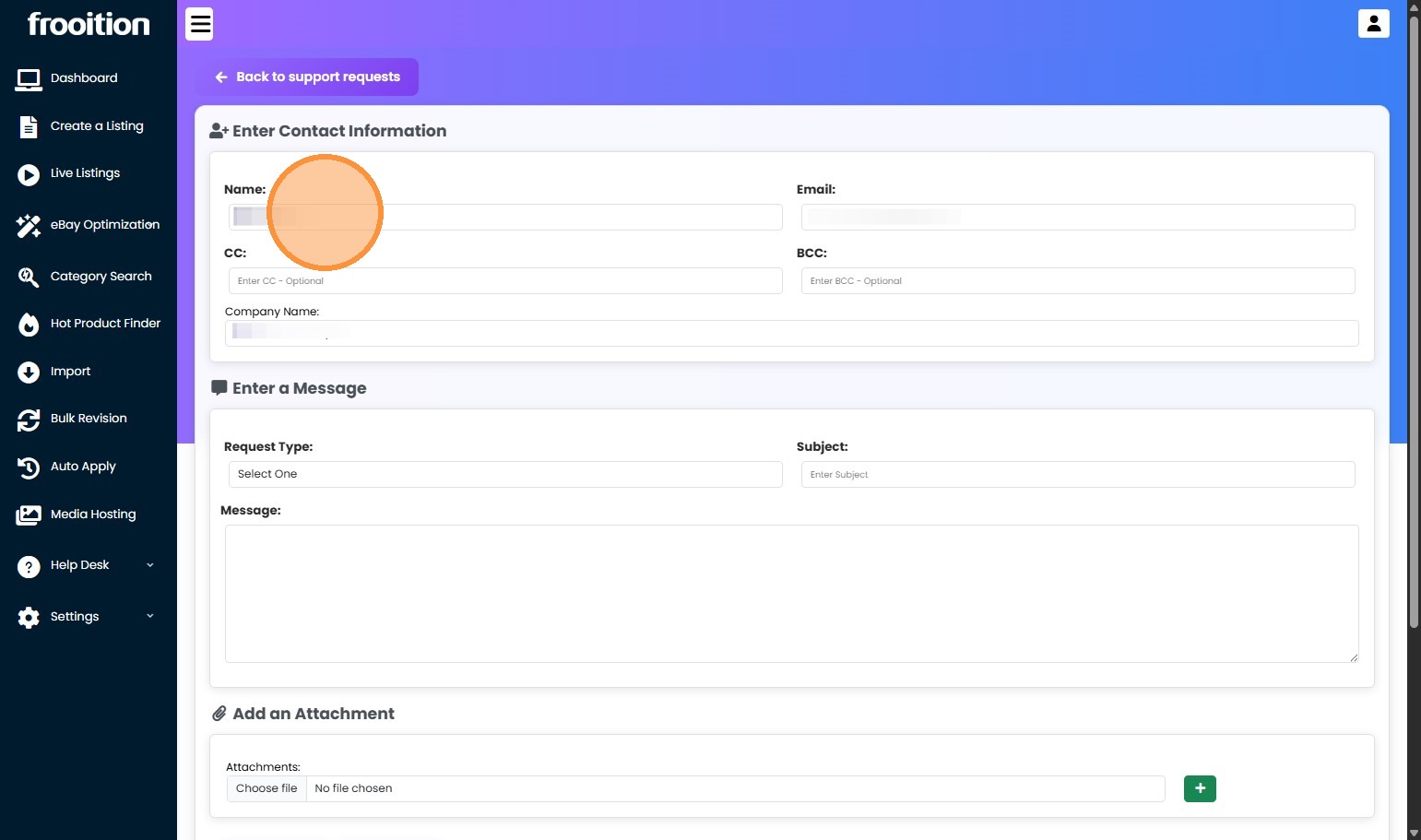
5. Enter your email address.
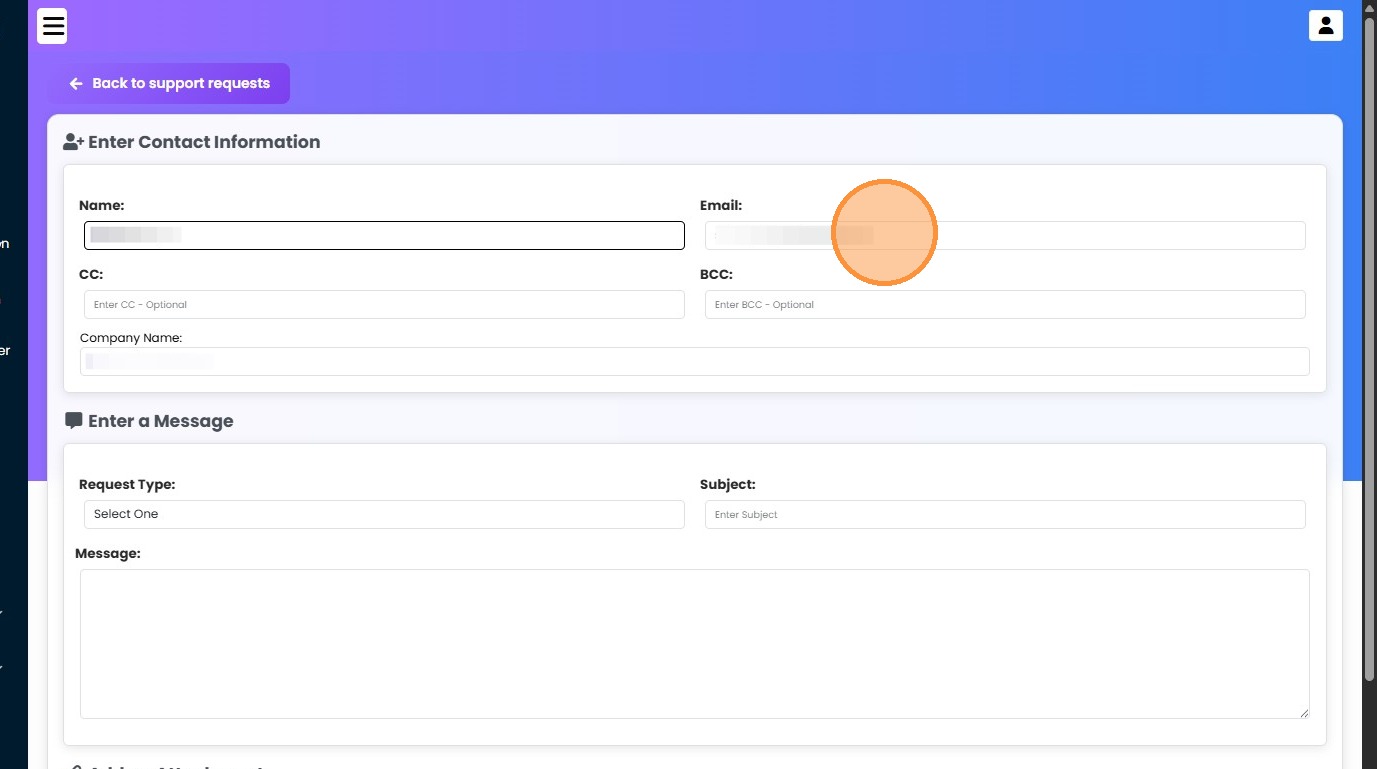
6. Enter your company name.
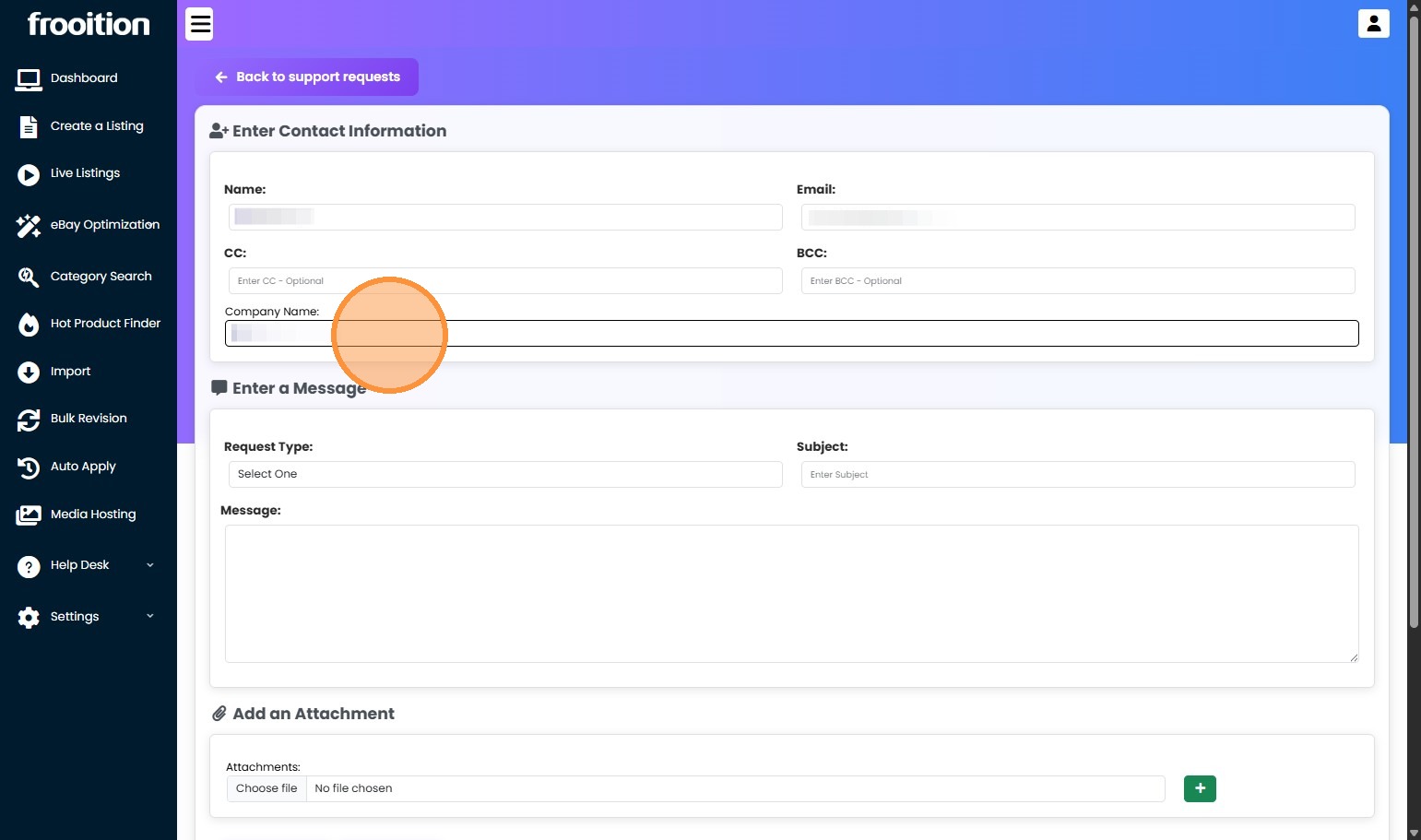
7. Select request type.
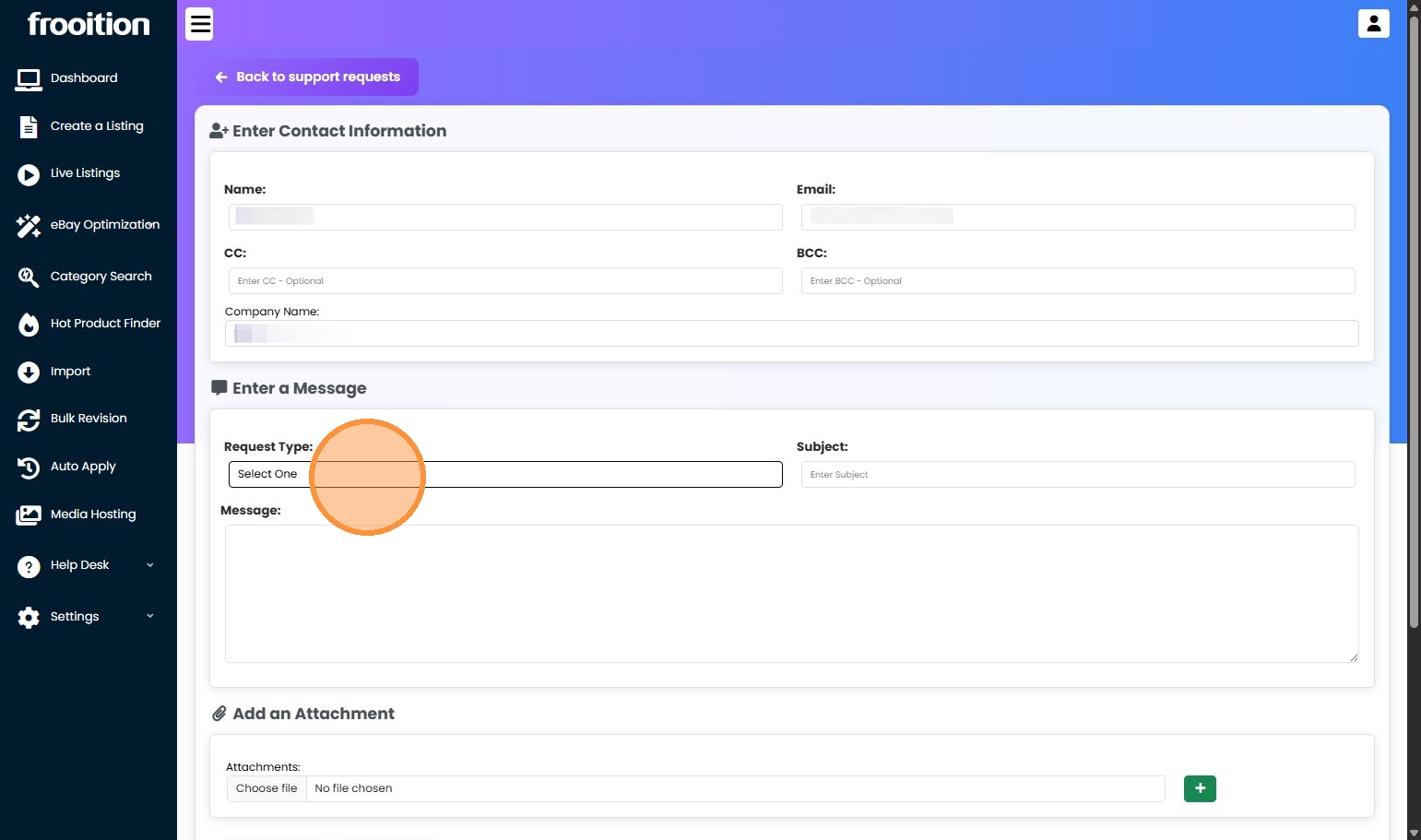
8. Enter the subject of the support request or issue.
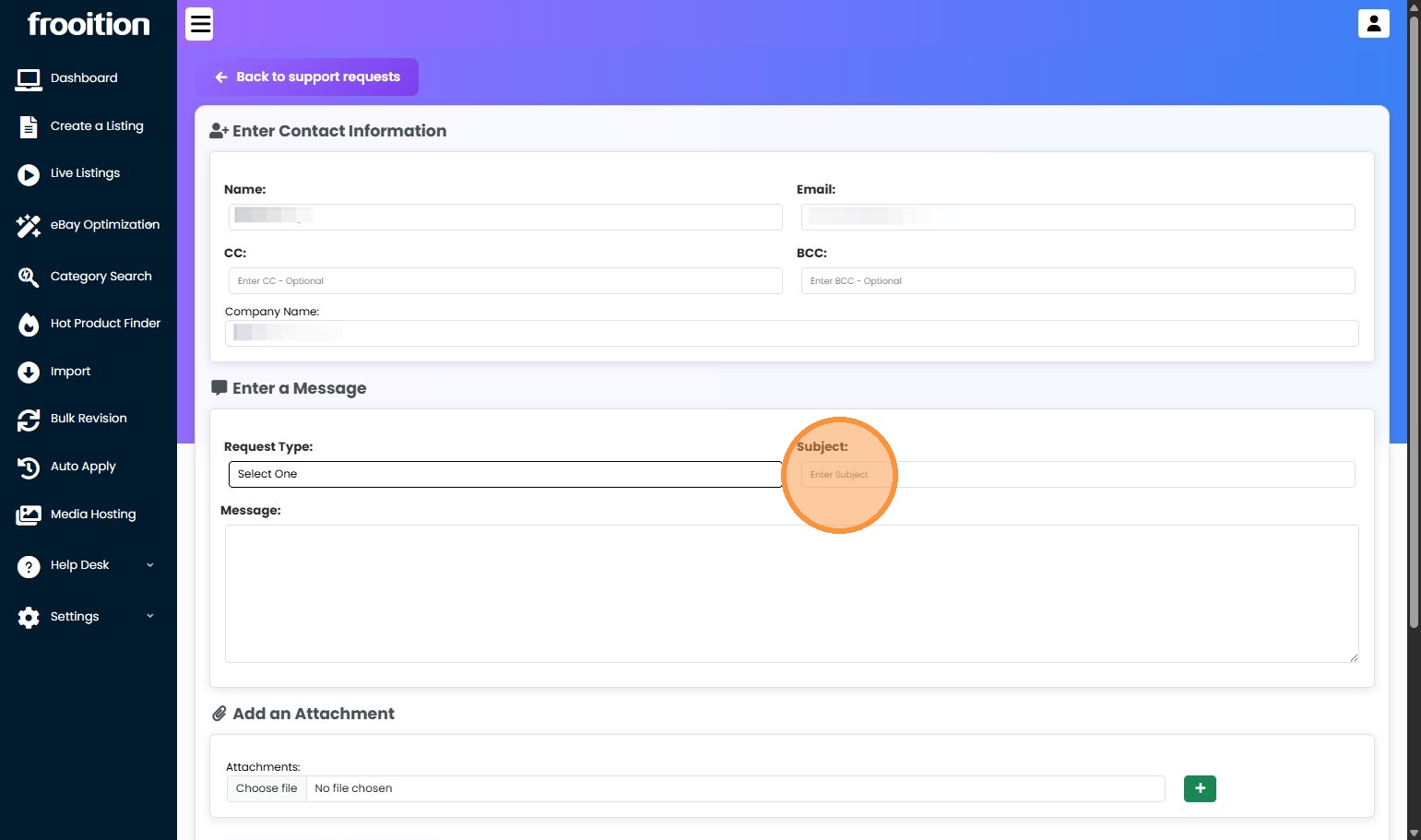
9. Enter the message for the issue or support request you need assistance with.
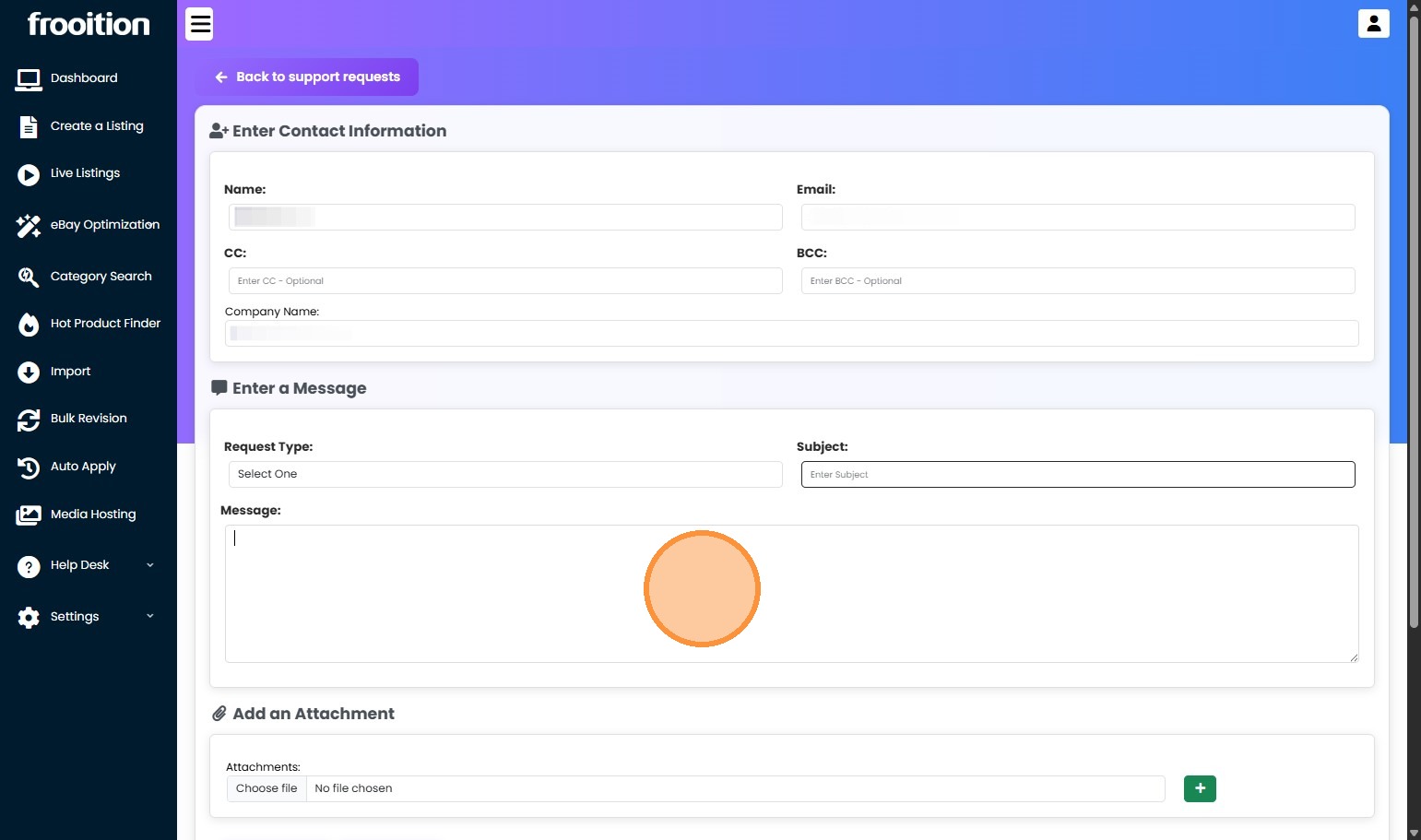
10. Add an Attachment (Optional).
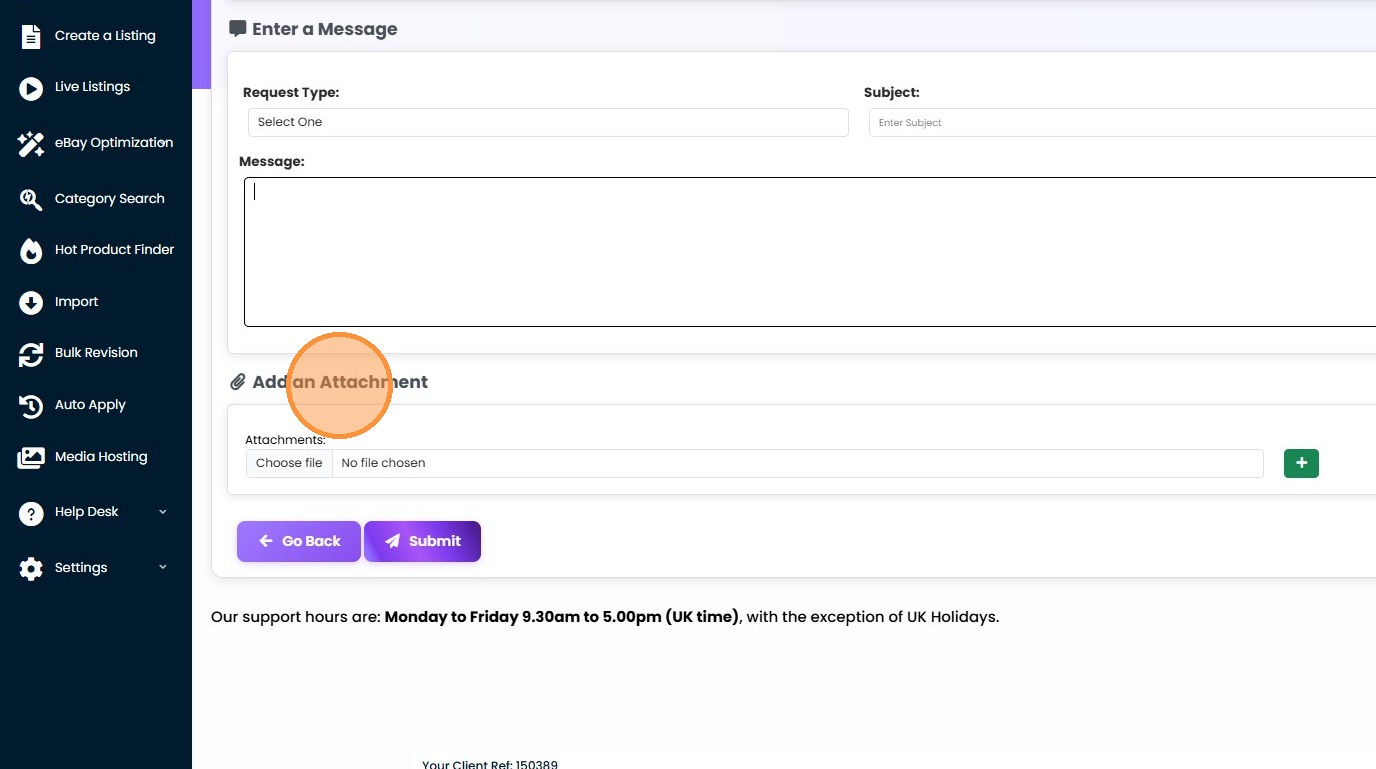
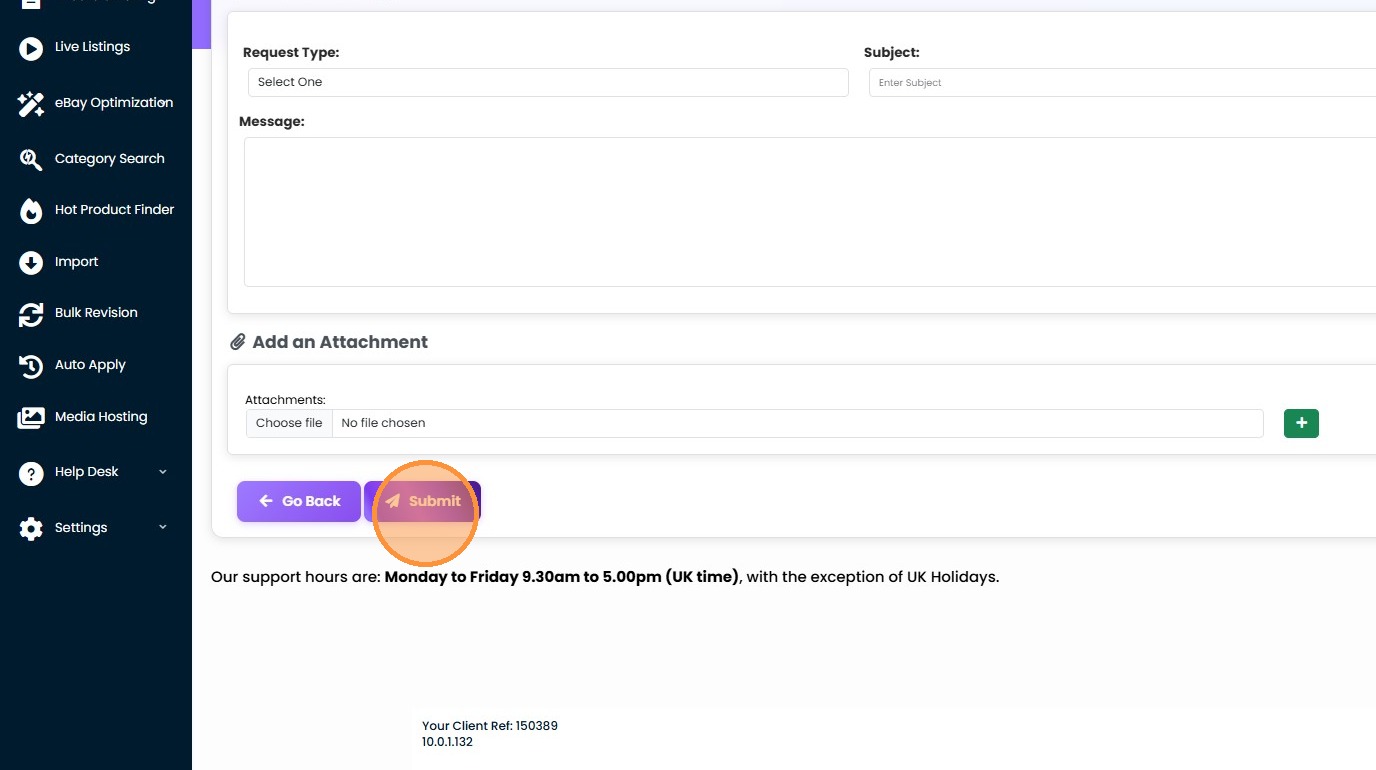
11. Click "Submit" and the support dept. will receive your support ticket and respond ASAP. Once responded to, you will receive an email notification.
Share This How To Article
Thanks! We'll be in touch within one business day.

