
How to Add eBay Parts Compatibility
For sellers in eBay Motors and eBay auto parts, adding accurate vehicle fitment and parts compatibility is essential for visibility, conversions, and reducing returns. Compatibility data helps buyers quickly confirm whether a part fits their vehicle, improves search filtering within eBay Motors, and increases trust in your listings. This guide explains how to add eBay parts compatibility using Frooition tools, showing step-by-step how to build a vehicle fitment list, apply it to your listing, and revise the item so compatibility data appears correctly on eBay.
1. Navigate to https://freedom.frooition.com/ebay/
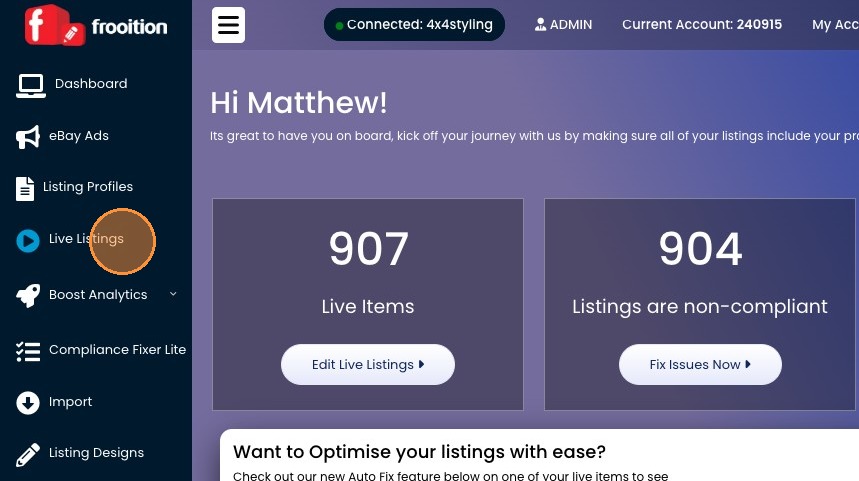
2. Click "Live Listings"
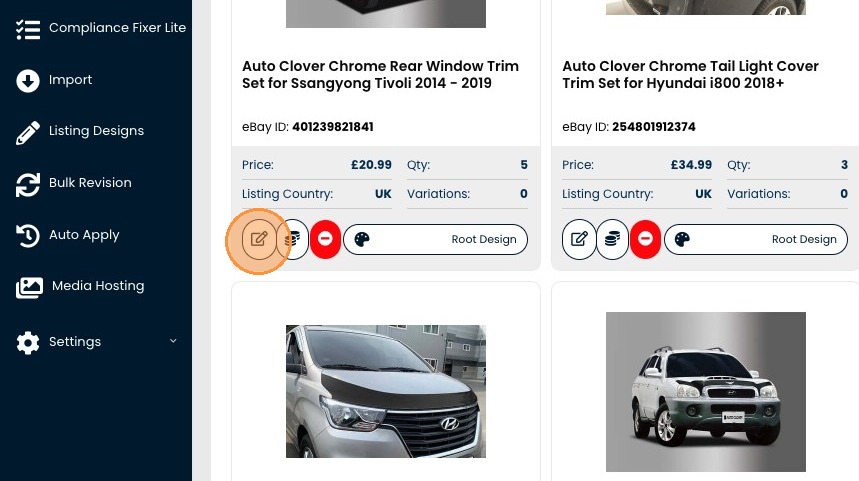
3. Find the item you want to Add Fitment to and click the edit icon
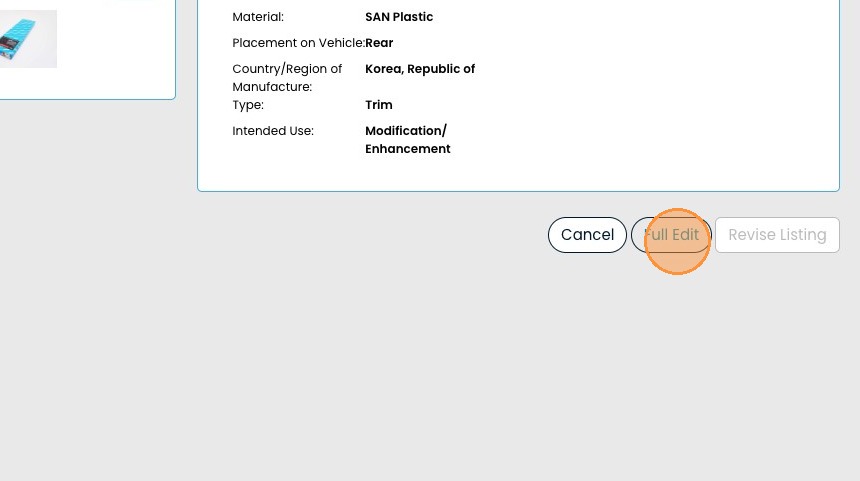
4. Click "Full Edit"
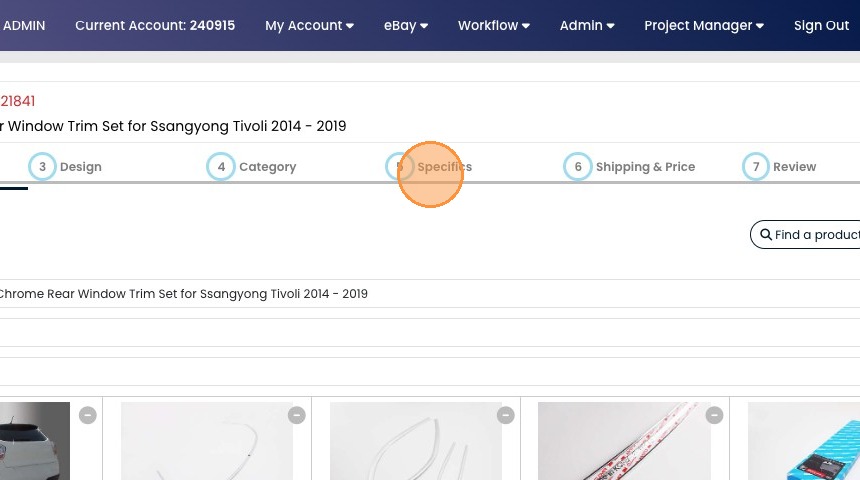
5. Jump straight to stage 5
6. Click "Build List"
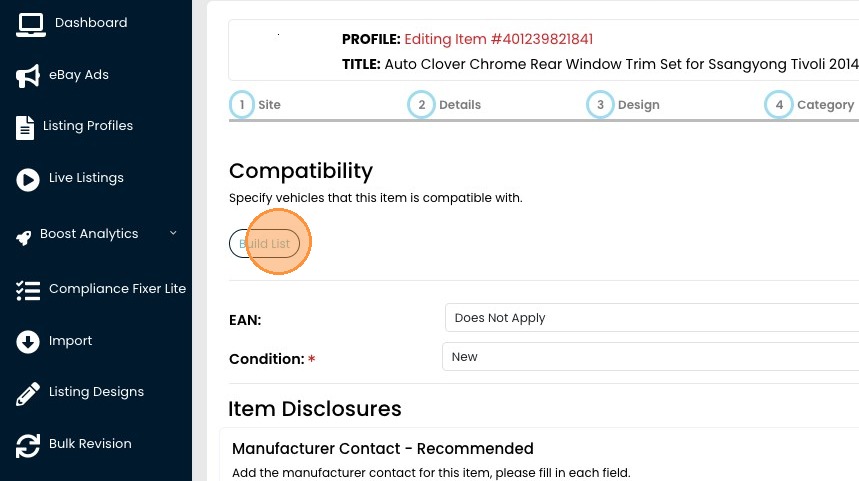
7. Click the Make drop down and select the Make for this item.
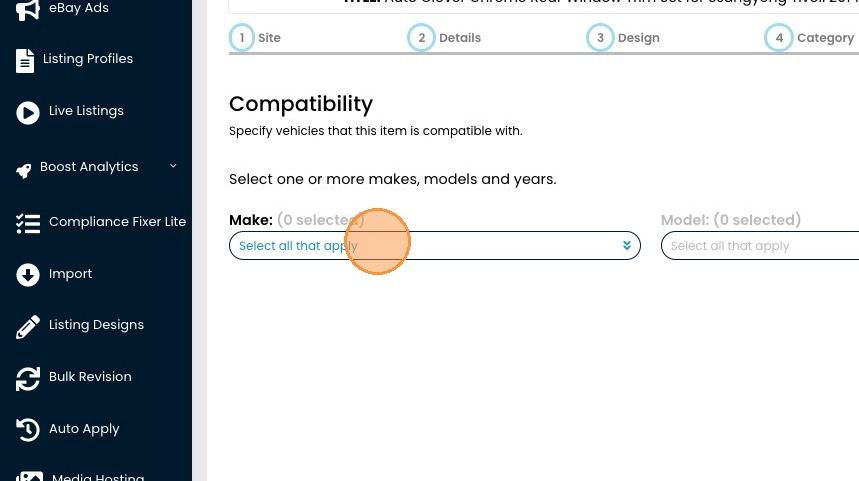
8. Select the Make
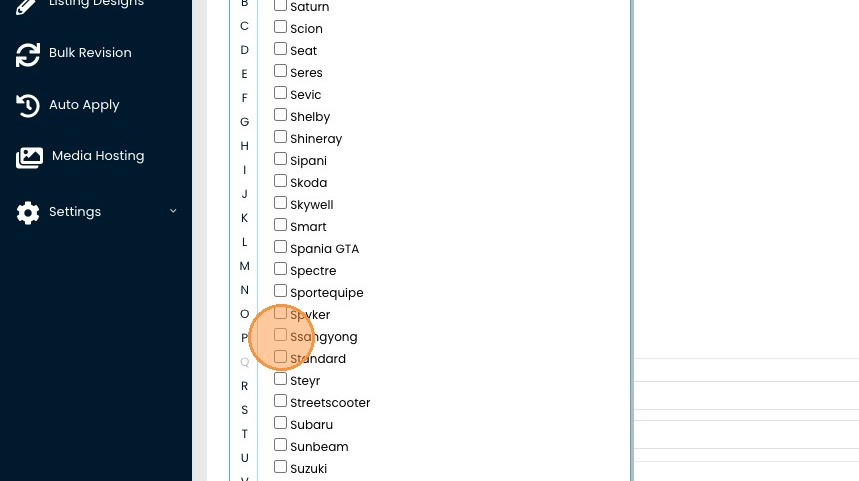
9. Select the Model
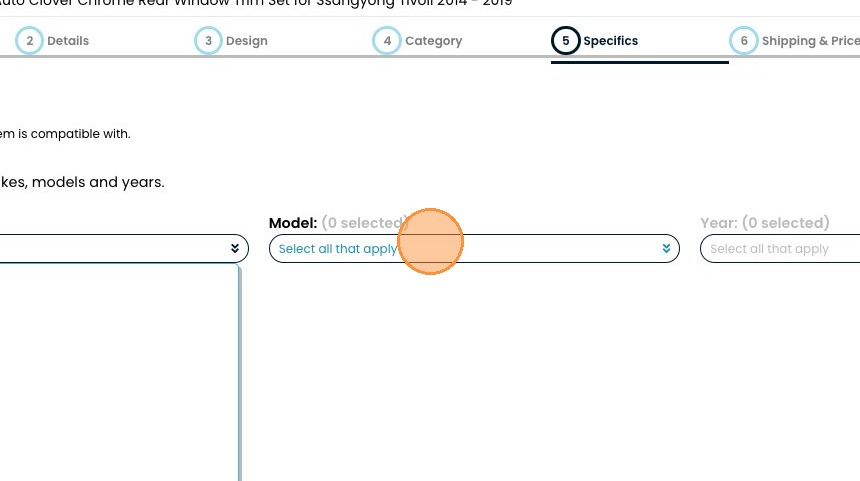
10. Select the Years
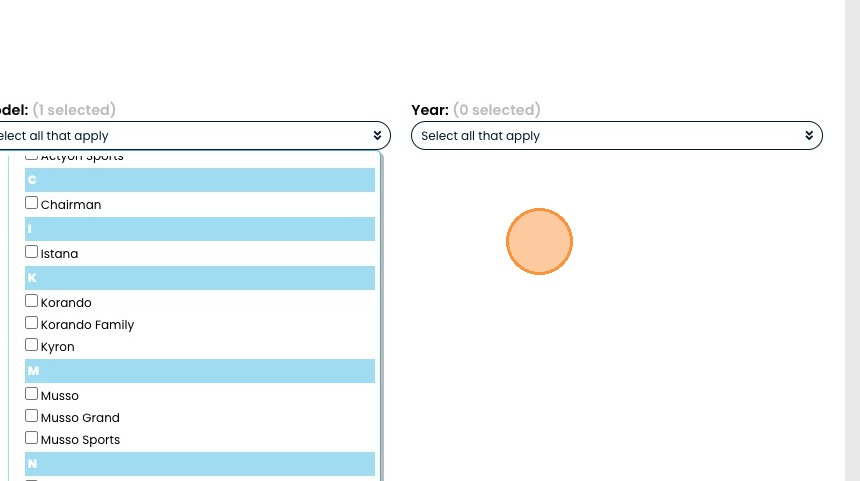
11. Look through the different models or just click Select all.
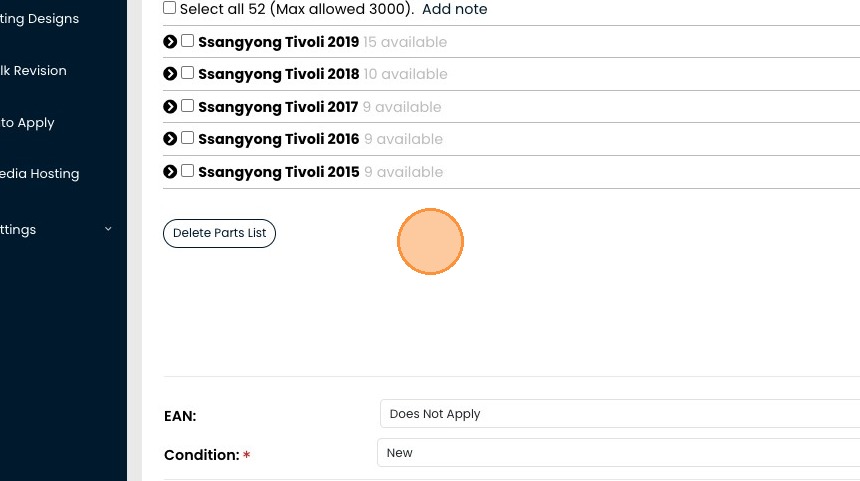
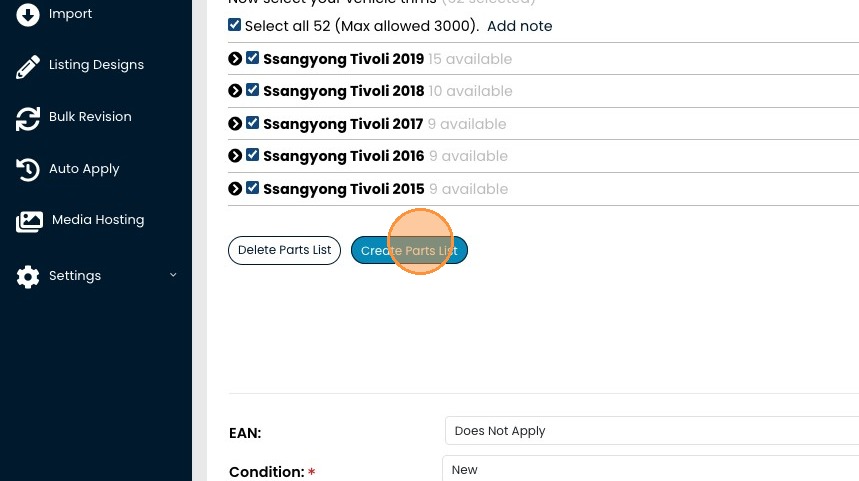
12. Click "Create Parts List" to save
13. Click "NEXT" to proceed to stage 6
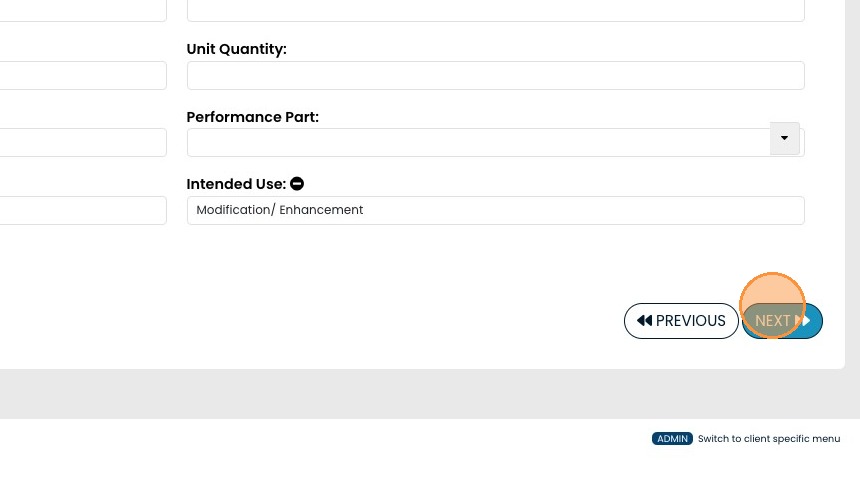
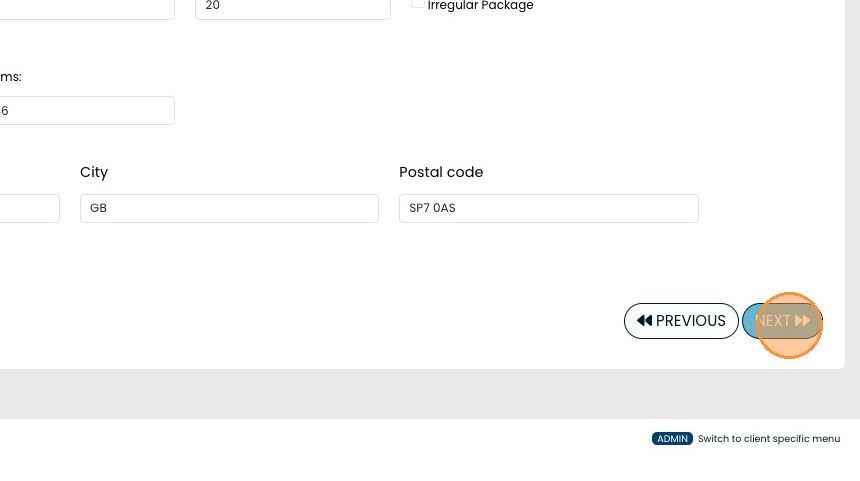
14. Scroll down to the bottom of the page and click next again to proceed to stage 7
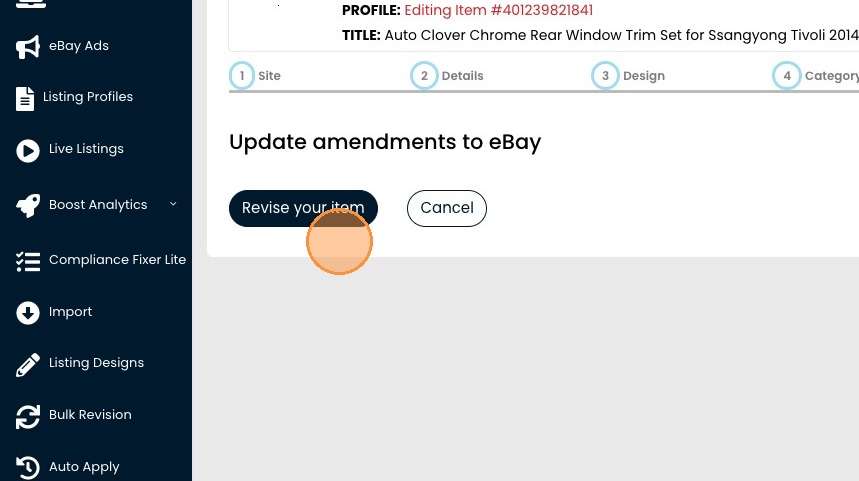
15. Click Revise your item to push the changes up to eBay
Share This How To Article
Thanks! We'll be in touch within one business day.

