
eBay Listing Templates from the eBay Design Company
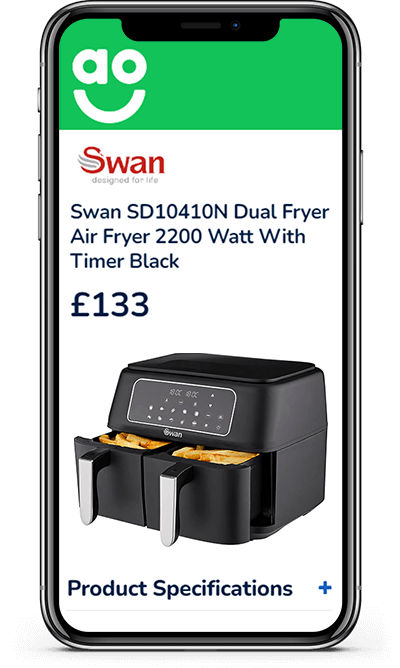
Custom eBay listing templates trusted by LEGO, PUMA, AO.com and more than 11,000 sellers, for how they look, and how they sell, on eBay. Designed in-house, with eBay store templates to match, and built with the features that keep buyers buying.
Free quote from a senior eBay designer.
- In-house designers, never outsourced
- Cross-selling and dynamic categories built in
- Applied to every live listing
Trusted on eBay by
- LEGO
- PUMA
- AO.com
- Dyson
- Sennheiser
- ASICS
- HP
- Hyundai
- JCB Tools
- DeWalt
- Black+Decker
- Yankee Candle
- Kipling
- Remington
- Russell Hobbs
- Turtle Beach
- Callaway Golf
- Kärcher
- Cambridge Audio
- Oxfam
- British Heart Foundation
- Age UK
- Ebuyer
- George Foreman
Live and selling
eBay listing templates designed by Frooition
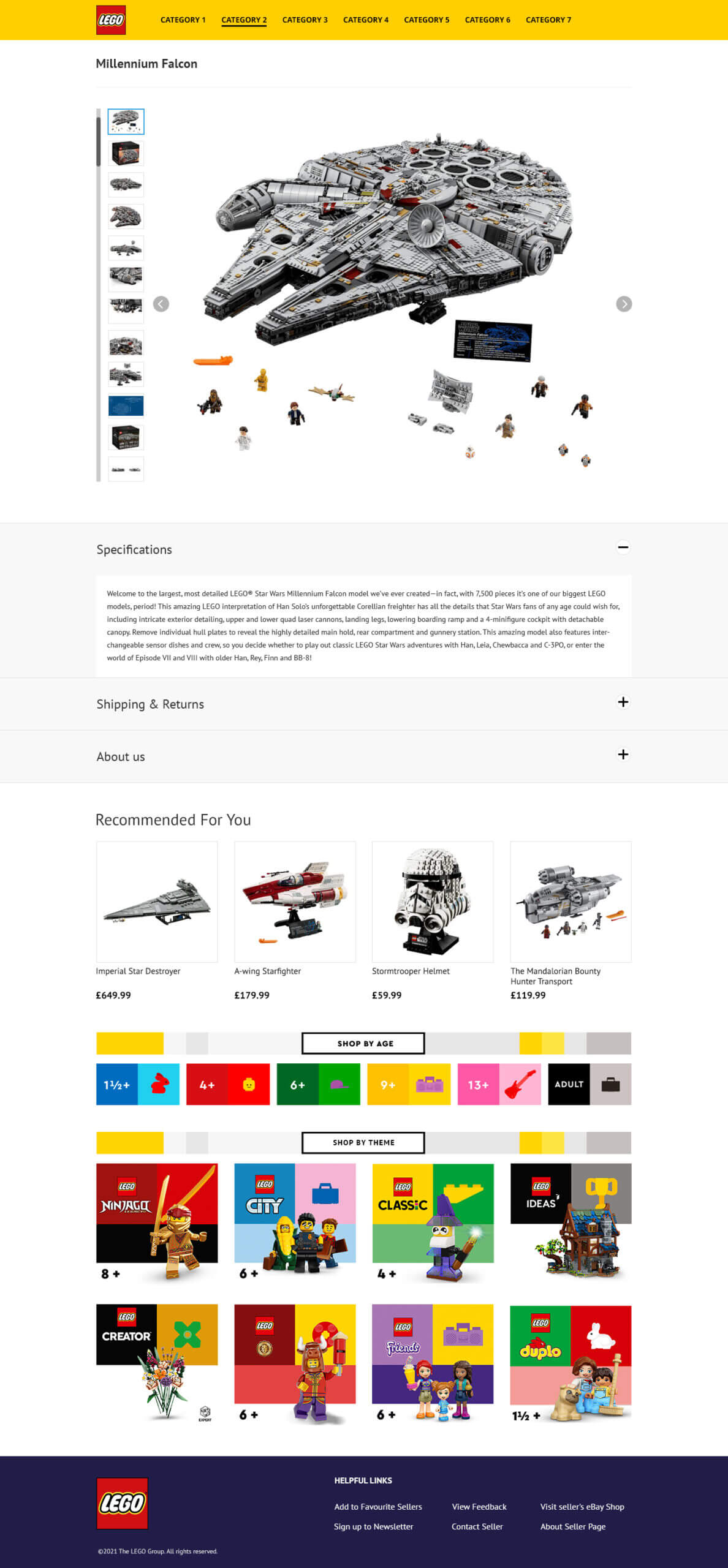
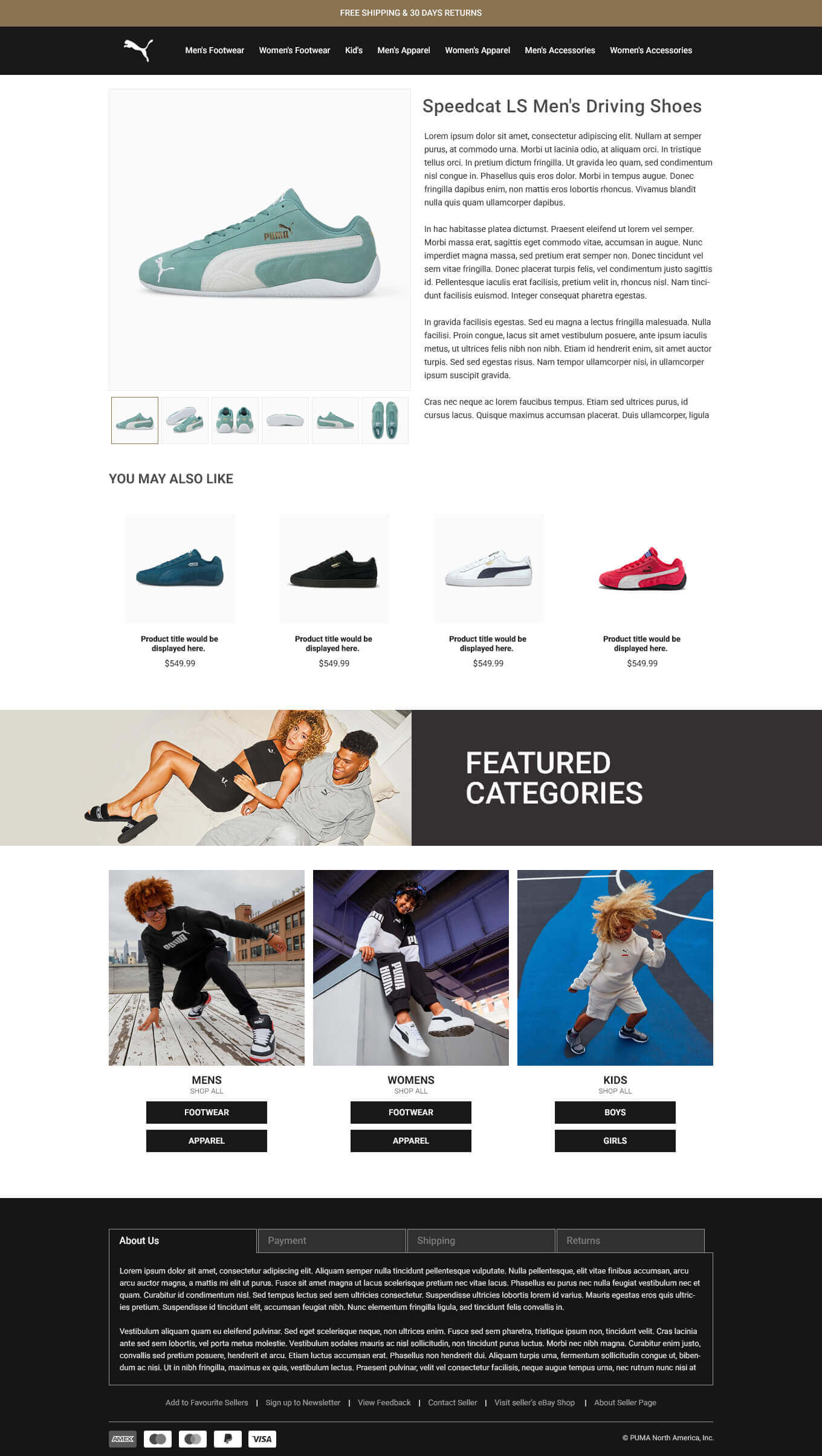
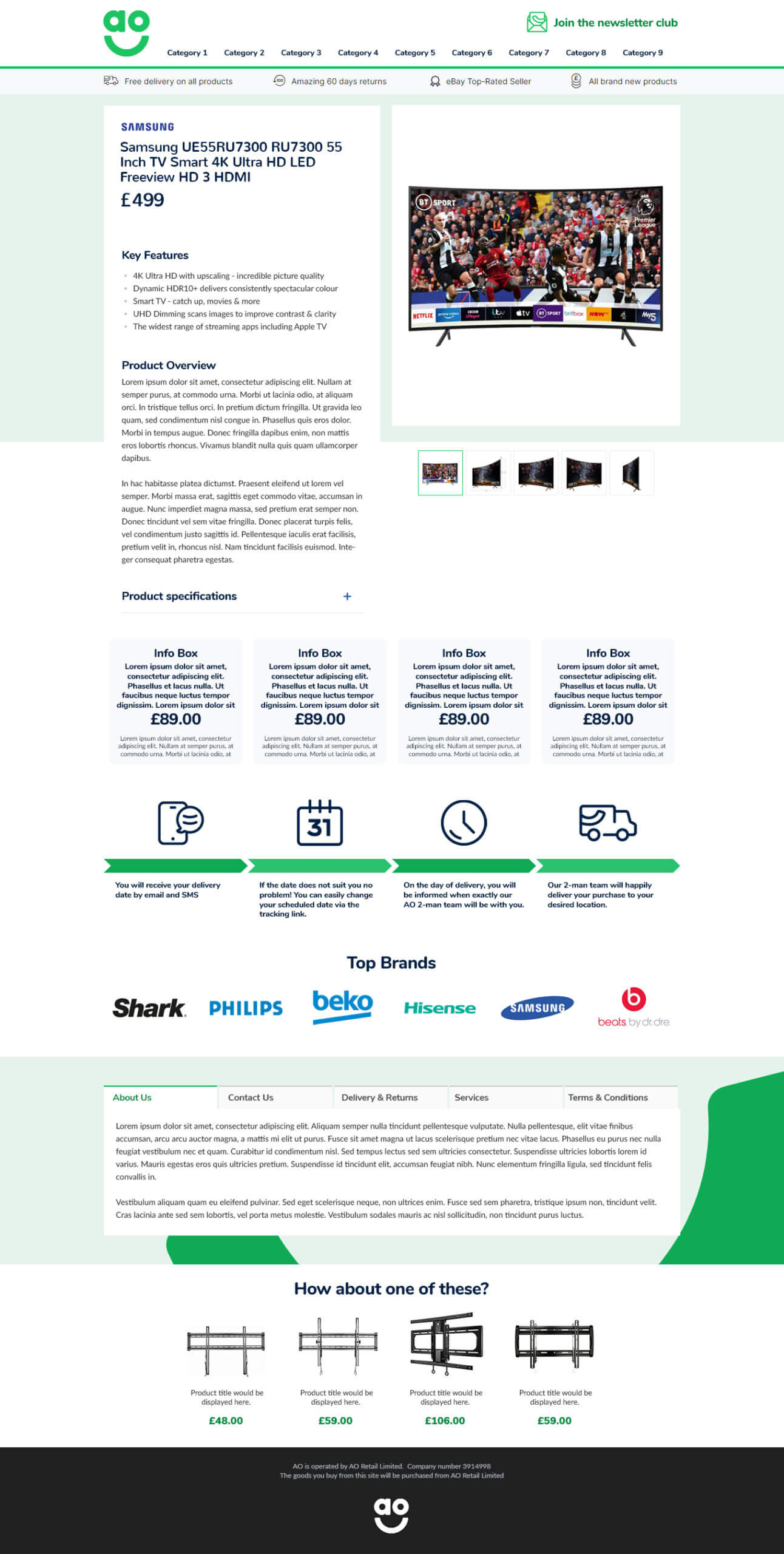
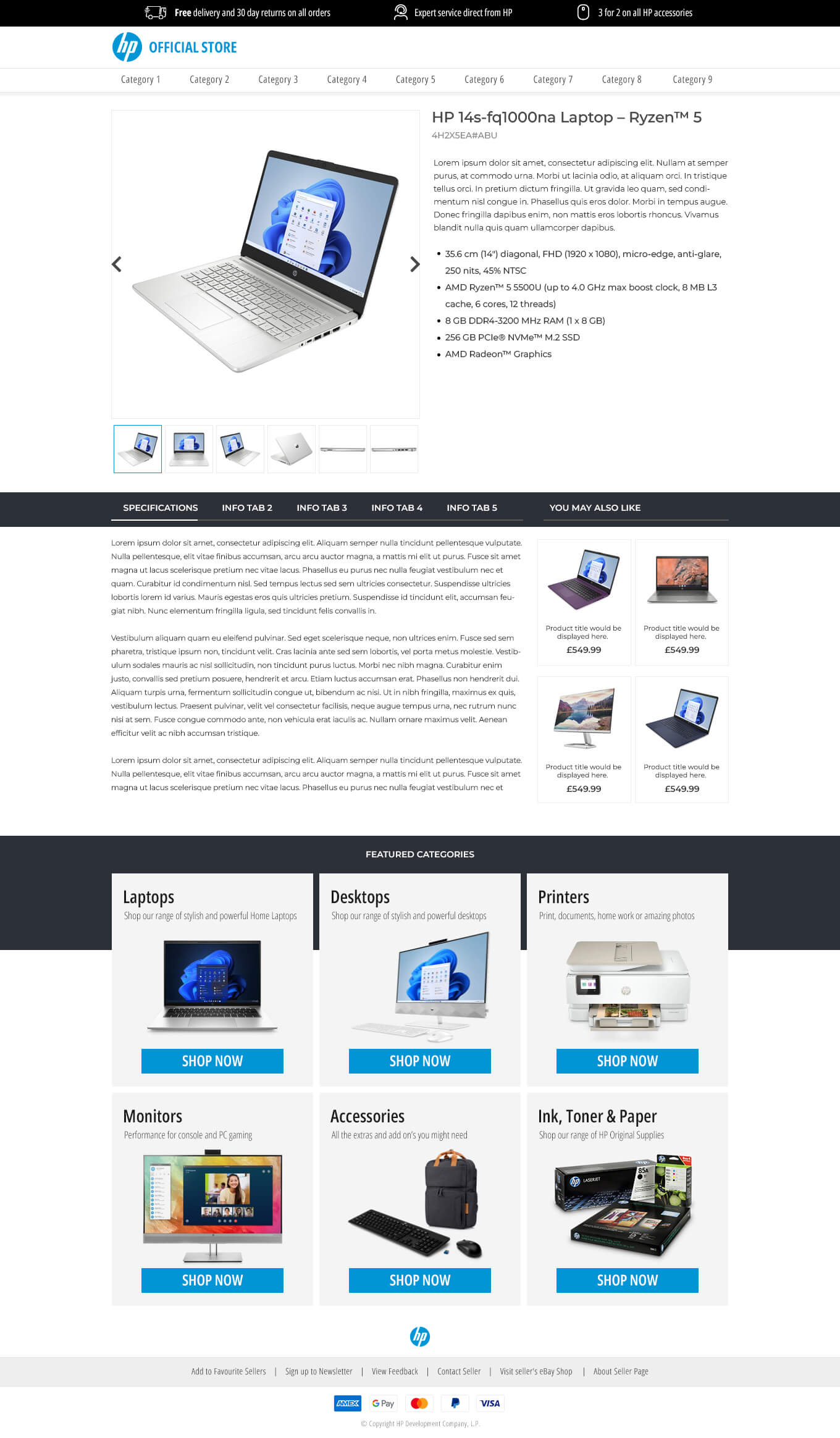
Every design here is a real Frooition eBay listing template on a real eBay store, from professional eBay templates for global brands to eBay design templates for growing sellers. Hover over one, or tab to it, to scroll the whole listing.
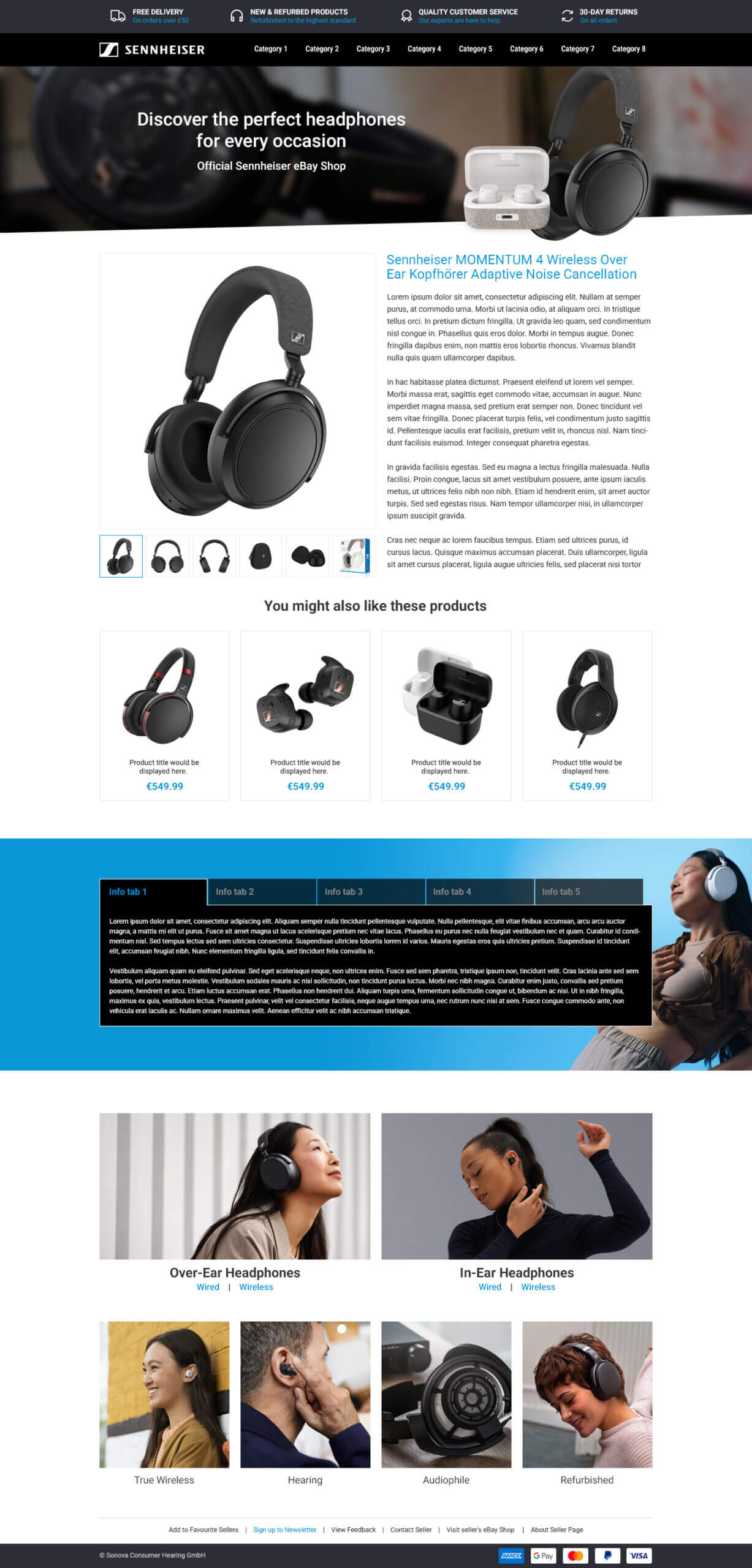
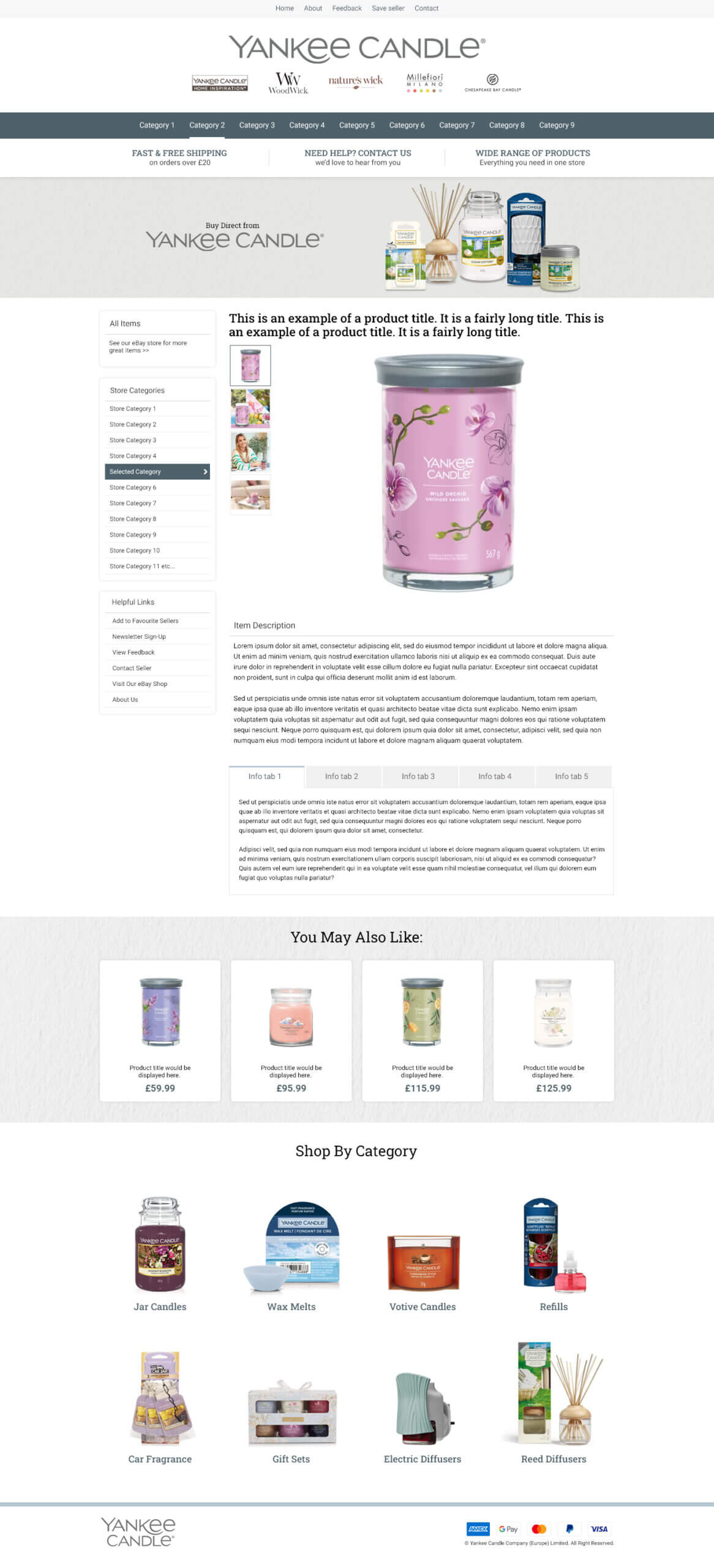
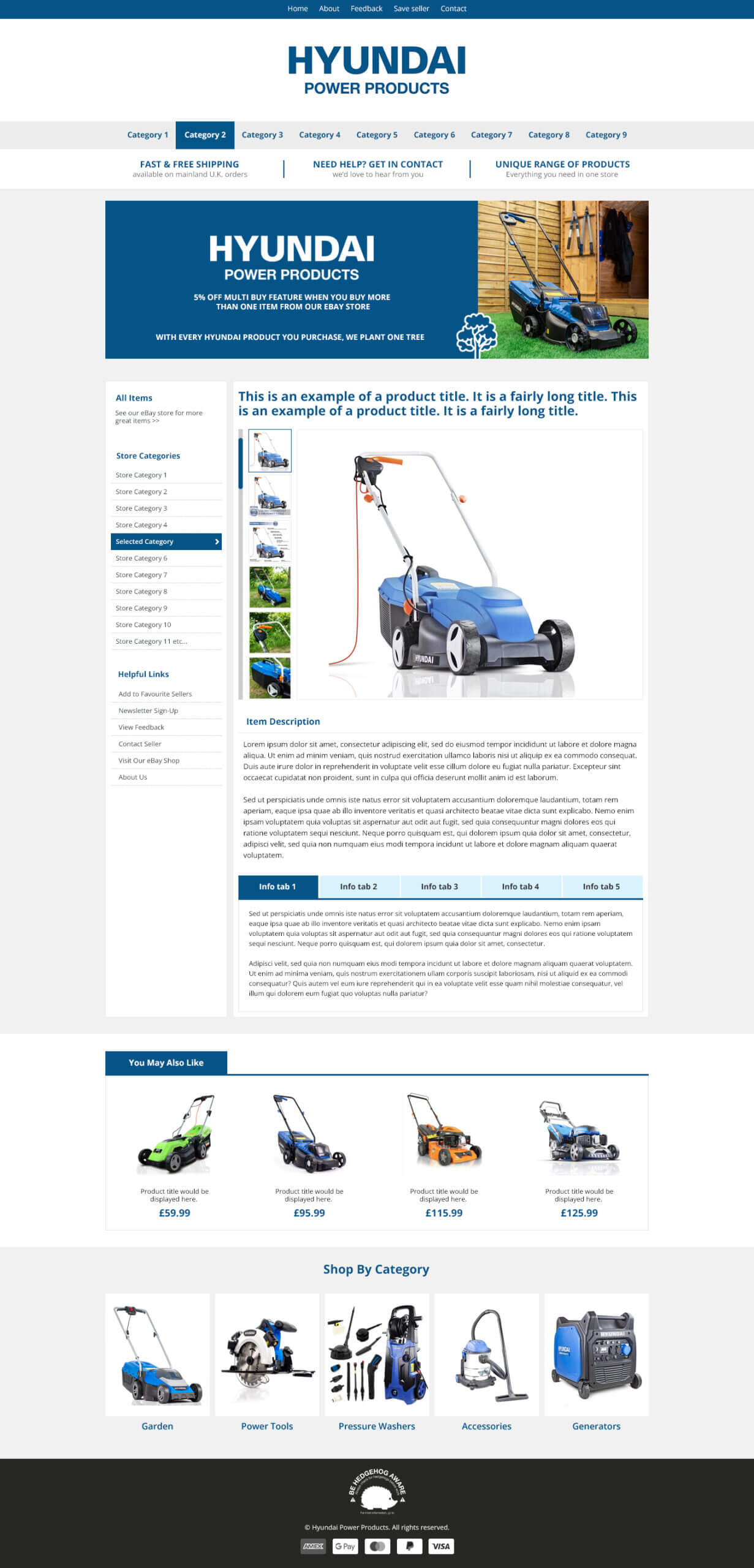
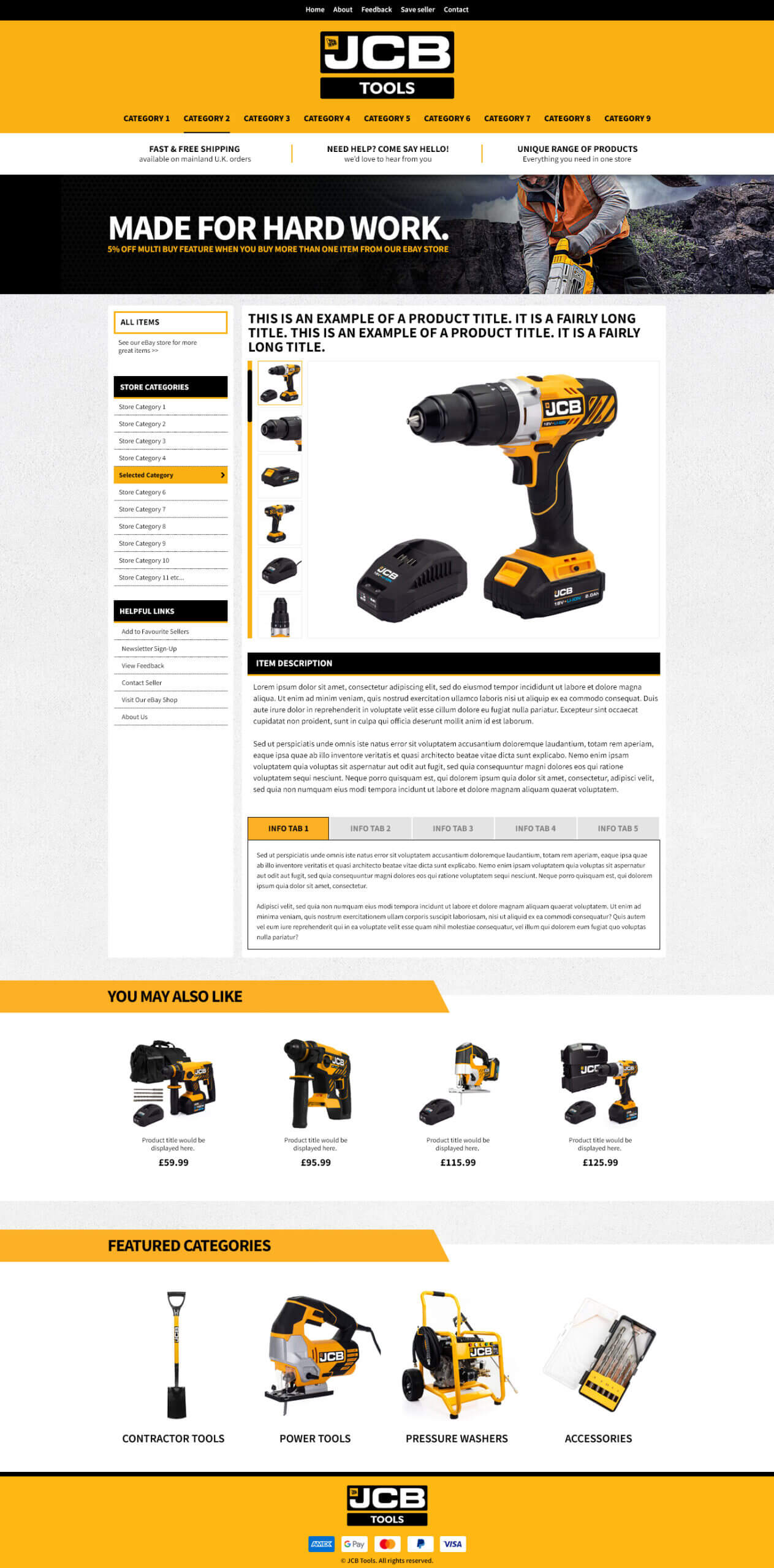
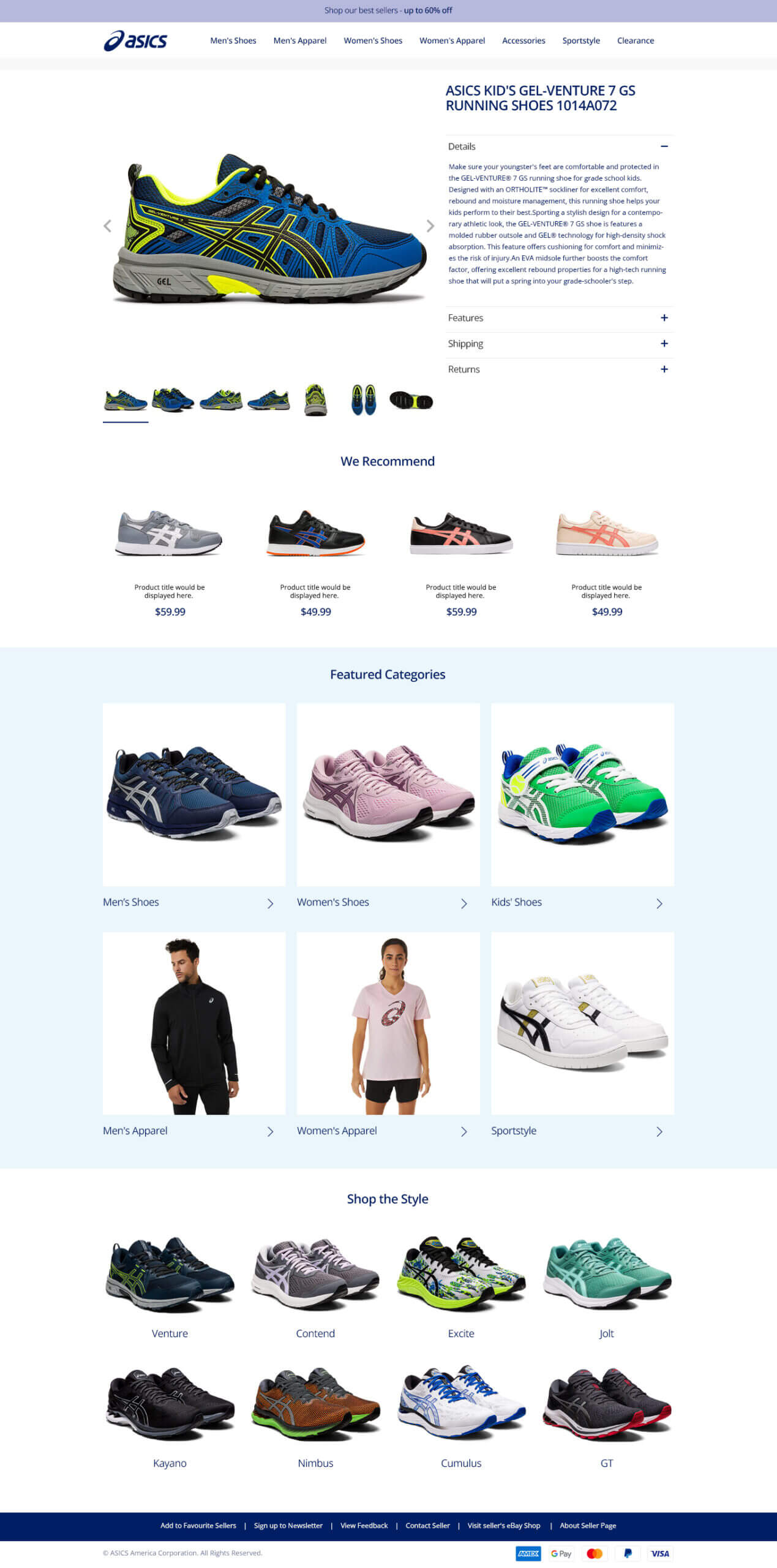
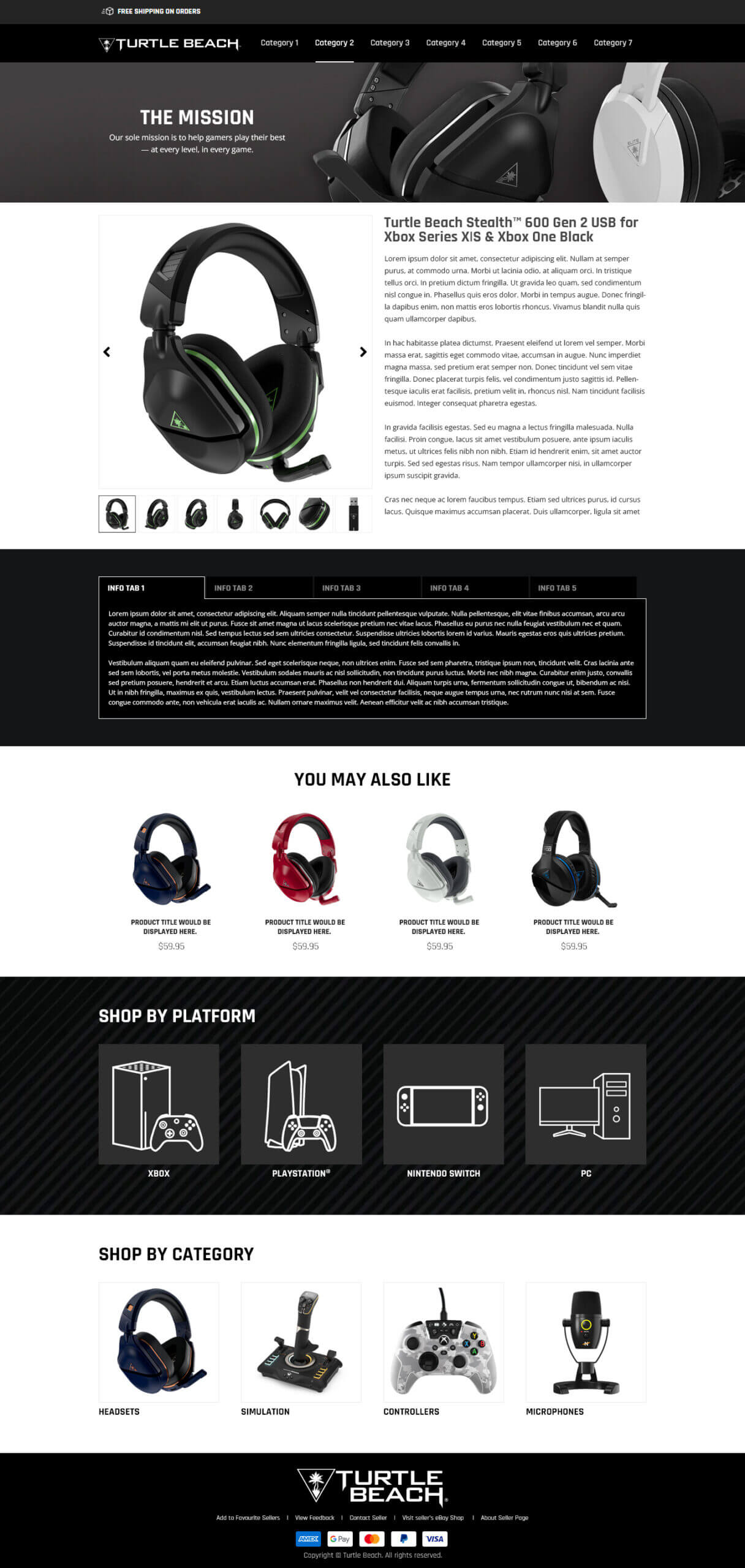
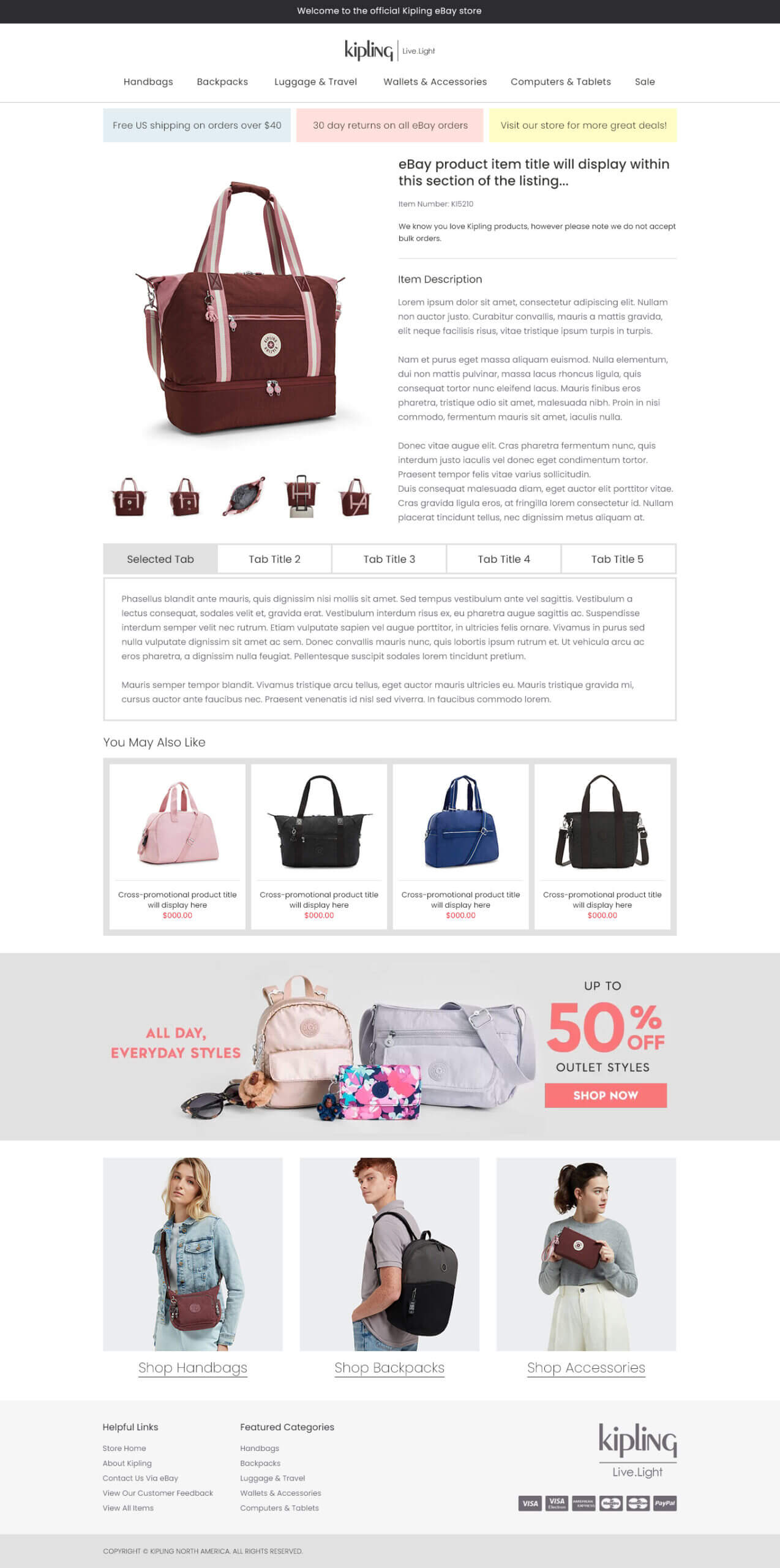
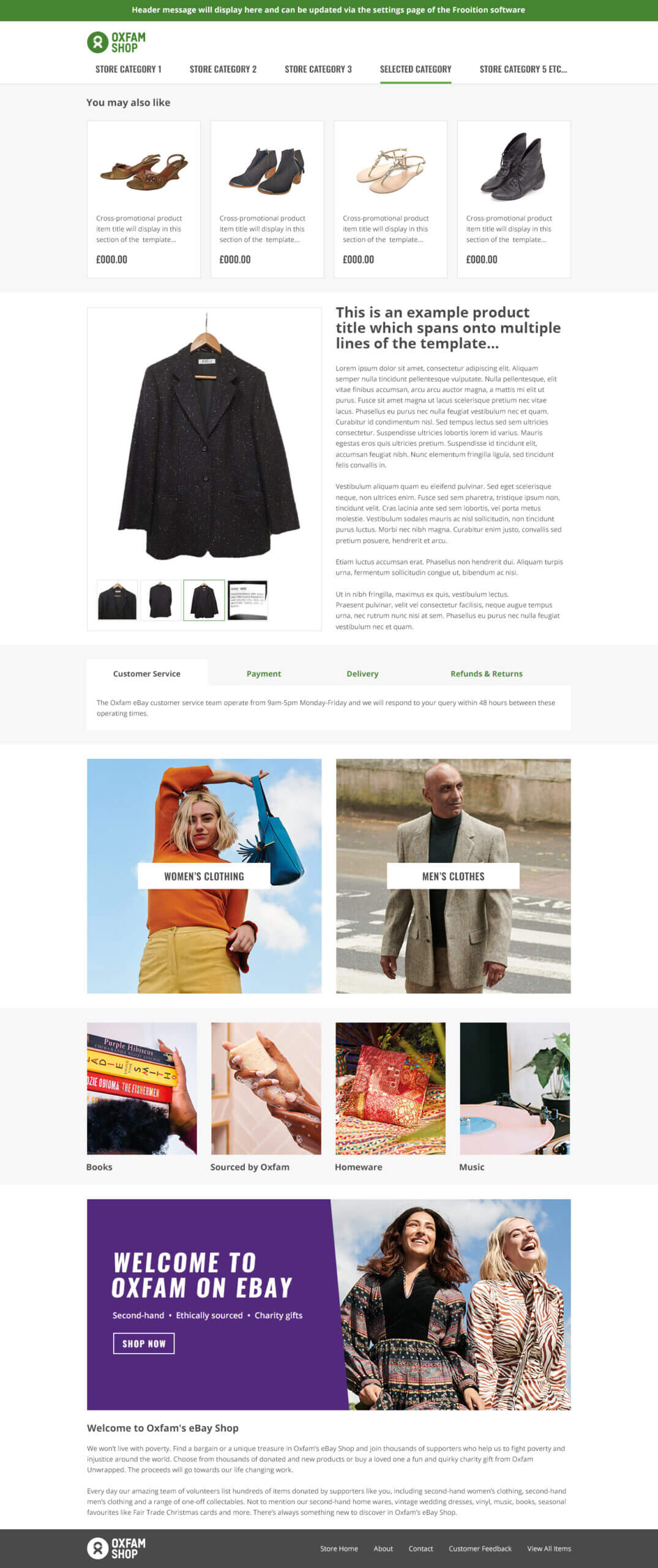
Built to sell
It's not just design. Every Frooition eBay template is built to sell more.
A Frooition eBay listing template is easy on the eye, but that is only the start. Each one is built with the features that keep buyers in your store and add to every order. That is what a free template can't do.
Cross-selling that runs itself
Every listing becomes a shop window for the rest of your stock. Buyers who came for one headset see the others, and the add-ons that go with it.
- Related items on every listing, picked by rule: category, price band or hand-picked pairings
- Sold and ended items are swapped out automatically
- No manual listing updates, ever
- Fully mobile, so it works where most buyers shop
Categories that keep themselves current
Your shop categories sit on every listing and update automatically. Buyers who land on a drill can jump straight to pressure washers, without going back to eBay search, where your competitors are waiting.
- Add or change a category once and every listing has it
- No relisting, no editing code, no dead links
- Sub-header and featured category boxes on the bigger packages
- Buyers keep shopping your store, not someone else's
Why Frooition
Not just another template company. The eBay design company.
Anyone can sell you eBay templates. Since 2006 we have designed eBay listings and stores for household names, and for thousands of serious sellers who want to look and sell like one.
Designed in-house, never outsourced
Your design is drawn, built and tested by our own senior eBay designers in the UK and US. The people you brief are the people who build it.
Trusted at the very top of eBay
Global brands like LEGO, AO.com, Dyson and PUMA come to us. So do thousands of serious sellers building a proper brand on eBay. Same team, same standard.
Built for how eBay actually works
Static HTML and CSS only, with nothing eBay blocks. Every design is tested on desktop, phone and the eBay app before it goes live.
Yours, not shared
A custom design is built for your brand alone. Your buyers won't see it on a competitor's listing next week.
Twenty years of eBay changes, handled
Every API change, every policy update, every app redesign since 2006. When eBay moves, we update templates for our active clients.
One team, from brief to go-live
A senior designer from the first call, unlimited previews and revisions, and your design applied to your listings for you.
Custom eBay templates
Custom eBay listing template design packages
Four custom eBay listing template packages, from a first proper design for a new store to a different template for every category you sell. Every one includes cross-selling and dynamic categories, and Top Seller and Infinity add matching eBay store templates, so your store front looks like your listings.
Minimal
A clean, professional custom design to get your brand on eBay properly from day one.
- Your own custom design
- Cross-selling and dynamic categories
- Sub-header categories
- Mobile and eBay app ready
Advanced
Richer branding and moving cross-promotion, with your design applied to your listings for you.
- Everything in Minimal
- Animated cross-promotion
- Promotional banners
- Design applied for you
Top Seller
The complete package: listing template, eBay store, logo and a full clean-up of your existing listings.
- Everything in Advanced
- eBay store template and logo design
- Brand and category search boxes
- Listing Rescue & Clean
- Implementation consultation
Infinity
A different template for every category, promotion or season, all live on one eBay account.
- Everything in Top Seller
- Multiple templates on one account
- Category, sale and seasonal designs
| Feature | Minimal | Advanced | Top Seller | Infinity |
|---|---|---|---|---|
| Built to sell | ||||
| Cross-promotion by rule | ||||
| Dynamic categories | ||||
| Sub-header categories | ||||
| Animated cross-promotion | ||||
| Promotional banners | ||||
| Brand search boxes | ||||
| Category boxes | ||||
| Your brand | ||||
| Custom design to your brand | ||||
| Unlimited previews and revisions | ||||
| Logo design | ||||
| eBay store template design | ||||
| Multi-templates | ||||
| Every listing | ||||
| Fully mobile responsive | ||||
| Image and video gallery | ||||
| Seller info tabs and custom HTML boxes | ||||
| Design applied for you | ||||
| Listing Rescue & Clean | ||||
| Implementation consultation | ||||
| Price | Quoted | Quoted | Quoted | Quoted |
Free eBay templates
Looking for eBay listing templates free of charge? Pre-designed eBay selling templates for your category, color and brand style are also available, with over 600 free eBay templates to choose from, including some of the best free eBay templates for new sellers.
The designs are free to browse and preview. Applying one to your live listings comes with a Boost Basic subscription or credits.
Browse the free templates
Try the Cross Sell Gallery free
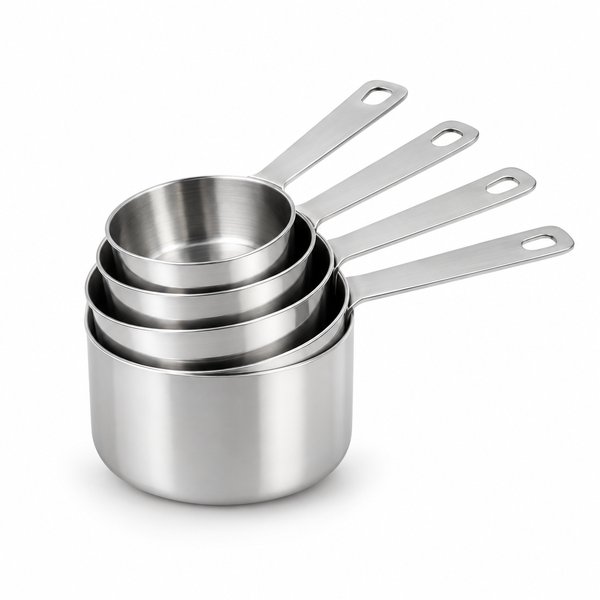
While you're thinking about design, try the Frooition Cross Sell Gallery for free and get a taste of what Frooition can do. Related items from your own store, on every listing, matched automatically.
Free for unlimited listings. Choosing your own matching rules comes with a custom design.
Try the Cross Sell Gallery freeHow to install a free eBay listing template
Choosing one of the 600+ free eBay listing templates, from free eBay description templates to free eBay HTML templates, takes a few minutes, with no coding. Applying it to your live listings comes with a Boost Basic subscription or credits.
- Create a free accountSign up to Frooition. Browsing is free.
- Connect your eBay accountLink your store with eBay's standard sign-in.
- Pick a free templateBrowse 600+ designs by category, color and style, and preview them before you choose.
- Add your logo and colorsMake the template yours, with no HTML or coding.
- Apply it to your listingsPut it live on your listings in one go, with a Boost Basic subscription or credits. No relisting.
Designed it with AI?
If you design it, we'll host it.
Feel free to create your own eBay template with AI or an online eBay template generator. No problem at all. Send it to us and we'll make it work on eBay, host it and put it on your listings. It saves everyone time and money.
- Made eBay-compliant: anything eBay blocks, such as JavaScript, taken out
- Your images hosted by Frooition
- Checked on desktop, phone and the eBay app
- Cross-selling and dynamic categories added if you want them
- Put live on every listing, with no relisting
- Quoted to the work involved. Quotes are free.
How it works
How our eBay listing template design process works
Twenty years of eBay template design, in five steps. You talk to a senior designer from the first call to go-live.
- Discovery callTell a senior eBay designer about your brand, your buyers and what you sell.
- Design conceptsWe send you visual directions built around your brand, logo and colors.
- Your feedbackUnlimited previews and revisions until it is exactly right.
- Build and testHand-coded and tested on desktop, phone and the eBay app.
- Go liveYour new design goes onto every live listing. No relisting, no downtime.
Side by side
Frooition vs free and AI eBay templates vs a plain eBay listing
Choosing the best eBay listing templates for your store? Here is how a plain listing, free eBay templates, AI-generated templates and Frooition compare.
| Plain eBay listing | Free and AI templates | Pre-designed & free by Frooition | Frooition custom design | |
|---|---|---|---|---|
| Branding | None, eBay's standard layout | Generic, or DIY with AI | Choose your colors and theme | Custom-built to your brand, yours alone |
| Cross-promotion | Manual only | Static or missing | Free Cross Sell Gallery | Dynamic, by rule, updates itself |
| Store categories | None | Static links that go stale | Dynamic categories | Dynamic, always current |
| Mobile and eBay app | eBay default | Varies | Fully responsive | Fully responsive, app-tested |
| eBay policy compliance | n/a | Your job to check | Guaranteed | Guaranteed, from an eBay certified partner since 2006 |
| Your existing listings | n/a | Pasted in one at a time | Easy to apply, with a Boost Basic subscription or credits | Applied across your whole catalog for you |
| Updates when eBay changes | n/a | Not maintained | Always | Maintained for active clients |
| Design turnaround | n/a | Instant, or DIY time | Instantly available | 2–4 weeks, fully custom |
Guide
How to create an eBay listing template
There are three ways: save a reusable template in eBay Seller Hub, paste an HTML, description or AI-generated template into the item description, or have a designed template put on every listing at once by Frooition. eBay's own templates save your listing details. HTML, AI and Frooition templates change how the listing looks. Only Frooition's keep working after you list: cross-selling, dynamic categories and one design across every listing.
Updated October 2026
| Method | What it does | Branded design | Existing listings | Cost |
|---|---|---|---|---|
| eBay Seller Hub template | Saves repeat details: category, item specifics, policies, standard text | No | New listings only | Free |
| HTML, description or AI template | Changes the layout and branding of the description | Yes | One listing at a time | Free to paid, depending on the design |
| Frooition template | Adds your branding, cross-selling, dynamic categories and store navigation | Yes | Every live listing in one job | Custom designs quoted; 600+ pre-designed templates free to browse |
In eBay Seller Hub
- Open Seller Hub and go to Listings.
- Open listing templates and create a new template.
- Name it after the type of product.
- Fill in the details that repeat: category, item specifics, policies.
- Save it, then choose the template when you start a new listing.
Good for speed. It won't give your listings a branded design, and it only helps listings you create from now on.
With an HTML, description or AI-generated template
- Get an eBay HTML template: from a free builder, a designer, your own code, or an AI tool such as an eBay template generator. Ask the AI for an eBay listing template in plain HTML and CSS.
- Create or revise a listing and scroll to the item description.
- Switch the description editor to HTML view.
- Paste the template code and replace the placeholder text and images.
- Check it for anything eBay blocks. AI tools often add JavaScript or links to outside scripts, and eBay strips or rejects them. Then preview it on mobile before you list.
eBay blocks active content such as JavaScript, so templates must be plain HTML and CSS. The code goes into one listing at a time, and every later change means editing each listing again. Made one with AI? We'll host it and make it work on eBay.
With Frooition
- Book a discovery call with a senior eBay designer.
- Review your design concepts.
- Ask for as many changes as you like.
- Approve the final design.
- We put it live across every listing. No relisting.
Custom designs are quoted to your brief, and quotes are free. On a budget? Pre-designed templates are free to browse.
Static HTML and AI templates vs Frooition
Made a template with AI? We'll host it and make it work on eBay, with cross-selling and dynamic categories added.
Questions
eBay listing templates FAQ
What are eBay listing templates?
eBay listing templates (also called eBay templates, eBay HTML templates or eBay description templates) are designs that wrap your product description in your own branding: your logo, colors, store categories, delivery and returns tabs, and related items from your store. A good one does more than look smart. It keeps buyers in your store and adds to every order.
What makes a good eBay listing template?
A good eBay listing template looks professional on every screen and helps you sell more. That means a mobile-first layout that works in the eBay app, plain HTML and CSS with no JavaScript or other active content that eBay blocks, fast-loading images, clear tabs for delivery and returns, and features that keep buyers in your store: cross-selling, dynamic categories and a store search box. It should also be easy to apply to every listing and to update when eBay's rules change.
What makes a Frooition template different from a free template?
Function, as much as looks. Every Frooition design is built with cross-selling that picks related items by rule and swaps them as stock sells, dynamic categories that update themselves, and search boxes that keep buyers inside your store. A free generic template is a shared layout, and the links in it go stale.
How much does a custom eBay template design cost?
Every custom design is quoted to your brief, because a first design for a new seller and a multi-template build for a global brand are very different jobs. Quotes are free. Talk to a designer and you'll have one quickly.
How long does a custom eBay template take?
Typically 2–4 weeks from brief to launch. You brief the team, review the concepts, ask for as many revisions as you need, approve the final design, and we put it live across your listings.
Will my eBay template work on mobile and in the eBay app?
Yes. Every Frooition eBay listing template is built mobile-first and tested on desktop, phone and the eBay app. Most eBay buyers now shop on mobile, so we treat the phone as the main screen.
Are Frooition templates compliant with eBay's rules?
Yes. Every Frooition eBay listing template is static HTML and CSS, with no JavaScript, iframes or other active content that eBay blocks. We have been an eBay certified partner since 2006, and we update templates for active clients when eBay's rules change.
Can you put my new design on my existing eBay listings?
Yes. We apply your design across your existing listings in one job, with no relisting and no loss of sales history, watchers or feedback. Auto Apply is a separate Frooition Pro service for custom designs: it puts your design on every new listing automatically as you list.
Can I have more than one eBay template?
Yes. Our Infinity package gives you several templates on one eBay account: one per category, one for sales events, one for the season. Each listing shows the design that suits it.
Can I design my own eBay template with AI or a template generator?
Yes, go ahead. If you design it, we'll host it. Send us the template you made with AI and we'll make it eBay-compliant, host your images, check it on mobile and the eBay app, and put it live on your listings. We quote for the work involved, and quotes are free.
Do eBay listing templates help with eBay SEO?
A clean, well-structured template helps eBay's Cassini search read your listings, and fast-loading, mobile-friendly pages keep buyers on them. Pair it with your titles and item specifics, which our eBay SEO tools and team look after, for the biggest effect.
Are there free eBay templates?
Yes. If you're on a budget and want eBay templates free to browse, Frooition has over 600 pre-designed templates for your category, color and brand style, free to browse and preview. The designs themselves are free. Applying one to your live listings comes with a Boost Basic subscription, which hosts your design and includes our other eBay tools, or you can pay per listing with credits.
Is the Cross Sell Gallery really free?
Yes. The Cross Sell Gallery's automatic matching is free on every Frooition account, for unlimited listings. It shows related items from your own store on your listings. Choosing your own matching rules is part of a custom design.
What is eBay listing template design?
eBay listing template design (or eBay template design) is the work of creating the branded layout that sits in your item description: your logo, colors, store categories, delivery and returns tabs, and related items from your store. A designer builds it once, in plain HTML and CSS that eBay allows, and it is applied to every listing so your whole store looks and works the same way.
Do you design eBay store templates as well as listing templates?
Yes. Our Top Seller and Infinity packages include an eBay store template (UK sellers often call these eBay shop templates) designed to match your listing template, plus logo design, so buyers see the same brand on your eBay store front and on every listing.
Is the free eBay listing template really free?
The 600+ pre-designed templates are free to browse, preview and choose. Applying one to your live listings is the paid step: it comes with a Boost Basic subscription, or you can pay per listing with credits.
Do I need coding skills to install an eBay listing template?
No. You choose a template in your Frooition account, add your logo and colors, and apply it to your listings in one go. There is no HTML to copy or paste, and no code to fix when eBay changes its rules.
How do I create a listing template on eBay?
There are three ways. eBay Seller Hub lets you save a reusable template with your category, item specifics and policies, which speeds up new listings but doesn't change how they look. You can paste an HTML or description template into the item description, one listing at a time. Or Frooition designs a template and puts it live on every listing at once.
What's the difference between an eBay description template and a listing template?
In practice they usually mean the same thing: an HTML design for the item description area of your eBay listing. The term listing template is also used for eBay Seller Hub templates, which save listing details such as category and policies rather than changing the design. Frooition templates are description templates applied across every listing.
What's the difference between an eBay Seller Hub template and a listing design template?
A Seller Hub template saves listing details, such as category, item specifics and policies, so new listings are quicker to create. It doesn't change how the listing looks. A listing design template changes what buyers see: your logo, colors, navigation and related products.
Can I use an eBay HTML template in my listings?
Yes. eBay's description editor accepts HTML and CSS, so you can paste an eBay HTML template into the HTML view of the item description. eBay blocks active content such as JavaScript, so it has to be plain HTML and CSS, and you should check it on mobile before listing.
Look and sell like the biggest names on eBay
Talk to the designers trusted by LEGO, AO.com and more than 11,000 brands. Your quote is free.
Custom design
Talk to a senior eBay designer
Tell us about your store and what you sell. We'll come back with ideas and a free quote.
- US+1 512-831-7600
- UK+44 (0)1384 480 810
Keep exploring
Thanks! We'll be in touch within one business day.

